These companies use Descript. Not bad!
AI video enhancer
However you look, or sound, however many times you screw up on camera, Descript will turn it into the video you hoped you’d make.
These companies use Descript. Not bad!















The no-cringe video toolkit
This is what they mean by “fix it in post.”
Dim lighting, mediocre camera, eyes locked on your script. Descript's AI fixes it all in an instant. So it looks like you had a plan, not just a deadline.
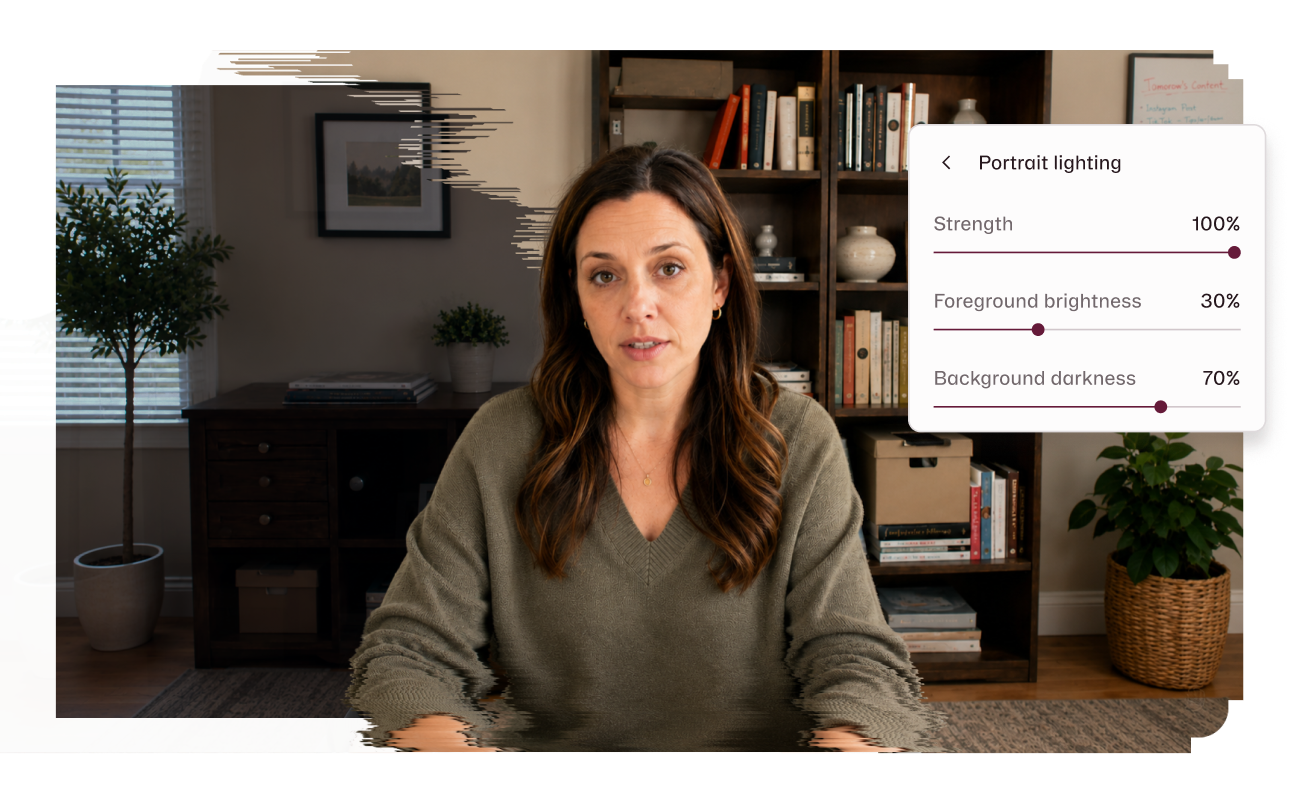
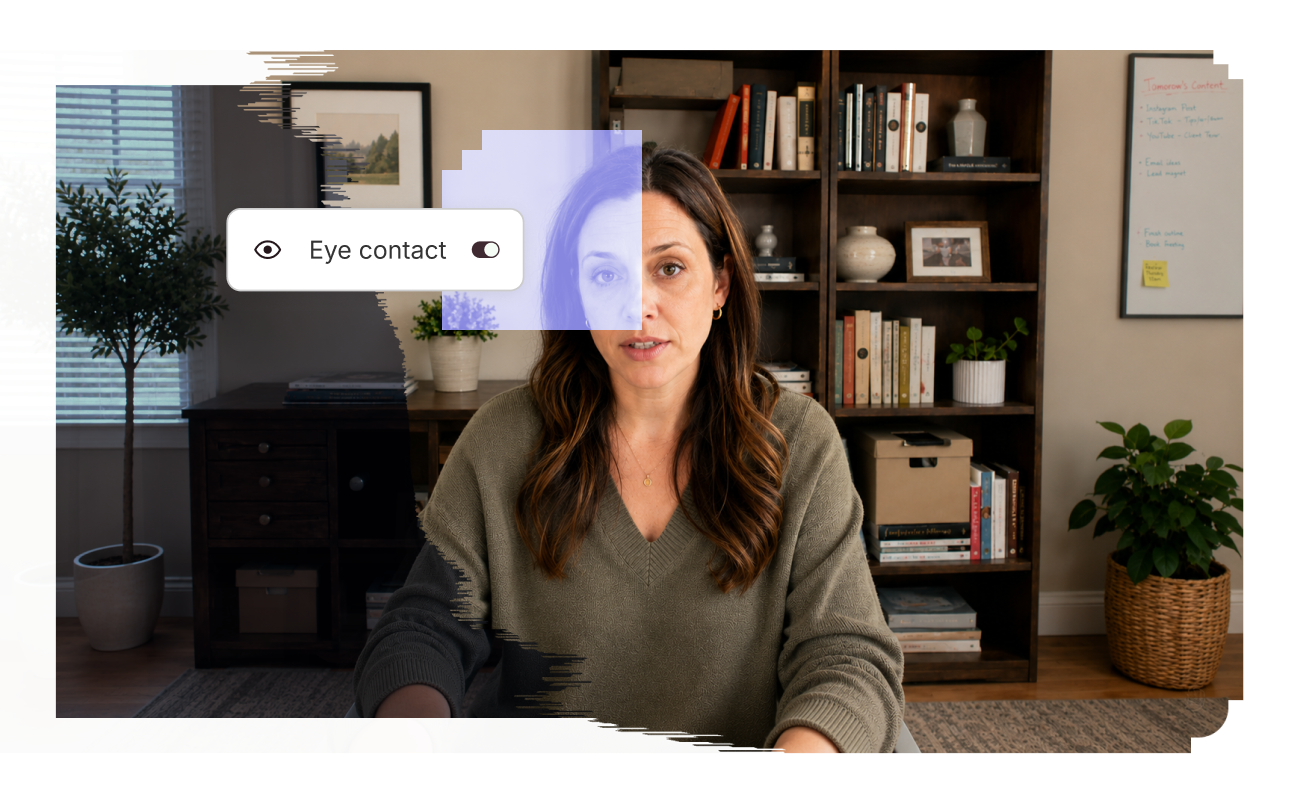
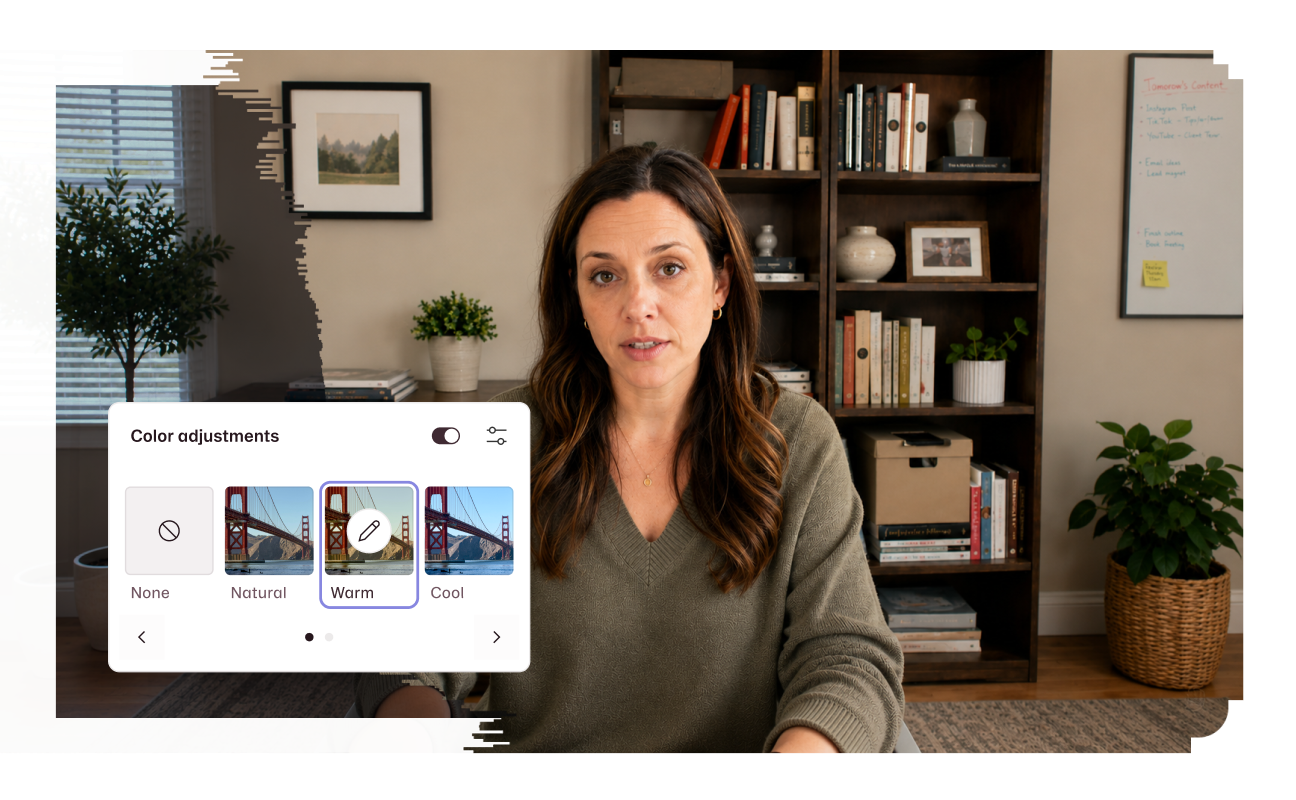
Record wherever you want, and just start talking. Descript's AI cuts the pauses, strips the background noise, and regenerates your voice to cover mistakes—so you sound brisk, clear, and smart.
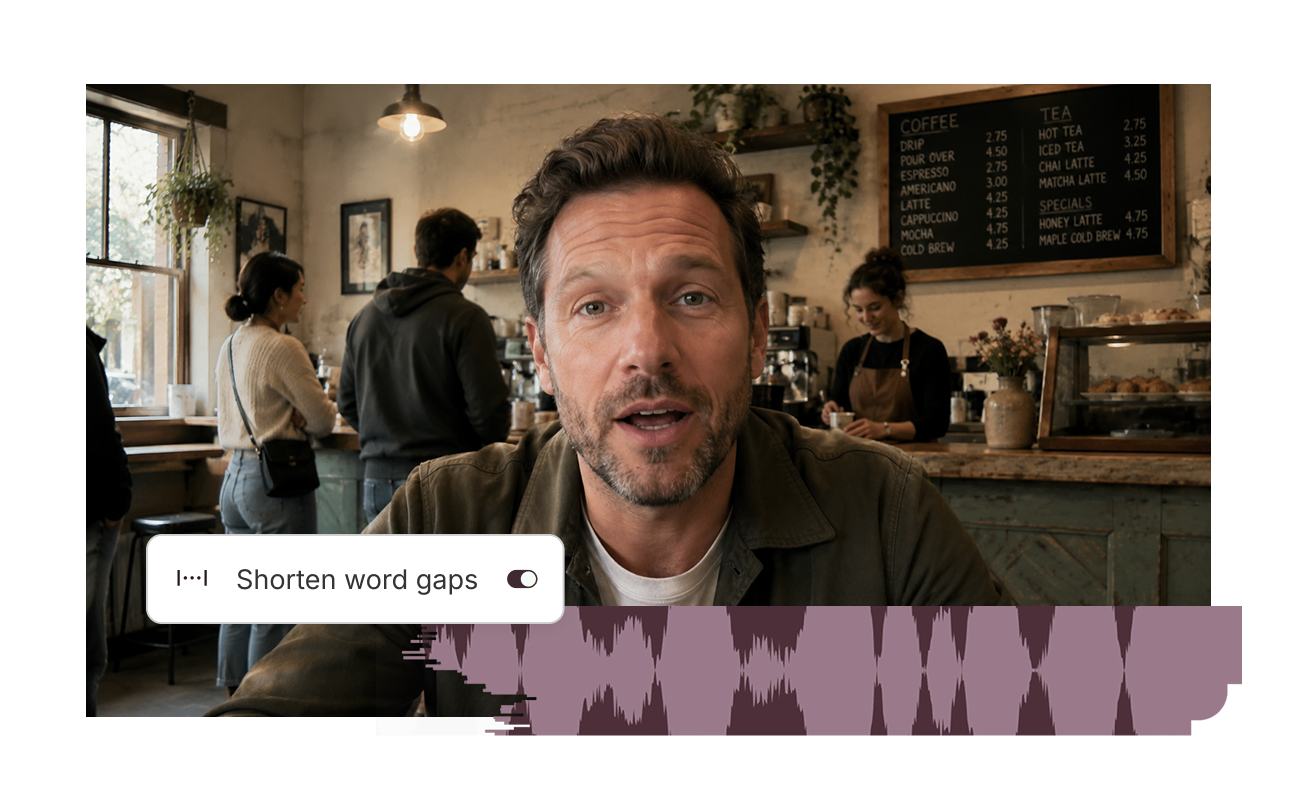
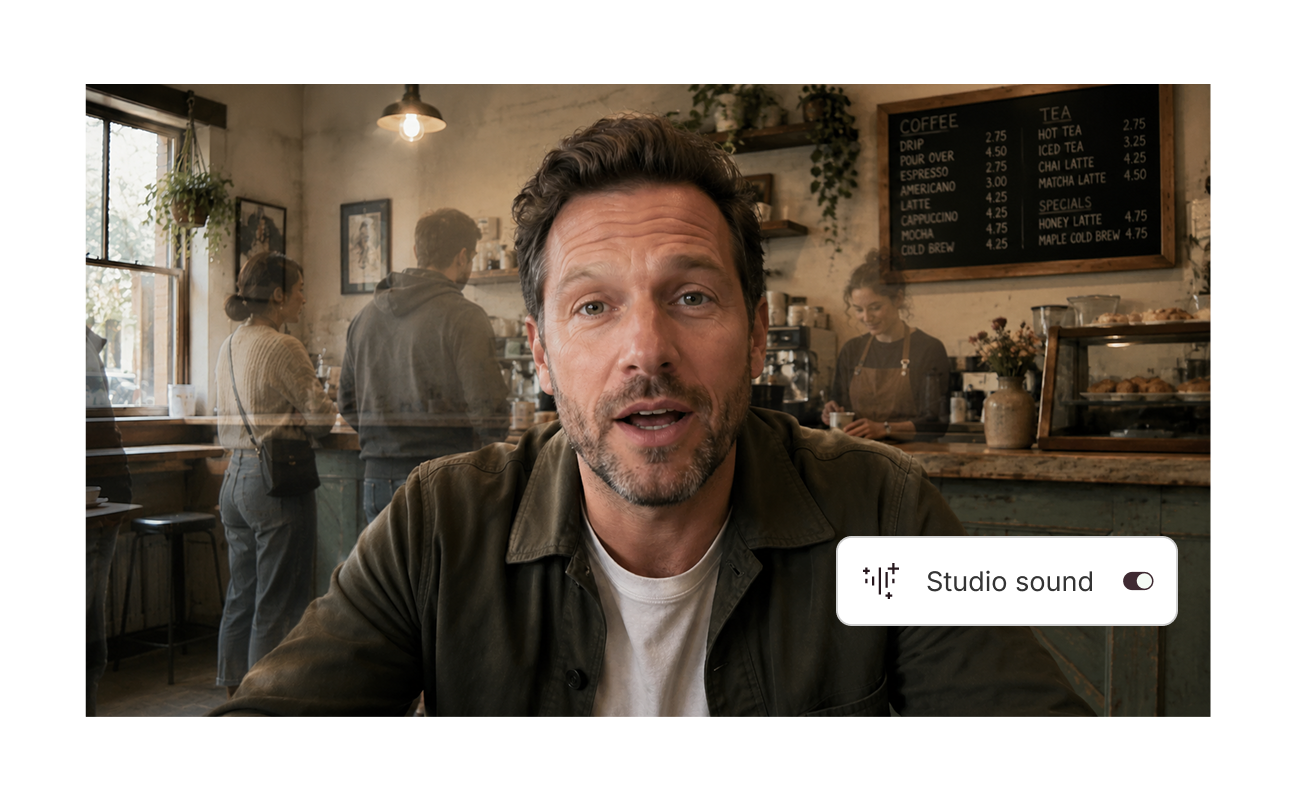
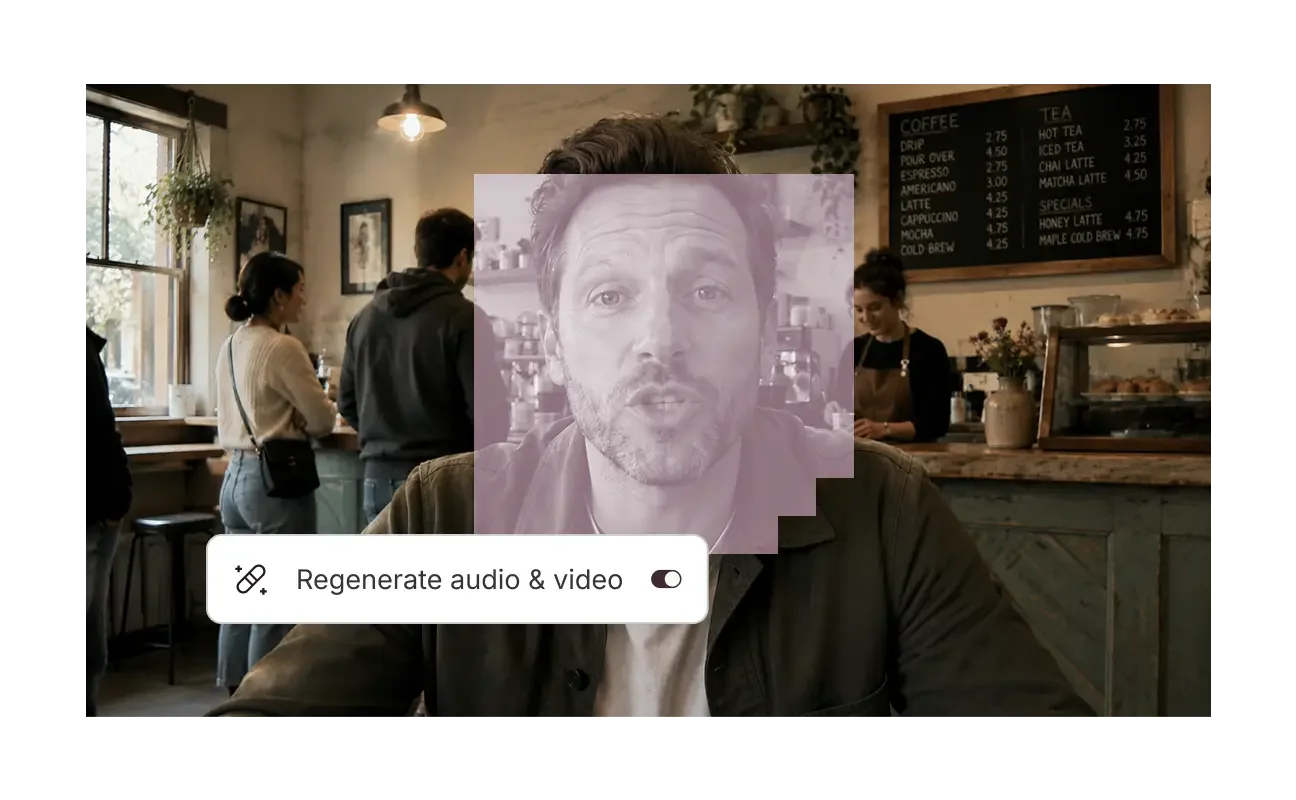
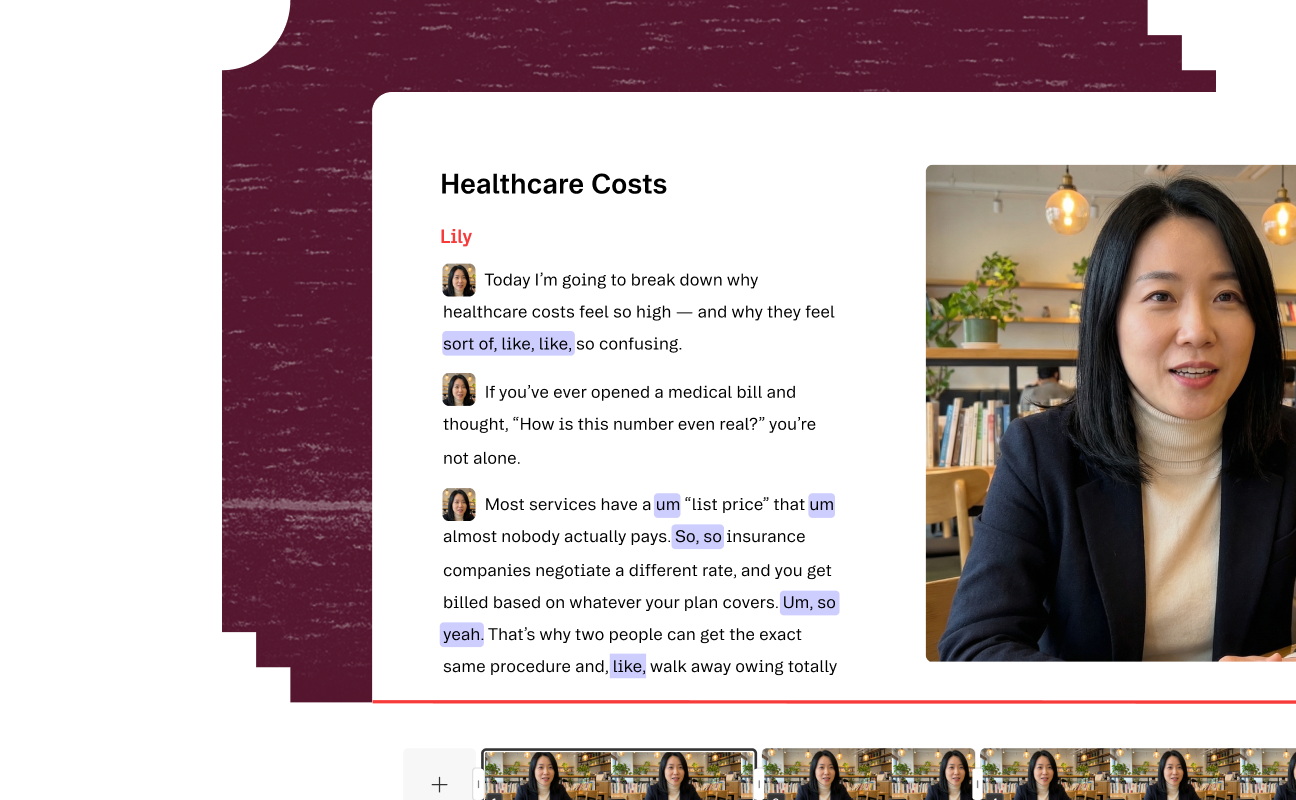
Go ahead and say “um” a million times. Do a dozen takes on every line. Make all the jump cuts you want. Descript’s AI will fix all of it, instantly.
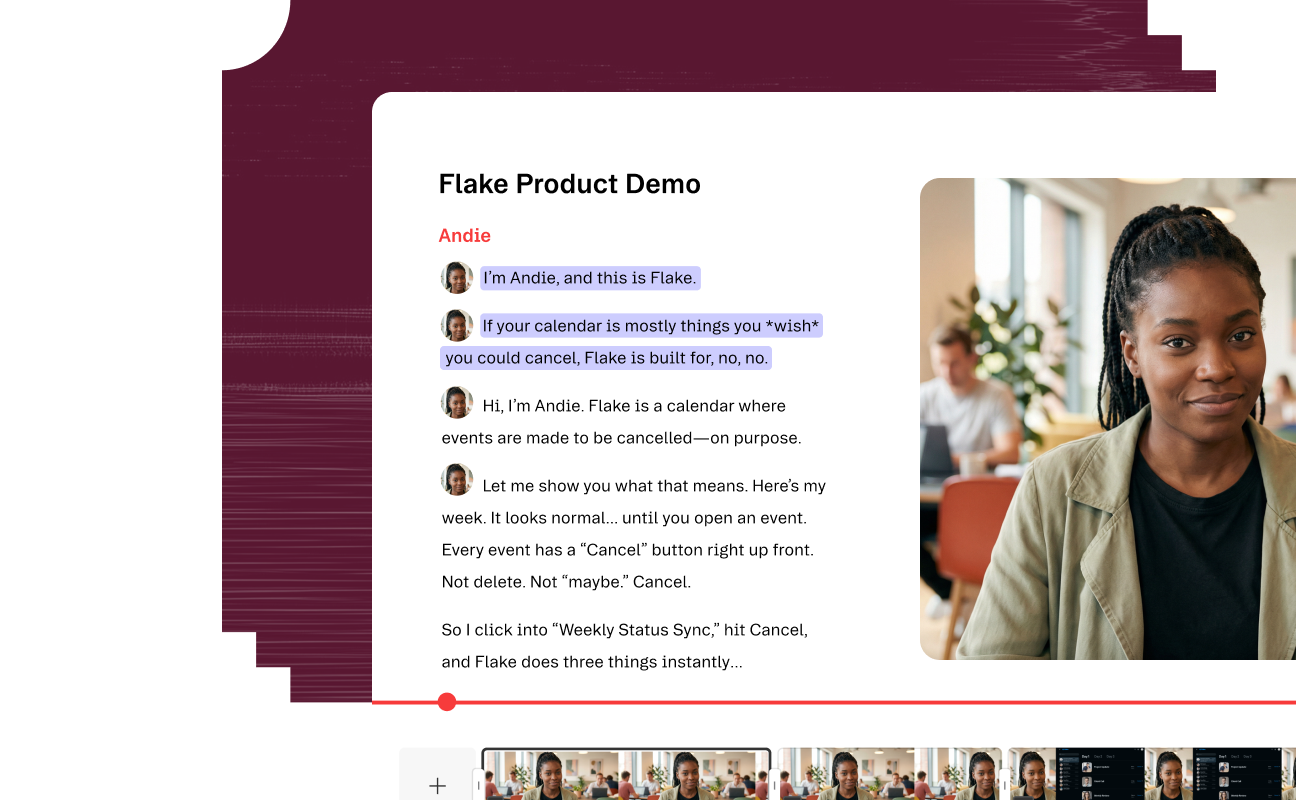
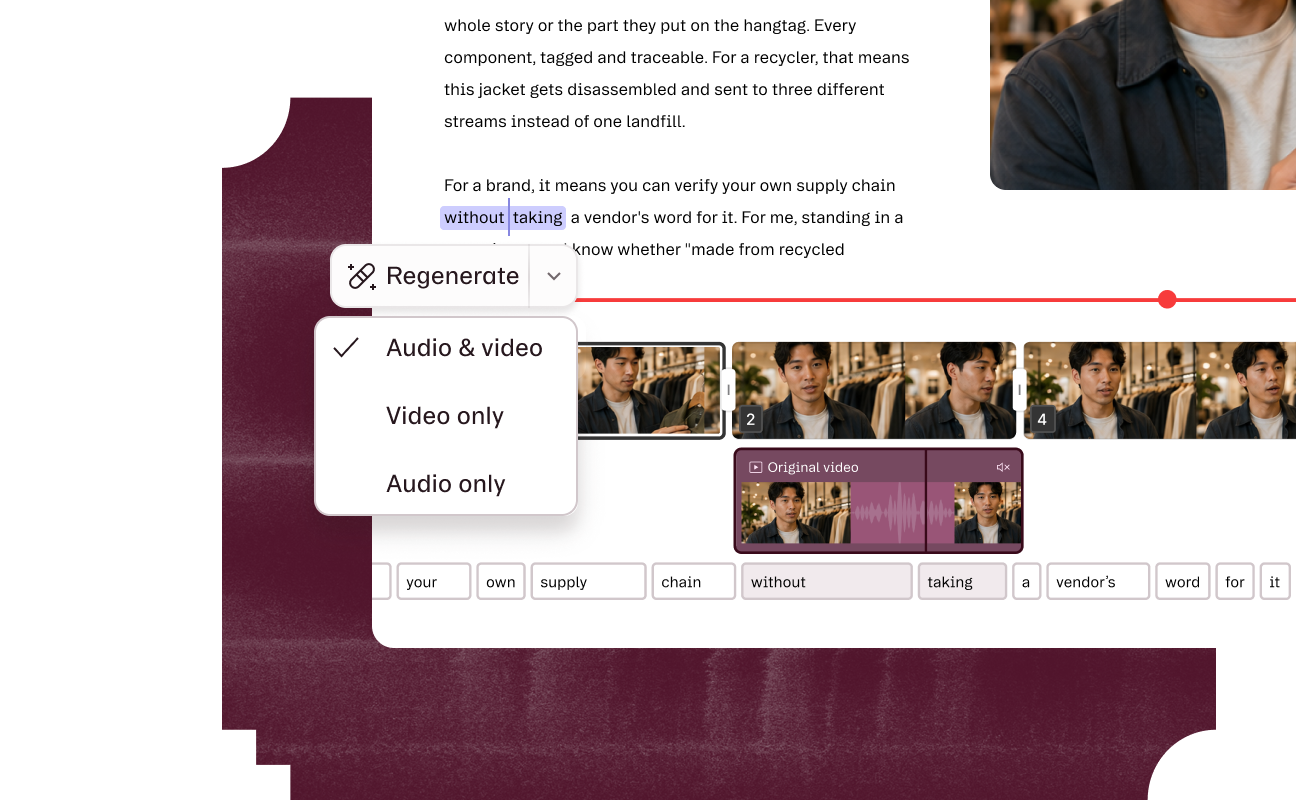
Adding layouts, transitions, and brand colors and fonts used to mean hopping between apps. Now it all happens in Descript.


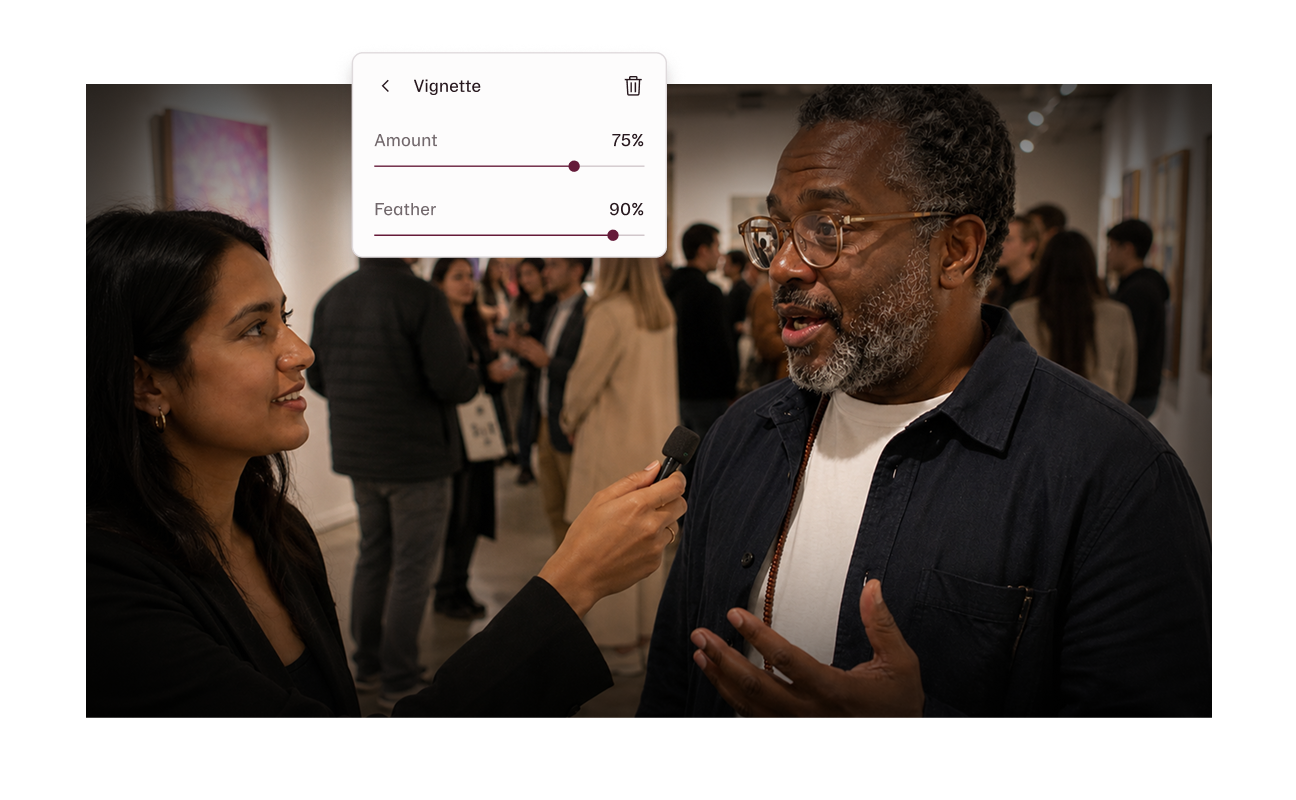
Record it rough. Descript's AI handles the lighting, sound, filler words, and polish.
Descript does everything. So you only need (and only need to pay for) a single app.
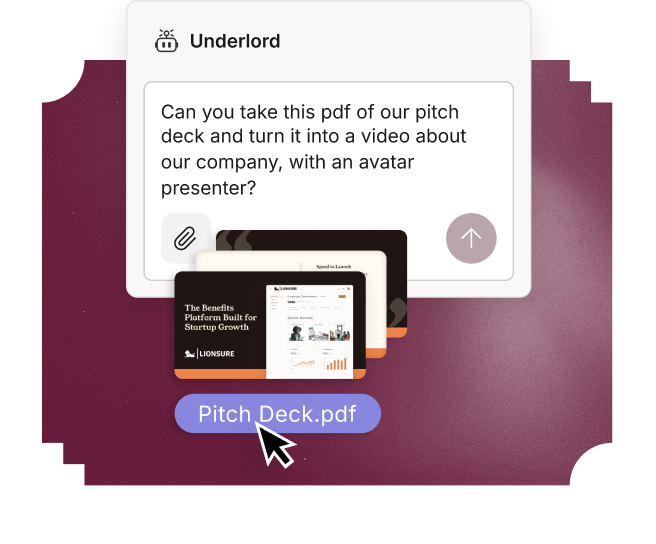
Capture
Some footage you shot. A script you wrote. A Zoom call. Whatever you've got, drop it in. Descript transcribes it—then you're off and editing.
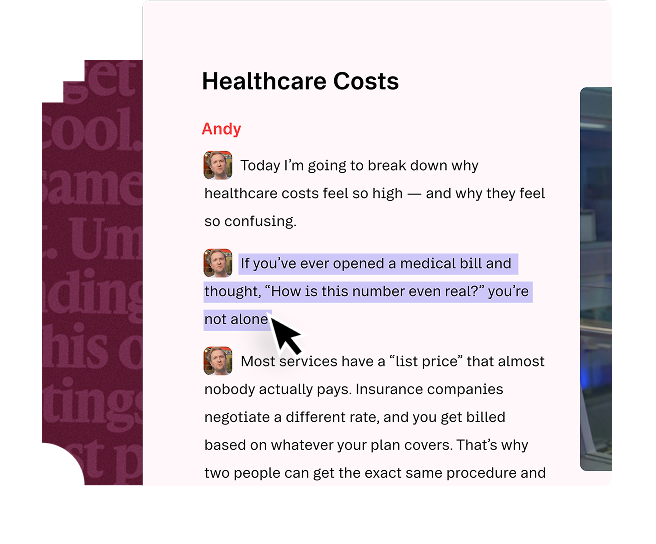
Edit
Edit your words to edit your video. Copy-paste, drag-and-drop—you already know how to do this. The timeline's there if you need it.
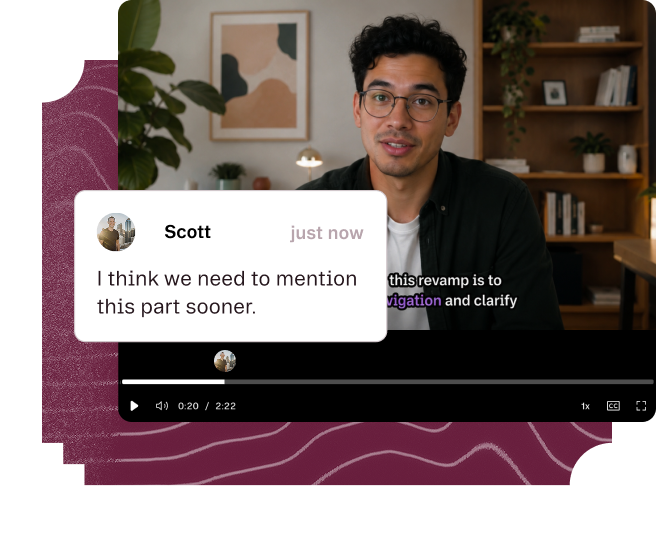
Share
Send a link. Your team leaves timestamped comments right on the video. No exports, no reply-all chains, no "which version?" madness.
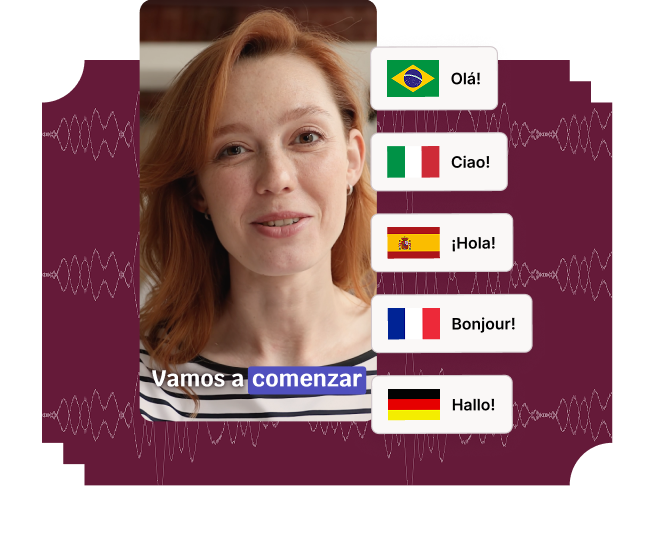
Multiply
One video, every destination. Translate into almost any language. Reformat for YouTube, TikTok, LinkedIn, whatever else they come up with.
Templates
Just pick a template, and let your AI co-editor, Underlord, take the first pass: cuts, cleanup, captions, clips. Fine-tune until it’s perfect (or close enough).
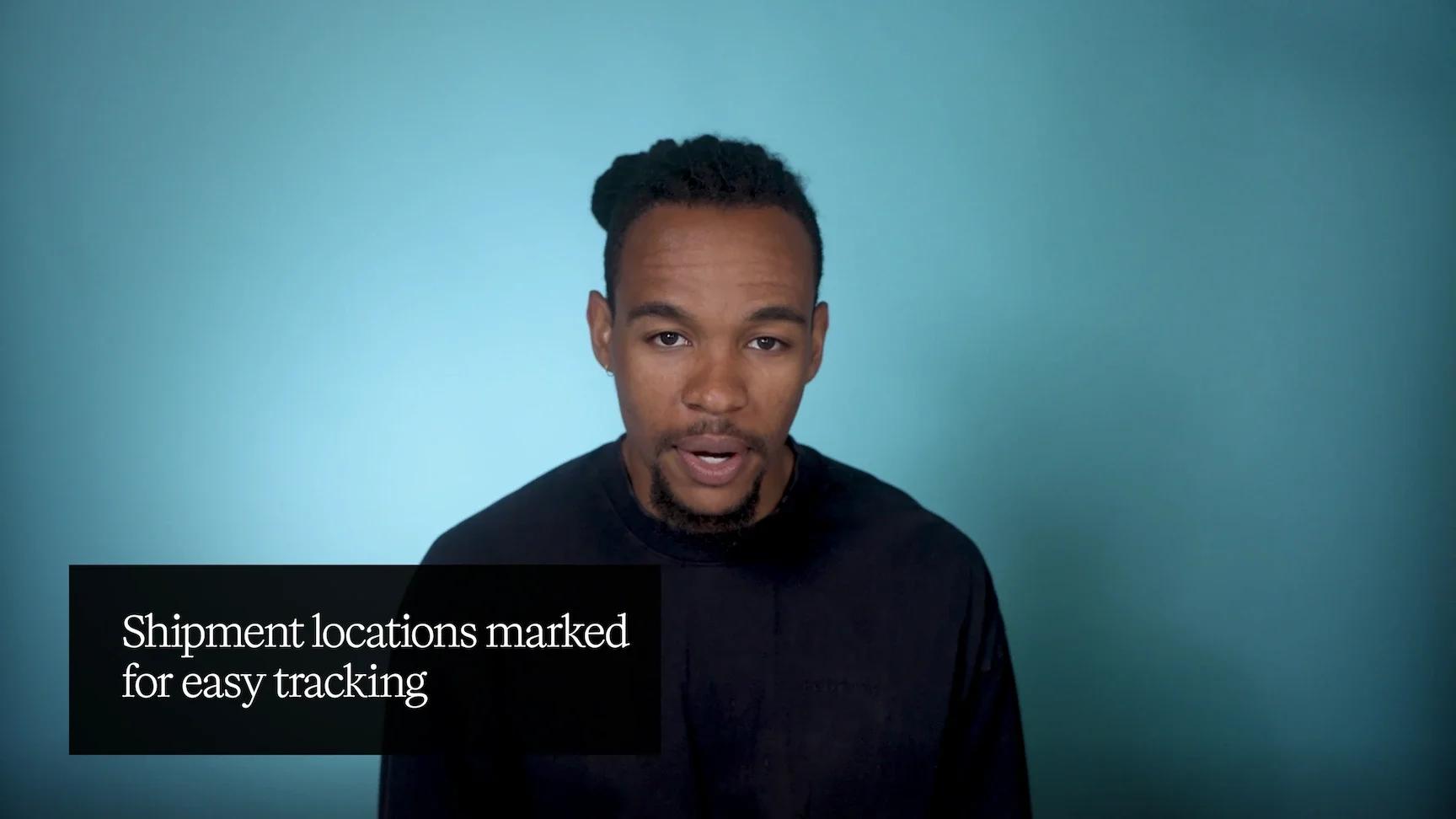
Clean up video recording
Polish rough footage into a professional video with dynamic visuals and smooth edits.
By Descript
Use template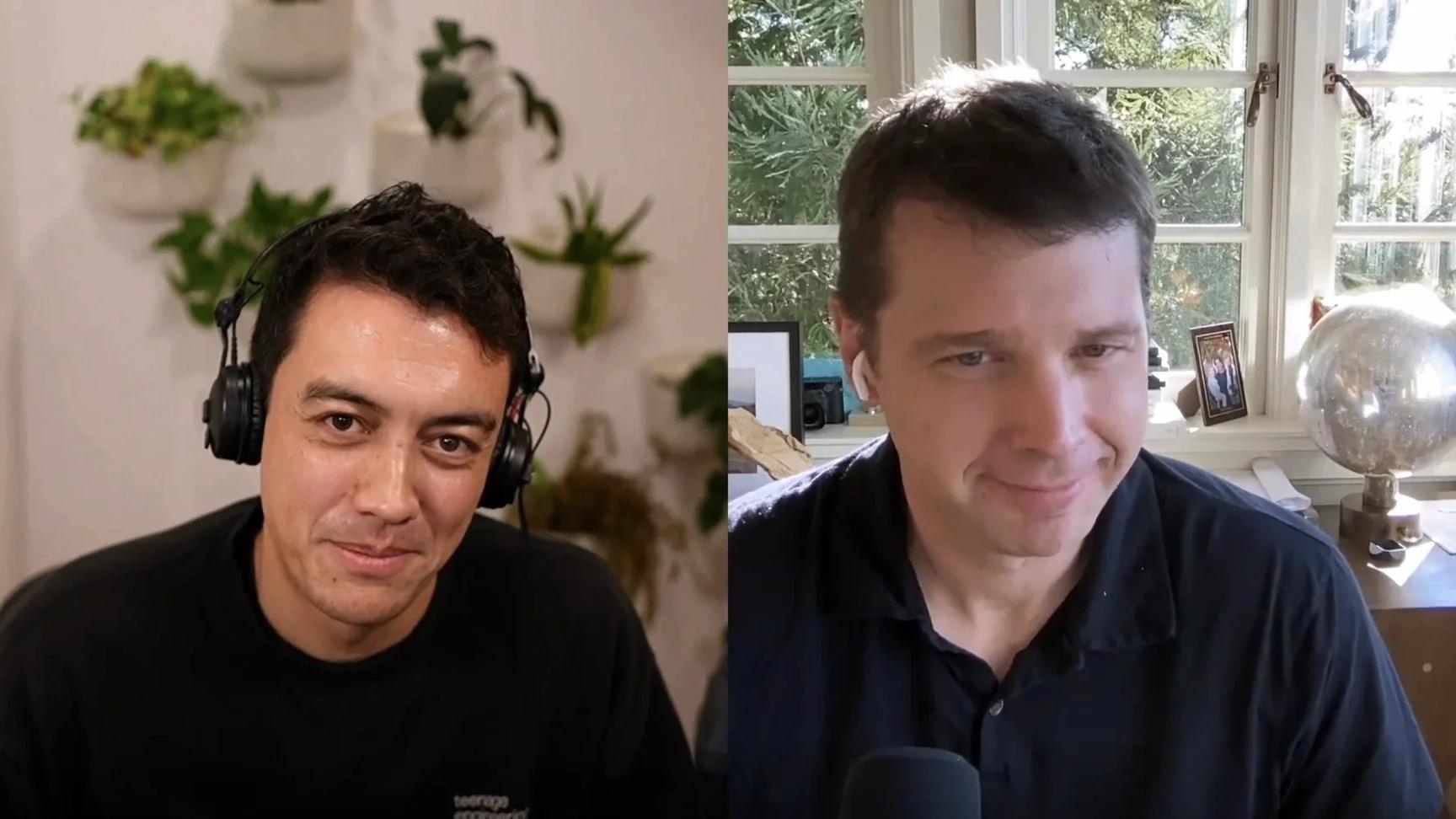
Rough cut of podcast
Turn a raw podcast recording into a polished episode, then create social clips and show notes.
By Descript
Use template
Create social clips
Transform long-form content into social-ready clips that pop on Instagram, YouTube, TikTok, and more.
By Descript
Use templateYes. Descript's AI adjusts the lighting on your face and scene after the fact, so a dim webcam clip looks like it had a proper setup—and color adjustments handle the white balance and grade.
Studio Sound removes background noise and echo and evens out your levels in one pass. For audio that's too far gone, Regenerate rebuilds it.
Yes. Eye Contact uses AI to adjust your gaze toward the lens, so reading off-screen doesn't show.
None. Most run in a click or two, and you edit video by editing text, not dragging clips on a timeline.
They shouldn't. The goal is video that looks like you shot it right in the room—not footage that looks processed. Every AI edit has controls, so you adjust as necessary.
It works on whatever you've got. Phone footage, Zoom recordings, screen captures—upload it and fix it from there. That's the point: hit record, Descript's got the rest.
Both. The polish tools fix lighting, sound, and cuts in a click; underneath is a full editor where you edit video by editing text.
Descript's AI will make you look sharp and sound smart. And it’s free to start.


