Automatic Multicam
Descript's AI instantly edits your video, so the person speaking is on camera when you want them to be.

These companies use Descript. Not bad!










Get the look you want, automatically
Keep who’s talking on screen
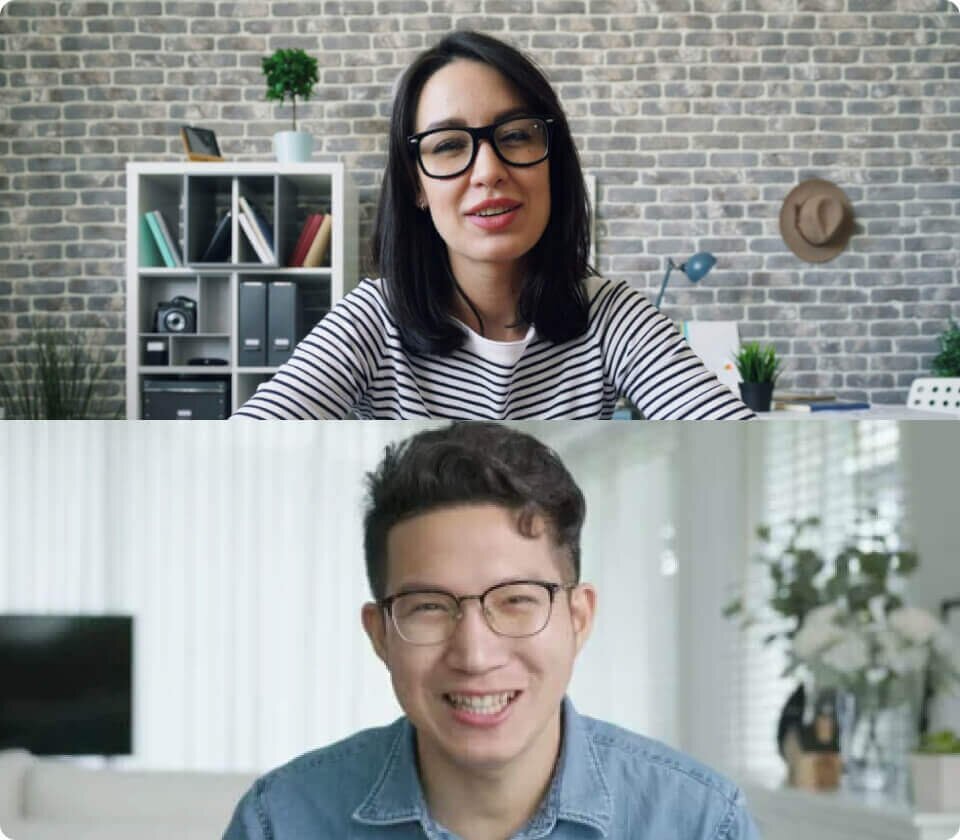
Record in Rooms, then run Automatic Multicam. Just like that, Descript’s AI will lay out your video, so the speaker is pretty much always on camera.
Keep up the pace
Descript’s AI can even make nuanced cuts, like adding reaction shots when someone’s been talking a while, or showing the whole group during rapid-fire conversation.
Keep your brand out front
Frame your videos in your brand colors, add your logo, fonts—all that stuff. Just save it as a template and add it to every video with a click.


Wildly useful AI tools
Green Screen
Don't bother straightening up. Descript's AI will scrub out your background. You pick a new one.
Eye Contact
Go ahead, read your script. AI will make it seem like you were looking at the camera the whole time.
Studio Sound
No pricey mics or soundproofing required. Descript’s regenerative AI removes noise and enhances voices.
Remove Filler Words
Instantly cut all your "ums," "uhs" and other filler words. You'll save hours.
Translation
Take your content to audiences all over the world without getting out of your chair.
Transcription
Drag in an audio or video file; AI will transcribe it in moments. Now the magic starts.
Captions
Add captions—and accessibility, and views, and your branding—in a couple clicks.
Avatars
Choose from our gallery or create one. Write a script and let your avatar do the talking so you can stay off camera.
Quick Design
Rather not burn time adding scenes and layouts? Quick design automatically formats and adds B-roll with a click.
Generate video
Create B-roll tailored to your content. Choose from our styles or write your own prompt for something truly unique.
Regenerate
Correct a word or fix audio just by typing and Regenerate will clone your voice and change your mouth movement to match.


PRICING
Surely there’s one for you
Free
$0
$0
per person / month
Start your journey with text-based editing

1 media hour / month

100 AI credits / month

Export 720p, watermark-free

Limited use of Underlord, our agentic video co-editor and AI tools

Limited trial of AI Speech
Hobbyist
$24
$16
per person / month
1 person included
Elevate your projects, watermark-free
10 media hours / month
400 AI credits / month
Export 1080p, watermark-free
Access to Underlord, our AI video co-editor

AI tools including Studio Sound, Remove Filler Words, Create Clips, and more
AI Speech with custom voice clones and video regenerate
Most Popular
Creator
$35
$24
per person / month
Scale to a team of 3 (billed separately)
Unlock advanced AI-powered creativity
30 media hours / month
800 AI credits / month
Export 4k, watermark-free
Full access to Underlord, our AI video co-editor and 20+ more AI tools

Generate video with the latest AI models

Unlimited access to royalty-free stock media library

Access to top ups for more media hours and AI credits


