Descript vs. CapCut
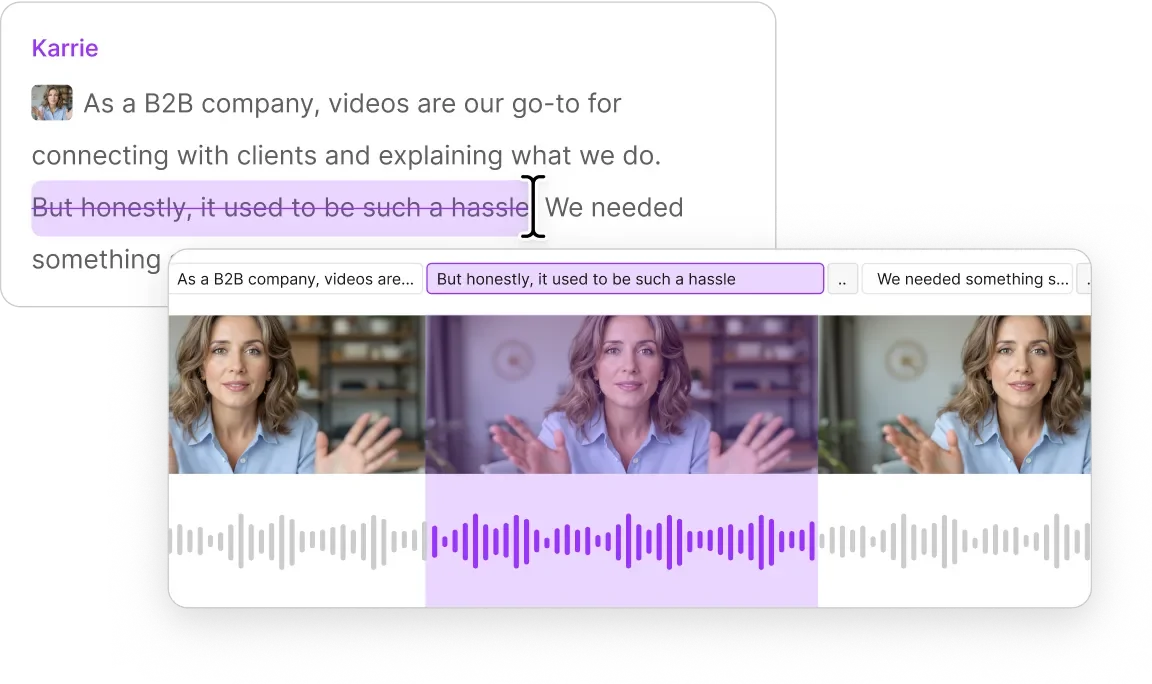
They’re both easy to use. But only Descript has the power you need to make really good video, with tools like text-based editing, automated design, AI clips, and quick collaboration.
They’re both easy to use. But only Descript has the power you need to make really good video, with tools like text-based editing, automated design, AI clips, and quick collaboration.
These companies use Descript. Not bad!















FEATURE COMPARISON
Descript and CapCut both make video-creation easy. But Descript makes it way easier to do all the other stuff you need to do to make video look and sound good, with text-based editing and support from your AI assistant, Underlord.
| Capability |  | CapCut |
|---|---|---|
| Features | ||
| Publishing |  | |
| AI video clips | | |
| AI video highlight reel | |  |
| Animated captions | | |
| Recording | 4K Video and Audio | Audio only |
| Video quality | 4K | 4K |
| Fully-powered multi-track editor | | |
| Access to stock media library | | |
| Slides -> video | | Limited |
| Studio sound | | |
| Eye contact correction | | |
| Security & compliance | ||
| SOC 2 Type II | | |
| GDPR compliant | | |
| SSO/SAML | | |
| SCIM | | |
| Data encryption | 256-bit AES | 128-bit |
| Enterprise features | ||
| User provisioning | | |
| Integrations | | |
| Scalability | ||
| Seat limits | Unlimited | 1 |
| Storage | Unlimited | 500GB |
CapCut and Descript can both get you started making video. But when quality starts to matter, Descript’s suite of AI-powered tools make it easy for anybody to make professional-quality videos.
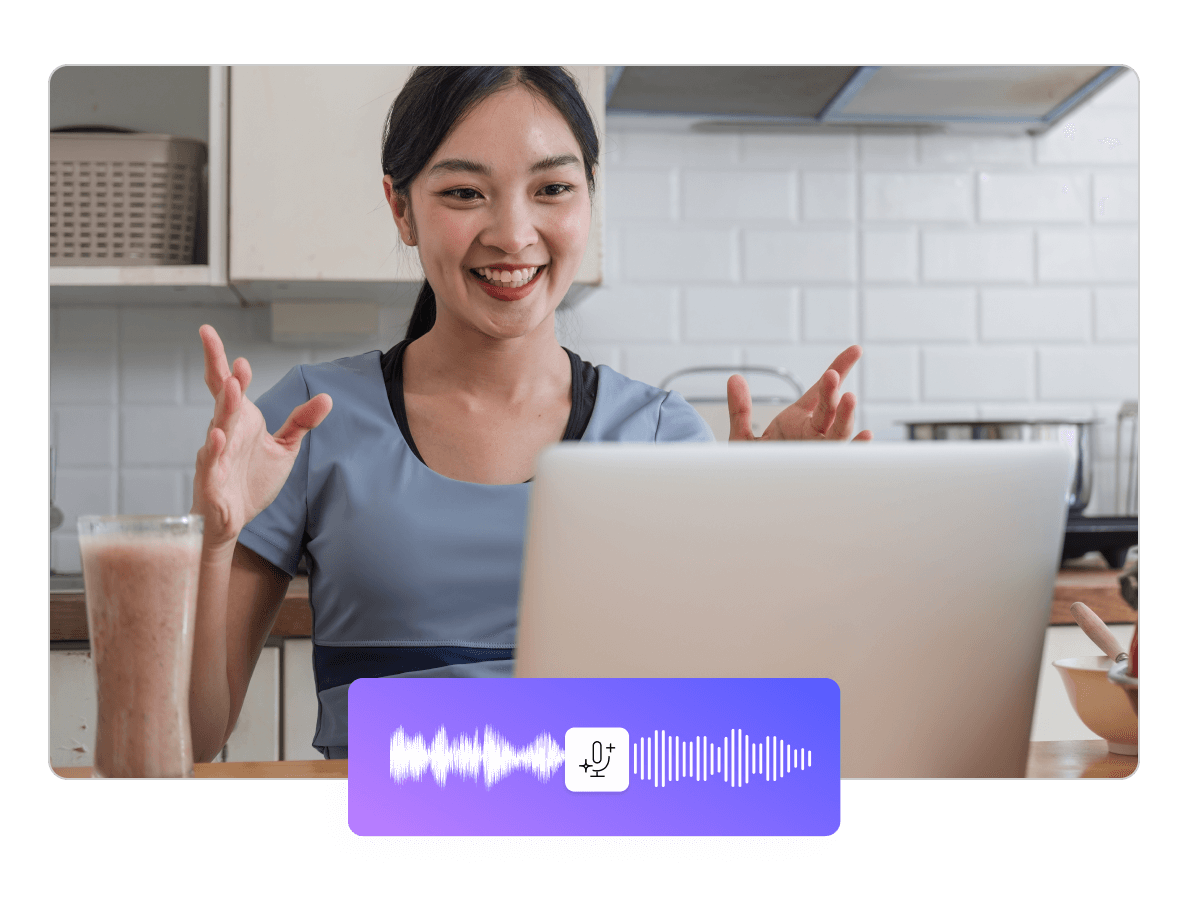

Descript is the all-in-one video creation platform that enables your whole team to produce high-quality videos, fast, at scale. And they already know how to use it.