These companies use Descript. Not bad!
Claude makes the motion. Descript makes it a video: your voice over it, your footage around it, captions on it. Send to Descript when you export from Claude Motion and be on your way to personalized video.
These companies use Descript. Not bad!















Deciding what type of animation to make is the hard part. Descript is already in Claude Motion's Send to menu.
Make it in Claude Motion
Type /motion in the Claude message box and ask for the graphic: an animated chart, a title card, an explainer. Iterate until it looks right.
Pick Descript in the Send to menu
Open Claude Motion's export panel and choose Descript. First time? You'll see a Connect button. Connecting signs you in, or signs you up if you're new.
Finish the video in Descript
Claude hands you a link. Open it and the animation is sitting in a new project, ready for your voiceover, your recording, stock footage, and captions.
Claude Motion is a tool from Anthropic for making animations and motion graphics in Claude. You describe what you want (an animated chart, a title sequence, an explainer) and Claude builds it. You can change the text, numbers, and timing in Claude Motion until it's right. It's in beta on Claude Team and Enterprise plans.
What it doesn't have is you: your voice, your footage. That's the part Descript does. Pick Descript in Claude Motion's Send to menu and the animation lands in a Descript project, where you can record a voiceover, add your own footage or a screen recording, drop in stock, and add captions.
Three ways a Claude Motion animation turns into something you'd actually share.
Ask Claude to animate the idea you're explaining. Send it to Descript, then record a voiceover over it (yours or a stock voice), or cut it in between the parts where you're on camera. Drop in stock footage and add captions.
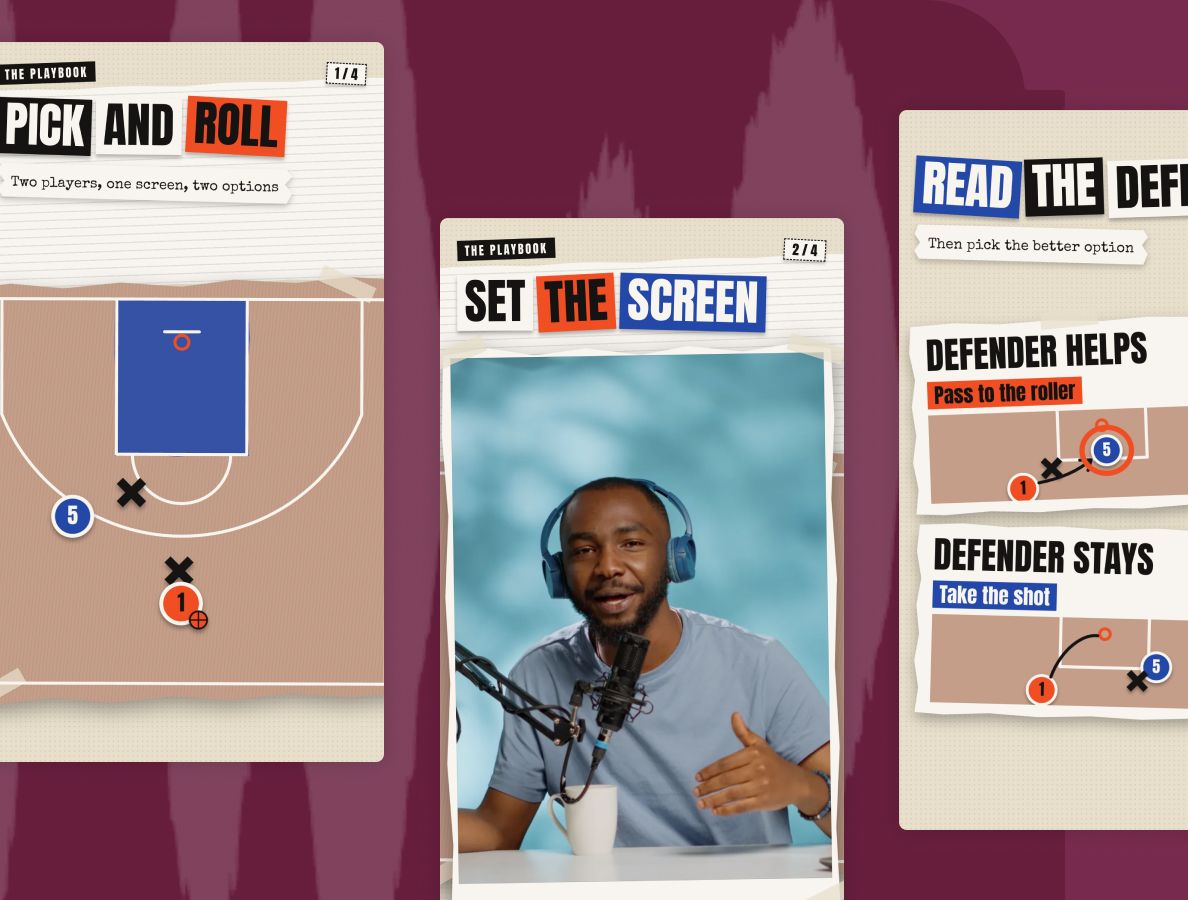
Make a title card or a podcast bumper once, add it to your team's media library, and drop it in front of every episode. Tweak it in Claude later and re-send; the new version lands in the same Descript project as a new composition.

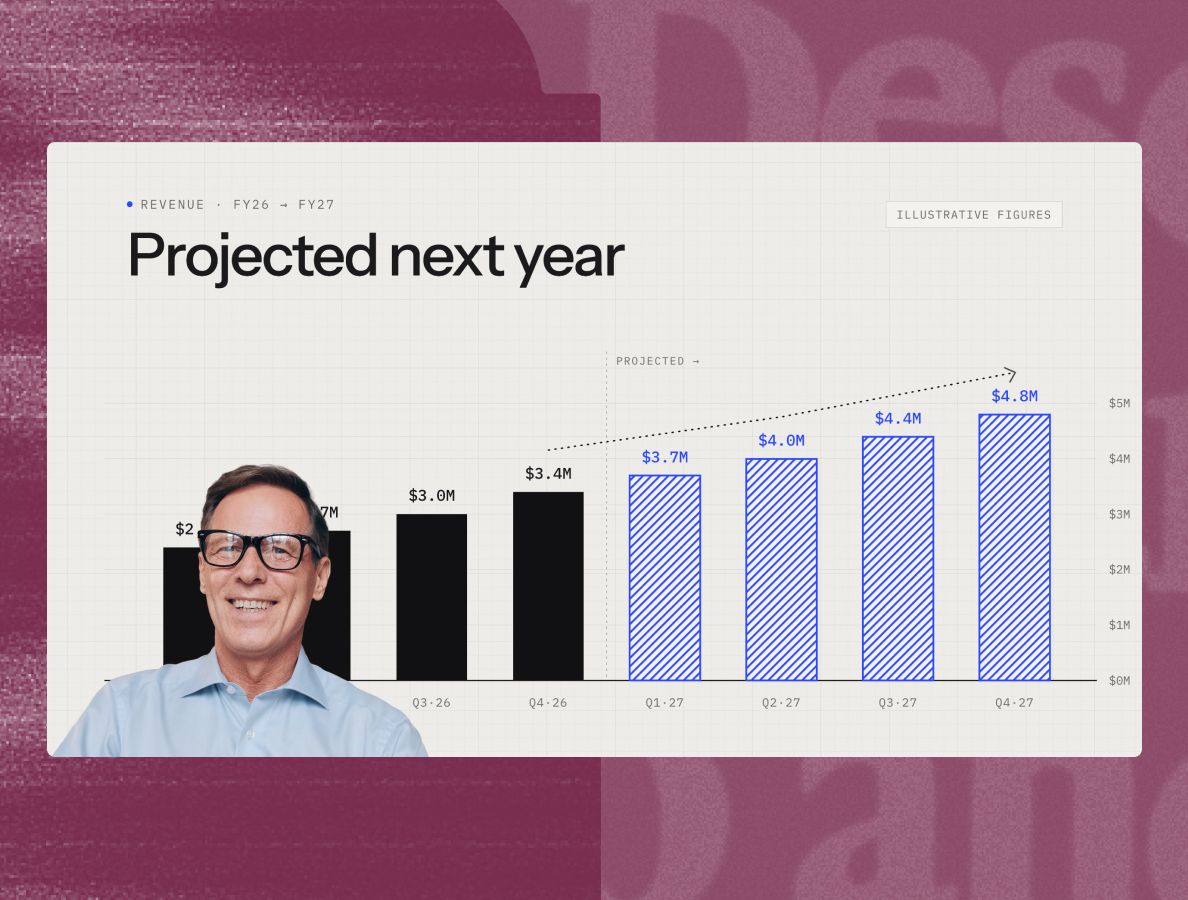
If Claude already has your dashboards, your Linear board, and the doc you wrote last week, it's a short step to an animated chart of the quarter. Descript is where the people come in: the team on camera talking about what shipped, a customer saying what changed. The numbers from Claude, the humans from Descript, one video.
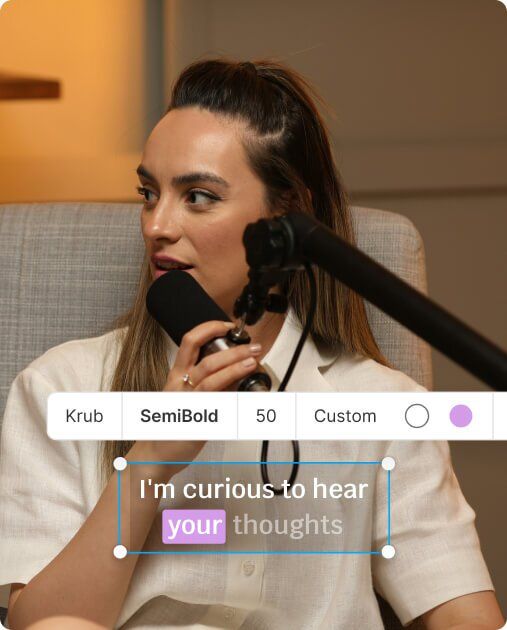
Captions from your voiceover, styled to match, for people watching with the sound off.
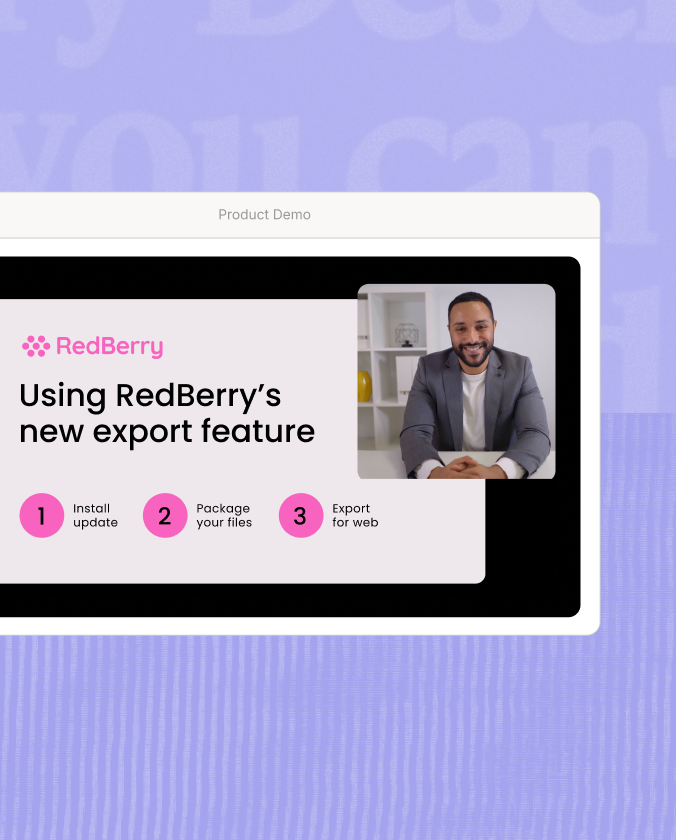
Record your screen and your camera, then cut between the walkthrough and the animation.
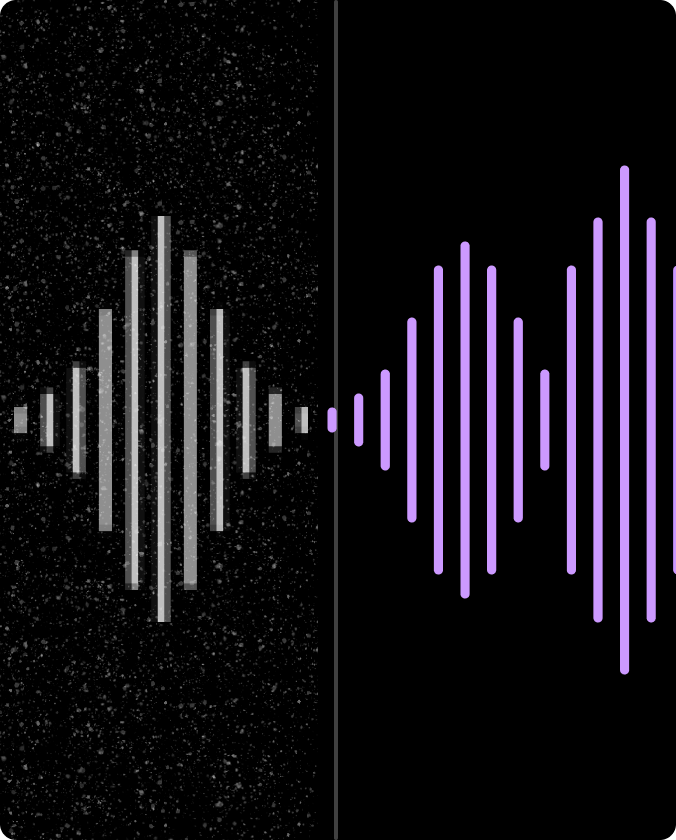
Make a voiceover recorded at your desk sound like it was recorded somewhere nicer.
With a 4.6-out-of-5-star rating and a bunch of distinctions on G2, Descript’s users have declared it an industry standard in the video & podcasting world.

4.6 Average Rating
837 Reviews
Text-based editing
"Being able to edit audio or video just by deleting words in a transcript makes the whole process feel like working in a Google Doc rather than wrestling with a complex timeline. It's a total game-changer for speed and sanity."
Ayesha N.
Customer Success Manager
AI video editing
“I'm a professional editor and a creator on YouTube for years, well versed in a myriad of different editing software, but there is nothing on the market today as fast and intuitive as Descript.”
Nadia A.
Digital Strategist
AI features
“As a team of one, this tool has unlocked exponential content creation and repurposing power for me. The AI features are smooth and fairly easy to use.”
Shreyas M.
Product Marketing Lead
It takes the MP4 Claude Motion exports and puts it in a new Descript project, on its own composition, named after your animation. Claude gives you the link right away. Nothing to download or upload.
Yes, and the Connect button in the Send to menu creates one if you don't have it. Descript has a free plan.
No. The animation arrives as a video clip, so the text and shapes inside it aren't editable in Descript. To change the animation itself, go back to Claude, change it there, and send it again. Everything around it (your voiceover, footage, captions, cuts) you edit in Descript as usual.
The new version lands in the same Descript project as a new composition, next to the earlier one. Your Descript edits stay where they were; they don't carry over to the new version, and the new version doesn't replace the old one. So do your Claude tweaks first, then your Descript edit.
Not as an overlay. Claude Motion exports a flat MP4 with no transparency, so it fills the frame. Use it as its own scene: a cutaway, a title card, an intro. Lower-thirds over your talking head aren't a fit.
A title card for something you've already recorded. Ask Claude for a five-second animated title, send it to Descript, drop it in front of your video. It's the fastest way to see the whole loop.
Descript is where the rest of your video gets made: recording, editing, captions, clips, and AI tools for every kind of video. Start free, or talk to us about bringing Descript to your whole team.