These companies use Descript. Not bad!
Get perfect audio, courtesy of AI-powered background-noise removal and voice enhancement, with one click.
These companies use Descript. Not bad!















Background noise, vocal hiccups, poor recording quality—Descript fixes it all, in any audio format. It’s as easy as it sounds.
Record in your bedroom, on your phone—or both. Let your guest call in on Bluetooth, from the airport, walking their dog—or all three. Studio Sound frees you from the need to capture perfect audio in the perfect space.
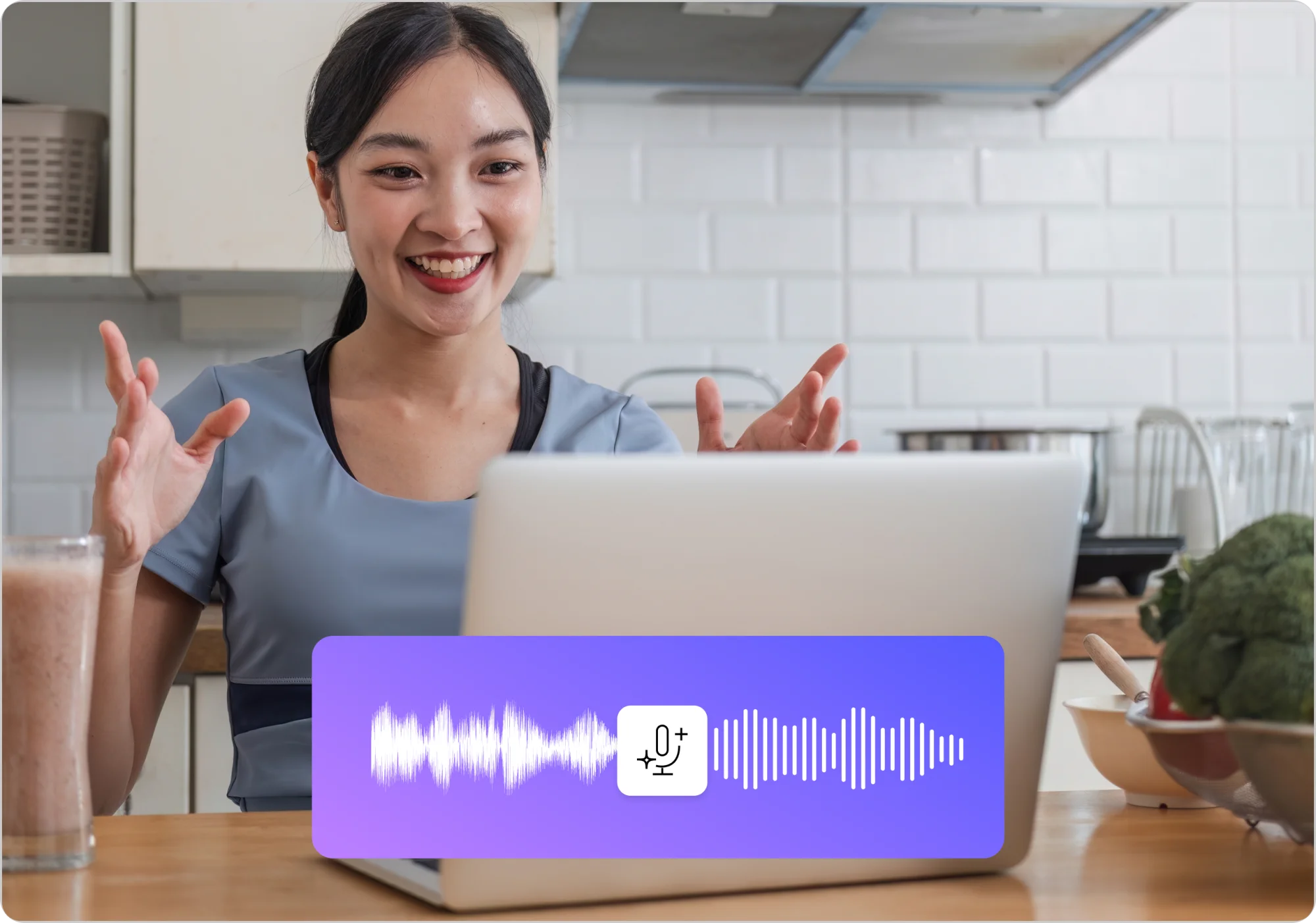
Silence your neighbor’s leaf blower. A simple toggle—with a little regenerative AI—makes it sound like you recorded in a quiet, sound-proof studio without sonic intrusions.
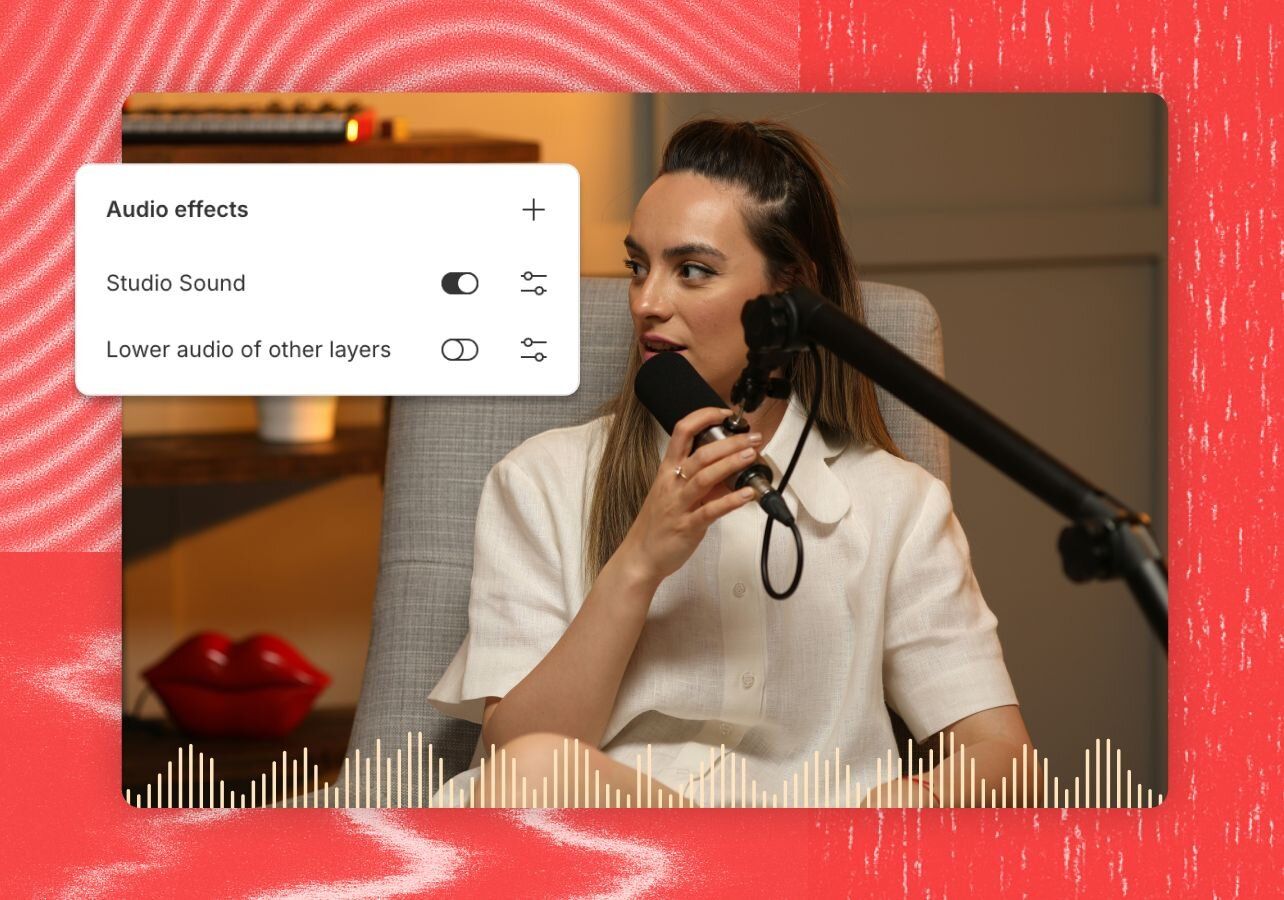
Studio Sound works with any file type. Use the audio from a phone call, a voiceover, interview, phone or conference call recording, whatever. If you can hear it and upload it, you can perfect it with Studio Sound.
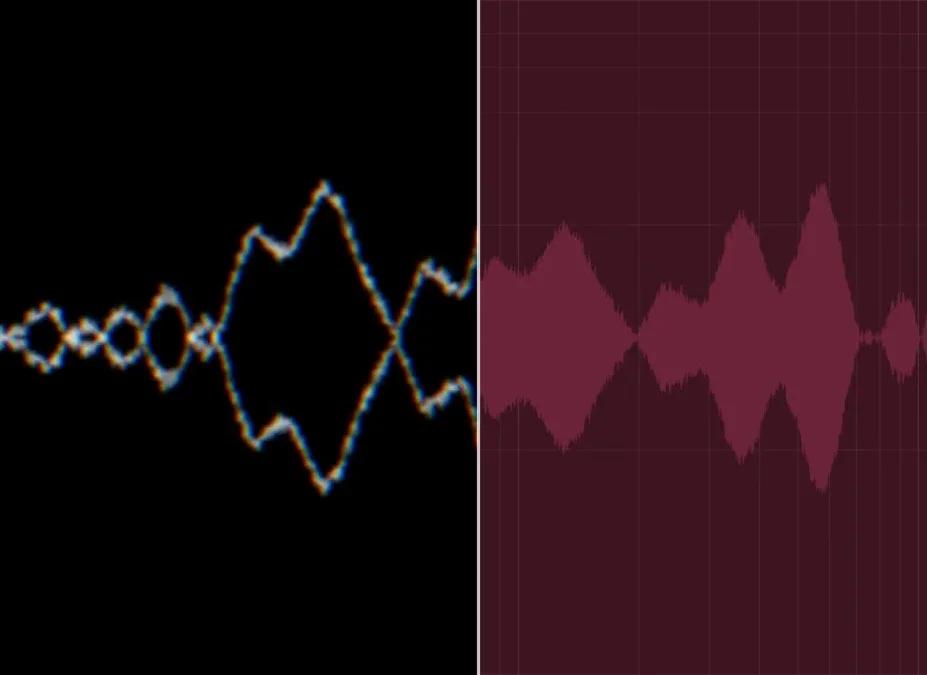
Studio Sound’s AI is regenerative. Other noise reduction and audio processing tools work by filtering or subtracting sound—leaving your voice sounding tinny or dampened. Studio Sound isolates your audio, then regenerates it, removing echoes, background noise, and making you sound better. Hear the difference in the demo to the right.
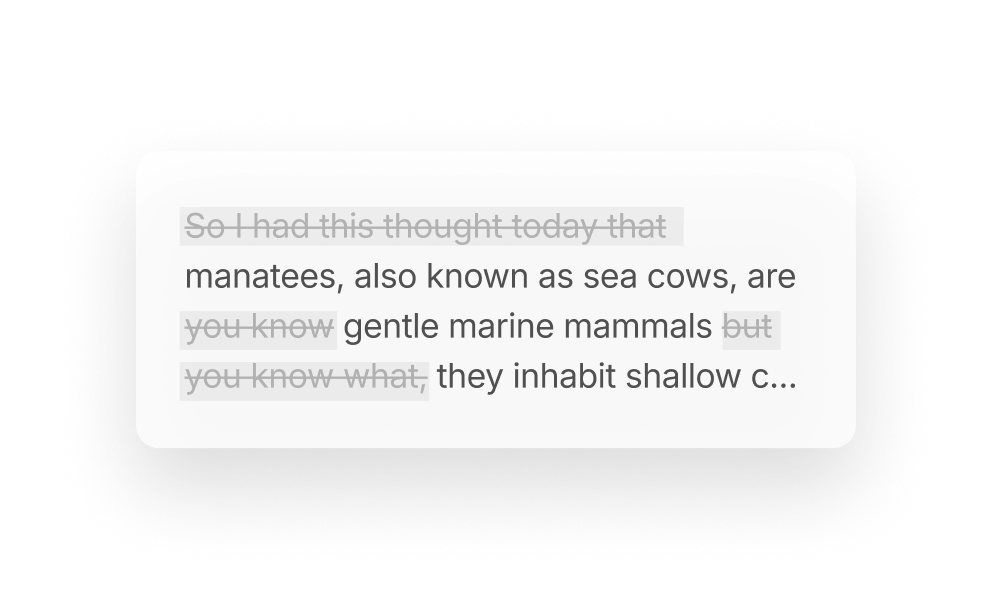
Instantly hunt down and easily remove all the “ums,” “uhs,” “likes,” and “you knows” to make yourself sound smarter (even if you’re not).
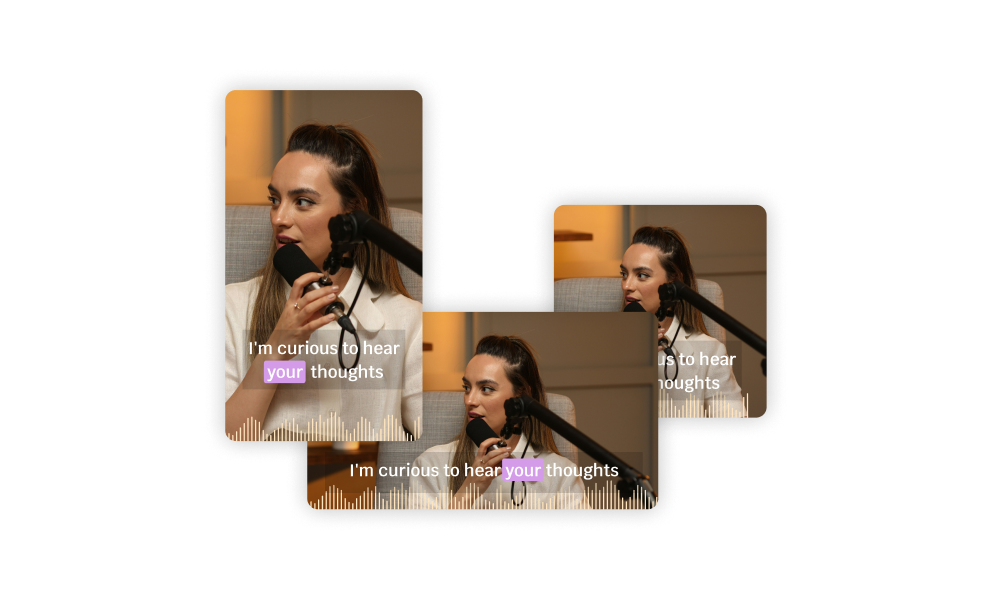
Instantly find the most engaging moments, then add captions and package them up for your social feeds in a few clicks.
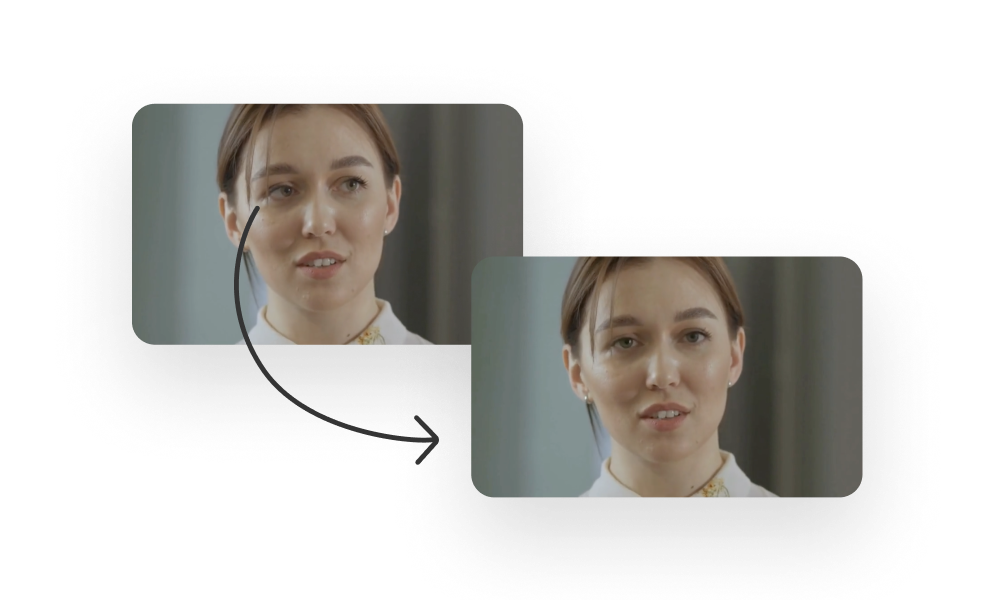
No teleprompter? No problem. Descript’s AI will make it look like your eyes were locked on the camera, even if you were reading off-screen.
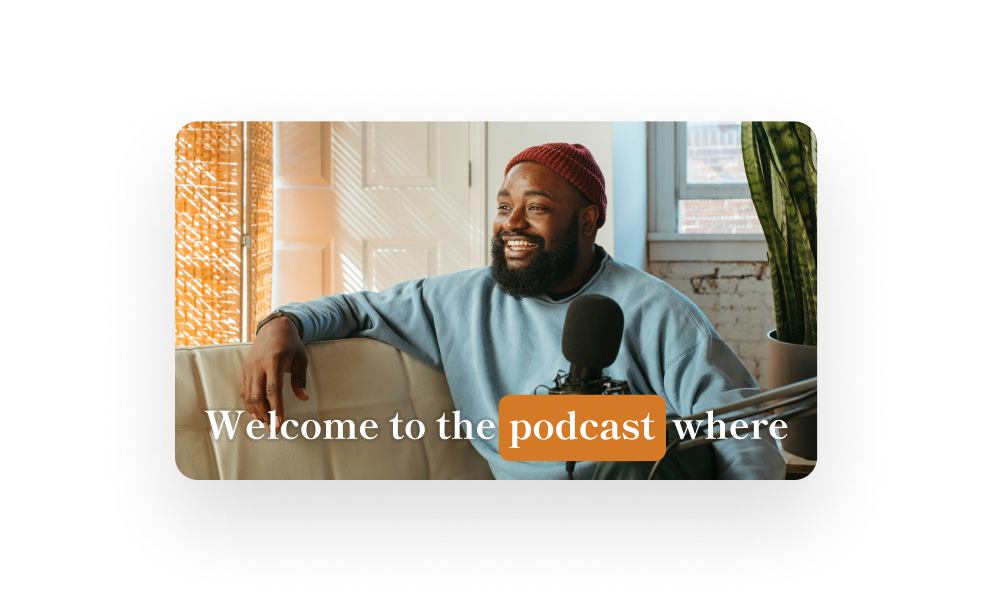
Add captions — and accessibility, and views, and pizazz — in a couple clicks.
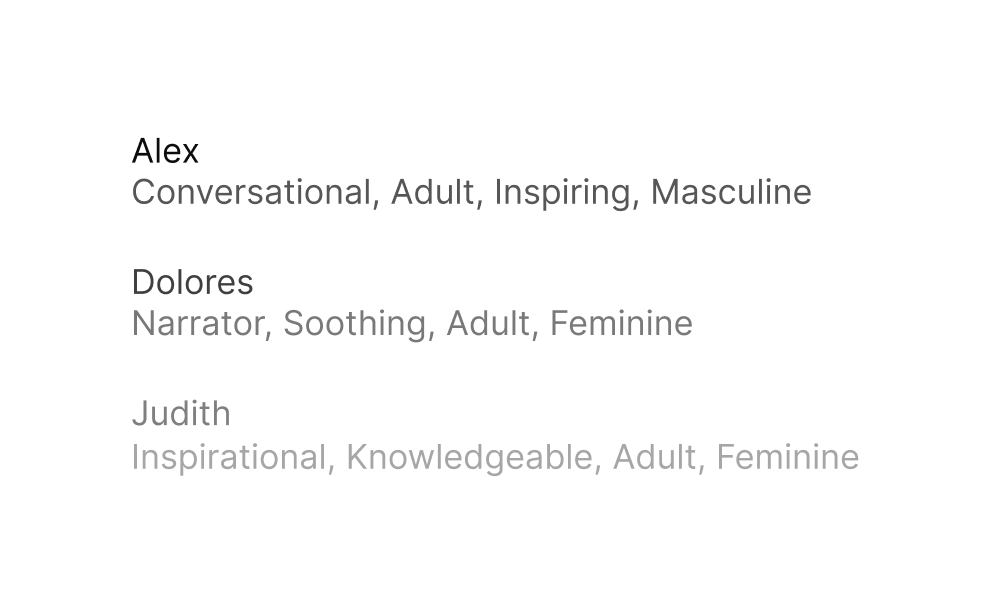
Clone your own voice or choose from a wide range of stock AI speakers in 20+ languages.
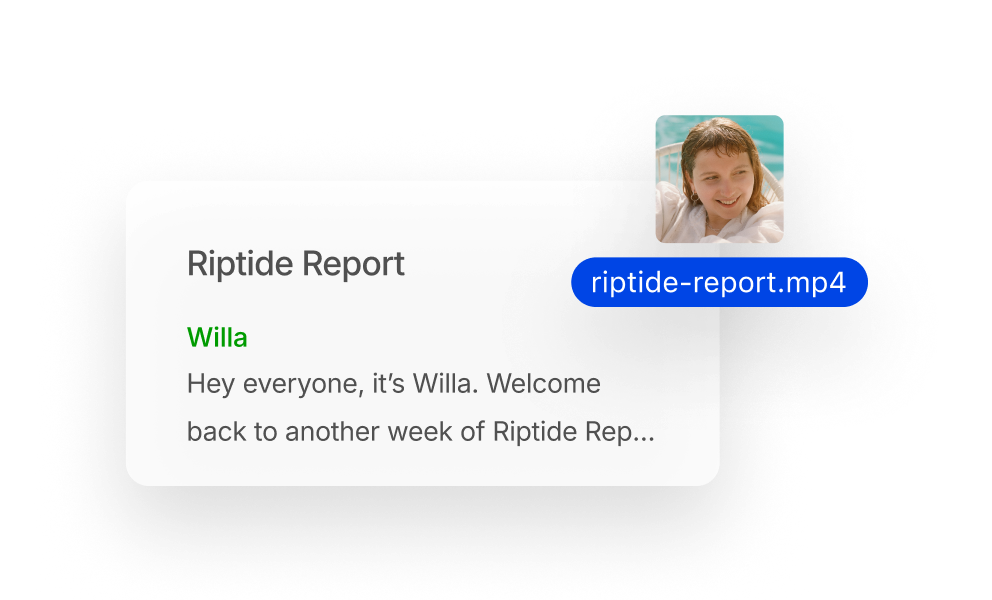
Drag-and-drop your audio or video file and instantly get a transcript. Cut and rearrange the text to edit your media. Easy.

Never edit alone
Underlord is your AI co-editor. Under your direction it can create a video or edit yours. It can give feedback and make suggestions. And it’s tireless, so you can keep pushing until you’re satisfied.
With a 4.6-out-of-5-star rating and a bunch of distinctions on G2, Descript’s users have declared it an industry standard in the video & podcasting world.
2026




"Transcription based editing makes the process much faster…All in all, a must have editor for most audiences, especially in SaaS marketing."

Nidhin M.
"Descript will find highlights and create clips of any length that I specify. It writes YouTube descriptions and creates chapters as well as will give me the start to a blog post. All from one piece of content!"

Gretchen D.
"…phenomenal AI tools, so you can do everything in one place. With Descript we can create videos for our YouTube channel and our LinkeIn page much faster and with high quality."

Balázs N.
"The templates make it really easy to quickly get a good looking video done…Getting video content fast and cohesive with our branding."

Björn I.
"We use Descript to help with our collaborative editing processes. A lot of our internal communications are screened through a series of executives and Descript makes it really easy to share with the review team."

Ryan G.
"It automatically makes the videos the right size for social media reels, which saves me a lot of hassle. Being able to edit the video based on the transcript is incredibly convenient and user-friendly."

Benjamin T.
"Transcription based editing makes the process much faster…All in all, a must have editor for most audiences, especially in SaaS marketing."
Nidhin M.
"Descript will find highlights and create clips of any length that I specify. It writes YouTube descriptions and creates chapters as well as will give me the start to a blog post. All from one piece of content!"
Gretchen D.
"…phenomenal AI tools, so you can do everything in one place. With Descript we can create videos for our YouTube channel and our LinkeIn page much faster and with high quality."
Balázs N.
"The templates make it really easy to quickly get a good looking video done…Getting video content fast and cohesive with our branding."
Björn I.
"We use Descript to help with our collaborative editing processes. A lot of our internal communications are screened through a series of executives and Descript makes it really easy to share with the review team."
Ryan G.
"It automatically makes the videos the right size for social media reels, which saves me a lot of hassle. Being able to edit the video based on the transcript is incredibly convenient and user-friendly."
Benjamin T.
Surely there’s one for you
$0
per person / month
Start your journey with text-based editing


1 media hour / month

100 AI credits / month

Export 720p, watermark-free

Limited use of Underlord, our agentic video co-editor and AI tools

Limited trial of AI Speech
$16
per person / month
Elevate your projects, watermark-free
10 media hours / month
400 AI credits / month
Export 1080p, watermark-free
Access to Underlord, our AI video co-editor

AI tools including Studio Sound, Remove Filler Words, Create Clips, and more
AI Speech with custom voice clones and video regenerate
Most Popular
$24
per person / month
Unlock advanced AI-powered creativity
30 media hours / month
800 AI credits / month
Export 4k, watermark-free
Full access to Underlord, our AI video co-editor and 20+ more AI tools

Generate video with the latest AI models

Unlimited access to royalty-free stock media library

Access to top ups for more media hours and AI credits