AI Video Maker - Generate AI Video Using Simple Text Prompts

Make a video in minutes. Tell Descript what you want, then watch as the AI video generator writes a script, makes a video, and sets it up in Descript for you to edit. You make the creative decisions, AI does the work.

AI Video Generator features

Whatever you generate, make it presentable with Descript's text-based editing, AI firepower, and automated design.

Edit your AI video with text Prompts

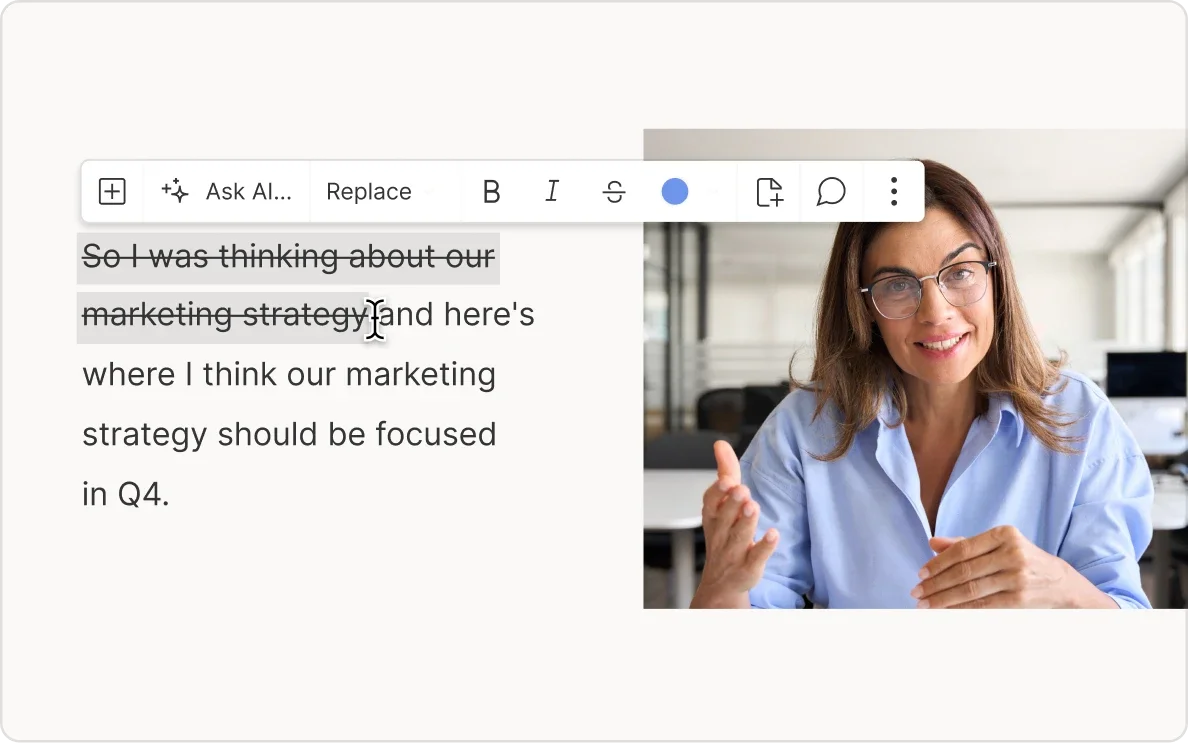
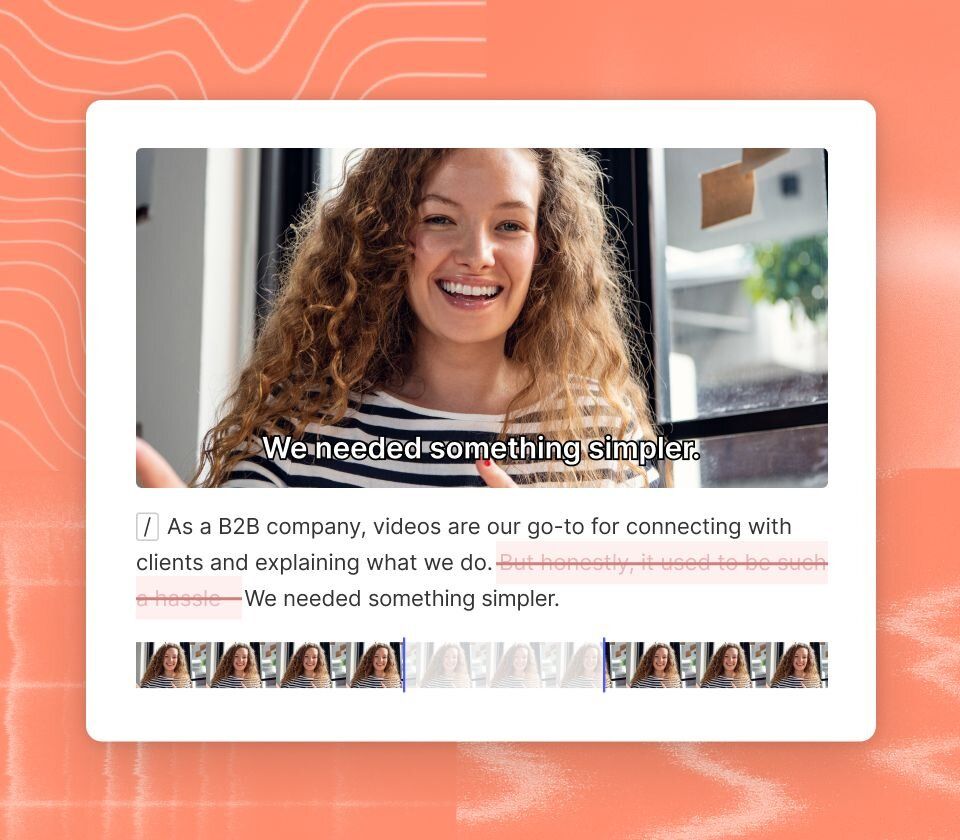
You got started with a text prompt, keep going with text-based editing. Backspace, cut, and paste in the script—just like you would in a doc—and watch Descript make your edits in the video.
Learn more
Edit your AI video with text Prompts

Automate video cleanup & creation

Save hours with Underlord, your AI video editing assistant. Automatically remove filler words, enhance audio, adjust pacing, and generate social clips, all with one click. Our AI video editor helps you perfect your videos for YouTube, podcasts, and social media, so you can focus on the message, not the mechanics.

Learn more

AI video templates for effortless design

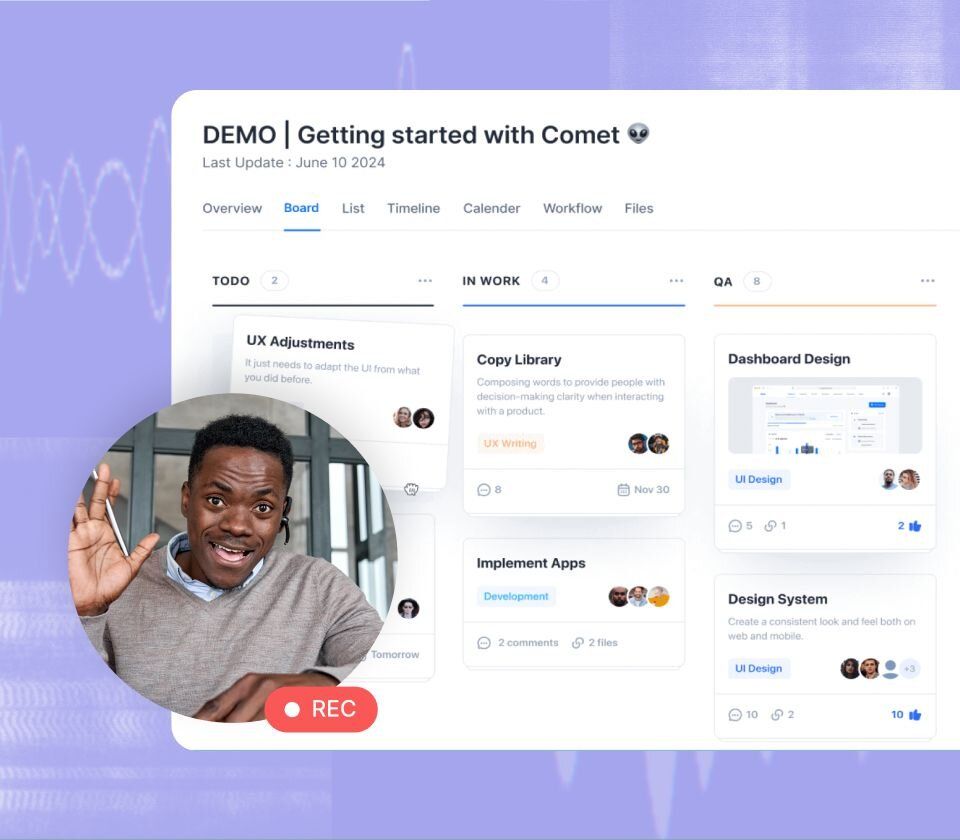
Create professional, on-brand videos with Descript’s AI video templates. Choose from customizable scenes and layouts that automatically style your visuals, apply transitions, and keep your content consistent. Our AI video design tools make it easy to polish every frame, no design skills required.
Learn more

How to generate AI video with Descript

Descript is an end-to-end video editing platform—with AI tools to speed you along, every step of the way.

Generate your video

Generate your video

Generate a video with ChatGPT, record right in Descript, or drag in an existing file. However you get started, Descript will help you get finished, fast.

Edit with Descript

Edit with Descript

Edit your video as easily as editing text. Use AI-powered voice cloning to record without re-recording — fix mistakes, add narration, or change tone in seconds. Then refine your video with Descript’s AI video editor: cut, rewrite, or rearrange clips, and automatically adjust visuals and audio for perfect pacing.

Share Anywhere

Share Anywhere

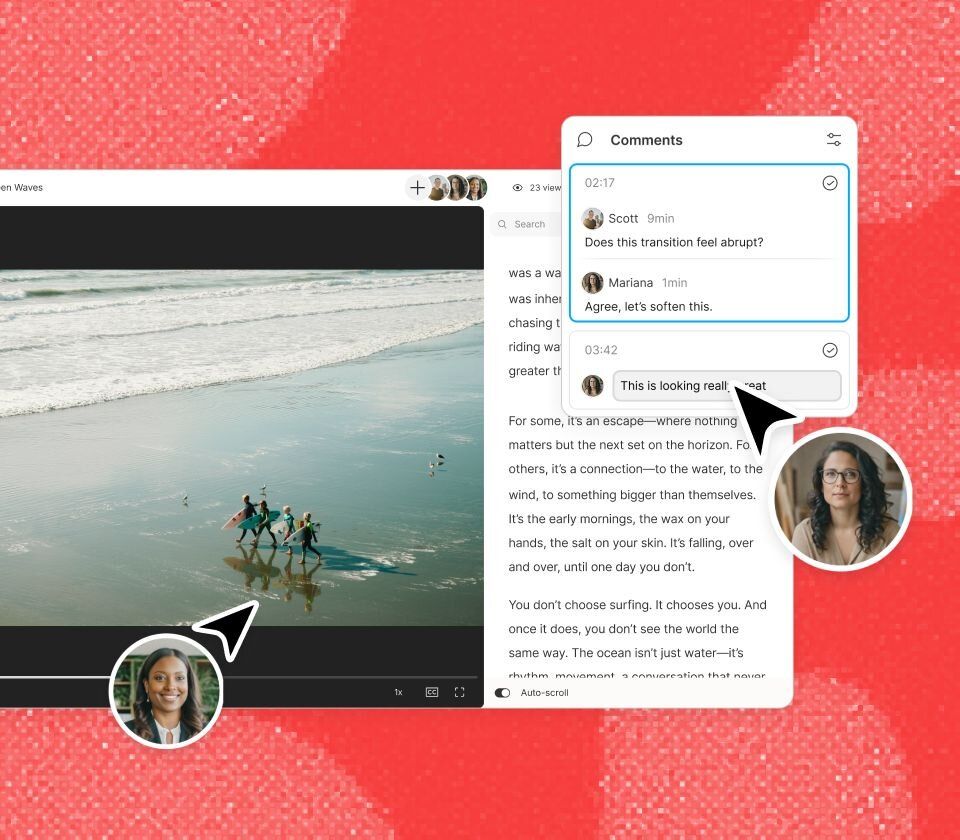
Invite collaborators to comment or edit along with you. Then use Descript’s web hosting to publish it with instant share links and embed codes.

Don’t just take our word for it

With a 4.6-out-of-5-star rating and a bunch of distinctions on G2, Descript’s users have declared it an industry standard in the video and podcasting world.

2026

Best Software

Video EditingAI Video GeneratorsScreen and Video CaptureText to Speech

“With Descript I'll be able to at least double my content output since editing is taking one-quarter the time it used to.”

Donna B.

Donna B.

“With Descript we can create videos for our YouTube channel and our LinkedIn page much faster and with high quality.”

Balázs N.

Balázs N.

“Descript has made cleaning up and creating my educational videos into professional presentations [possible] without needing extensive technical computer skills.”

Barbara C.

Barbara C.

“Descript makes recording and editing audio and video a breeze. It's advanced features have streamlined my workflows, saving me a lot of time usually spent editing.”

Roderick F.

Roderick F.

“The collaborative tools streamline teamwork, allowing my team and me to work efficiently together on projects. Overall, Descript enhances productivity and simplifies the editing process.”

Aldrich M.

Aldrich M.

“Transcription based editing makes the process much faster…All in all, a must have editor for most audiences, especially in SaaS marketing.”

Nidhin M.

Nidhin M.

These companies use Descript. Not bad!

  • Amazon
  • Canva
  • Salesforce
  • Figma
  • Apple
  • Okta
  • Spotify
  • Vox
  • Reuters
  • CBS
  • Microsoft
  • New York Times
  • GitHub
  • KPMG
  • Coke
  • Amazon
  • Canva
  • Salesforce
  • Figma
  • Apple
  • Okta
  • Spotify
  • Vox
  • Reuters
  • CBS
  • Microsoft
  • New York Times
  • GitHub
  • KPMG
  • Coke

You’re not the only one who needs to make more video

Support, customer success, sales—lots of folks you work with could use Descript to make more, better video. And teams of 10+ get enterprise-level security and dedicated account support.

Request a demo

AI Video Generator FAQs

  • How to make AI videos for free?

  • Can AI generate videos from text?

  • What types of AI videos can I create?

  • How does Descript generate videos from AI?

  • What kind of voices does your AI video generator tool provide?

  • Is Descript beginner-friendly for video editing?

  • Which is the best AI video generator for creators and teams?

  • Can I use Descript to generate videos from text like other AI tools?

  • Does Descript require downloading software to use the AI video generator?

  • AI can think, talk, and make video. Does it have impostor syndrome too?

PRICING

Surely there’s one for you

Hobbyist

$16

per person / month

Elevate your projects, watermark-free

Get started
  • 10 media hours / month

  • 400 AI credits / month

  • Export 1080p, watermark-free

  • Access to Underlord, our AI video co-editor

  • AI tools including Studio Sound, Remove Filler Words, Create Clips, and more

  • AI Speech with custom voice clones and video regenerate

Creator

$24

per person / month

Unlock advanced AI-powered creativity

Get started
  • 30 media hours / month

  • 800 AI credits / month

  • Export 4k, watermark-free

  • Full access to Underlord, our AI video co-editor and 20+ more AI tools

  • Generate video with the latest AI models

  • Unlimited access to royalty-free stock media library

  • Access to top ups for more media hours and AI credits

Best for Teams

Business

$50

per person / month

Empower collaboration on your team

Get started
  • 40 media hours / month

  • 1500 AI credits / month

  • Team-wide access to Brand Studio

  • Translate and dub video in 30+ languages with proofread

  • Generate custom avatars from photo upload or text

  • Priority support (with SLA)

  • Access to top ups for more media hours and AI credits