Add German Captions to Video Fast
Reach German-speaking viewers with fast, accurate captions that don’t make you want to scream.
Get started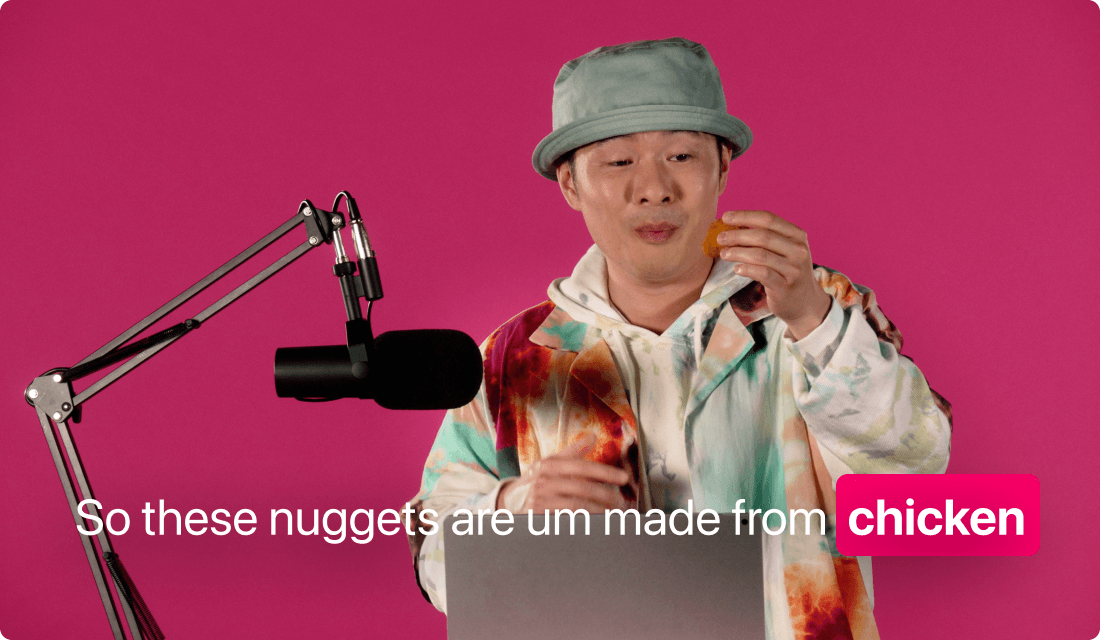
Reach German-speaking viewers with fast, accurate captions that don’t make you want to scream.
Get startedThese companies use Descript. Not bad!















01
Start by opening a new project and uploading your clips—any format works. When prompted for a language, pick German, or let the transcription happen first, then translate if your original audio isn’t in German.
02
Review the automatically generated captions. Proofread or correct them so everything’s spelled right. You can also tweak styling, like changing your font or adjusting text layout, to make your German captions look exactly how you want.
03
When your video is ready, export or share it. The German captions will remain synced, meaning your audience sees your message, not just your silent face. That’s it—skip the hassle and get on with your day.
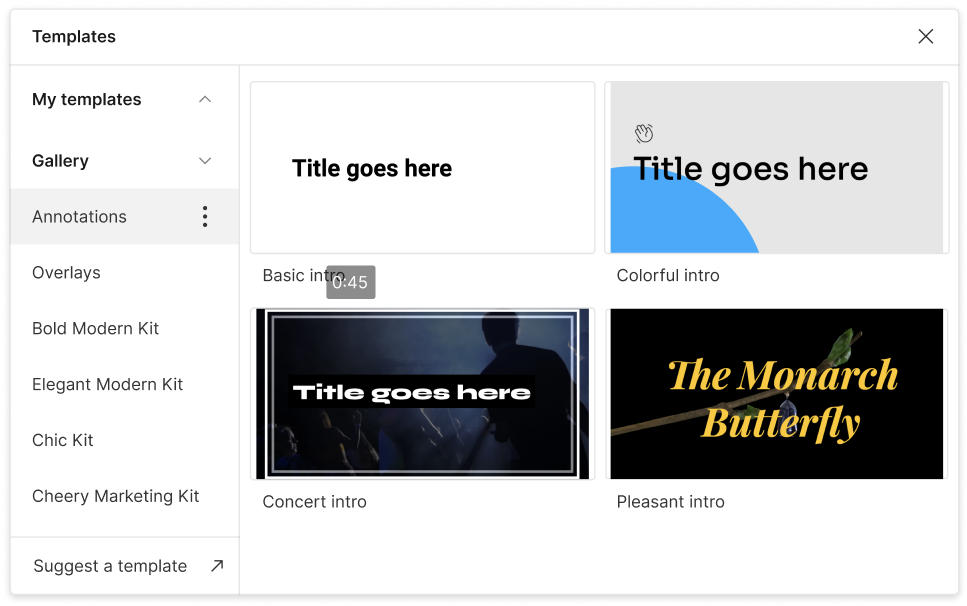
Want a bigger audience? When you add German captions to video, you immediately speak to an entire new group of viewers. Engage international viewers—like magic.
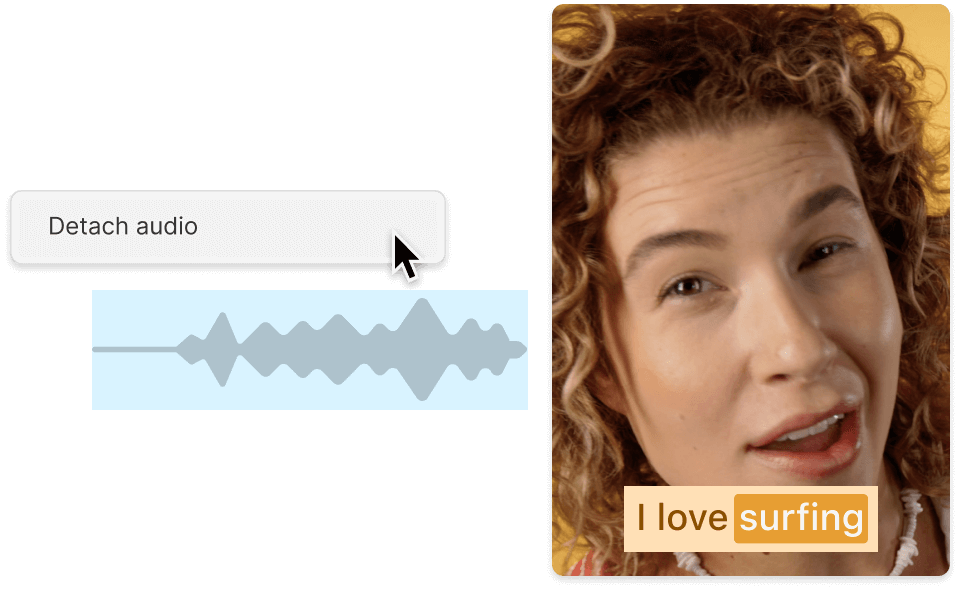
Not everyone watches with the sound on. German speakers who scroll in silence can still follow every word of your story with well-synced captions.
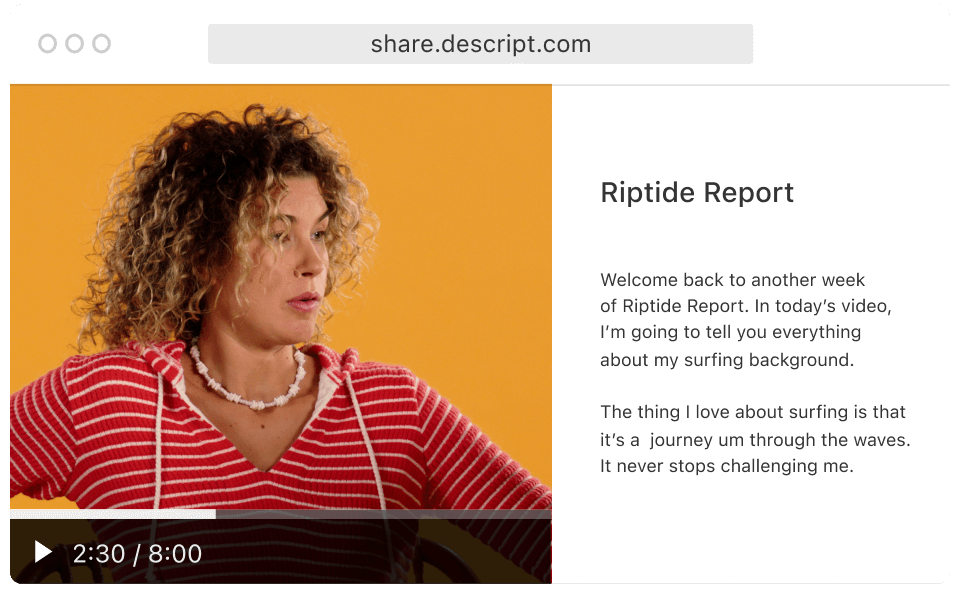
Plan on keeping your unique style intact. You’re free to pick fonts, colors, or even brand-aligned templates so your German captions mesh with everything else.
Stop juggling multiple tools. With an AI-driven approach, your entire process lives in a single workspace.

Rely on industry-leading speech recognition to capture words and phrases accurately—no more manual keystrokes.
Switch an existing transcript to German, then fix any awkward phrasing or weird fabricated words with quick text edits.
Apply consistent aesthetics by choosing brand-friendly text styles—so your German captions represent you, not a generic robot.
If you’re feeling extra fancy, bundle multiple videos and generate German captions in one push. Efficiency is your friend.
With a 4.6-out-of-5-star rating and a bunch of distinctions on G2, Descript’s users have declared it an industry standard in the video and podcasting world.
2026





“With Descript I'll be able to at least double my content output since editing is taking one-quarter the time it used to.”

Donna B.
“With Descript we can create videos for our YouTube channel and our LinkedIn page much faster and with high quality.”

Balázs N.
“Descript has made cleaning up and creating my educational videos into professional presentations [possible] without needing extensive technical computer skills.”

Barbara C.
“Descript makes recording and editing audio and video a breeze. It's advanced features have streamlined my workflows, saving me a lot of time usually spent editing.”

Roderick F.
“The collaborative tools streamline teamwork, allowing my team and me to work efficiently together on projects. Overall, Descript enhances productivity and simplifies the editing process.”

Aldrich M.
“Transcription-based editing makes the process much faster…All in all, a must have editor for most audiences, especially in SaaS marketing.”

Nidhin M.
Surely there’s one for you
$0
$0
per person / month
Start your journey with text-based editing


1 media hour / month

100 AI credits / month

Export 720p, watermark-free

Limited use of Underlord, our agentic video co-editor and AI tools

Limited trial of AI Speech
$24
$16
per person / month
1 person included
Elevate your projects, watermark-free
10 media hours / month
400 AI credits / month
Export 1080p, watermark-free
Access to Underlord, our AI video co-editor

AI tools including Studio Sound, Remove Filler Words, Create Clips, and more
AI Speech with custom voice clones and video regenerate
Most Popular
$35
$24
per person / month
Scale to a team of 3 (billed separately)
Unlock advanced AI-powered creativity
30 media hours / month
800 AI credits / month
Export 4k, watermark-free
Full access to Underlord, our AI video co-editor and 20+ more AI tools

Generate video with the latest AI models

Unlimited access to royalty-free stock media library

Access to top ups for more media hours and AI credits