Add Spanish Captions to Video
Captions help drive engagement, break language barriers, and make your material more accessible. Learn how to quickly add Spanish captions to video with flexible, streamlined tools.
Get started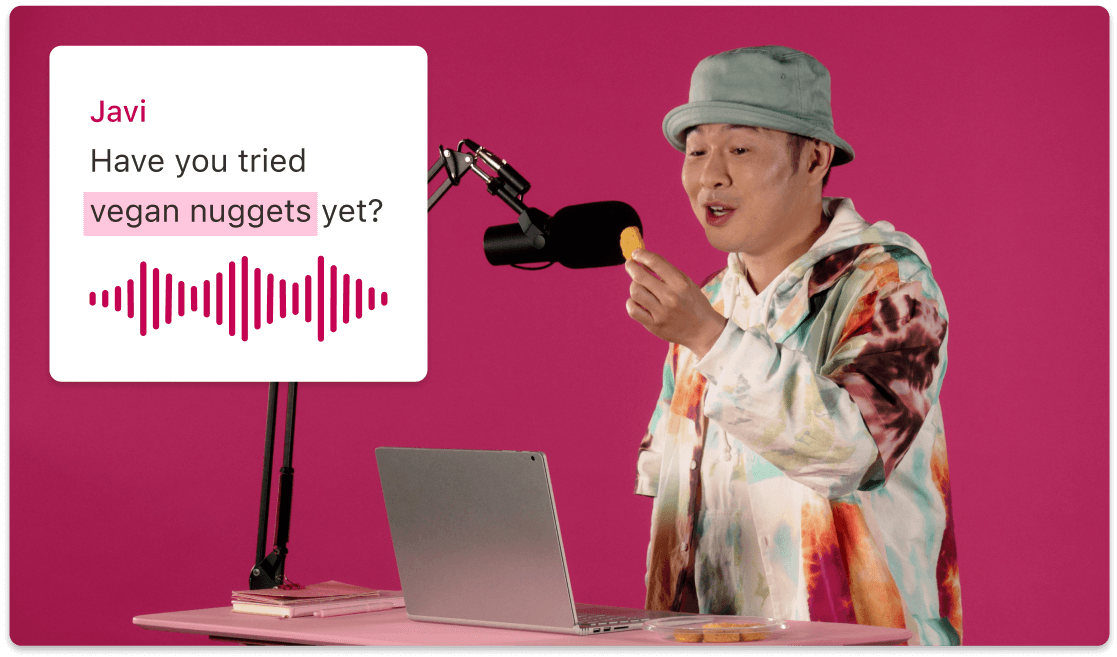
Captions help drive engagement, break language barriers, and make your material more accessible. Learn how to quickly add Spanish captions to video with flexible, streamlined tools.
Get startedThese companies use Descript. Not bad!















01
Open a new project and bring in your video file. You can also record directly in the same interface. Once you have your content, you’re ready to add Spanish captions to video with just a few clicks.
02
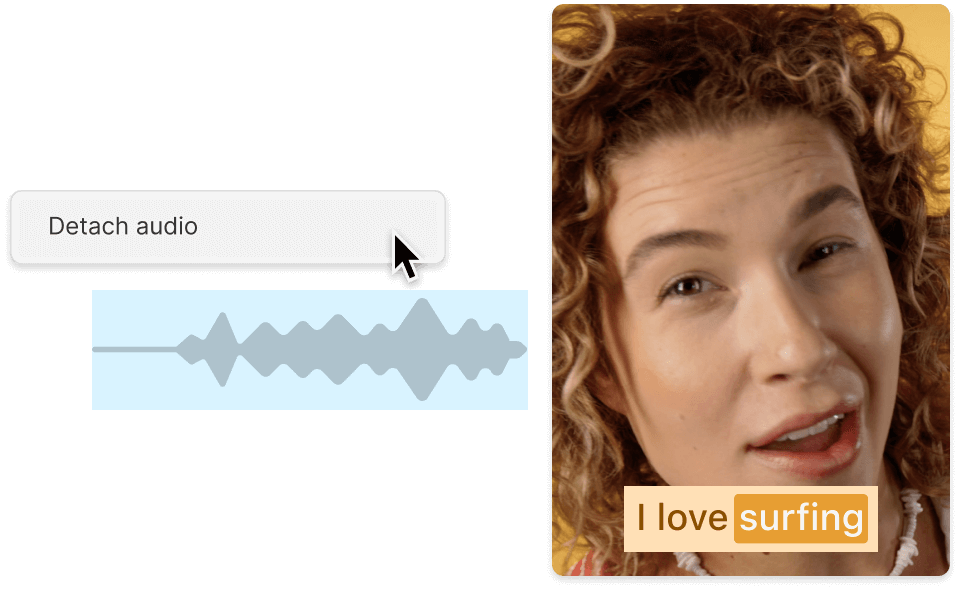
After uploading, generate a transcript. Choose Spanish as the language you want. Once the transcript is ready, it syncs with your footage so that any text edit is reflected in the video talk track.
03
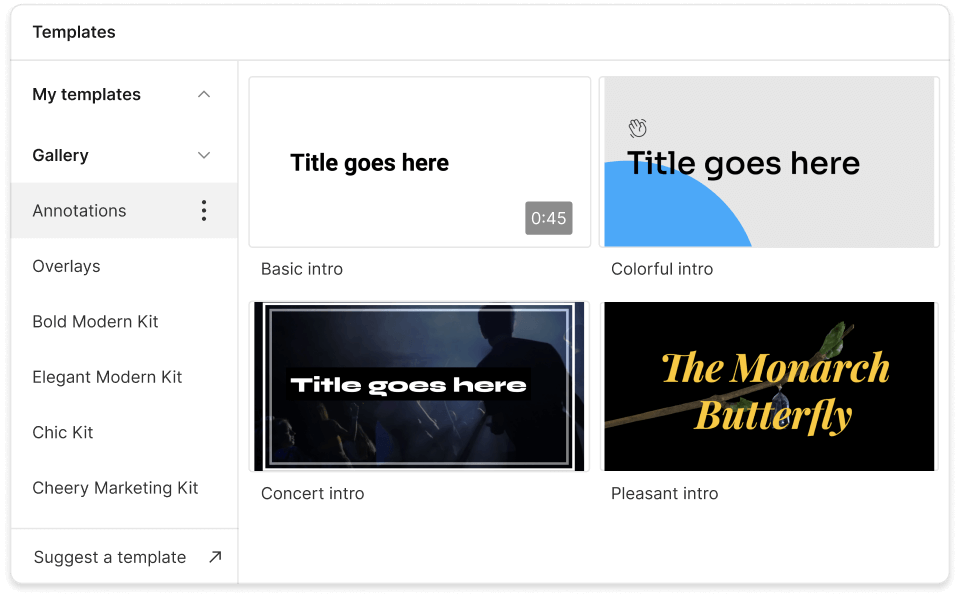
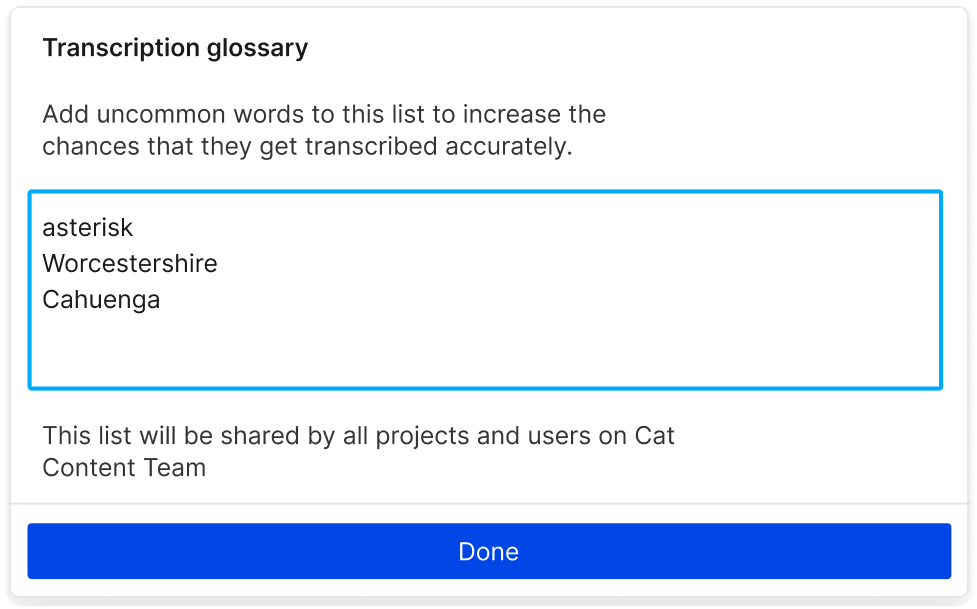
Make sure names, technical terms, and punctuation appear just right. Adjust line breaks, speaker labels, or fonts to give your Spanish captions the feel you want. Then finalize by exporting or sharing online.
Spanish captions expand your content’s impact by breaking language barriers and connecting with the world’s more than 500 million Spanish speakers.
Captions—especially Spanish ones—get your content in front of fresh eyes and can drive more watch time on social feeds that auto-play videos without sound.
Make your content more inclusive to viewers who are Deaf, hard of hearing, or simply prefer to watch with captions—regardless of language.
Everything you need to quickly add Spanish captions to video and tie them perfectly to your visuals.

Generate accurate transcripts right away—no manual typing required. Just choose Spanish and let the AI do the heavy lifting.
When you edit the transcript, your video updates automatically. Mistakes, filler words, or awkward phrases can be removed on the fly.
Line breaks, fonts, colors—tailor captions to your brand or vibe without messing with complicated software or code.
Download your Spanish captions as SRT or bake them right into the video. Share your finished piece on social media with zero hassle.
With a 4.6-out-of-5-star rating and a bunch of distinctions on G2, Descript’s users have declared it an industry standard in the video and podcasting world.
2026





“With Descript I'll be able to at least double my content output since editing is taking one-quarter the time it used to.”

Donna B.
“With Descript we can create videos for our YouTube channel and our LinkedIn page much faster and with high quality.”

Balázs N.
“Descript has made cleaning up and creating my educational videos into professional presentations [possible] without needing extensive technical computer skills.”

Barbara C.
“Descript makes recording and editing audio and video a breeze. It's advanced features have streamlined my workflows, saving me a lot of time usually spent editing.”

Roderick F.
“The collaborative tools streamline teamwork, allowing my team and me to work efficiently together on projects. Overall, Descript enhances productivity and simplifies the editing process.”

Aldrich M.
“Transcription-based editing makes the process much faster…All in all, a must have editor for most audiences, especially in SaaS marketing.”

Nidhin M.
Surely there’s one for you
$0
$0
per person / month
Start your journey with text-based editing


1 media hour / month

100 AI credits / month

Export 720p, watermark-free

Limited use of Underlord, our agentic video co-editor and AI tools

Limited trial of AI Speech
$24
$16
per person / month
1 person included
Elevate your projects, watermark-free
10 media hours / month
400 AI credits / month
Export 1080p, watermark-free
Access to Underlord, our AI video co-editor

AI tools including Studio Sound, Remove Filler Words, Create Clips, and more
AI Speech with custom voice clones and video regenerate
Most Popular
$35
$24
per person / month
Scale to a team of 3 (billed separately)
Unlock advanced AI-powered creativity
30 media hours / month
800 AI credits / month
Export 4k, watermark-free
Full access to Underlord, our AI video co-editor and 20+ more AI tools

Generate video with the latest AI models

Unlimited access to royalty-free stock media library

Access to top ups for more media hours and AI credits