Descript simplifies adding SRT subtitles to MOV files, making your videos more accessible and engaging. Effortlessly sync captions with your content, ensuring clarity and inclusivity for all viewers. Perfect for creators, educators, and businesses aiming to enhance their video communication.
Get startedThese companies use Descript. Not bad!
01
Sign up for Descript and create a new project. Simply drag and drop your MOV file into the project window. Descript will automatically begin transcribing your video, making it easy to add SRT subtitles later.
02
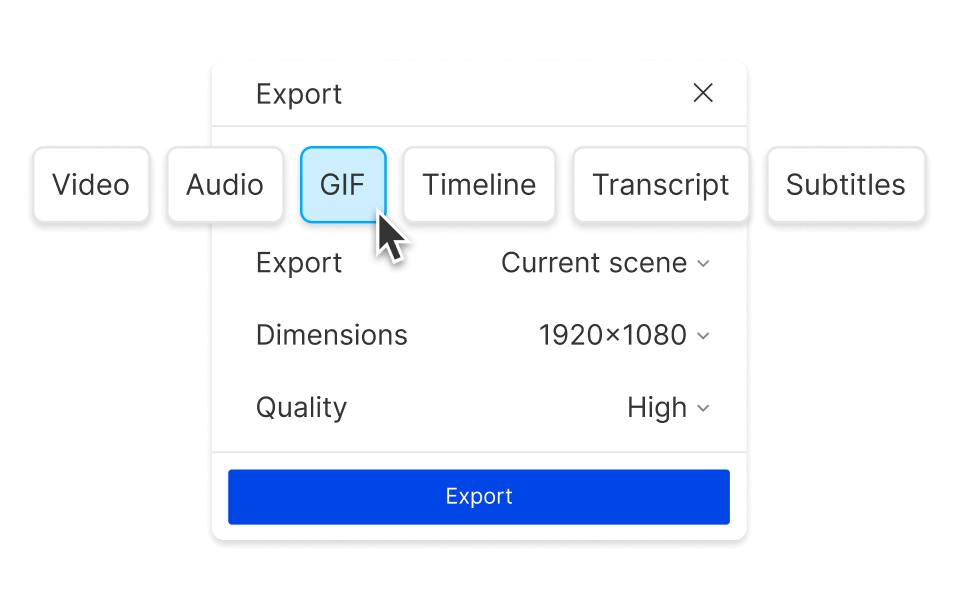
Once transcription is complete, click on "Underlord," type "Subtitles" into the search bar, and select "Export Subtitles." This will generate an SRT file that you can easily add to your MOV video, ensuring your content is accessible and engaging for all viewers.
03
Under the 'Subtitles' tab, select your desired subtitle format. Ensure the exported file name ends with the correct MOV extension to maintain compatibility. This step is crucial for seamless integration of your subtitles with the video file.
Descript's fast, accurate AI transcription learns how you talk, making it easier than ever to add SRT to MOV files. This feature ensures your subtitles are precise and tailored to your unique speech patterns, enhancing the accessibility and professionalism of your videos effortlessly.
Enhance your videos effortlessly with Descript's ability to generate subtitle files complete with speaker labels and time codes. Seamlessly add SRT to MOV files, ensuring your content is accessible and engaging. This feature simplifies the process, making your videos more inclusive and professional without the hassle.
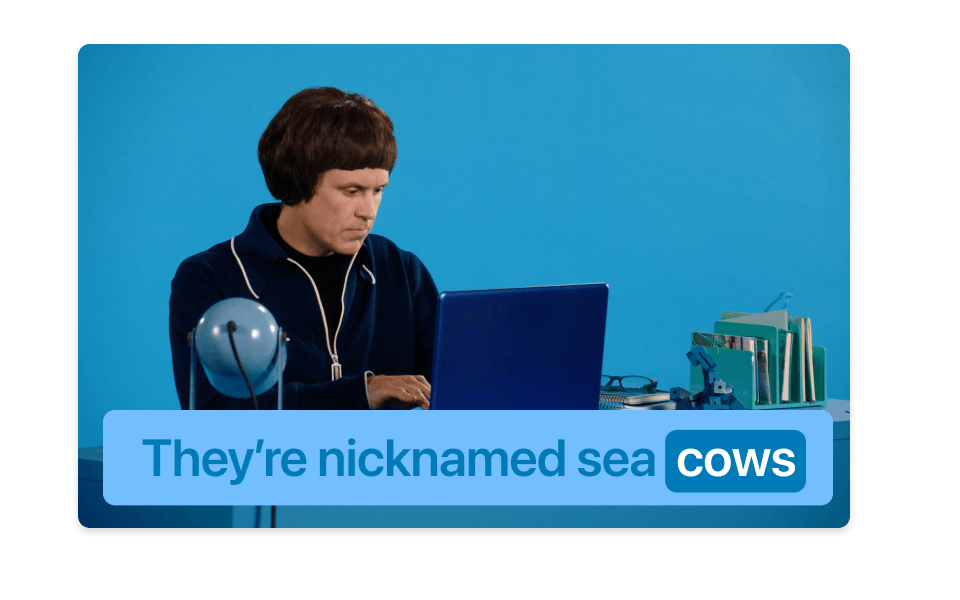
With Descript's always auto-synced captions, adding SRT to MOV files is seamless. The tool ensures your captions stay perfectly aligned with your video, eliminating the need for manual adjustments. This feature guarantees that your audience receives accurate, real-time subtitles, enhancing accessibility and viewer engagement effortlessly.
Descript is an AI-powered audio and video editing tool that lets you edit podcasts and videos like a doc.
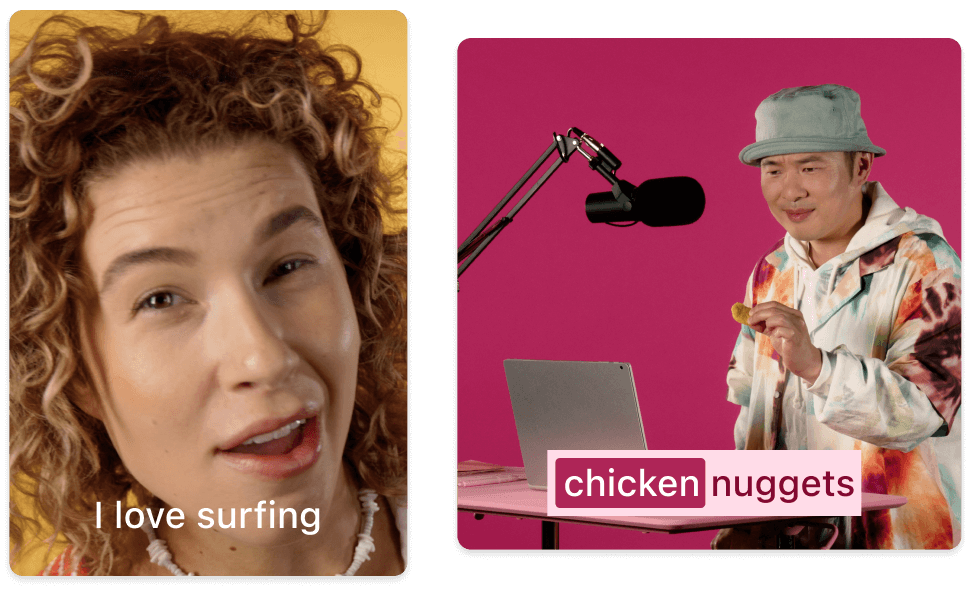
Effortlessly add SRT captions to MOV files, enhancing accessibility and viewer engagement with Descript's intuitive captions & subtitles feature.
Effortlessly transcribe your MOV files to generate accurate SRT subtitles, enhancing accessibility and viewer engagement.
Effortlessly sync and edit multiple audio and video tracks to add SRT to MOV files with Descript's multi-track editor.
Effortlessly edit videos and add SRT to MOV files, enhancing accessibility and viewer engagement with Descript's intuitive video editing tools.
With a 4.6-out-of-5-star rating and a bunch of distinctions on G2, Descript’s users have declared it an industry standard in the video and podcasting world.
2025
“With Descript I'll be able to at least double my content output since editing is taking one-quarter the time it used to.”
Donna B.
“With Descript we can create videos for our YouTube channel and our LinkedIn page much faster and with high quality.”
Balázs N.
“Descript has made cleaning up and creating my educational videos into professional presentations [possible] without needing extensive technical computer skills.”
Barbara C.
“Descript makes recording and editing audio and video a breeze. It's advanced features have streamlined my workflows, saving me a lot of time usually spent editing.”
Roderick F.
“The collaborative tools streamline teamwork, allowing my team and me to work efficiently together on projects. Overall, Descript enhances productivity and simplifies the editing process.”
Aldrich M.
“Transcription-based editing makes the process much faster…All in all, a must have editor for most audiences, especially in SaaS marketing.”
Nidhin M.
Surely there’s one for you
$0
$0
per person / month
Start your journey with text-based editing
1 media hour / month
100 AI credits / month
Export 720p, watermark-free
Limited use of Underlord, our agentic video co-editor and AI tools
Limited trial of AI Speech
$24
$16
per person / month
1 person included
Elevate your projects, watermark-free
10 media hours / month
400 AI credits / month
Export 1080p, watermark-free
Access to Underlord, our AI video co-editor
AI tools including Studio Sound, Remove Filler Words, Create Clips, and more
AI Speech with custom voice clones and video regenerate
Most Popular
$35
$24
per person / month
Scale to a team of 3 (billed separately)
Unlock advanced AI-powered creativity
30 media hours / month
+5 bonus hours
800 AI credits / month
+500 bonus credits
Export 4k, watermark-free
Full access to Underlord, our AI video co-editor and 20+ more AI tools
Generate video with the latest AI models
Unlimited access to royalty-free stock media library
Access to top ups for more media hours and AI credits