Regenerate Audio. No Re-Recording Required.
Outside noise, fumbled phrases, or sudden distractions? Let AI fix that.
Get started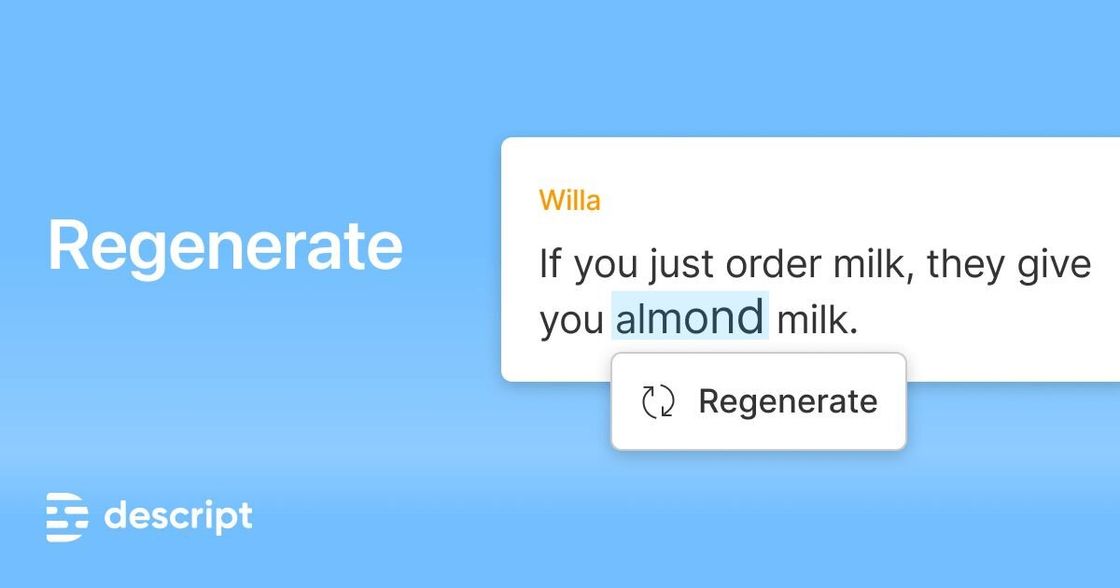
Outside noise, fumbled phrases, or sudden distractions? Let AI fix that.
Get startedThese companies use Descript. Not bad!















01
Pick the AI voice you want to use. Regenerate matches your new lines to that speaker, so everything sounds natural and consistent.
02
Look through your transcript, find the words or passages you want changed, and highlight them. Whether you want to remove background noise, fix an awkward line, or rewrite a sentence, Regenerate does the heavy lifting.
03
Type in the new words or lines you want. Hit Regenerate, and Descript instantly creates a fresh version of your audio that blends seamlessly into the rest of your track. Listen back to the preview, try again for variations, or roll back to your original with one click.
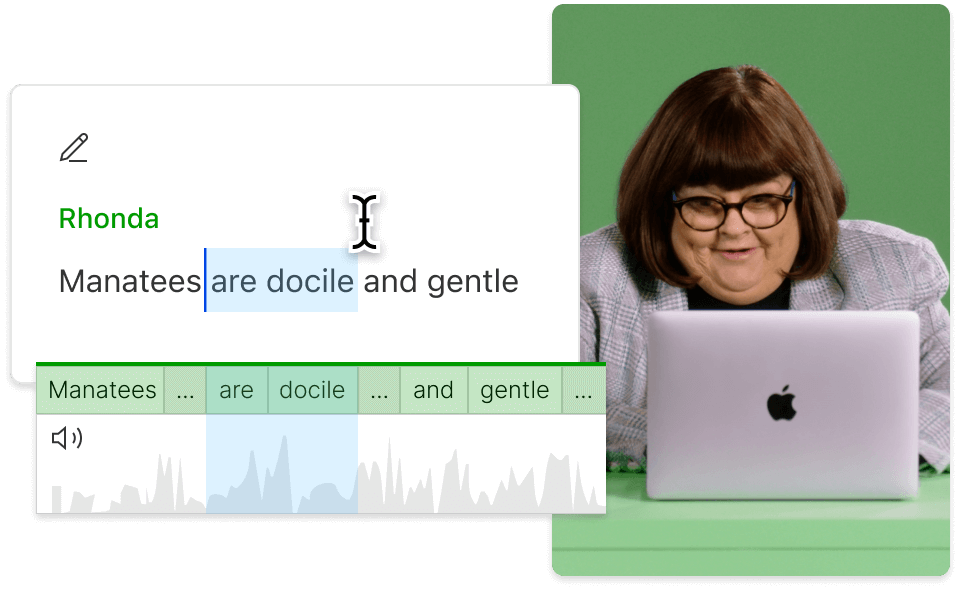
New lines don’t sound new — they drop directly into your timeline, keeping your video and captions in sync. No jarring cuts, no extra alignment work.
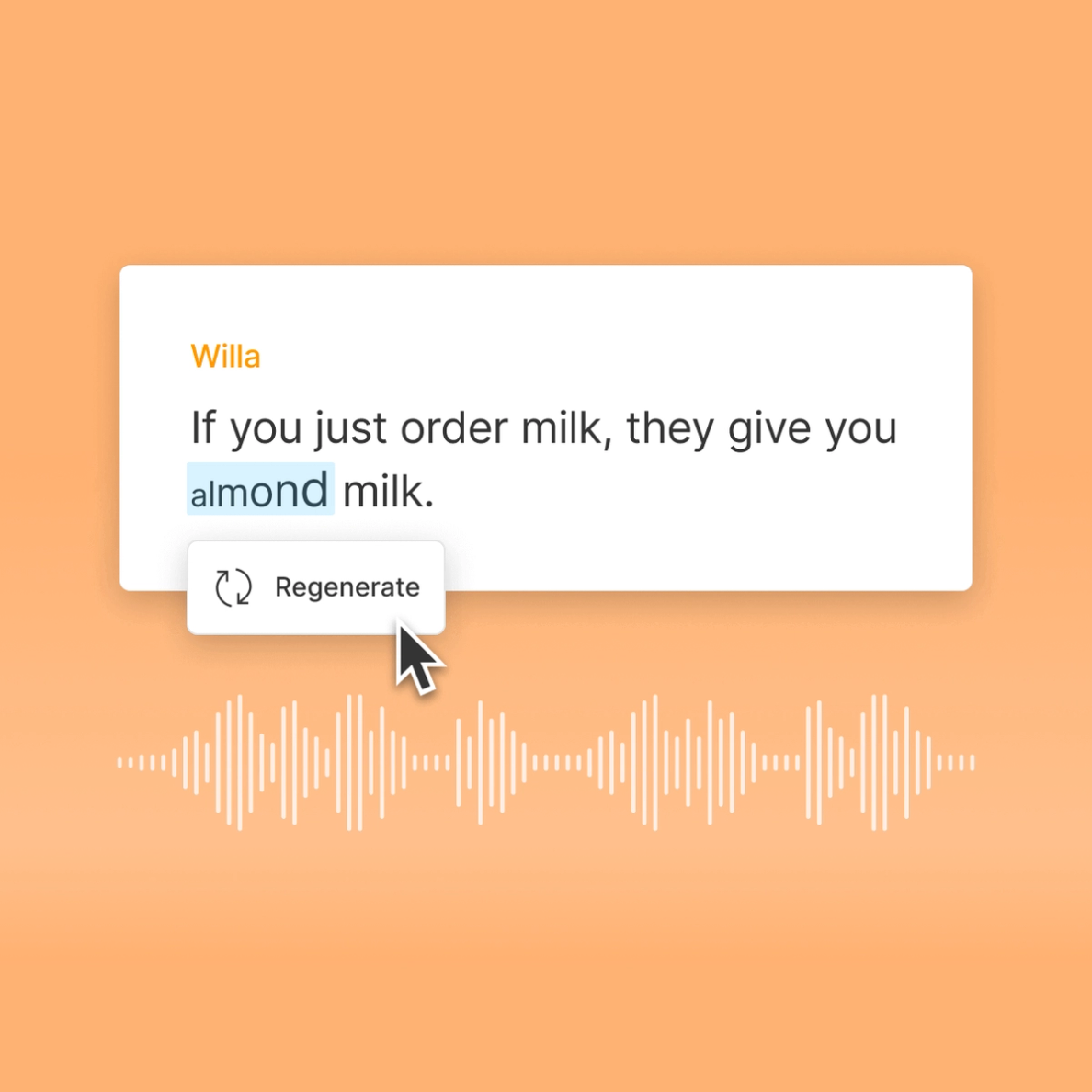
Fix slip-ups in seconds and keep your creative momentum. Regenerate saves you hours of re-recording so you can focus on finishing, not fixing.
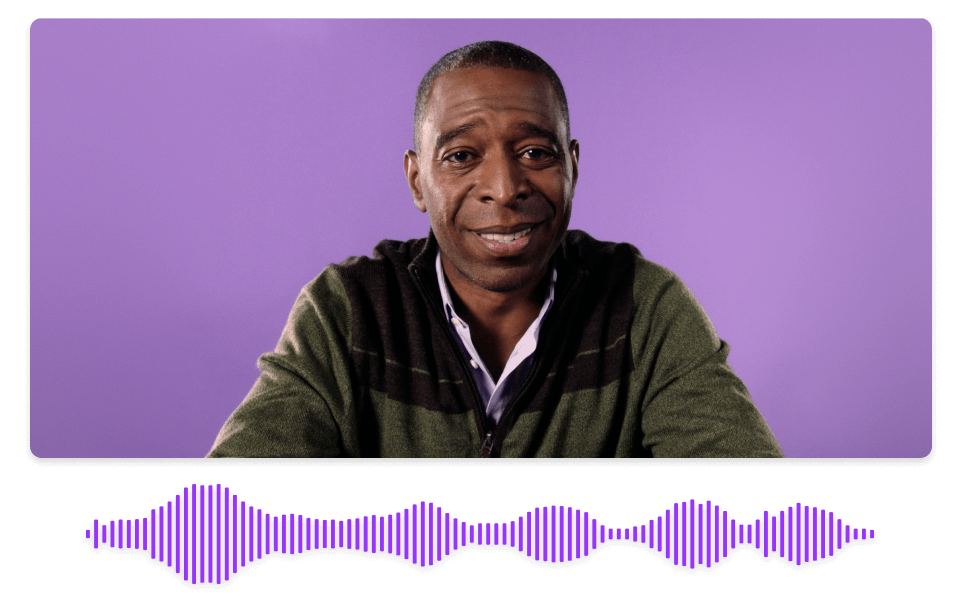
Smooth out clunky dialogue, awkward deliveries, or distracting sounds without touching the rest of your track. Every edit blends naturally into your original recording.
Harness AI to fix bloopers, remove random noise, and improve flow—without a single retake.

With advanced machine learning, your AI re-recordings blend seamlessly with the original. No need to cringe at jarring transitions or awkward tone shifts.
Sometimes you have more than a single line to fix. Regenerate lets you select a whole paragraph or chunk of audio and rewrite it for a polished performance.
Whether it’s a slamming door or a barking dog, highlight the unwanted noise region, type your replacement text, and Regenerate your way to a cleaner clip.
Your re-written audio automatically impacts the video's timeline. Edits stay matched up, so your lips, captions, or speaker track don’t fall out of alignment.
With a 4.6-out-of-5-star rating and a bunch of distinctions on G2, Descript’s users have declared it an industry standard in the video and podcasting world.
2026





“With Descript I'll be able to at least double my content output since editing is taking one-quarter the time it used to.”

Donna B.
“With Descript we can create videos for our YouTube channel and our LinkedIn page much faster and with high quality.”

Balázs N.
“Descript has made cleaning up and creating my educational videos into professional presentations [possible] without needing extensive technical computer skills.”

Barbara C.
“Descript makes recording and editing audio and video a breeze. It's advanced features have streamlined my workflows, saving me a lot of time usually spent editing.”

Roderick F.
“The collaborative tools streamline teamwork, allowing my team and me to work efficiently together on projects. Overall, Descript enhances productivity and simplifies the editing process.”

Aldrich M.
“Transcription-based editing makes the process much faster…All in all, a must have editor for most audiences, especially in SaaS marketing.”

Nidhin M.
Surely there’s one for you
$0
$0
per person / month
Start your journey with text-based editing


1 media hour / month

100 AI credits / month

Export 720p, watermark-free

Limited use of Underlord, our agentic video co-editor and AI tools

Limited trial of AI Speech
$24
$16
per person / month
1 person included
Elevate your projects, watermark-free
10 media hours / month
400 AI credits / month
Export 1080p, watermark-free
Access to Underlord, our AI video co-editor

AI tools including Studio Sound, Remove Filler Words, Create Clips, and more
AI Speech with custom voice clones and video regenerate
Most Popular
$35
$24
per person / month
Scale to a team of 3 (billed separately)
Unlock advanced AI-powered creativity
30 media hours / month
800 AI credits / month
Export 4k, watermark-free
Full access to Underlord, our AI video co-editor and 20+ more AI tools

Generate video with the latest AI models

Unlimited access to royalty-free stock media library

Access to top ups for more media hours and AI credits