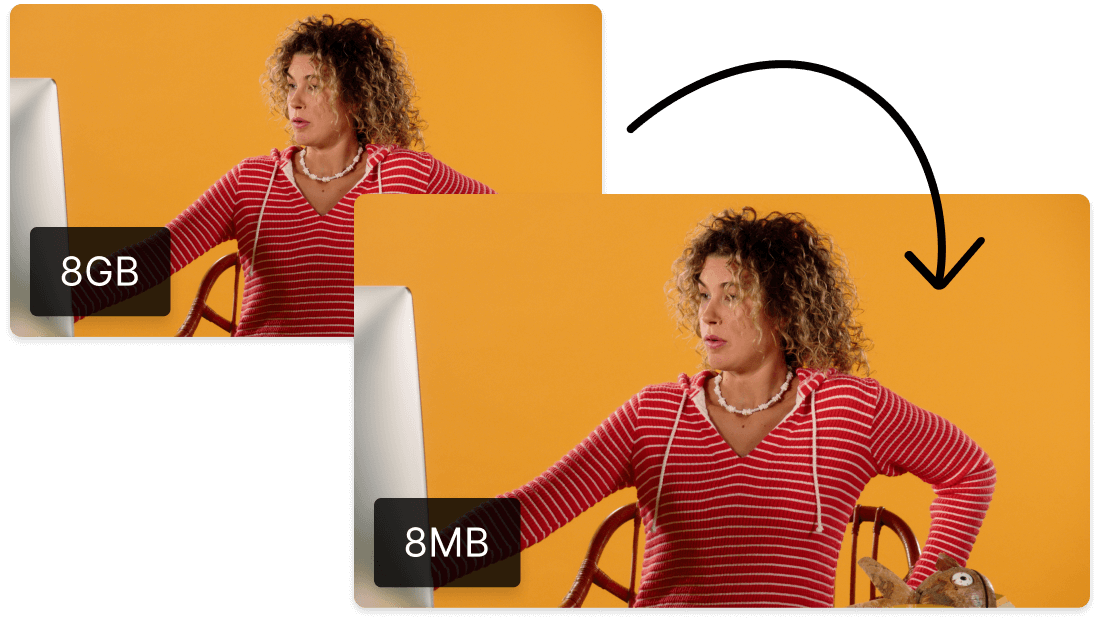
Descript's H264 compression tool optimizes video files for faster uploads and smoother streaming. Effortlessly reduce file sizes without compromising quality, making it perfect for content creators, marketers, and educators. Enhance your workflow with seamless integration and user-friendly features.
Get startedThese companies use Descript. Not bad!
01
Sign Up, Create Project, and Upload File
Sign up for Descript and create a new project. Simply drag and drop your h264 file into the project window. Descript will automatically process the file, making it ready for compression.
02
Adjust Export Settings for Optimal Output
Once processing is complete, navigate to the export settings. Here, you can adjust the size, type, and quality of your compressed h264 file to meet your specific needs. This flexibility ensures that your final output is optimized for your intended use, whether it's for web streaming or local storage.
03
Publish and Export Your Compressed h264 File
Once you've made your adjustments, click 'Publish' and navigate to the 'Export' tab. Configure your desired settings, then click 'Export' to download the compressed h264 file to your chosen location. This streamlined process ensures your video is ready for use in just a few clicks.
Resize, crop, and compress GIFs in seconds
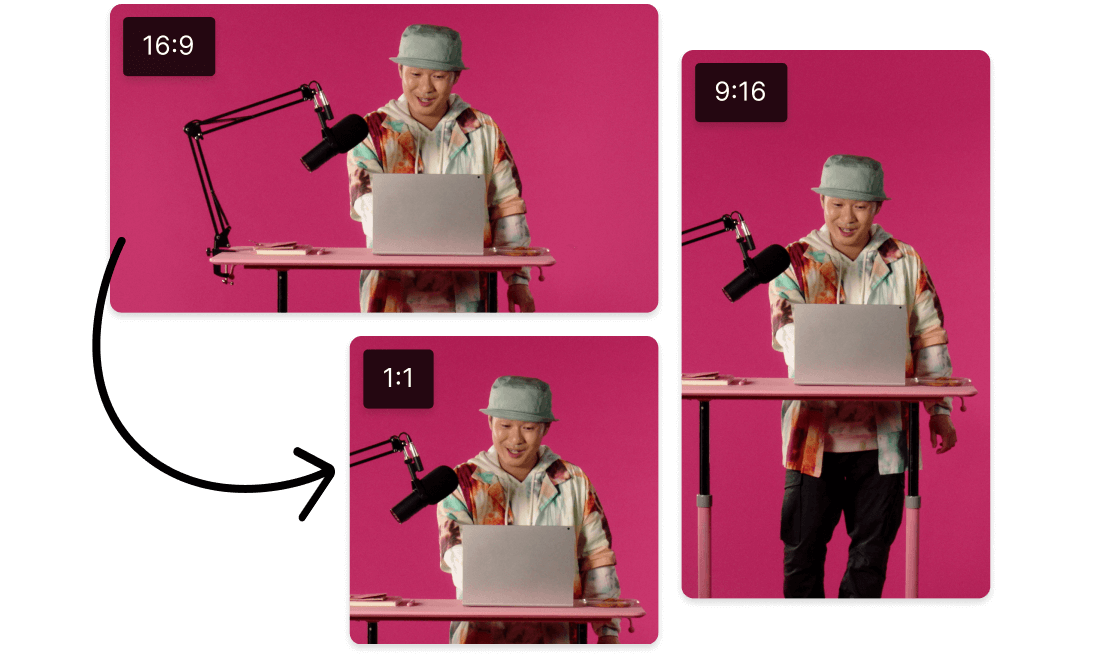
With Descript, resizing, cropping, and compressing GIFs is a breeze. Whether you're looking to optimize your h264 videos or create engaging visuals, this tool ensures your GIFs are perfectly tailored in seconds. Achieve the ideal balance between quality and file size effortlessly.
Multiple ways to reduce GIF sizes
Descript offers multiple ways to reduce GIF sizes, making it easier to compress h264 videos. Optimize your GIFs without sacrificing quality, ensuring your content loads quickly and efficiently. Whether you're sharing on social media or embedding in presentations, Descript's tools help you maintain high performance and visual appeal.
Create GIFs from images and videos
Transform your compressed h264 videos into engaging GIFs effortlessly with Descript. Whether you're looking to create eye-catching snippets from your videos or turn static images into dynamic content, Descript makes it simple. Enhance your visual storytelling and shareable content with just a few clicks.
Descript is an AI-powered audio and video editing tool that lets you edit podcasts and videos like a doc.
Collaboration
Collaborate seamlessly with team members while compressing h264 videos, ensuring efficient workflow and high-quality output.
Multi-track editor
Effortlessly compress h264 files while managing multiple audio and video tracks with Descript's intuitive multi-track editor.
Studio Sound
Enhance your h264 compression with Descript's Studio Sound, ensuring crystal-clear audio quality in your compressed videos.
Text-based editing
Effortlessly edit your h264 videos by simply editing text, making video compression and adjustments intuitive and straightforward.
Donna B.
Surely there’s one for you
Free
per person / month
Start your journey with text-based editing
1 media hour / month
100 AI credits / month
Export 720p, watermark-free
Limited use of Underlord, our agentic video co-editor and AI tools
Limited trial of AI Speech
Hobbyist
per person / month
1 person included
Elevate your projects, watermark-free
10 media hours / month
400 AI credits / month
Export 1080p, watermark-free
Access to Underlord, our AI video co-editor
AI tools including Studio Sound, Remove Filler Words, Create Clips, and more
AI Speech with custom voice clones and video regenerate
Most Popular
Creator
per person / month
Scale to a team of 3 (billed separately)
Unlock advanced AI-powered creativity
30 media hours / month
+5 bonus hours
800 AI credits / month
+500 bonus credits
Export 4k, watermark-free
Full access to Underlord, our AI video co-editor and 20+ more AI tools
Generate video with the latest AI models
Unlimited access to royalty-free stock media library
Access to top ups for more media hours and AI credits
What are the supported input formats for the h264 compression tool in Descript?
Can I customize the compression settings for h264 in Descript?
What pricing plans does Descript offer for individual users and teams?
Does Descript provide any collaboration features for team projects?