Compress MOV
Descript’s MOV compression feature shrinks file size without harming quality. Great for creators and pros, it speeds up uploads and makes it simpler to share, so your process flows better.
Get started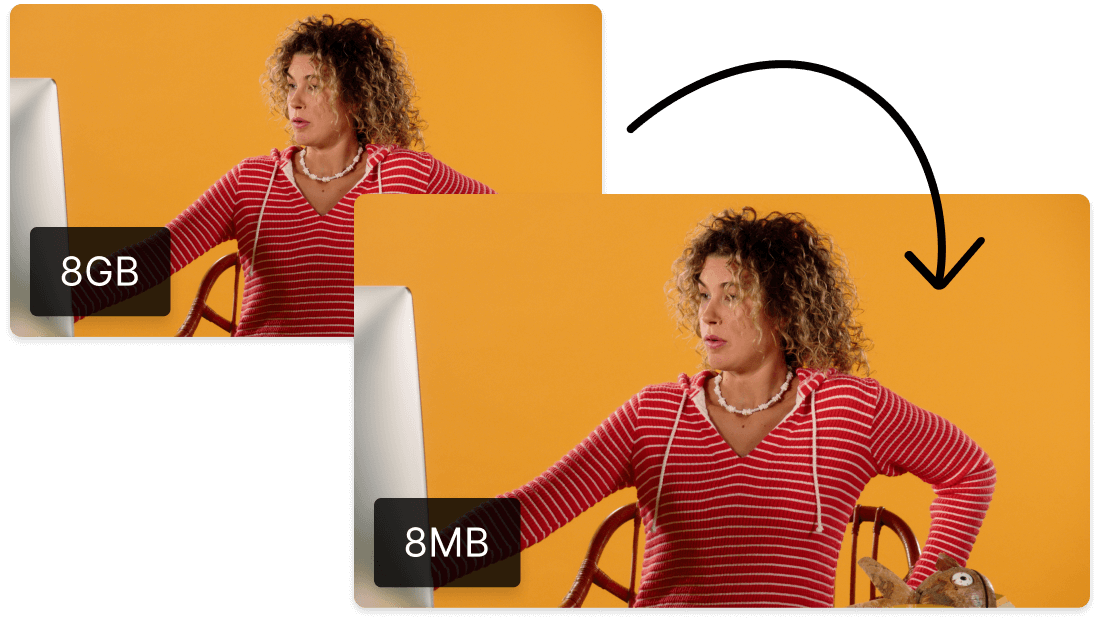
Descript’s MOV compression feature shrinks file size without harming quality. Great for creators and pros, it speeds up uploads and makes it simpler to share, so your process flows better.
Get startedThese companies use Descript. Not bad!















01
Create a Descript account and start a new project. Drag and drop your MOV into the workspace, and Descript gets it ready for compression in record time. No fuss, no complicated steps.
02
After the file processes, check the export settings. Change your MOV’s size, format, and resolution. Need HD or a smaller file? Tweak these settings to get just what you want.
03
Once your settings look good, select 'Publish,' then head to the 'Export' tab. Pick your export preferences and click 'Export' to grab your newly compressed MOV. It's ready to share anywhere you want.
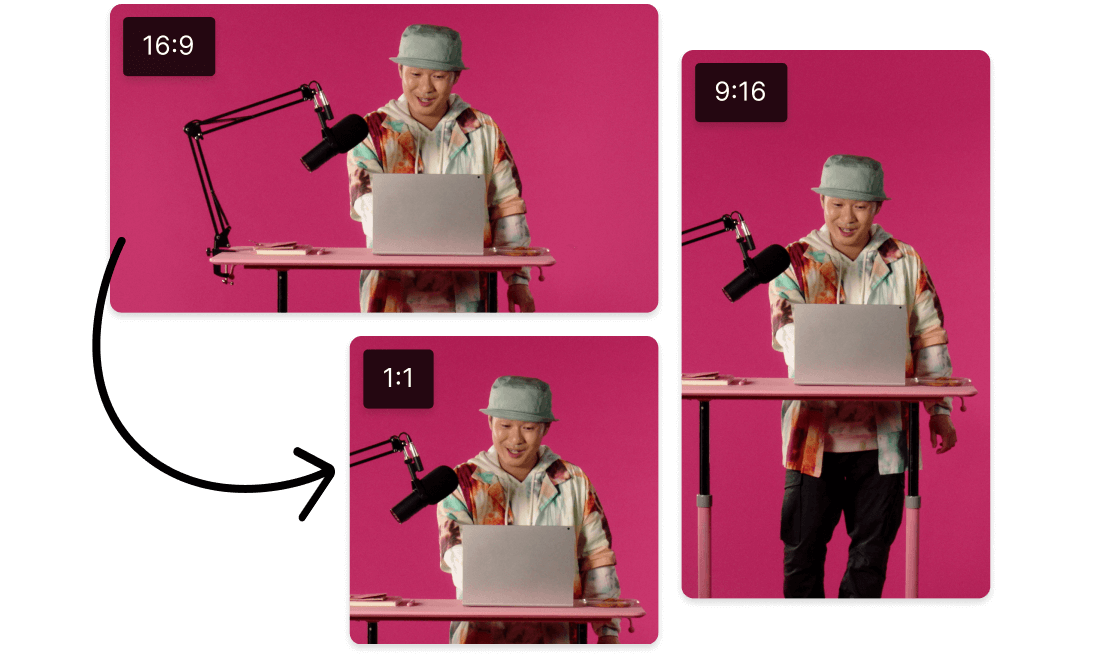
Descript makes resizing, cropping, and compressing GIFs simple. Whether you want to optimize MOV or craft captivating visuals, this feature helps you hit the quality-size sweet spot. Perfect results in just moments.
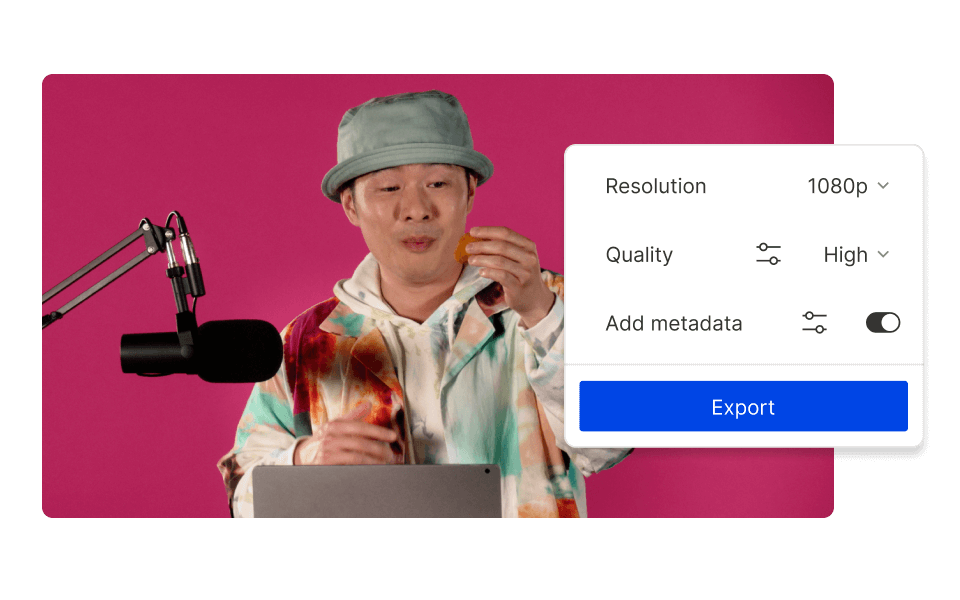
Descript gives you various ways to trim down your GIFs, which also makes compressing MOV simpler. If you’re chasing quicker load times or clearing up space, these versatile tools keep your media crisp while shrinking file size. It’s all about efficient results.

Turn your compressed MOV into snappy GIFs using Descript. Whether starting with pictures or video clips, it’s easy to grab attention and showcase key moments. Elevate your content’s flair and watch engagement rise.
Descript is an AI-driven platform for audio and video that feels as simple as editing text.

Collaborate with your team while compressing MOV files to keep things flowing smoothly and get top results.
Record your screen in a snap, then compress MOV videos for top-notch quality when you share.
Use Descript’s text-driven approach to easily compress MOV files, so shrinking video is as easy as rewording text.
Strip out filler words from your MOV, delivering a refined, professional video with Descript.
With a 4.6-out-of-5-star rating and a bunch of distinctions on G2, Descript’s users have declared it an industry standard in the video and podcasting world.
2026





“With Descript I'll be able to at least double my content output since editing is taking one-quarter the time it used to.”

Donna B.
“With Descript we can create videos for our YouTube channel and our LinkedIn page much faster and with high quality.”

Balázs N.
“Descript has made cleaning up and creating my educational videos into professional presentations [possible] without needing extensive technical computer skills.”

Barbara C.
“Descript makes recording and editing audio and video a breeze. It's advanced features have streamlined my workflows, saving me a lot of time usually spent editing.”

Roderick F.
“The collaborative tools streamline teamwork, allowing my team and me to work efficiently together on projects. Overall, Descript enhances productivity and simplifies the editing process.”

Aldrich M.
“Transcription-based editing makes the process much faster…All in all, a must have editor for most audiences, especially in SaaS marketing.”

Nidhin M.
Surely there’s one for you
$0
$0
per person / month
Start your journey with text-based editing


1 media hour / month

100 AI credits / month

Export 720p, watermark-free

Limited use of Underlord, our agentic video co-editor and AI tools

Limited trial of AI Speech
$24
$16
per person / month
1 person included
Elevate your projects, watermark-free
10 media hours / month
400 AI credits / month
Export 1080p, watermark-free
Access to Underlord, our AI video co-editor

AI tools including Studio Sound, Remove Filler Words, Create Clips, and more
AI Speech with custom voice clones and video regenerate
Most Popular
$35
$24
per person / month
Scale to a team of 3 (billed separately)
Unlock advanced AI-powered creativity
30 media hours / month
800 AI credits / month
Export 4k, watermark-free
Full access to Underlord, our AI video co-editor and 20+ more AI tools

Generate video with the latest AI models

Unlimited access to royalty-free stock media library

Access to top ups for more media hours and AI credits