Descript is a powerful tool designed to increase volume for h264 video files effortlessly. Enhance your audio levels with precision, ensuring your content is always heard loud and clear. Perfect for creators looking to optimize their video sound quality seamlessly.
Get startedThese companies use Descript. Not bad!
01
Sign up for Descript, then start a new project. Drag and drop your MP4 file into the project for automatic processing. This seamless integration allows you to quickly get started on enhancing your video's audio without any hassle.
02
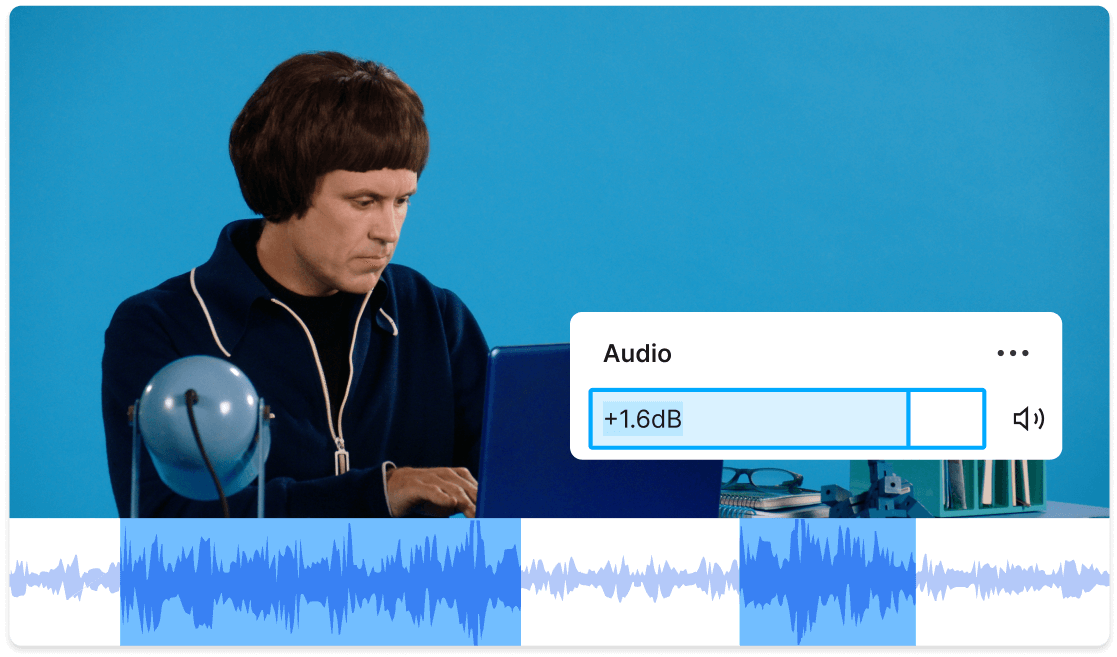
In the "Layers" panel on the right sidebar, adjust the audio volume by dragging the slidebar or typing in a specific value for precise control. This allows you to fine-tune the audio levels to ensure your video sounds just right.
03
After making your adjustments, click 'Publish' and navigate to the 'Export' tab. Select the h264 format, configure your desired settings, and click 'Export' to save your file. This ensures your video is optimized and ready for sharing or further use.
With Descript, you can effortlessly adjust volume levels and edit audio with precision, ensuring your h264 videos sound perfect. Whether you're boosting quiet segments or balancing audio tracks, Descript provides the tools you need to achieve professional-quality sound, enhancing the overall viewing experience for your audience.
Enhance your video’s audio effortlessly with Descript. With just one click, you can upgrade the audio quality, ensuring your h264 videos sound professional and clear. Perfect for increasing volume and clarity, this feature saves you time and delivers top-notch results instantly.
Enhance your h264 videos effortlessly with Descript's AI-powered feature to eliminate background noise and regenerate audio. Achieve crystal-clear sound quality, ensuring your content is professional and engaging. Perfect for increasing volume and clarity, making your videos stand out without the hassle of manual editing.
Descript is an AI-powered audio and video editing tool that lets you edit podcasts and videos like a doc.
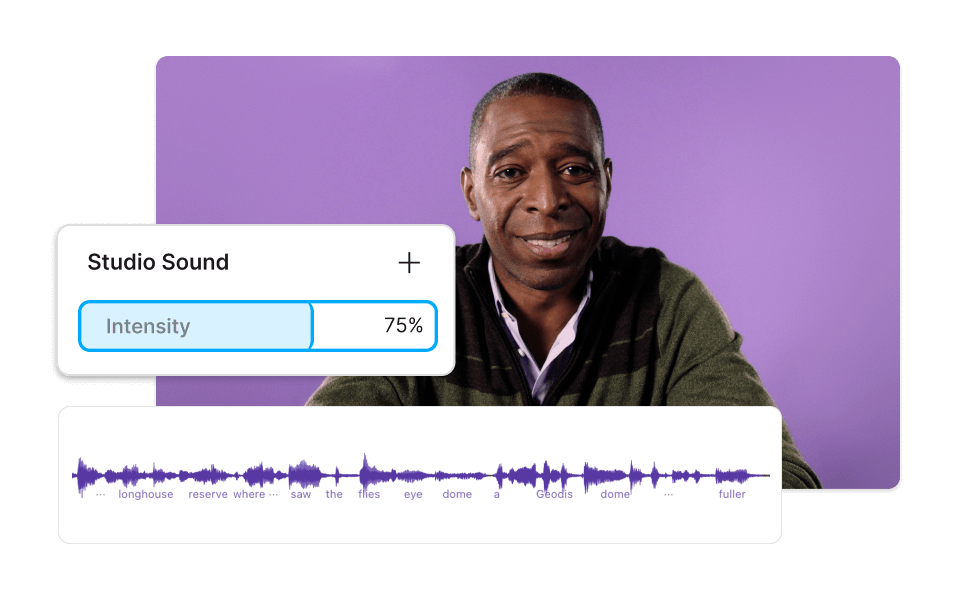
Enhance your audio quality with Descript's Studio Sound, perfect for increasing volume in h264 videos effortlessly.
Effortlessly adjust audio levels with Descript's multi-track editor, perfect for increasing volume in h264 video files.
Effortlessly increase volume in h264 videos using Descript's intuitive text-based editing, making precise adjustments without complex software.
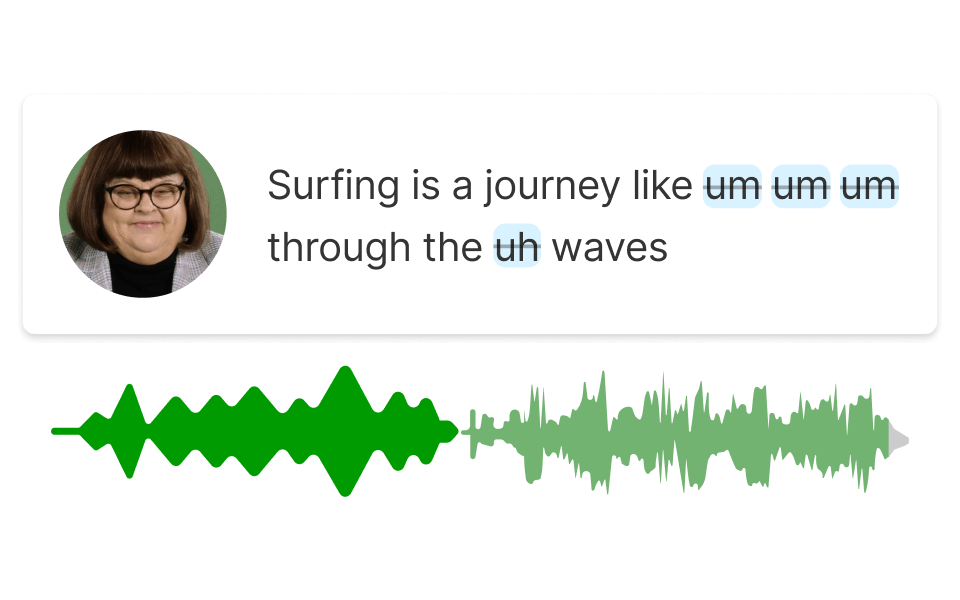
Effortlessly remove filler words to enhance audio clarity and increase volume in your h264 videos with Descript's intuitive tool.
Surely there’s one for you
Free
per person / month
Start your journey with text-based editing
1 media hour / month
100 AI credits / month
Export 720p, watermark-free
Limited use of Underlord, our agentic video co-editor and AI tools
Limited trial of AI Speech
Hobbyist
per person / month
1 person included
Elevate your projects, watermark-free
10 media hours / month
400 AI credits / month
Export 1080p, watermark-free
Access to Underlord, our AI video co-editor
AI tools including Studio Sound, Remove Filler Words, Create Clips, and more
AI Speech with custom voice clones and video regenerate
Most Popular
Creator
per person / month
Scale to a team of 3 (billed separately)
Unlock advanced AI-powered creativity
30 media hours / month
+5 bonus hours
800 AI credits / month
+500 bonus credits
Export 4k, watermark-free
Full access to Underlord, our AI video co-editor and 20+ more AI tools
Generate video with the latest AI models
Unlimited access to royalty-free stock media library
Access to top ups for more media hours and AI credits