Descript's audio tool quickly removes breathing from audio, giving your recordings a polished, professional sound. Perfect for podcasters, voice-over artists, and content creators who want crystal-clear quality.
Get startedThese companies use Descript. Not bad!

01
Create an account on Descript and launch a new project. Just drag your file into the project window. Descript automatically transcribes your content, so you can easily spot and remove breathing from audio.
02
Go to "Underlord" and choose the options under "Sound Good" to eliminate any unwanted noise. This feature helps keep your audio clean and professional, removing distractions like background hums and static. It's a simple step that significantly enhances the quality of your recordings.
03
Make any final adjustments, then click "Publish" and head to the "Export" tab. Choose your desired file type, configure the export settings, and click "Export" to save your file. This keeps your audio polished and ready for distribution.
Descript's powerful tool not only removes breathing from audio but also eliminates filler words, enhances voices, and corrects eye contact with a single click. Streamline your editing process and keep your content polished and professional, saving you time and effort while delivering top-notch results.
Enhance your audio effortlessly with Descript's one-click upgrade feature. Perfect for removing breathing sounds, this tool helps your recordings sound professional and polished. Achieve studio-quality audio without the hassle, making your content more engaging and enjoyable for your audience.
Descript's AI-powered tool not only removes breathing from audio but also eliminates background noise and regenerates audio seamlessly. Achieve crystal-clear sound without extra fuss, keeping your recordings professional and distraction-free. Perfect for podcasts, interviews, and any audio content where clarity is paramount.
Descript is an AI-powered audio and video editing tool that lets you edit podcasts and videos like you're working with text.
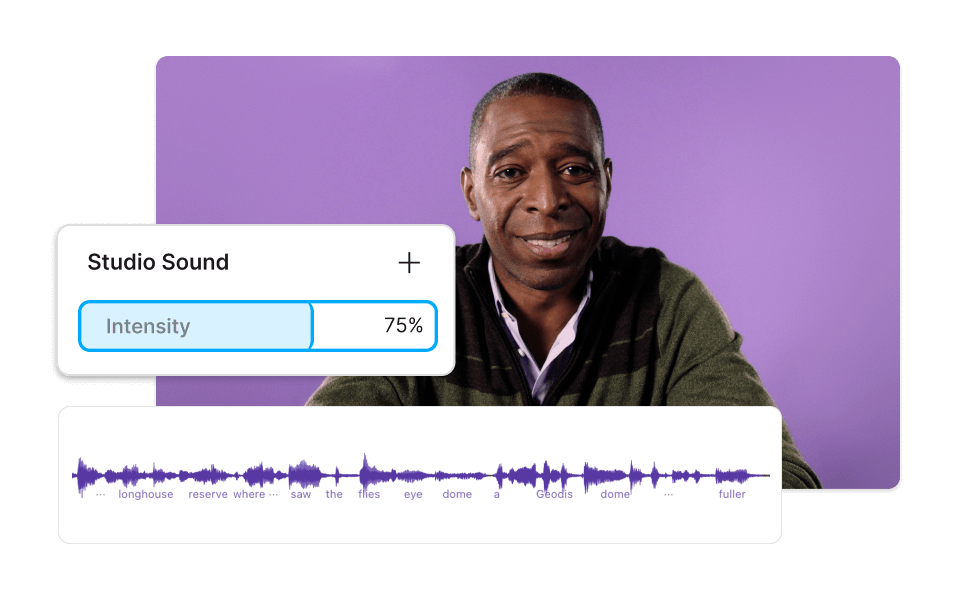
Enhance your audio by removing background noise and breaths with Descript's Studio Sound, leaving you with a polished, professional result.
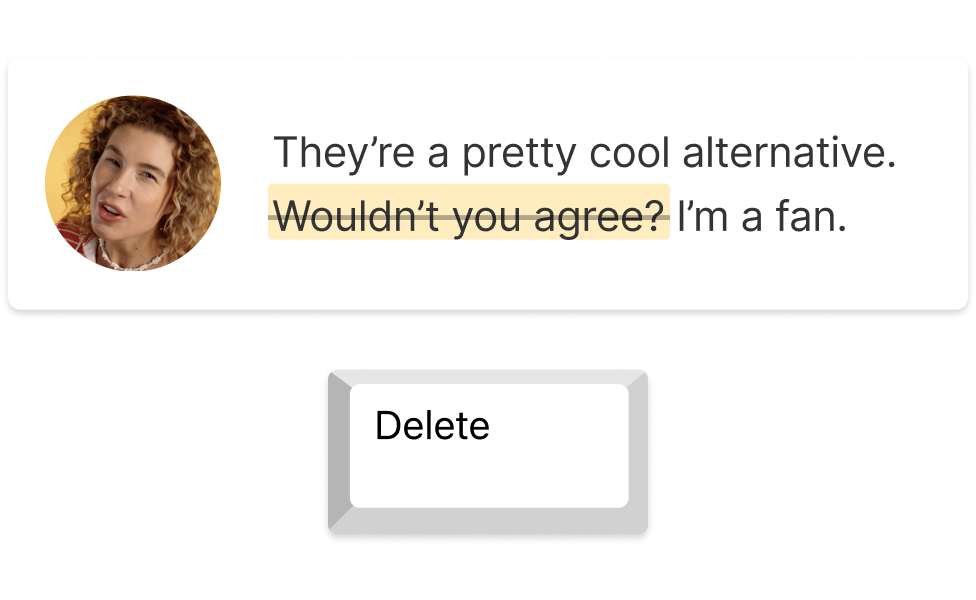
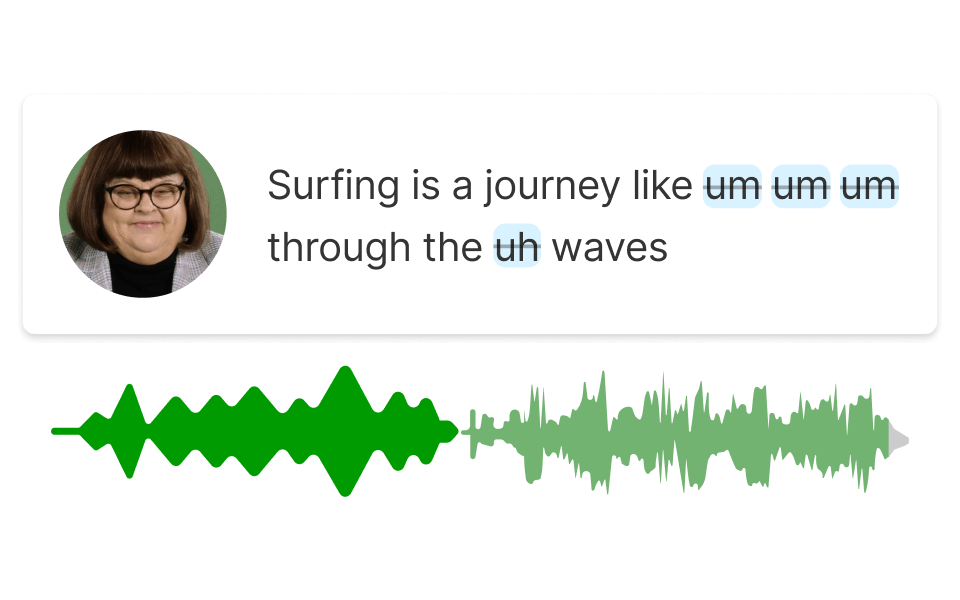
Effortlessly remove filler words from your audio, resulting in a polished and professional sound for your projects.
Transcription in Descript transforms your audio into text for easy spotting and quick removal of any unwanted sounds.
Easily remove breathing from audio with Descript's text-based editing, so your recordings sound clean and professional.
Surely there’s one for you
Free
per person / month
Start your journey with text-based editing
1 media hour / month
100 AI credits / month
Export 720p, watermark-free
Limited use of Underlord, our agentic video co-editor and AI tools
Limited trial of AI Speech
Hobbyist
per person / month
1 person included
Elevate your projects, watermark-free
10 media hours / month
400 AI credits / month
Export 1080p, watermark-free
Access to Underlord, our AI video co-editor
AI tools including Studio Sound, Remove Filler Words, Create Clips, and more
AI Speech with custom voice clones and video regenerate
Most Popular
Creator
per person / month
Scale to a team of 3 (billed separately)
Unlock advanced AI-powered creativity
30 media hours / month
+5 bonus hours
800 AI credits / month
+500 bonus credits
Export 4k, watermark-free
Full access to Underlord, our AI video co-editor and 20+ more AI tools
Generate video with the latest AI models
Unlimited access to royalty-free stock media library
Access to top ups for more media hours and AI credits