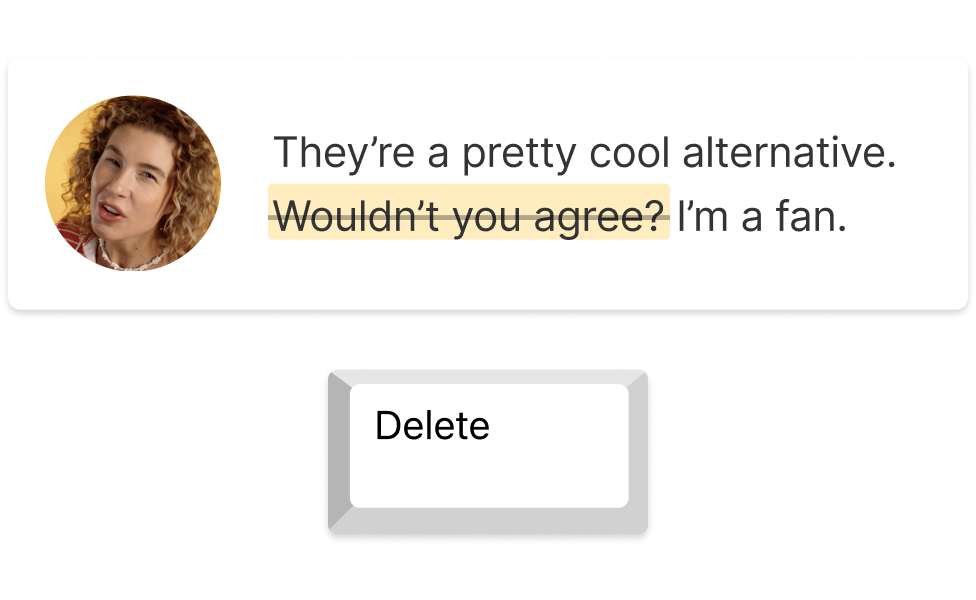
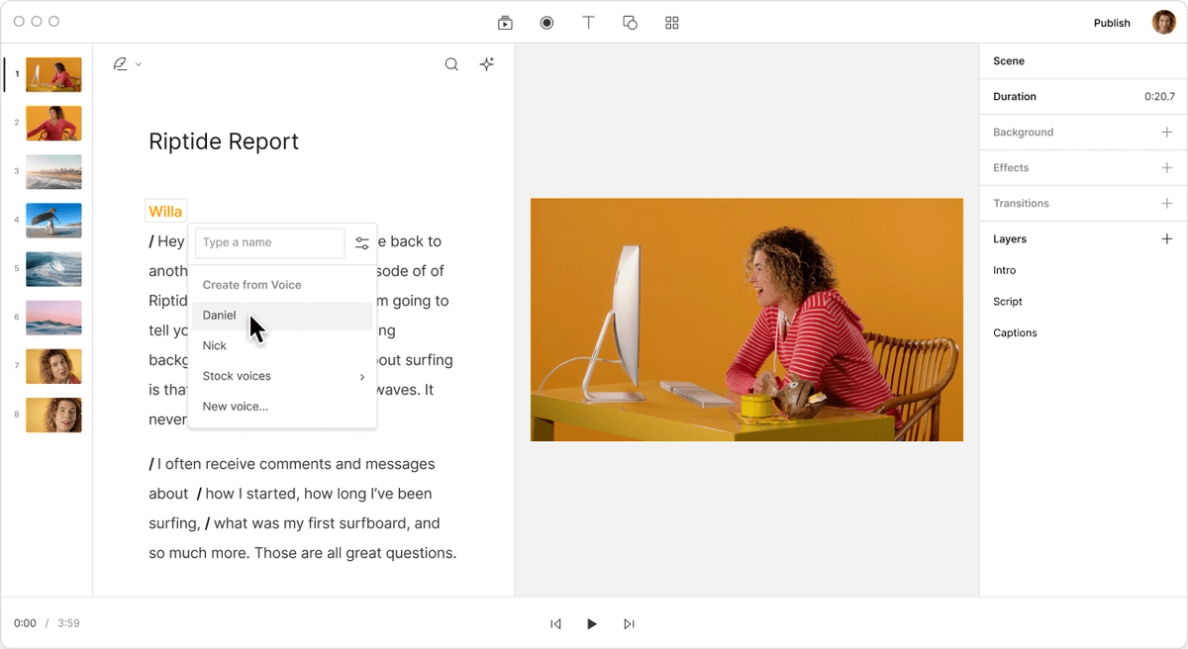
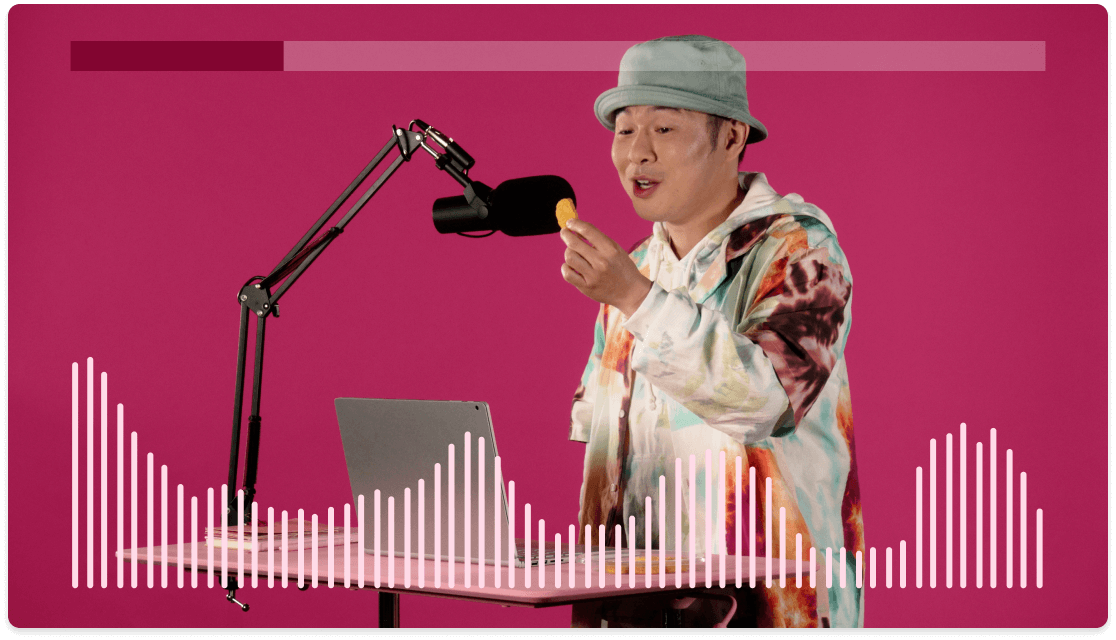
Descript's innovative tool effortlessly removes breathing sounds from your videos, ensuring a seamless and professional audio experience. Perfect for content creators, podcasters, and video editors looking to enhance their production quality with minimal effort.
Get startedThese companies use Descript. Not bad!
01
Sign Up and Import Your Video
Sign up for Descript and start a new project. Simply drag and drop your video file into the project window. Descript will automatically begin transcribing your video, making it easy to edit and remove unwanted elements like breathing sounds.
02
Select "Sound Good" Tools in Underlord
Navigate to the "Underlord" tab and select the tools under "Sound Good." This will help you remove any unwanted noise from your video, ensuring a cleaner and more professional sound. It's a quick and efficient way to enhance your audio quality before finalizing your project.
03
Finalize and Export Your Edited Video
Make any final adjustments, then click "Publish" and select the "Export" tab. Choose your desired file type, configure export settings, and click "Export" to save the file. This ensures your video is saved in the format you need, ready for sharing or further editing.
Remove filler words, enhance voices, and correct eye contact in one click
Descript's powerful tool not only removes breathing sounds from your videos but also eliminates filler words, enhances voice quality, and corrects eye contact with a single click. Streamline your editing process and ensure your content is polished and professional, saving you time and effort.

Instant narration with AI voices & voice cloning
Enhance your videos effortlessly with Descript's AI voices and voice cloning. Instantly generate natural-sounding narration, making it easy to remove breathing sounds and maintain a seamless audio experience. Perfect for creating polished, professional content without the hassle of re-recording.
Eliminate background noise & regenerate audio with AI
Descript's AI-powered tool not only removes breathing sounds from your videos but also eliminates background noise and regenerates audio seamlessly. This ensures your content is clear and professional, enhancing the viewer's experience without the need for extensive re-recording or editing.
Descript is an AI-powered audio and video editing tool that lets you edit podcasts and videos like a doc.
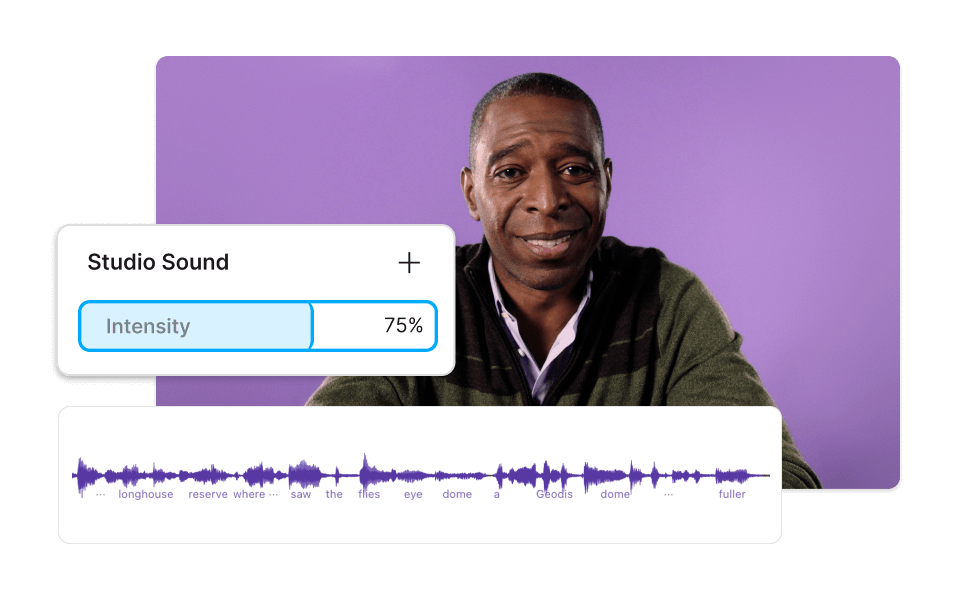
Studio Sound
Enhance your videos by removing background noise and improving audio clarity with Descript's Studio Sound, perfect for seamless breath removal.
Remove filler words
Effortlessly remove filler words from your videos, ensuring a polished and professional final product with Descript's intuitive tool.
Transcription
Transcription effortlessly converts your video’s audio into text, making it simple to identify and remove breathing sounds.
Text-based editing
Effortlessly remove breathing from video using Descript's text-based editing, making your content cleaner and more professional.
Donna B.
Surely there’s one for you
Free
per person / month
Start your journey with text-based editing
1 media hour / month
100 AI credits / month
Export 720p, watermark-free
Limited use of Underlord, our agentic video co-editor and AI tools
Limited trial of AI Speech
Hobbyist
per person / month
1 person included
Elevate your projects, watermark-free
10 media hours / month
400 AI credits / month
Export 1080p, watermark-free
Access to Underlord, our AI video co-editor
AI tools including Studio Sound, Remove Filler Words, Create Clips, and more
AI Speech with custom voice clones and video regenerate
Most Popular
Creator
per person / month
Scale to a team of 3 (billed separately)
Unlock advanced AI-powered creativity
30 media hours / month
800 AI credits / month
Export 4k, watermark-free
Full access to Underlord, our AI video co-editor and 20+ more AI tools
Generate video with the latest AI models
Unlimited access to royalty-free stock media library
Access to top ups for more media hours and AI credits
What audio formats does the breathing removal tool support in Descript?
Can I customize the sensitivity of the breathing removal feature in Descript?
What pricing plans does Descript offer for individual users and teams?
Does Descript provide any collaboration features for team projects?