Descript quickly turns your voice memos into text. Capture your thoughts anytime and convert them into precise written content. Ideal for meetings, interviews, and personal notes, Descript helps you catch every word.
Get started

These companies use Descript. Not bad!
01
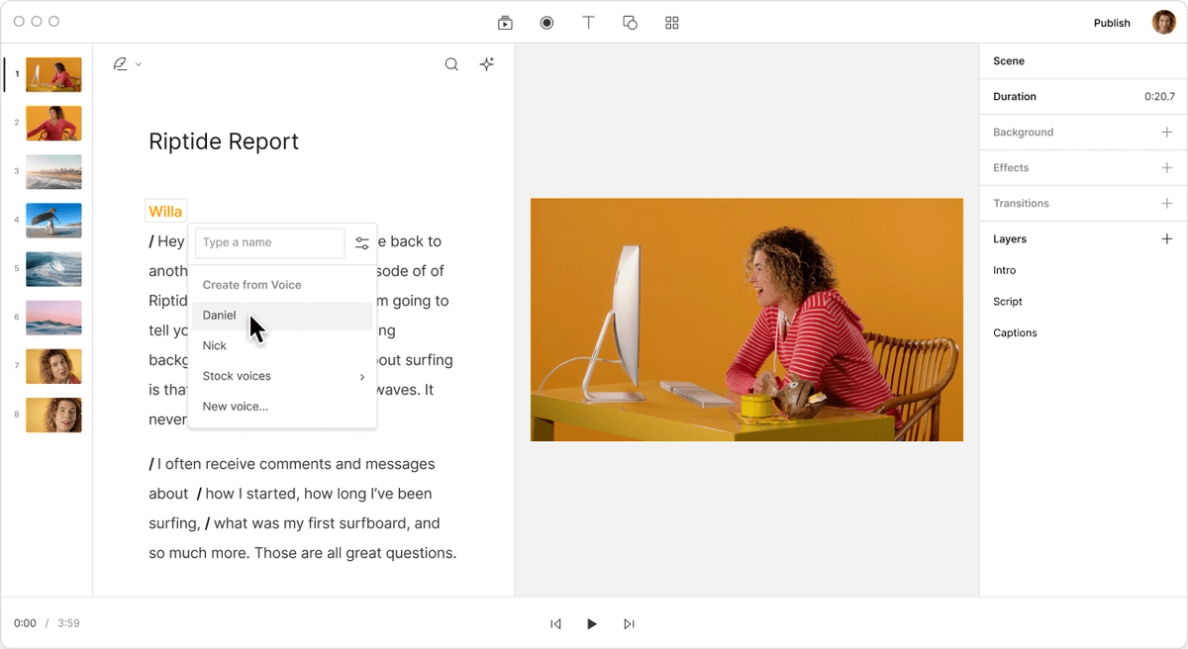
Sign up for Descript at no cost—no credit card necessary. In the dashboard, select 'New Project' and pick 'Audio Project.' Upload your voice memo file, and Descript will start transcribing automatically. You can set speaker names for better organization.
02
Once the transcription is finished, choose the right language for speaker identification. Press "C" on your keyboard if you want to make any edits. This approach keeps the transcript accurate and easy to refine before finalizing your voice memo.
03
After making updates, select "Publish" and go to the "Export" tab. Pick your preferred export format or publish as a web link to share or embed the transcript using Descript's media player. Finally, click "Export" to store the file.
Turn your voice memos into text effortlessly with Descript's speedy, accurate AI transcription. The tool adjusts to your unique speech patterns, offering precise transcriptions. Save time and streamline your workflow by turning spoken words into editable text quickly.
Convert your voice memos into text and smoothly integrate them into your video projects with Descript. This feature lets you edit both audio and video at the same time, making it simpler to produce polished content without switching tools. It's a good fit for saving time and improving productivity.

Descript offers a helpful feature that converts voice memos into text and vice versa. Perfect for capturing ideas anywhere, it keeps your thoughts easy to edit and share. Turn spoken words into written content or produce audio from text, refining your workflow and improving productivity.
Descript is an AI-driven audio and video editing tool that lets you edit podcasts and videos like a doc.
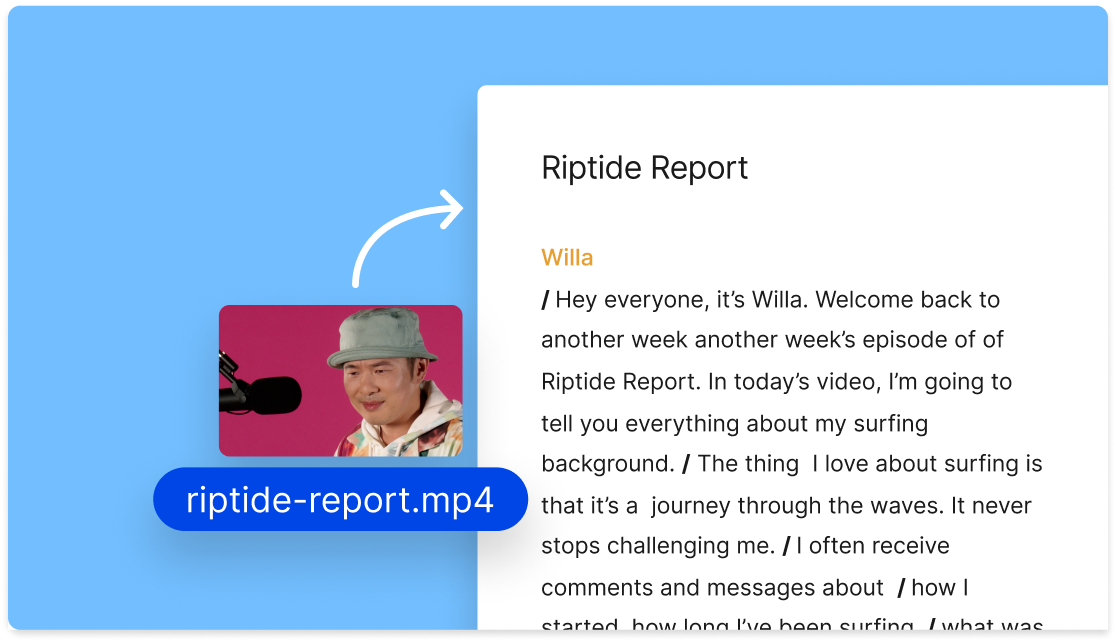
Convert your voice memos to text with Descript's transcription feature, providing accurate and quick documentation of your spoken words.
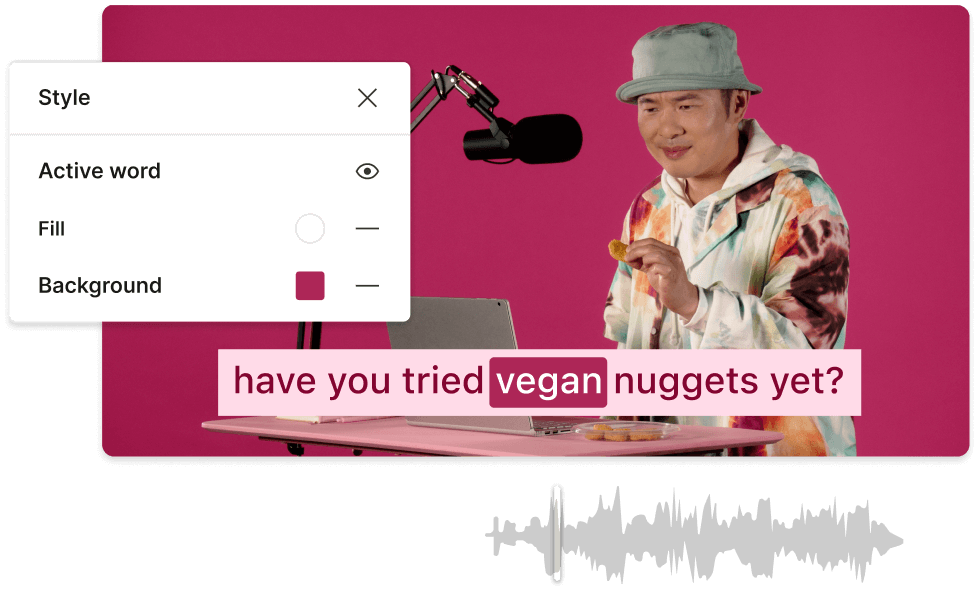
Generate accurate captions and subtitles easily, improving accessibility and engagement for your voice memo transcriptions.
Remove filler words from your voice memos for a polished and professional transcription every time.
Convert voice memos to text and edit them directly with Descript's user-friendly text-based editing approach.
Surely there’s one for you
Free
per person / month
Start your journey with text-based editing
1 media hour / month
100 AI credits / month
Export 720p, watermark-free
Limited use of Underlord, our agentic video co-editor and AI tools
Limited trial of AI Speech
Hobbyist
per person / month
1 person included
Elevate your projects, watermark-free
10 media hours / month
400 AI credits / month
Export 1080p, watermark-free
Access to Underlord, our AI video co-editor
AI tools including Studio Sound, Remove Filler Words, Create Clips, and more
AI Speech with custom voice clones and video regenerate
Most Popular
Creator
per person / month
Scale to a team of 3 (billed separately)
Unlock advanced AI-powered creativity
30 media hours / month
+5 bonus hours
800 AI credits / month
+500 bonus credits
Export 4k, watermark-free
Full access to Underlord, our AI video co-editor and 20+ more AI tools
Generate video with the latest AI models
Unlimited access to royalty-free stock media library
Access to top ups for more media hours and AI credits