Add distortion to audio

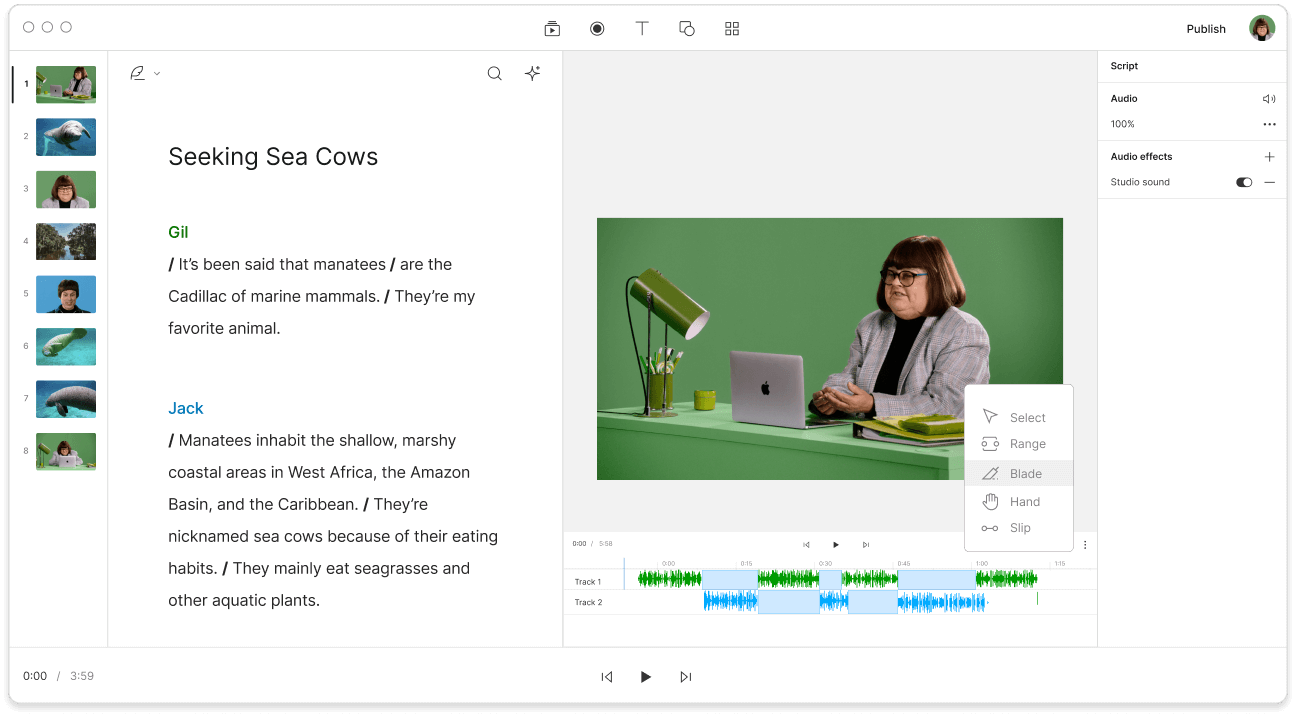
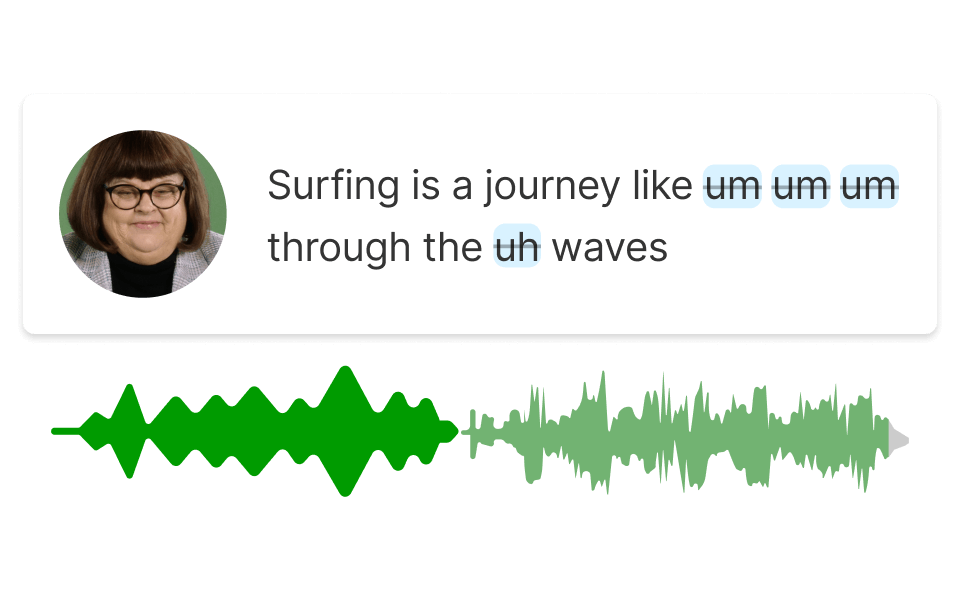
Descript's audio distortion tool lets you easily add distinct effects to your recordings. Shape your audio with a variety of distortion choices, ideal for podcasts, music, and creative projects. Elevate your sound with just a few clicks so your content stands out.

Get started

These companies use Descript. Not bad!

  • amazon logo
  • canva logo
  • salesforce logo
  • figma logo
  • apple logo
  • okta logo
  • spotify logo
  • vox logo
  • reuters logo
  • cbs logo
  • microsoft logo
  • nyt logo
  • accenture logo
  • github logo
  • kpmg logo
  • coke logo
  • amazon logo
  • canva logo
  • salesforce logo
  • figma logo
  • apple logo
  • okta logo
  • spotify logo
  • vox logo
  • reuters logo
  • cbs logo
  • microsoft logo
  • nyt logo
  • accenture logo
  • github logo
  • kpmg logo
  • coke logo

How to add distortion to audio in 3 steps

Add distortion effects to your audio easily

More than an audio editor

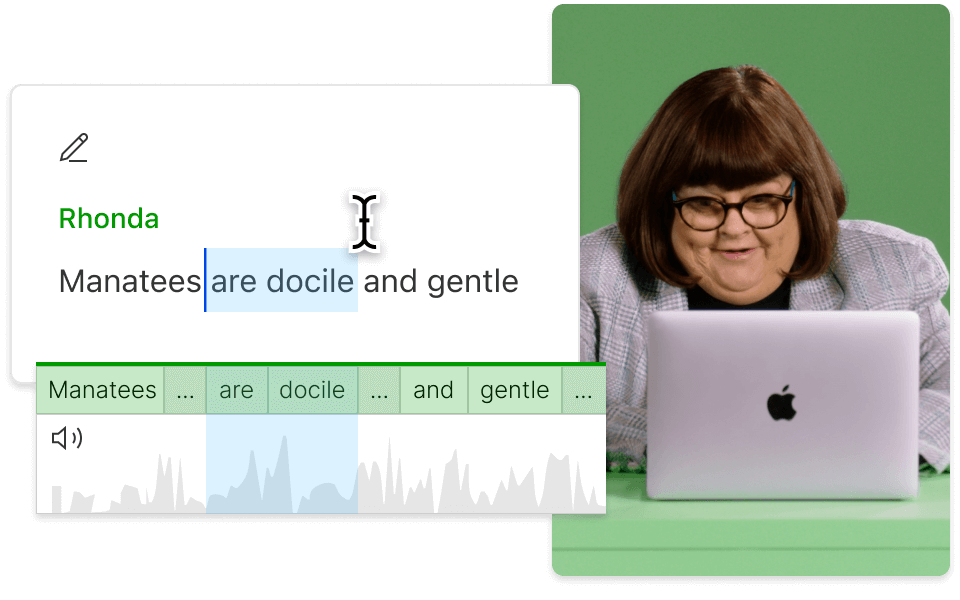
Descript is an AI-driven audio and video editing tool that lets you edit podcasts and videos like a doc.

Don’t just take our word for it

With a 4.6-out-of-5-star rating and a bunch of distinctions on G2, Descript’s users have declared it an industry standard in the video and podcasting world.

2025

Best Software

  • Video Editing
  • AI Video Generators
  • Screen and Video Capture
  • Text to Speech
  • “With Descript I'll be able to at least double my content output since editing is taking one-quarter the time it used to.”

    Donna B.

  • “With Descript we can create videos for our YouTube channel and our LinkedIn page much faster and with high quality.”

    Balázs N.

  • “Descript has made cleaning up and creating my educational videos into professional presentations [possible] without needing extensive technical computer skills.”

    Barbara C.

  • “Descript makes recording and editing audio and video a breeze. It's advanced features have streamlined my workflows, saving me a lot of time usually spent editing.”

    Roderick F.

  • “The collaborative tools streamline teamwork, allowing my team and me to work efficiently together on projects. Overall, Descript enhances productivity and simplifies the editing process.”

    Aldrich M.

  • “Transcription-based editing makes the process much faster…All in all, a must have editor for most audiences, especially in SaaS marketing.”

    Nidhin M.

PRICING

Surely there’s one for you

Free

$0

$0

per person / month

Start your journey with text-based editing

Get startedarrow icon
  • feature icon

    1 media hour / month

  • feature icon

    100 AI credits / month

  • feature icon

    Export 720p, watermark-free

  • feature icon

    Limited use of Underlord, our agentic video co-editor and AI tools

  • feature icon

    Limited trial of AI Speech

Hobbyist

$24

$16

per person / month

1 person included

Elevate your projects, watermark-free

Get startedarrow icon
  • feature icon

    10 media hours / month

  • feature icon

    400 AI credits / month

  • feature icon

    Export 1080p, watermark-free

  • feature icon

    Access to Underlord, our AI video co-editor

  • feature icon

    AI tools including Studio Sound, Remove Filler Words, Create Clips, and more

  • feature icon

    AI Speech with custom voice clones and video regenerate

Most Popular

Creator

$35

$24

per person / month

Scale to a team of 3 (billed separately)

Unlock advanced AI-powered creativity

Get startedarrow icon
  • feature icon

    30 media hours / month

    +5 bonus hours

  • feature icon

    800 AI credits / month

    +500 bonus credits

  • feature icon

    Export 4k, watermark-free

  • feature icon

    Full access to Underlord, our AI video co-editor and 20+ more AI tools

  • feature icon

    Generate video with the latest AI models

  • feature icon

    Unlimited access to royalty-free stock media library

  • feature icon

    Access to top ups for more media hours and AI credits

DISCOVER MORE

View all toolsarrow right icon

Questions? We have answers