Generate ready-to-launch episode summaries for your show with Descript’s podcast description generator. Create or upload your episode in Descript to produce a transcript, then let AI convert it into a description that features key points and timestamps so listeners can move through your content easily.
Get startedThese companies use Descript. Not bad!
01
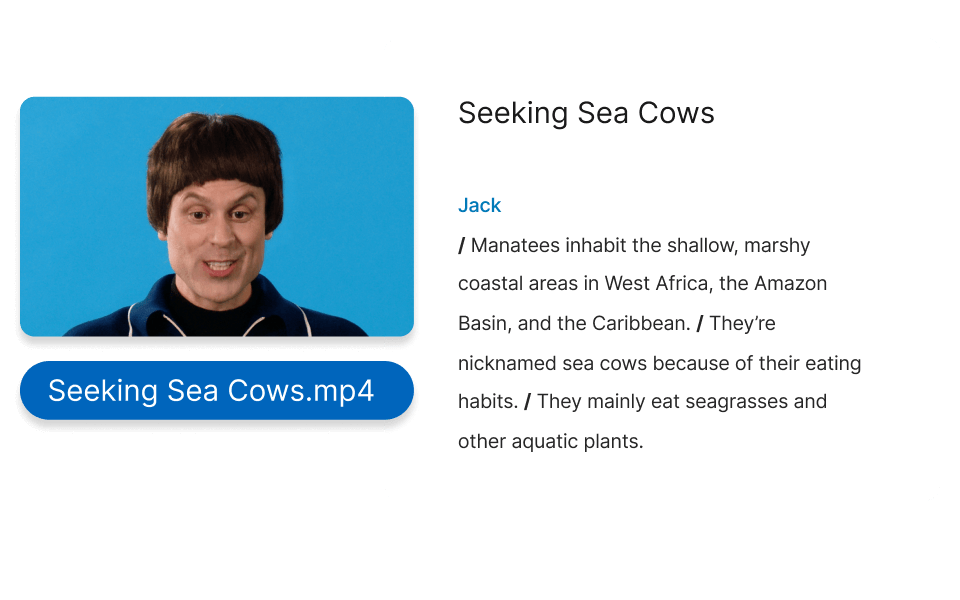
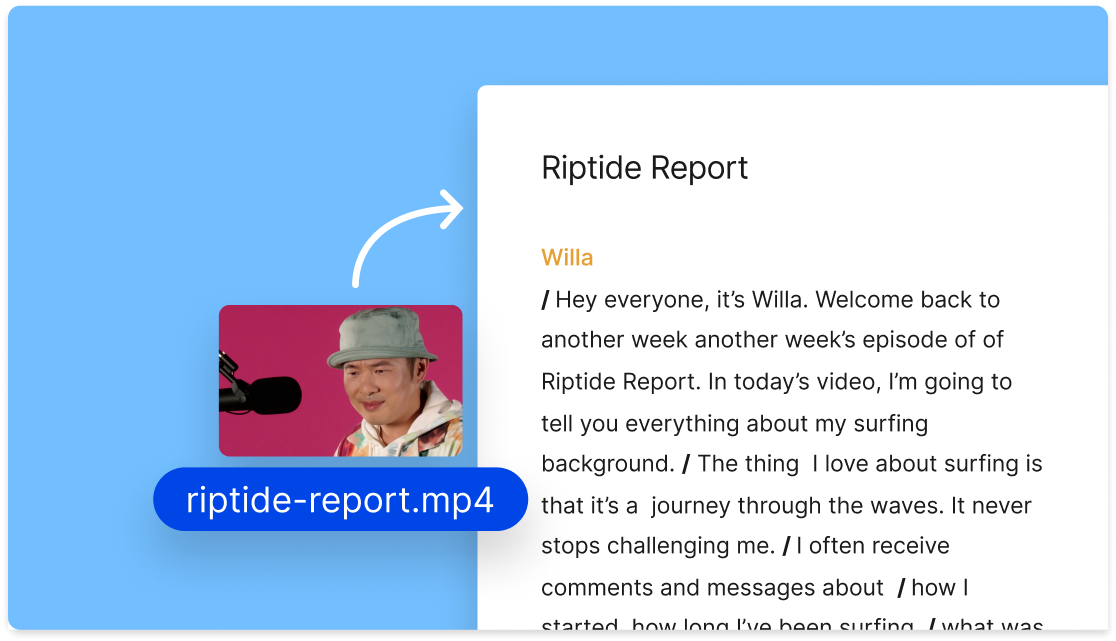
Drag and drop your MP3 or MP4 file into Descript to create a transcript, or record a new episode from scratch directly in the app.
02
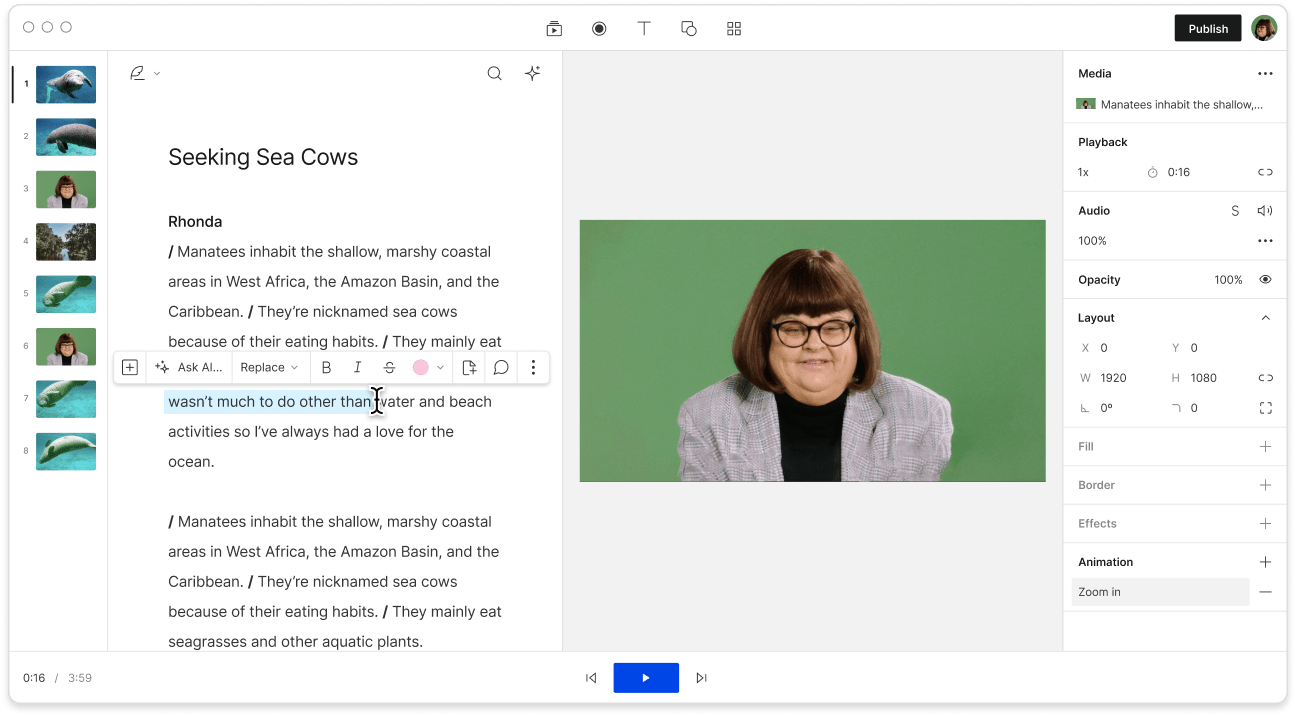
In the Actions menu, pick Ask AI to choose from multiple output formats, such as show notes or summaries. You can also type your own prompt. Select “description” to let the AI create a new podcast description, which also works well for your YouTube channel description.
03
Revise your newly generated description if you’d like, then click Copy to clipboard. Paste it into Apple Podcasts, Spotify, or wherever you host your show. Or use the Publish button to push your episode directly to a connected platform, including Podbean, YouTube, or Buzzsprout.
Unlike many tools, Descript’s podcast description generator bases your text on the actual transcript and content. This approach locks in precisely matched timestamps and speaker labels.
Descript offers a streamlined production suite for recording, editing, and publishing your show. Do everything under one roof, saving time every step of the way.
Descript’s AI podcast description generator can quickly adjust your summaries. If you’d like more detail, request a new version in seconds. Once ready, publish it with your show through Descript’s built-in export options.
Descript provides an AI-driven audio and video editor that lets you handle podcasts and videos as if you’re editing text.
Record your show and let AI create your transcript and social posts. Make edits and release the episode to your preferred directory, all in one sequence.
Capture a transcript while you record. Make changes directly in the text to adjust your podcast audio or video. Simply add or remove words in the transcript, and the production updates instantly.
Capture top-tier recordings remotely, whether audio or video. Invite up to 10 guests, each saved on a separate track for smoother editing.
Record your sessions in Descript and enhance them with AI-based cleanup. Eliminate filler words and refine your delivery at the press of a button.
With a 4.6-out-of-5-star rating and a bunch of distinctions on G2, Descript’s users have declared it an industry standard in the video and podcasting world.
2025
“With Descript I'll be able to at least double my content output since editing is taking one-quarter the time it used to.”
Donna B.
“With Descript we can create videos for our YouTube channel and our LinkedIn page much faster and with high quality.”
Balázs N.
“Descript has made cleaning up and creating my educational videos into professional presentations [possible] without needing extensive technical computer skills.”
Barbara C.
“Descript makes recording and editing audio and video a breeze. It's advanced features have streamlined my workflows, saving me a lot of time usually spent editing.”
Roderick F.
“The collaborative tools streamline teamwork, allowing my team and me to work efficiently together on projects. Overall, Descript enhances productivity and simplifies the editing process.”
Aldrich M.
“Transcription-based editing makes the process much faster…All in all, a must have editor for most audiences, especially in SaaS marketing.”
Nidhin M.
Surely there’s one for you
$0
$0
per person / month
Start your journey with text-based editing
1 media hour / month
100 AI credits / month
Export 720p, watermark-free
Limited use of Underlord, our agentic video co-editor and AI tools
Limited trial of AI Speech
$24
$16
per person / month
1 person included
Elevate your projects, watermark-free
10 media hours / month
400 AI credits / month
Export 1080p, watermark-free
Access to Underlord, our AI video co-editor
AI tools including Studio Sound, Remove Filler Words, Create Clips, and more
AI Speech with custom voice clones and video regenerate
Most Popular
$35
$24
per person / month
Scale to a team of 3 (billed separately)
Unlock advanced AI-powered creativity
30 media hours / month
+5 bonus hours
800 AI credits / month
+500 bonus credits
Export 4k, watermark-free
Full access to Underlord, our AI video co-editor and 20+ more AI tools
Generate video with the latest AI models
Unlimited access to royalty-free stock media library
Access to top ups for more media hours and AI credits
You can craft a strong podcast description by focusing on what your audience needs first. Open with a hook—something short that addresses, “Why should I listen?” Then include details about each episode and mention relevant timestamps. Wrap up with any resources and clear calls to action for potential listeners.
Below is a straightforward template for creating a podcast description:
For a more detailed approach, look at our blog’s full podcast description template.
Yes, Descript’s AI assistant works like a podcast bio generator and can also handle episode scripts. To get your bio, try the Ask AI Anything feature with the prompt: “Write a bio for my podcast.” Once you get a response, follow up with more details about your show so it can refine the final version.
Descript’s AI-powered podcast description generator pulls details directly from your transcript and audio. It automatically produces a clear, organized description and adds timestamps to highlight key moments without missing any important points.
If the generated podcast episode description doesn’t fit your needs, simply let AI know what changes you’d prefer. It will revise the description based on your feedback. You can also request a brand-new draft by offering more specific instructions tailored to your audience.