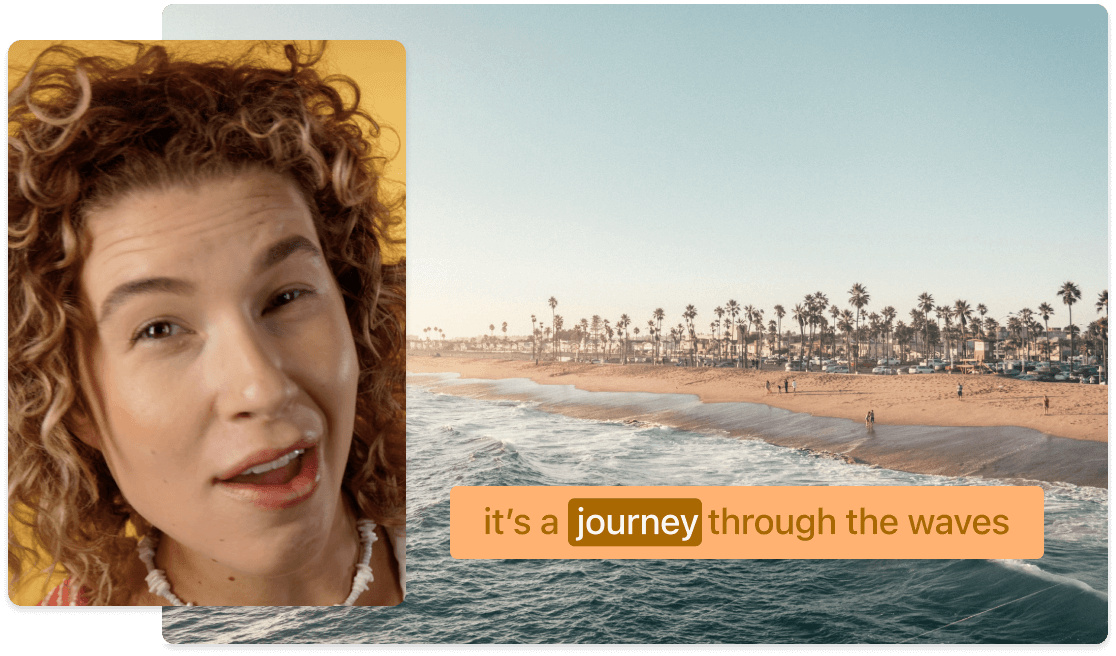
Simplify recording and merging multiple video clips side by side, in a grid, or any layout you choose to make a split-screen or multi-cam effect. Great for reaction videos, comparisons, podcast teasers, explainer clips, and more.
Get startedThese companies use Descript. Not bad!
01
Drop the videos you want to combine into a new Descript video project. You can also click the Record button to add new footage or start a remote recording session for split tracks with multiple guests.
02
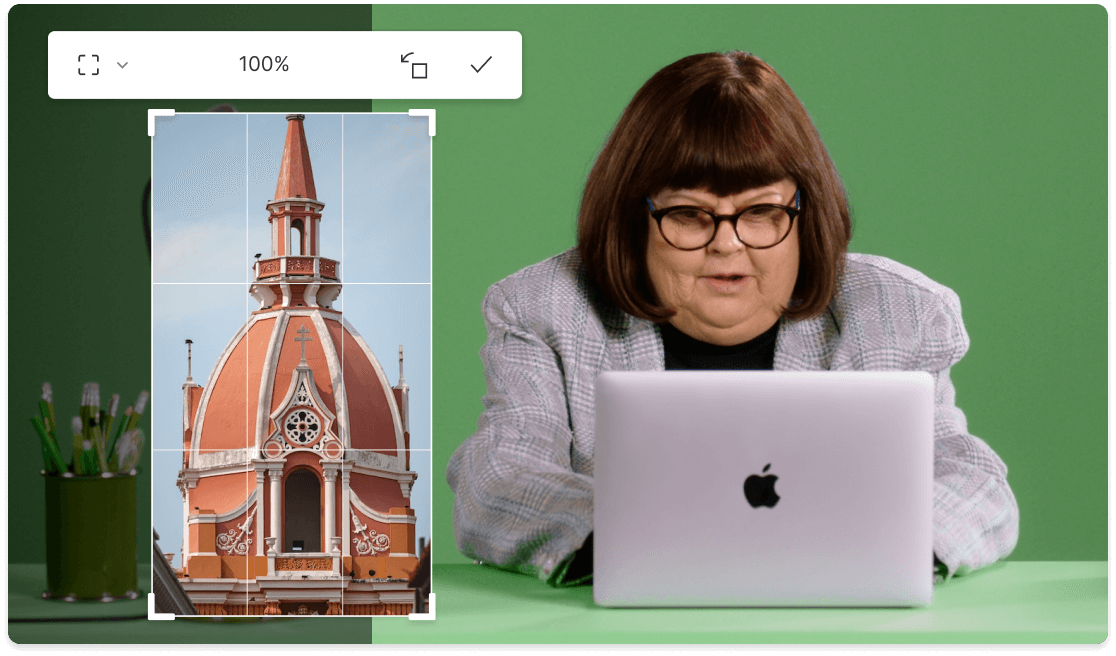
Open Templates > Gallery > Multi-cam and pick a split screen video template, or customize your own layout by dragging and resizing videos on the canvas. Right-click a screen layer to switch the media source or replace it with a different file from your computer. Make side-by-side videos, a grid of clips, or even a collage with a dozen scenes.
03
Include transitions, captions, effects, music, annotations, and more to polish your side-by-side video. Then click Publish to download your finished split screen file, send it straight to supported platforms like YouTube, or create a shareable web link.
Easily craft engaging videos by adjusting built-in split-screen templates or building your own designs. Create side-by-side content—for comparisons, collages, and more—in less time.
Descript’s built-in remote recording studio lets you record up to 10 guests with separate audio and video tracks directly in your project. Great for podcasts, interviews, and webinars that need multi-cam layouts.
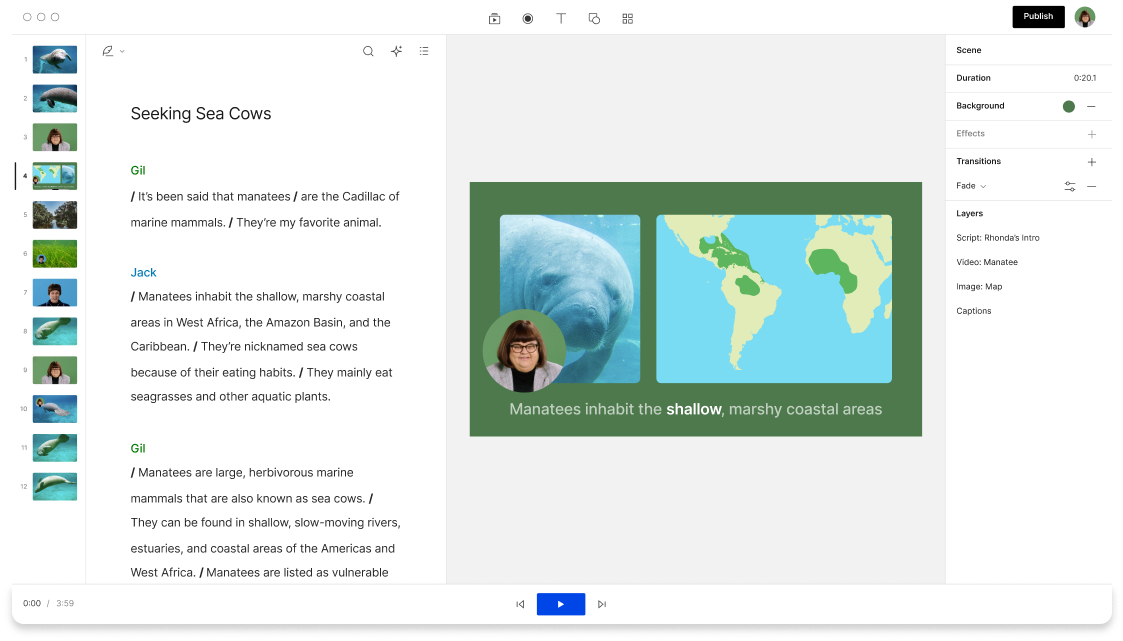
Take control of the flow in multi-screen videos with smooth transitions between sources and layouts. Insert a “/” in your transcript for new scenes, then quickly build multi-cam split-screen videos.
Descript is a split screen AI audio and video editing tool that lets you edit podcasts and videos like a doc.
Intuitive text-based video editing streamlines how videos come together, and includes AI features that can enhance them—and even generate split screen video AI sequences—for all sorts of creative needs.
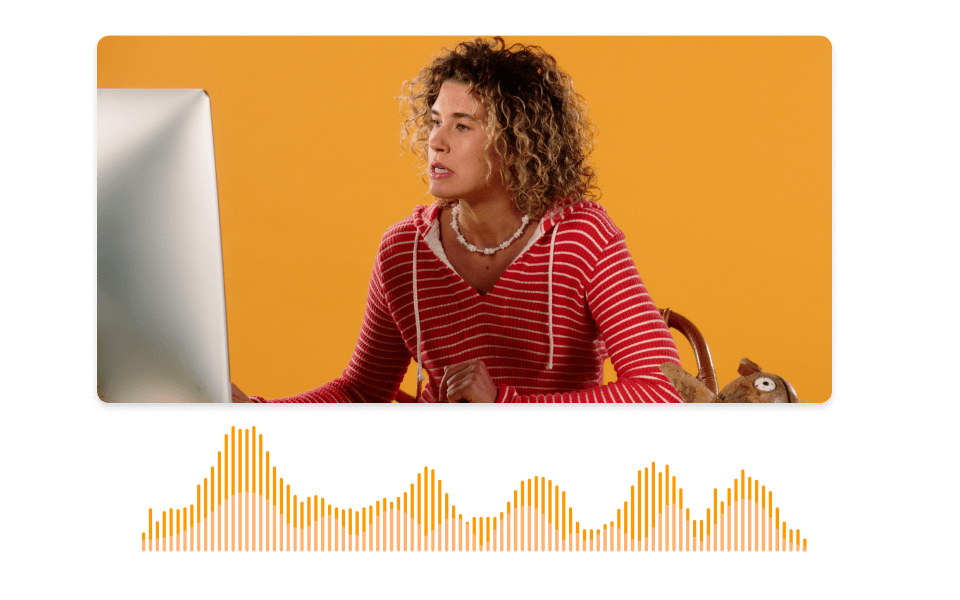
Get fast, accurate transcriptions of your media files, complete with time codes and speaker labels.
Capture split-track recordings from multiple guests directly in your video projects.
Templates
Surely there’s one for you
Free
per person / month
Start your journey with text-based editing
1 media hour / month
100 AI credits / month
Export 720p, watermark-free
Limited use of Underlord, our agentic video co-editor and AI tools
Limited trial of AI Speech
Hobbyist
per person / month
1 person included
Elevate your projects, watermark-free
10 media hours / month
400 AI credits / month
Export 1080p, watermark-free
Access to Underlord, our AI video co-editor
AI tools including Studio Sound, Remove Filler Words, Create Clips, and more
AI Speech with custom voice clones and video regenerate
Most Popular
Creator
per person / month
Scale to a team of 3 (billed separately)
Unlock advanced AI-powered creativity
30 media hours / month
+5 bonus hours
800 AI credits / month
+500 bonus credits
Export 4k, watermark-free
Full access to Underlord, our AI video co-editor and 20+ more AI tools
Generate video with the latest AI models
Unlimited access to royalty-free stock media library
Access to top ups for more media hours and AI credits
Create a split screen video with two or more clips by dragging and dropping them into a new Descript project. Then pick your split screen layout, tweak the look, edit as needed, and export when you’re set.
You can split video files into two screens by using split-track recording software during recording or by copying a single video, then cropping and trimming it until there are multiple screens in the same frame.
Record a split video with Descript’s remote recording studio. It separates audio, video, and screen share tracks, letting you rearrange them however you like.
Descript supports remote recording for up to ten guests and their screens simultaneously. It also includes automatic transcription and background noise removal to simplify post-recording edits.
You can use Descript for free to export 1 watermark-free split screen video per month. Paid plans start at $12/mo to access unlimited watermark-free exports and advanced AI features.