Add professional narration to your videos using Descript’s voiceover generator. Through AI voice cloning, convert text into studio-quality, lifelike narration. Pick from our stock voices, craft an AI voice from your own recordings, or record your own narration enhanced by Studio Sound.
Get startedThese companies use Descript. Not bad!
01
Open a project in Descript, switch to Write mode (press the W key), and start writing or pasting your script. You can also begin a fresh recording to capture and transcribe your own voiceover.
02
Choose the speaker label above your script, then pick an AI voiceover that fits your overall idea. You can also clone your own voice. Once you've chosen an AI voice, select a specific style or tone. It may take a moment for the voiceover audio to generate.
03
To synchronize your voiceover with the video, insert a ‘/’ into your script whenever a new scene is needed. Once your voiceover video is complete, head to Publish > Export to download your video or audio file.
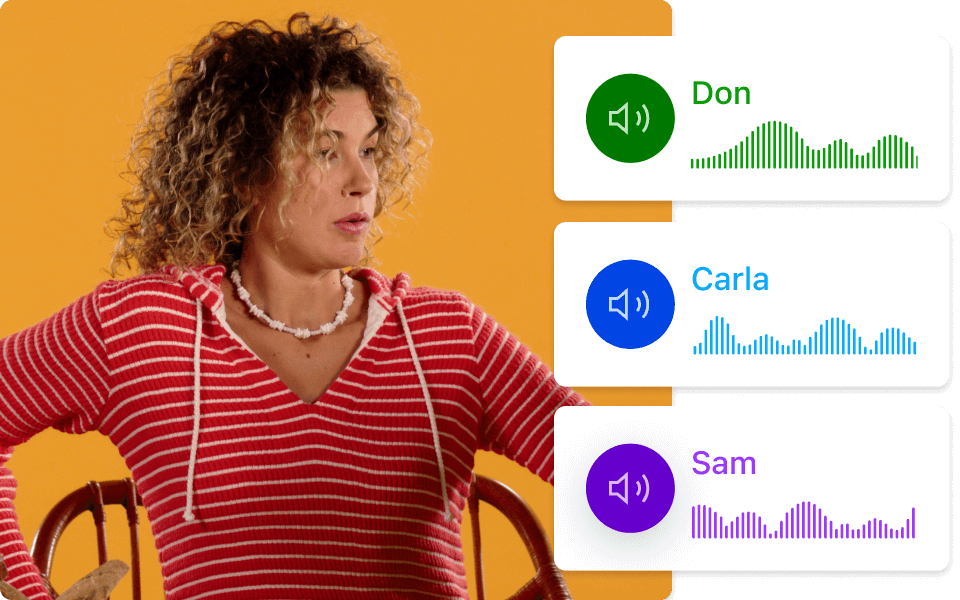
Descript’s lineup of stock AI voices includes both male and female styles, each trained on thorough voice data. Don channels a gritty radio vibe, while Carla offers a polished spokesperson feel. Every AI voice comes with multiple tone options—from formal to melodic—so you can switch things up in just a few clicks.
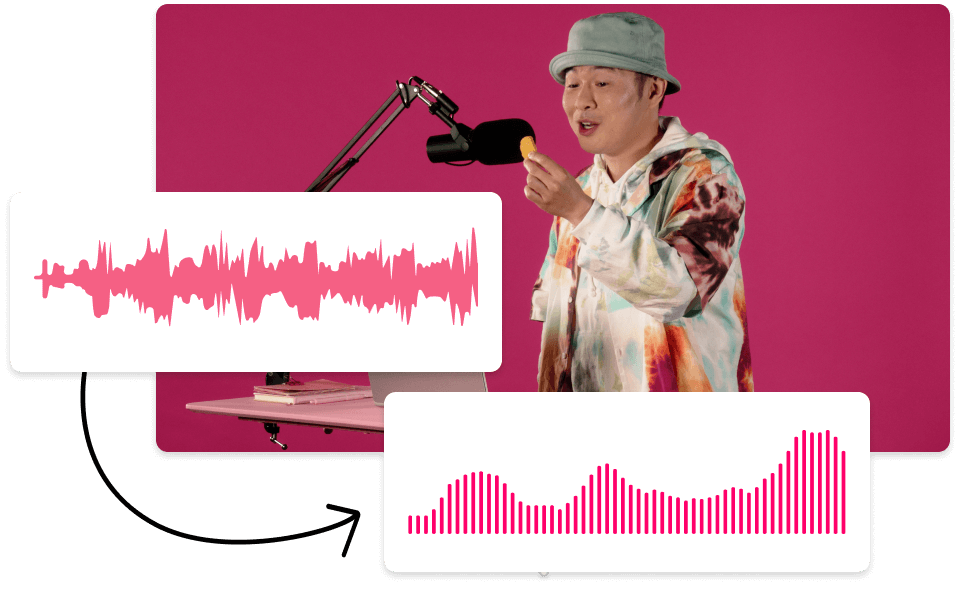
Create an AI narrator that sounds like you with as little as 10 minutes of recorded audio. Add more recordings over time to make your AI voice sound even more natural. Record yourself in different settings or with different tones to create a versatile army of voice clones.
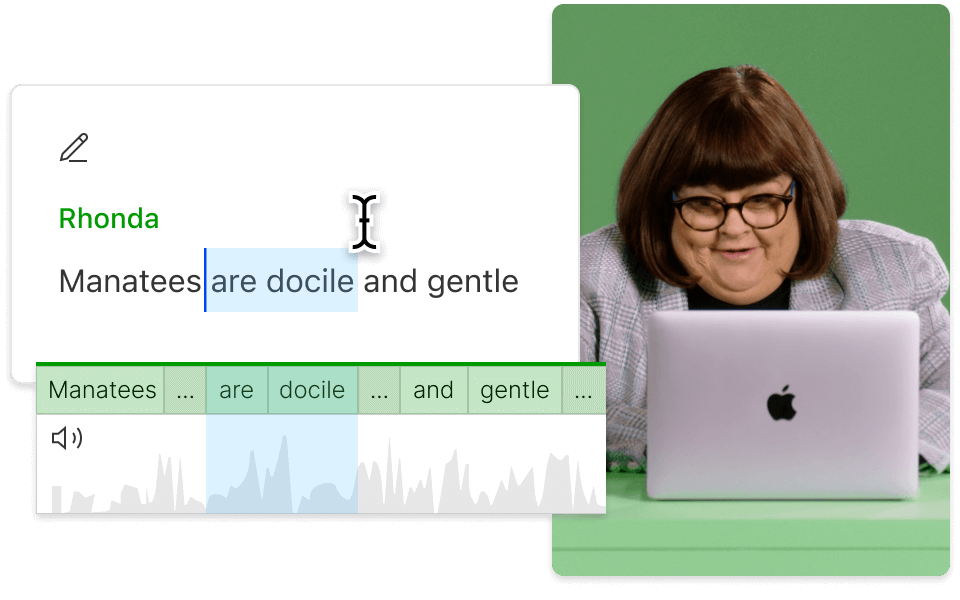
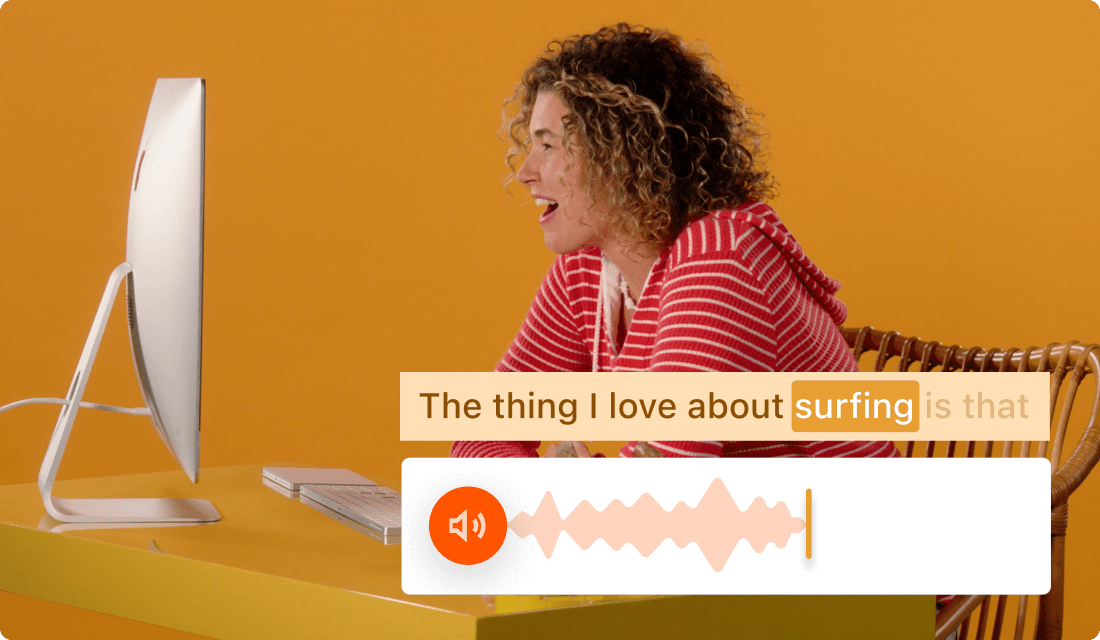
Descript’s text-based video editor allows you to edit video and audio just like editing text. Any changes to your auto-generated transcript automatically show up in your underlying video and audio tracks — and you can add a single word or an entire paragraph to your voiceover simply by typing.
Descript uses AI for audio and video editing, letting you manage podcasts and videos through text-based tools.
Create voiceover videos for TikTok or insert narration in YouTube clips, then layer in animated subtitles, audio effects, visuals, and more.
Record your voice, camera, and screen, then place them straight into your timeline so no important detail is missed.
Generate automatic captions that sync with your voiceovers, helping viewers stay on track.
Send your voiceovers as audio or video directly to podcast and video platforms. Or publish them as Descript pages complete with an embedded media player and a searchable transcript.
With a 4.6-out-of-5-star rating and a bunch of distinctions on G2, Descript’s users have declared it an industry standard in the video and podcasting world.
2026
“With Descript I'll be able to at least double my content output since editing is taking one-quarter the time it used to.”
Donna B.
“With Descript we can create videos for our YouTube channel and our LinkedIn page much faster and with high quality.”
Balázs N.
“Descript has made cleaning up and creating my educational videos into professional presentations [possible] without needing extensive technical computer skills.”
Barbara C.
“Descript makes recording and editing audio and video a breeze. It's advanced features have streamlined my workflows, saving me a lot of time usually spent editing.”
Roderick F.
“The collaborative tools streamline teamwork, allowing my team and me to work efficiently together on projects. Overall, Descript enhances productivity and simplifies the editing process.”
Aldrich M.
“Transcription-based editing makes the process much faster…All in all, a must have editor for most audiences, especially in SaaS marketing.”
Nidhin M.
Surely there’s one for you
$0
$0
per person / month
Start your journey with text-based editing
1 media hour / month
100 AI credits / month
Export 720p, watermark-free
Limited use of Underlord, our agentic video co-editor and AI tools
Limited trial of AI Speech
$24
$16
per person / month
1 person included
Elevate your projects, watermark-free
10 media hours / month
400 AI credits / month
Export 1080p, watermark-free
Access to Underlord, our AI video co-editor
AI tools including Studio Sound, Remove Filler Words, Create Clips, and more
AI Speech with custom voice clones and video regenerate
Most Popular
$35
$24
per person / month
Scale to a team of 3 (billed separately)
Unlock advanced AI-powered creativity
30 media hours / month
+5 bonus hours
800 AI credits / month
+500 bonus credits
Export 4k, watermark-free
Full access to Underlord, our AI video co-editor and 20+ more AI tools
Generate video with the latest AI models
Unlimited access to royalty-free stock media library
Access to top ups for more media hours and AI credits
AI voiceovers are produced by synthetic voices that replicate human speech through extensive voice training data. The more data, the more lifelike they get. They're ideal for videos, articles, audiobooks, podcast intros, video tutorials, and any audio or video project where you might otherwise hire a voice actor.
Provide at least 10 minutes of recorded audio — though 30 minutes or more is recommended — to build realistic, human-like AI voiceovers. With Descript’s Regenerate and voice cloning features, you can easily craft your own AI voiceover that speaks your script automatically.
Yes, Descript offers a straightforward way to replace existing voices with either a refined version of the same voice or a completely different AI voice, at any point in your auto-generated transcript.
Speech-to-text relies on AI and vast training data to identify key acoustic characteristics of words across accents and speaking styles, then convert them into text.
You can add a voiceover effect to TikTok by using the text-to-speech feature. Alternatively, you can rely on Descript for more flexible, realistic AI options, such as cloning your own AI voice.