Add Dutch Captions to Video
Give your Dutch-speaking viewers a smoother, more inclusive experience by adding Dutch captions—automatically generated, easily customized, and ready to share.
Get started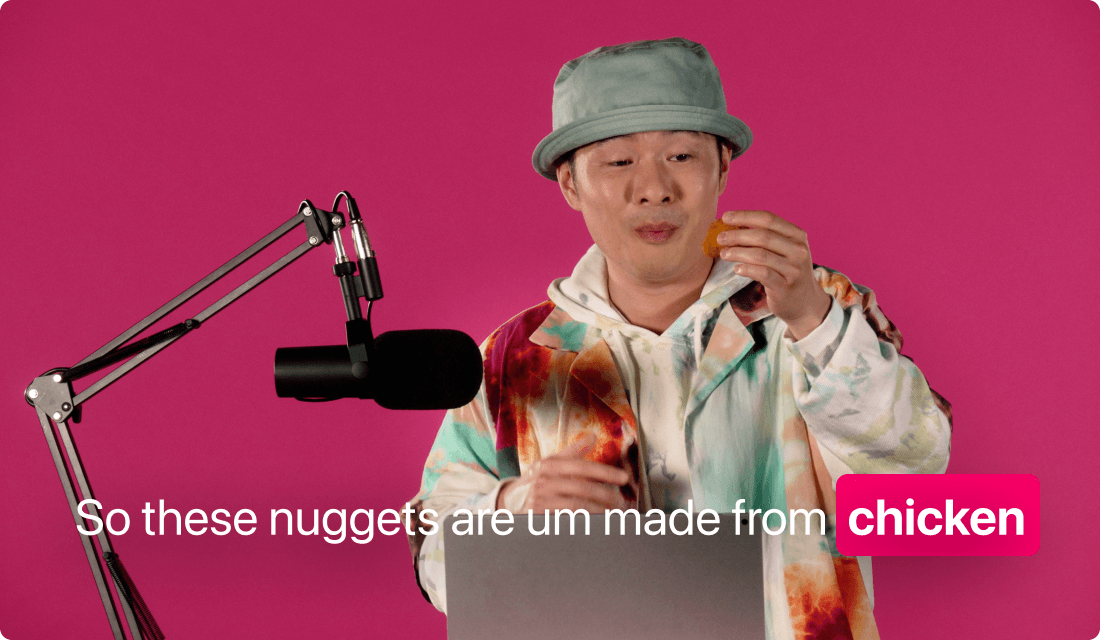
Give your Dutch-speaking viewers a smoother, more inclusive experience by adding Dutch captions—automatically generated, easily customized, and ready to share.
Get startedThese companies use Descript. Not bad!















01
Start by creating a new project and bringing in your footage. You can either record a fresh video or simply drag your existing file into a project. This process sets you up for a full transcript you can later convert into Dutch captions.
02
Allow the platform to generate a transcript of your video’s audio. Clean up any recognized text that’s off-base, fix speaker names if needed, and ensure the transcript is set to Dutch if you want direct Dutch captions. This ensures your final captions look perfect and match every spoken word.
03
Enable captions within your project and choose a design that fits your brand or personal preference. From animated styles to static text blocks, you have full control. Tweak the font, color, and positioning to create the perfect Dutch subtitles. Export or share once everything’s just right.
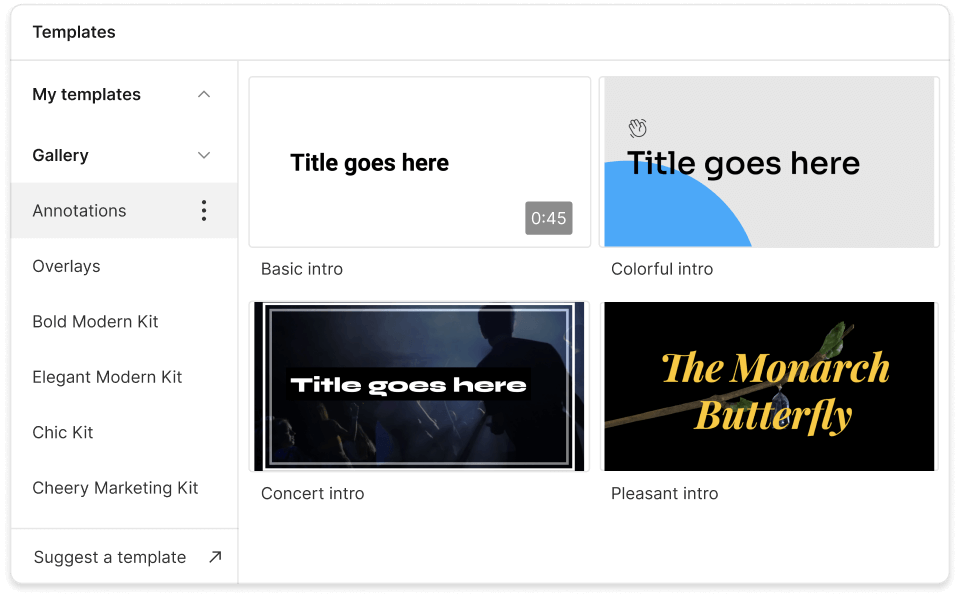
Automated transcription and instant syncing help you crank out Dutch captions for multiple projects at once—no more manual text alignment or wasted hours.
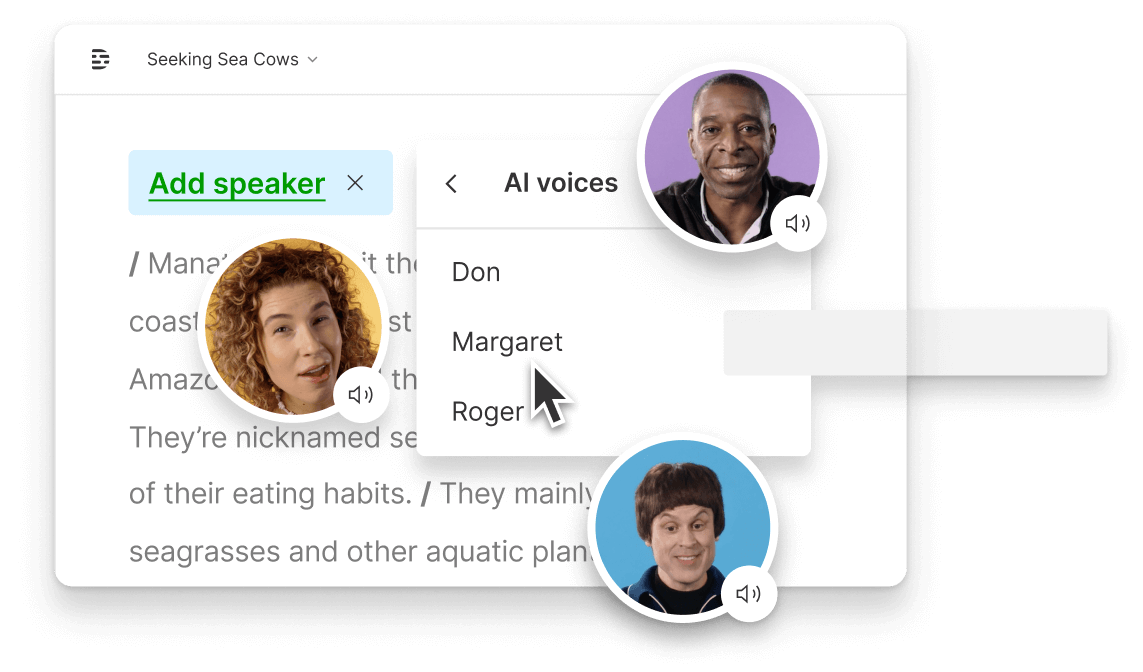
Bring stakeholders on board so they can fix errors, verify translations, and approve final captions. Everybody views the same file, so changes happen in real time.
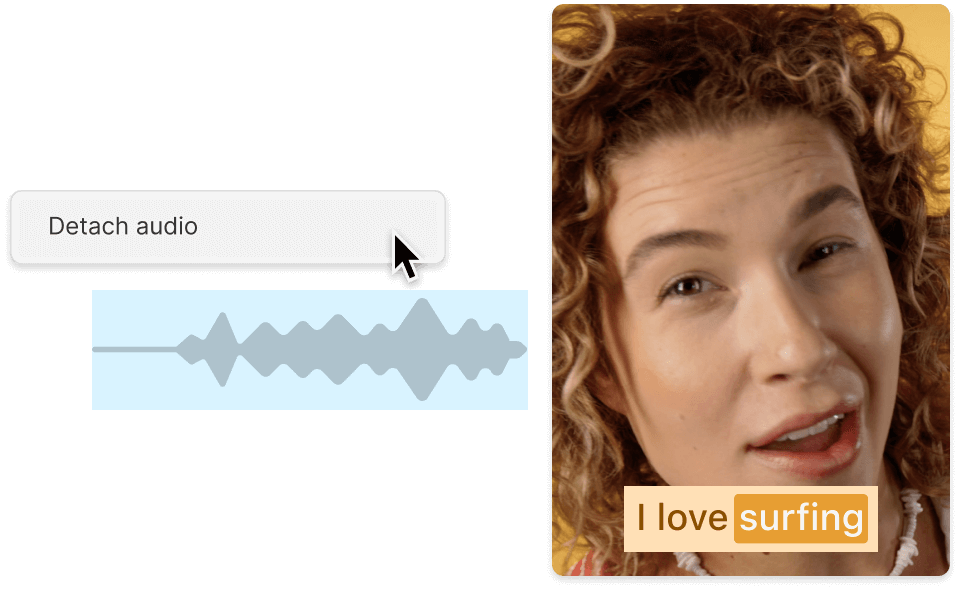
Choose colors, fonts, and styles that match your identity. Applying these looks across every project is effortless, so your Dutch captions always stay polished.
Discover advanced features for a simple yet powerful workflow.

Paste or upload your video and let AI do the heavy lifting—no patience (or dictionary) required.
Trim, cut, and rearrange your clips by editing text. No complicated timeline scrubbing needed.
Easily publish your video with hard-burned Dutch captions, or export them as separate files like SRT.
Need more languages? Expand beyond Dutch and translate your video captions into 20+ other tongues.
With a 4.6-out-of-5-star rating and a bunch of distinctions on G2, Descript’s users have declared it an industry standard in the video and podcasting world.
2026





“With Descript I'll be able to at least double my content output since editing is taking one-quarter the time it used to.”

Donna B.
“With Descript we can create videos for our YouTube channel and our LinkedIn page much faster and with high quality.”

Balázs N.
“Descript has made cleaning up and creating my educational videos into professional presentations [possible] without needing extensive technical computer skills.”

Barbara C.
“Descript makes recording and editing audio and video a breeze. It's advanced features have streamlined my workflows, saving me a lot of time usually spent editing.”

Roderick F.
“The collaborative tools streamline teamwork, allowing my team and me to work efficiently together on projects. Overall, Descript enhances productivity and simplifies the editing process.”

Aldrich M.
“Transcription-based editing makes the process much faster…All in all, a must have editor for most audiences, especially in SaaS marketing.”

Nidhin M.
Surely there’s one for you
$0
$0
per person / month
Start your journey with text-based editing


1 media hour / month

100 AI credits / month

Export 720p, watermark-free

Limited use of Underlord, our agentic video co-editor and AI tools

Limited trial of AI Speech
$24
$16
per person / month
1 person included
Elevate your projects, watermark-free
10 media hours / month
400 AI credits / month
Export 1080p, watermark-free
Access to Underlord, our AI video co-editor

AI tools including Studio Sound, Remove Filler Words, Create Clips, and more
AI Speech with custom voice clones and video regenerate
Most Popular
$35
$24
per person / month
Scale to a team of 3 (billed separately)
Unlock advanced AI-powered creativity
30 media hours / month
800 AI credits / month
Export 4k, watermark-free
Full access to Underlord, our AI video co-editor and 20+ more AI tools

Generate video with the latest AI models

Unlimited access to royalty-free stock media library

Access to top ups for more media hours and AI credits