Add French Captions to Video
Expand your audience by letting viewers read along in French.
Get started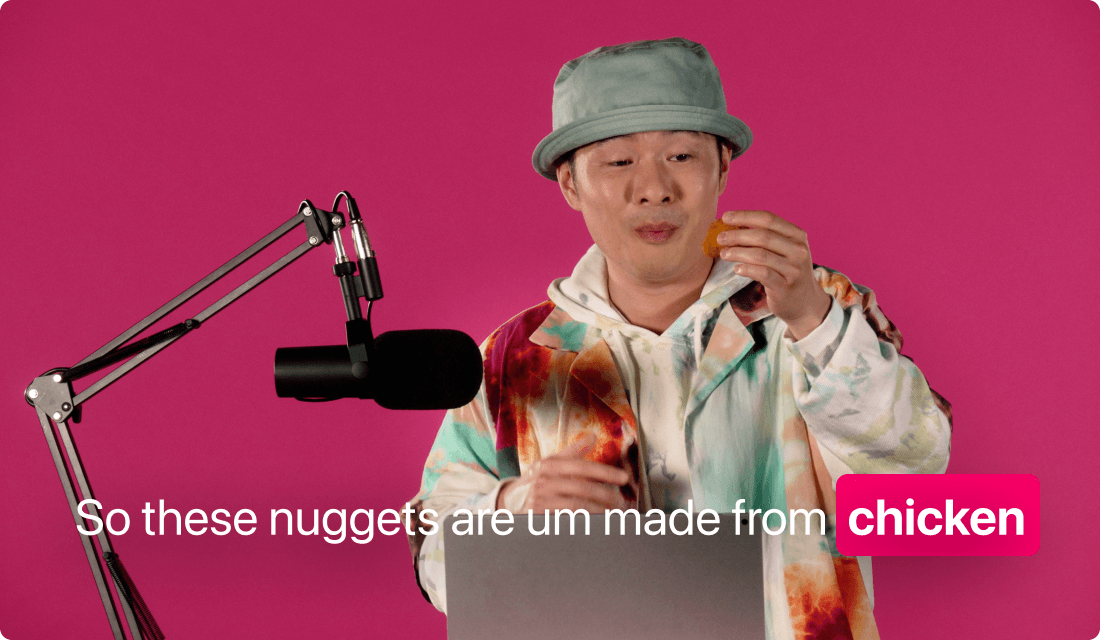
Expand your audience by letting viewers read along in French.
Get startedThese companies use Descript. Not bad!















01
Open a new workspace in Descript and import your video file by dragging-and-dropping it in. You’ll be prompted to generate a transcription. Select French to instantly add French captions to video files of almost any format.
02
Once the transcription is done, insert captions onto your video. Pick a style that suits your brand: change fonts, colors, or text effects. Feel free to reposition your captions anywhere on screen. No fussing with complicated menus—just simple, prompt-based customization.
03
Review your video for pacing and accuracy. If necessary, edit any misheard phrases in the transcript. Then choose an export option—from publishing a digital file to generating a shareable link. Your video is now ready to roll with crisp, synchronized French captions.
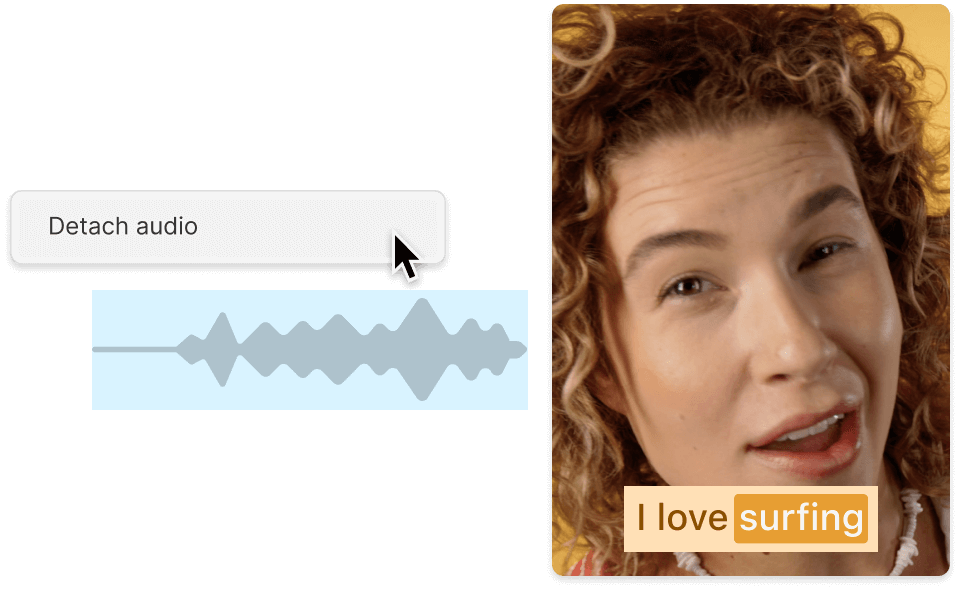
Don’t worry about obscure file formats. Drop in MP4s, MOVs, and more, then add French captions to video content seamlessly.
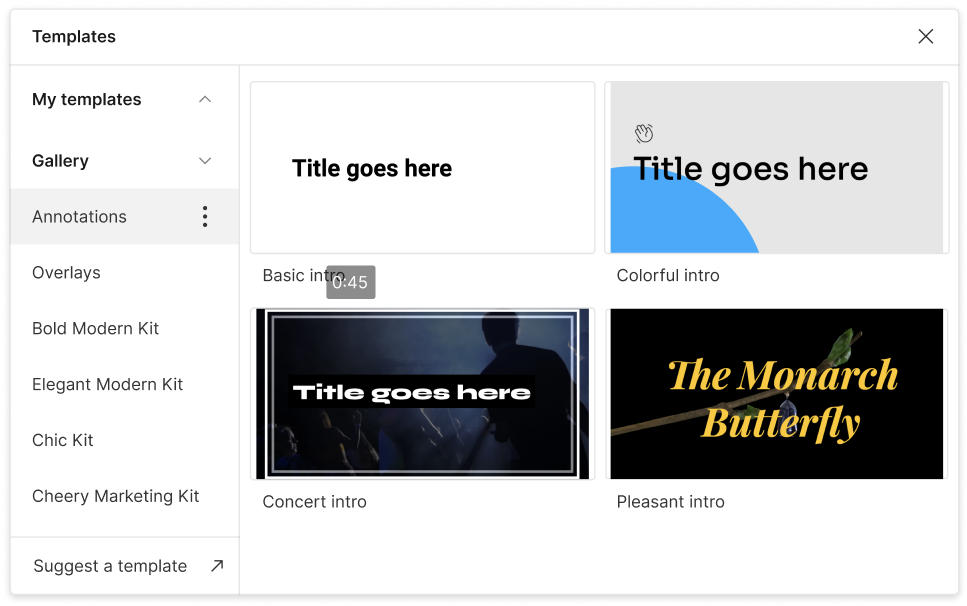
Craft on-brand captions that stand out—or blend in. Adjust alignment, size, or color so the French subtitles match your vibe.
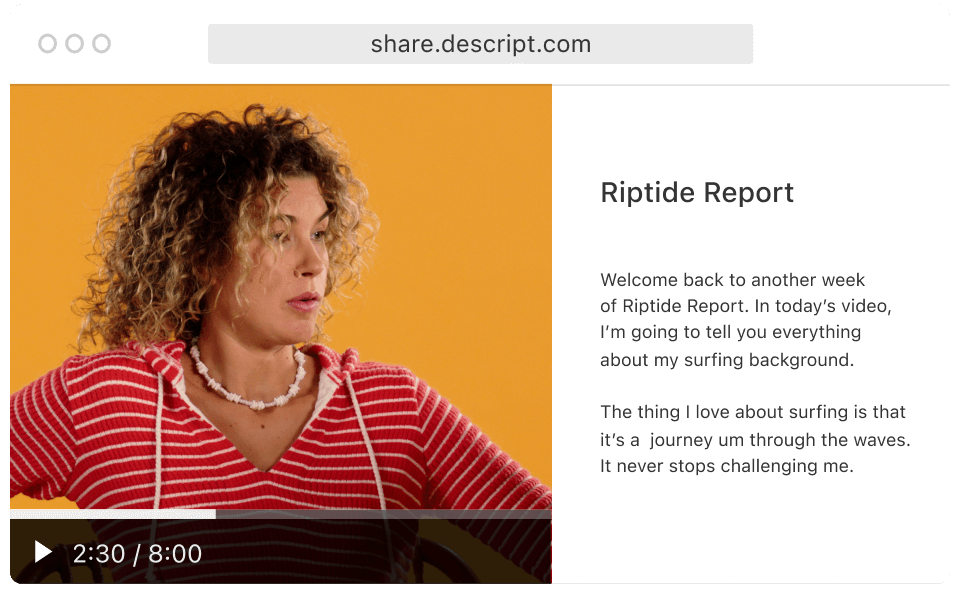
French captions can boost watch-through rates for global audiences. They’ll stay engaged—even when their sound is off.
Descript extends beyond captioning to supercharge your editing experience.

Quickly convert English text to French if you need to add French captions to video you recorded in another language.
Let the tool detect who’s speaking, so viewers know exactly who’s saying what in your French captions.
Automatically spot “um” and “uh” in your dialogue and remove them from the captions, so nothing distracts your audience.
Export your video with embedded captions or as separate subtitle files you can upload anywhere.
With a 4.6-out-of-5-star rating and a bunch of distinctions on G2, Descript’s users have declared it an industry standard in the video and podcasting world.
2026





“With Descript I'll be able to at least double my content output since editing is taking one-quarter the time it used to.”

Donna B.
“With Descript we can create videos for our YouTube channel and our LinkedIn page much faster and with high quality.”

Balázs N.
“Descript has made cleaning up and creating my educational videos into professional presentations [possible] without needing extensive technical computer skills.”

Barbara C.
“Descript makes recording and editing audio and video a breeze. It's advanced features have streamlined my workflows, saving me a lot of time usually spent editing.”

Roderick F.
“The collaborative tools streamline teamwork, allowing my team and me to work efficiently together on projects. Overall, Descript enhances productivity and simplifies the editing process.”

Aldrich M.
“Transcription-based editing makes the process much faster…All in all, a must have editor for most audiences, especially in SaaS marketing.”

Nidhin M.
Surely there’s one for you
$0
$0
per person / month
Start your journey with text-based editing


1 media hour / month

100 AI credits / month

Export 720p, watermark-free

Limited use of Underlord, our agentic video co-editor and AI tools

Limited trial of AI Speech
$24
$16
per person / month
1 person included
Elevate your projects, watermark-free
10 media hours / month
400 AI credits / month
Export 1080p, watermark-free
Access to Underlord, our AI video co-editor

AI tools including Studio Sound, Remove Filler Words, Create Clips, and more
AI Speech with custom voice clones and video regenerate
Most Popular
$35
$24
per person / month
Scale to a team of 3 (billed separately)
Unlock advanced AI-powered creativity
30 media hours / month
800 AI credits / month
Export 4k, watermark-free
Full access to Underlord, our AI video co-editor and 20+ more AI tools

Generate video with the latest AI models

Unlimited access to royalty-free stock media library

Access to top ups for more media hours and AI credits