Add Malay Captions to Your Videos
Make your content accessible and meaningful with localized Malaysian subtitles.
Get started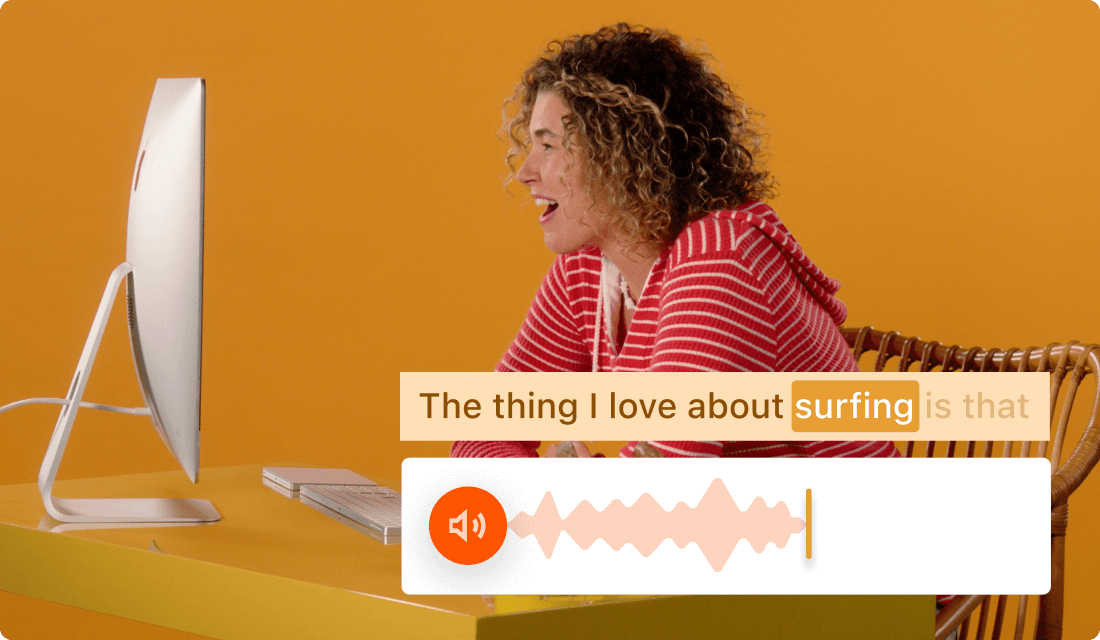
Make your content accessible and meaningful with localized Malaysian subtitles.
Get startedThese companies use Descript. Not bad!















01
Start by creating a new project. Then import any supported video file. Once your file is open, the transcription process will run automatically. If you plan to add Malay captions to video that already has an existing transcript, you can skip the auto-transcription and directly apply your Malay text.
02
Use automated transcription to capture what’s spoken in the video, then manually translate or edit it for accurate Malay text. Read through each line of text, making sure it reflects the true meaning of the audio. You can also rely on a professional translator, especially if the audio includes specialized vocabulary.
03
Position and style your captions as preferred without hunting for complicated menus—simply highlight, drag, or resize. After reviewing, export your final project. The Malay captions will remain synced with your video, making it easy to share with anyone who needs them.
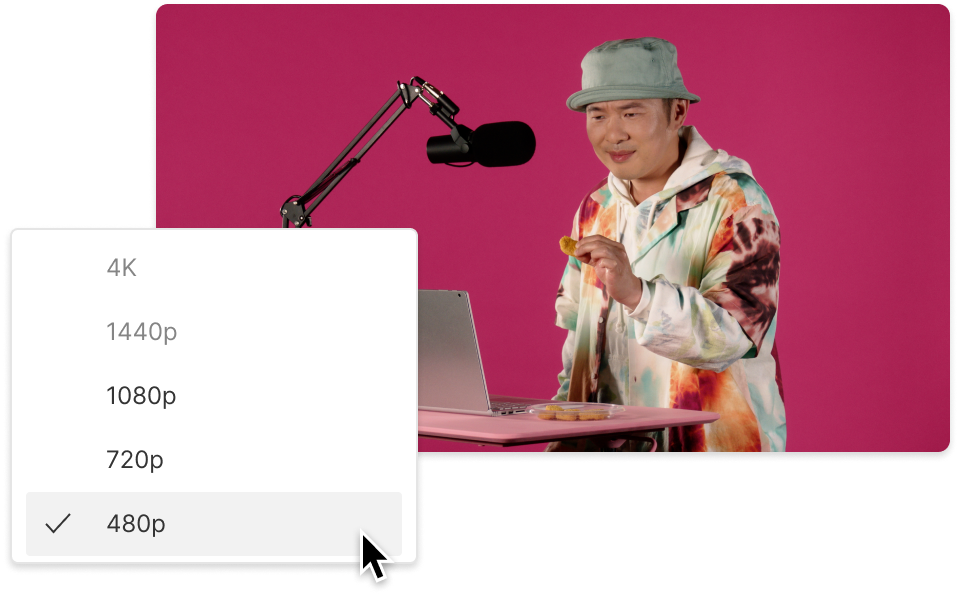
Malay speakers can watch—and understand—your videos, even if they can’t listen to the audio. That’s a big plus for viewer engagement.
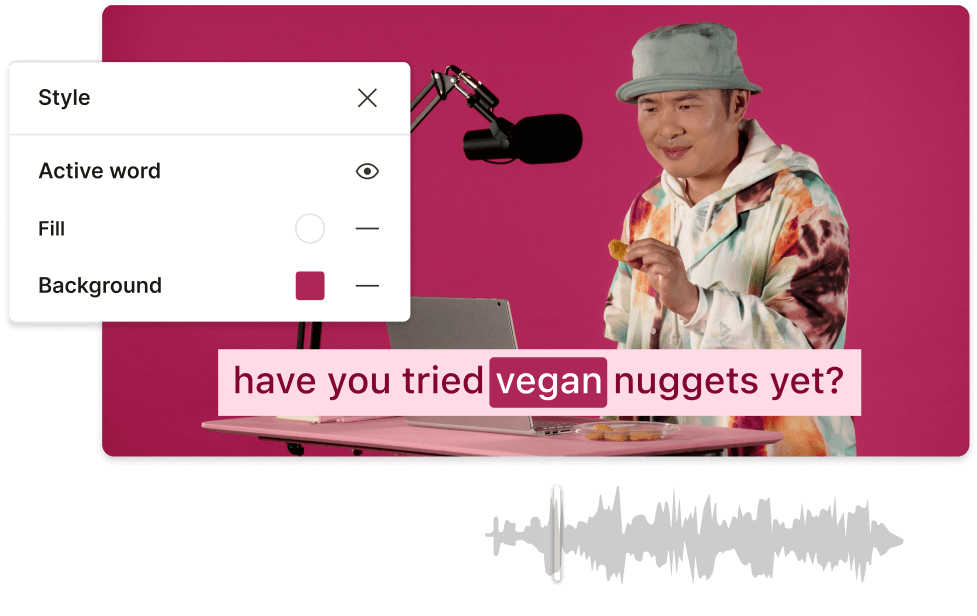
Reaching a global crowd means respecting local languages. Adding Malay captions to video positions your content for broader markets.
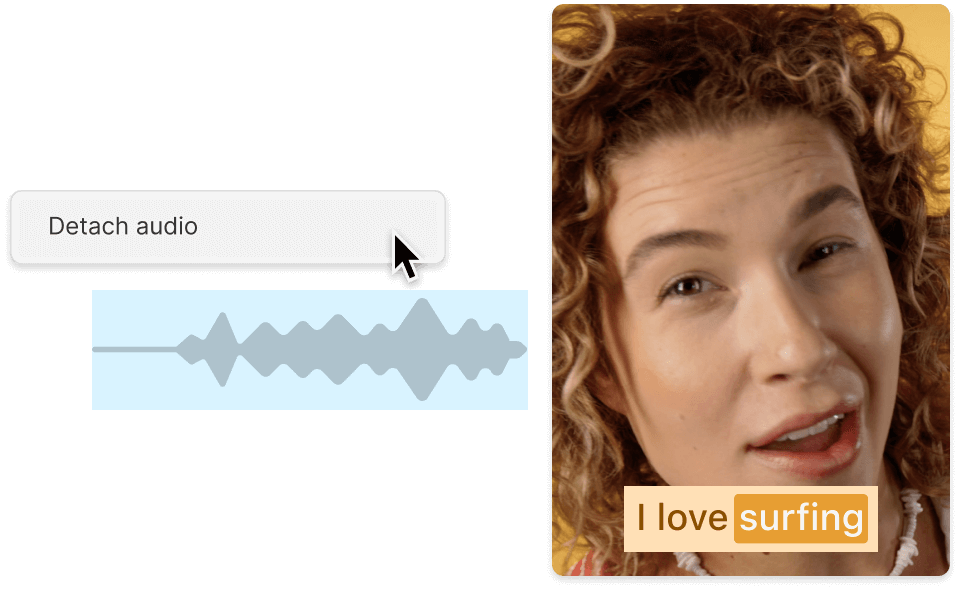
Subtitles in Malay show you care about local culture. Sometimes that small touch convinces more people to click 'Play.'
Make the most of your editing workflow with these extra perks.

Select multiple captions at once to adjust fonts, colors, or sizing in a single go.
Work with peers or clients online. Share your Malay caption edits and let others comment or revise.
Automatic alignment ensures the Malay captions match the spoken words, even if you shorten or trim the footage.
Extract your captions for use on various platforms; choose whether to burn them in or keep them separate.
With a 4.6-out-of-5-star rating and a bunch of distinctions on G2, Descript’s users have declared it an industry standard in the video and podcasting world.
2026





“With Descript I'll be able to at least double my content output since editing is taking one-quarter the time it used to.”

Donna B.
“With Descript we can create videos for our YouTube channel and our LinkedIn page much faster and with high quality.”

Balázs N.
“Descript has made cleaning up and creating my educational videos into professional presentations [possible] without needing extensive technical computer skills.”

Barbara C.
“Descript makes recording and editing audio and video a breeze. It's advanced features have streamlined my workflows, saving me a lot of time usually spent editing.”

Roderick F.
“The collaborative tools streamline teamwork, allowing my team and me to work efficiently together on projects. Overall, Descript enhances productivity and simplifies the editing process.”

Aldrich M.
“Transcription-based editing makes the process much faster…All in all, a must have editor for most audiences, especially in SaaS marketing.”

Nidhin M.
Surely there’s one for you
$0
$0
per person / month
Start your journey with text-based editing


1 media hour / month

100 AI credits / month

Export 720p, watermark-free

Limited use of Underlord, our agentic video co-editor and AI tools

Limited trial of AI Speech
$24
$16
per person / month
1 person included
Elevate your projects, watermark-free
10 media hours / month
400 AI credits / month
Export 1080p, watermark-free
Access to Underlord, our AI video co-editor

AI tools including Studio Sound, Remove Filler Words, Create Clips, and more
AI Speech with custom voice clones and video regenerate
Most Popular
$35
$24
per person / month
Scale to a team of 3 (billed separately)
Unlock advanced AI-powered creativity
30 media hours / month
800 AI credits / month
Export 4k, watermark-free
Full access to Underlord, our AI video co-editor and 20+ more AI tools

Generate video with the latest AI models

Unlimited access to royalty-free stock media library

Access to top ups for more media hours and AI credits