Add Turkish Captions to Video
Give your videos a multilingual upgrade by adding captions in Turkish, helping your content resonate with a broader audience.
Get started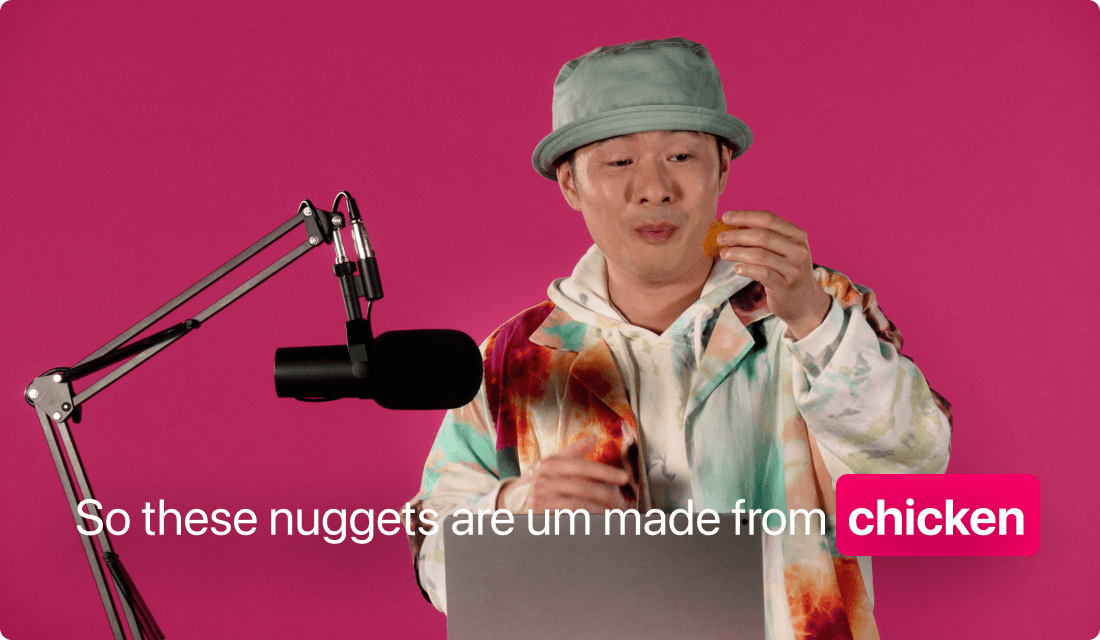
Give your videos a multilingual upgrade by adding captions in Turkish, helping your content resonate with a broader audience.
Get startedThese companies use Descript. Not bad!















01
Create a new project and import your video file—any standard format will do. Once it's processed, you can generate or import a transcript in Turkish. This transcript fuels the caption engine, so it’s best to confirm that your script is accurate.
02
Add your Turkish captions so viewers can read what’s being said even without sound. You can adjust fonts, colors, positioning, and word count per line. If you already have a transcript in another language, you can easily translate the text into Turkish before applying these styles.
03
After a quick preview, lock in your newly minted Turkish captions and export. You can save the final file for uploading to social platforms or generate a separate subtitle file. In either case, your audience now has easy, on-screen text that speaks their language.
Adding Turkish captions breaks language barriers, tapping into a whole new group of eager viewers interested in your content, not just the typical English-speaking crowd.
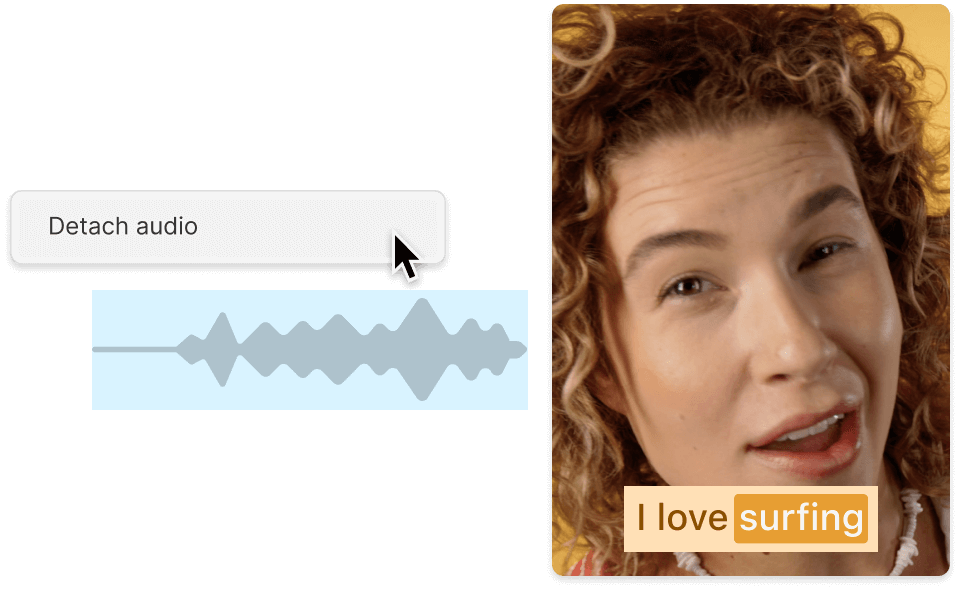
Captions keep people watching longer—especially when they don’t have headphones handy. Turkish captions make your material more viewer-friendly and accessible.
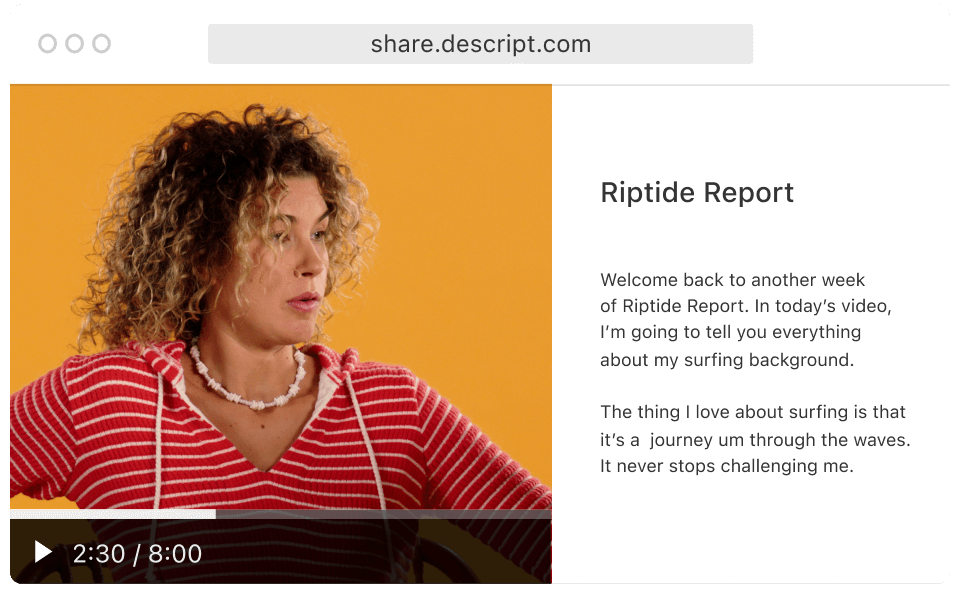
Search engines consider caption text when ranking videos. Adding Turkish captions to video can help your content show up in more searches, reaching curious eyes you didn’t even know existed.
Your video project can become a full-scale production with additional features at your fingertips.

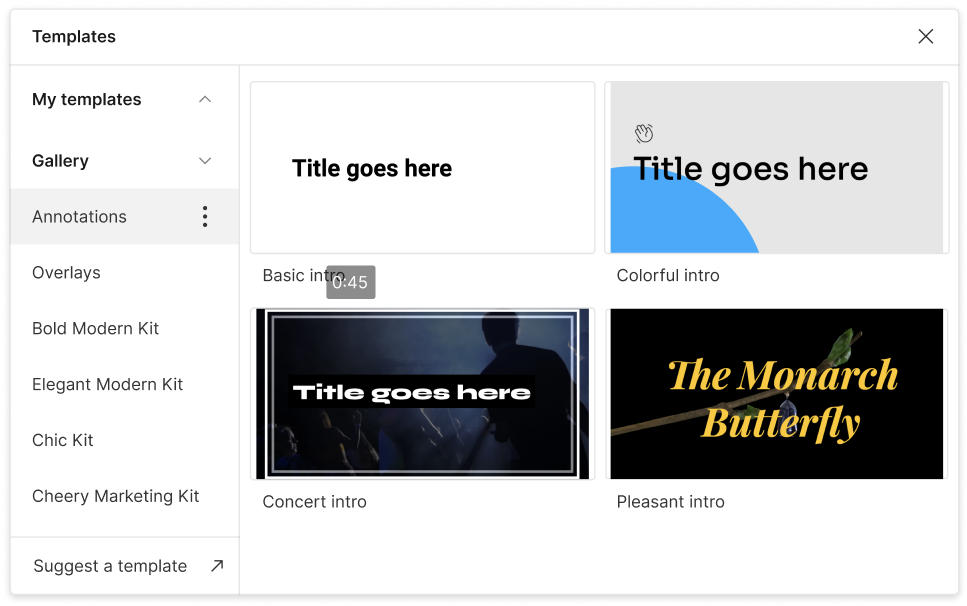
Play with different styles, transitions, or animations for your captions. Match them to your personal or brand aesthetic.
Clear out “ums” and “uhs” for a cleaner transcript. Your Turkish captions will stay perfectly in sync with the edited audio.
Whether you start in Turkish or another language, translations let you localize your video for multiple regions quickly.
Generate caption files separately in standard formats (like SRT or VTT) or embed them directly into your video.
With a 4.6-out-of-5-star rating and a bunch of distinctions on G2, Descript’s users have declared it an industry standard in the video and podcasting world.
2026





“With Descript I'll be able to at least double my content output since editing is taking one-quarter the time it used to.”

Donna B.
“With Descript we can create videos for our YouTube channel and our LinkedIn page much faster and with high quality.”

Balázs N.
“Descript has made cleaning up and creating my educational videos into professional presentations [possible] without needing extensive technical computer skills.”

Barbara C.
“Descript makes recording and editing audio and video a breeze. It's advanced features have streamlined my workflows, saving me a lot of time usually spent editing.”

Roderick F.
“The collaborative tools streamline teamwork, allowing my team and me to work efficiently together on projects. Overall, Descript enhances productivity and simplifies the editing process.”

Aldrich M.
“Transcription-based editing makes the process much faster…All in all, a must have editor for most audiences, especially in SaaS marketing.”

Nidhin M.
Surely there’s one for you
$0
$0
per person / month
Start your journey with text-based editing


1 media hour / month

100 AI credits / month

Export 720p, watermark-free

Limited use of Underlord, our agentic video co-editor and AI tools

Limited trial of AI Speech
$24
$16
per person / month
1 person included
Elevate your projects, watermark-free
10 media hours / month
400 AI credits / month
Export 1080p, watermark-free
Access to Underlord, our AI video co-editor

AI tools including Studio Sound, Remove Filler Words, Create Clips, and more
AI Speech with custom voice clones and video regenerate
Most Popular
$35
$24
per person / month
Scale to a team of 3 (billed separately)
Unlock advanced AI-powered creativity
30 media hours / month
800 AI credits / month
Export 4k, watermark-free
Full access to Underlord, our AI video co-editor and 20+ more AI tools

Generate video with the latest AI models

Unlimited access to royalty-free stock media library

Access to top ups for more media hours and AI credits