Chinese Dubbing Tool
Add realistic Chinese voiceovers and captions to instantly reach more viewers.
Get started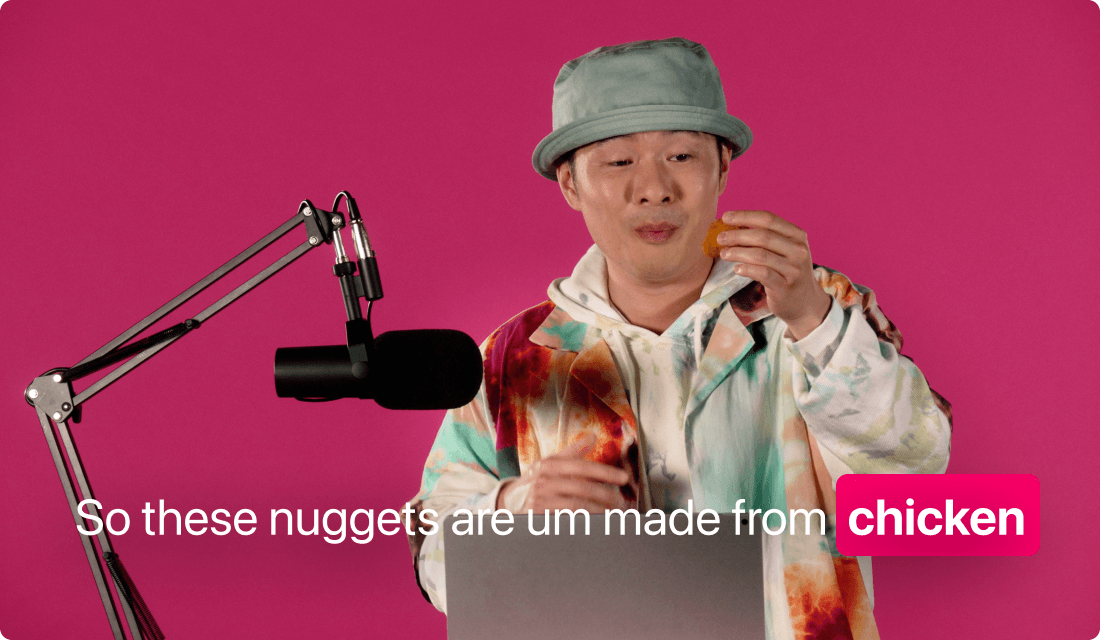
Add realistic Chinese voiceovers and captions to instantly reach more viewers.
Get startedThese companies use Descript. Not bad!















01
First, bring your existing footage or record a new video. Make sure you have a transcript to work with—it might come from auto-transcription or your own text. Once the transcript is set, you’re ready to enable the Chinese dubbing tool.
02
Select the Chinese AI voice that suits your content. The tool will process your dialogue or narration, then produce a complete Chinese dubbing track using advanced AI voices tailored for Mandarin.
03
Finish by overlaying Chinese captions to help viewers follow along, even in silent or noisy settings. You can style your subtitles, customize their position on-screen, and export them as a separate file or baked-in text.
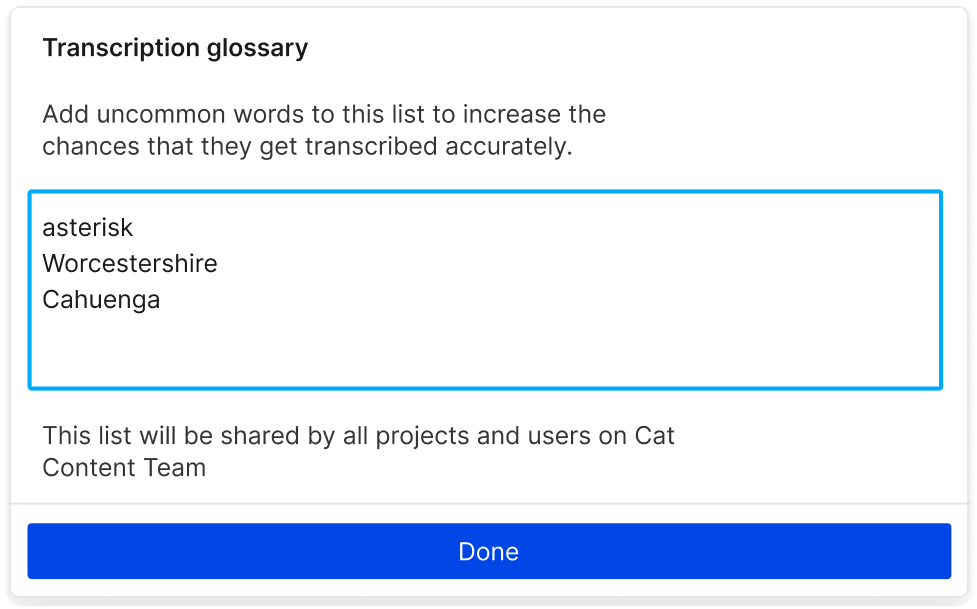
Chinese dubbing is the key to tapping into massive Mandarin-speaking markets—breaking language barriers while staying true to your content.
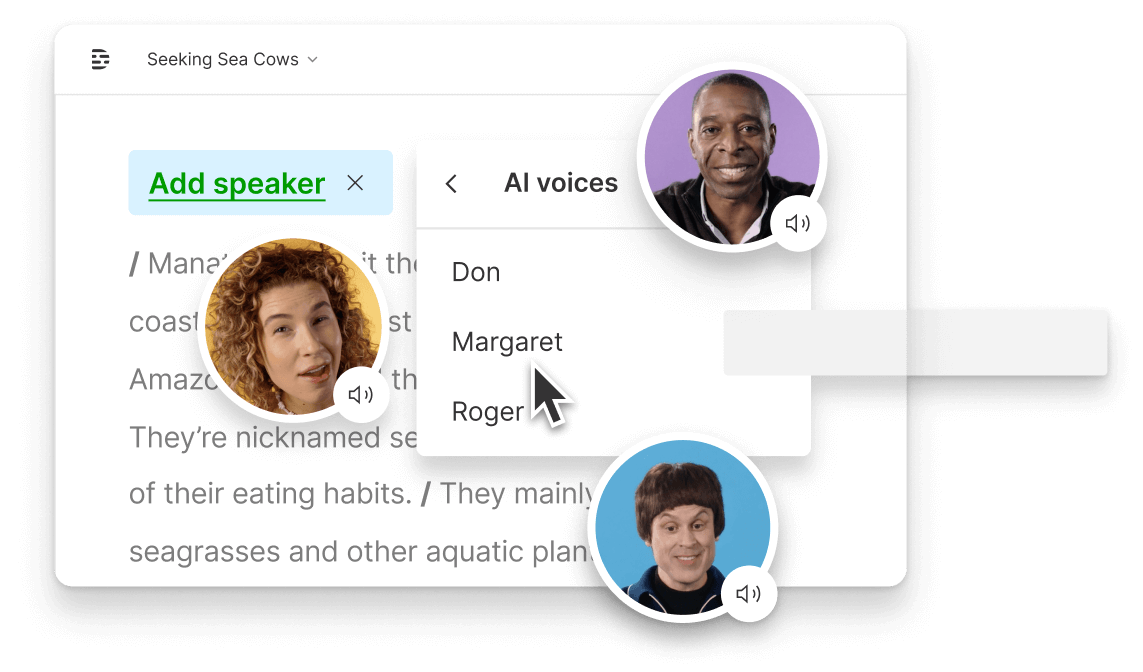
A solid Chinese dubbing tool speeds up your workflow, letting AI handle translations, voice generation, and accurate timing for captions.
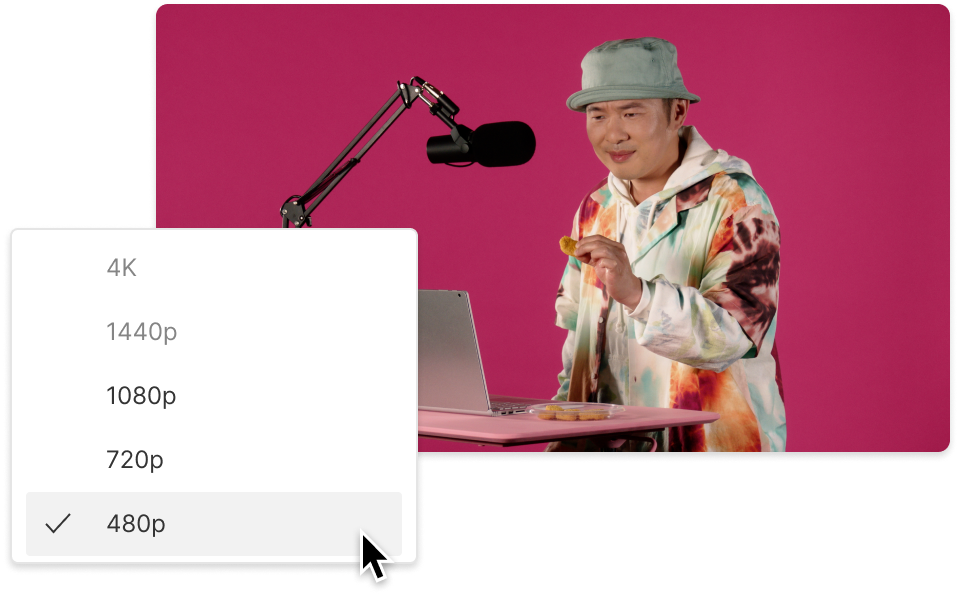
Captions go hand in hand with dubbing. There’s no guesswork; just design your subtitles for readability, add them to your video, and export.
From dubbing to captions, everything you need is right here

Generate Chinese voiceovers that match your original cadence, removing the hassle of re-recording in another language.
The Chinese dubbing tool ensures accurate textual translations, so your audience doesn’t get lost in unclear phrasing.
When you edit text, your captions automatically stay aligned and in the right spot, no matter how you rearrange your content.
Download your finalized audio with or without captions, or export subtitle files in various formats to share anywhere you like.
With a 4.6-out-of-5-star rating and a bunch of distinctions on G2, Descript’s users have declared it an industry standard in the video and podcasting world.
2026





“With Descript I'll be able to at least double my content output since editing is taking one-quarter the time it used to.”

Donna B.
“With Descript we can create videos for our YouTube channel and our LinkedIn page much faster and with high quality.”

Balázs N.
“Descript has made cleaning up and creating my educational videos into professional presentations [possible] without needing extensive technical computer skills.”

Barbara C.
“Descript makes recording and editing audio and video a breeze. It's advanced features have streamlined my workflows, saving me a lot of time usually spent editing.”

Roderick F.
“The collaborative tools streamline teamwork, allowing my team and me to work efficiently together on projects. Overall, Descript enhances productivity and simplifies the editing process.”

Aldrich M.
“Transcription-based editing makes the process much faster…All in all, a must have editor for most audiences, especially in SaaS marketing.”

Nidhin M.
Surely there’s one for you
$0
$0
per person / month
Start your journey with text-based editing


1 media hour / month

100 AI credits / month

Export 720p, watermark-free

Limited use of Underlord, our agentic video co-editor and AI tools

Limited trial of AI Speech
$24
$16
per person / month
1 person included
Elevate your projects, watermark-free
10 media hours / month
400 AI credits / month
Export 1080p, watermark-free
Access to Underlord, our AI video co-editor

AI tools including Studio Sound, Remove Filler Words, Create Clips, and more
AI Speech with custom voice clones and video regenerate
Most Popular
$35
$24
per person / month
Scale to a team of 3 (billed separately)
Unlock advanced AI-powered creativity
30 media hours / month
800 AI credits / month
Export 4k, watermark-free
Full access to Underlord, our AI video co-editor and 20+ more AI tools

Generate video with the latest AI models

Unlimited access to royalty-free stock media library

Access to top ups for more media hours and AI credits