Czech Dubbing Tool
Ditch the fluff. Discover a straightforward way to dub your videos in Czech and add flawless captions simultaneously.
Get started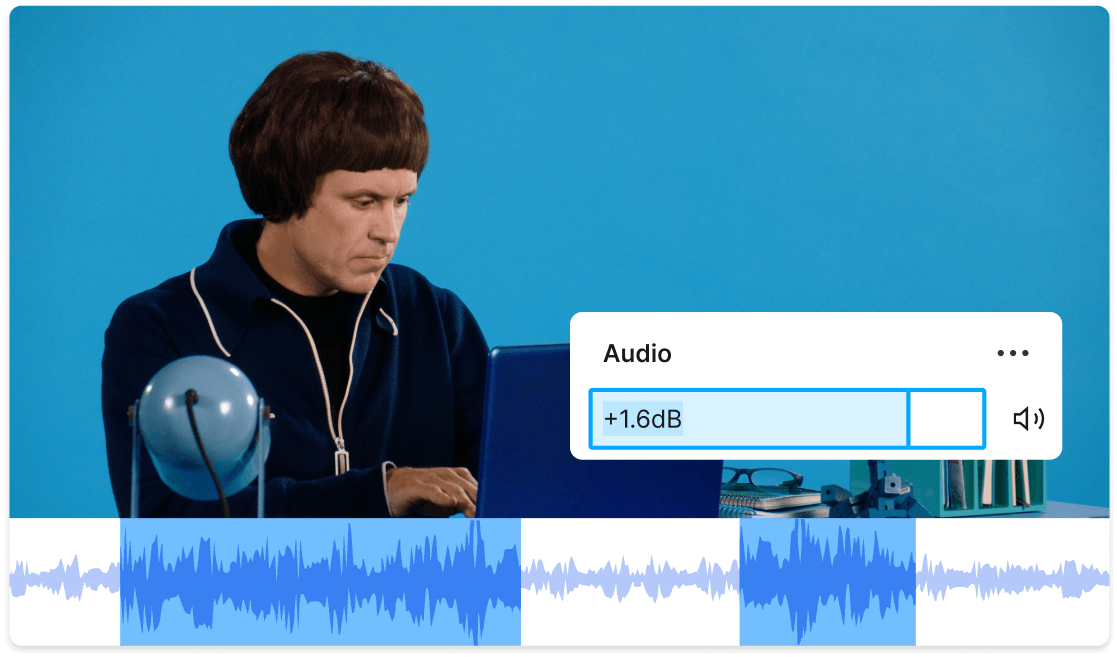
Ditch the fluff. Discover a straightforward way to dub your videos in Czech and add flawless captions simultaneously.
Get startedThese companies use Descript. Not bad!















01
Start by creating a new project and bringing your video or audio in. To keep things simple, let the AI do the heavy lifting for language detection, so you can focus on your main goal: generating Czech dubbing and on-screen captions.
02
Use the czech dubbing tool to transform existing speech into Czech. In the same pass, you can set up caption generation that’s automatically synced to the newly dubbed audio. It’s easier than you think—just specify your language choice, and let the system do its magic.
03
Preview your Czech audio track alongside the captions. Polish up any tricky translations or timing issues, then enjoy your newly dubbed and captioned video. You’ll have professional-sounding Czech dialogues, perfectly aligned subtitles, and zero messing around with complex menus.
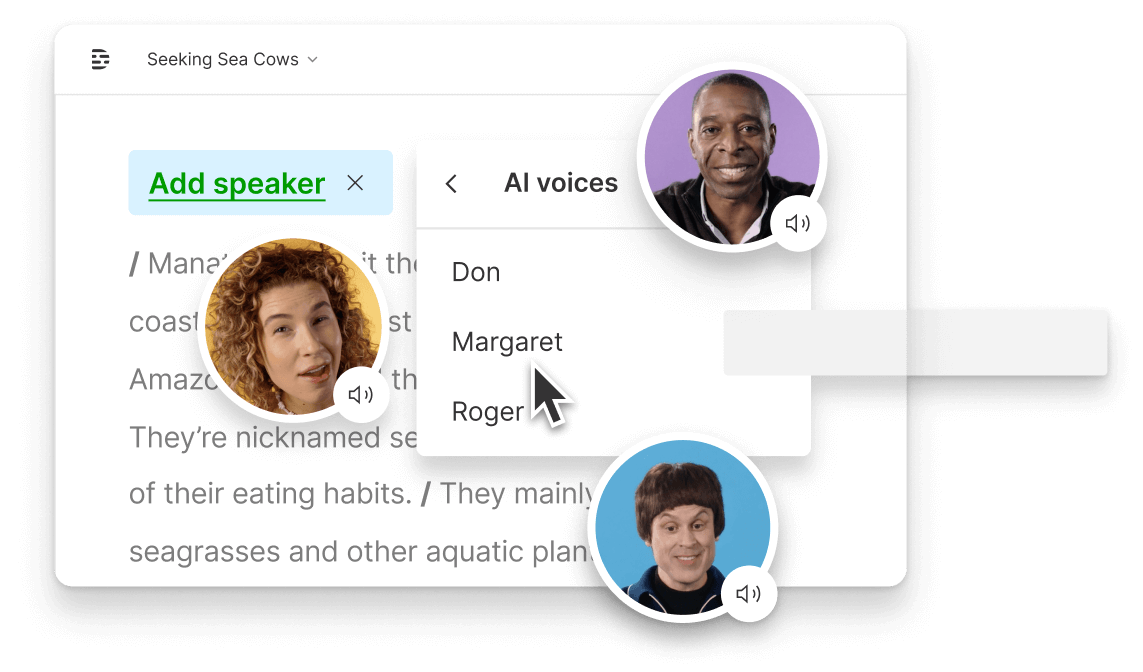
Captions let you reach audiences who can’t turn up the volume or need text-based assistance—no more leaving people out.
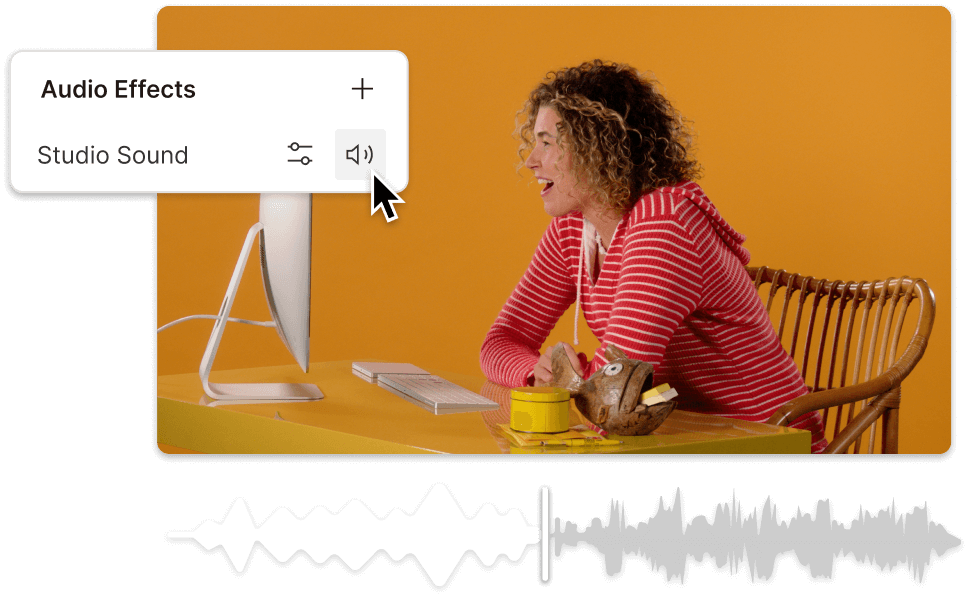
Well-timed, accurate captions keep viewers hooked from the first second. Give your Czech dubbing tool project a serious leg up in watch time.
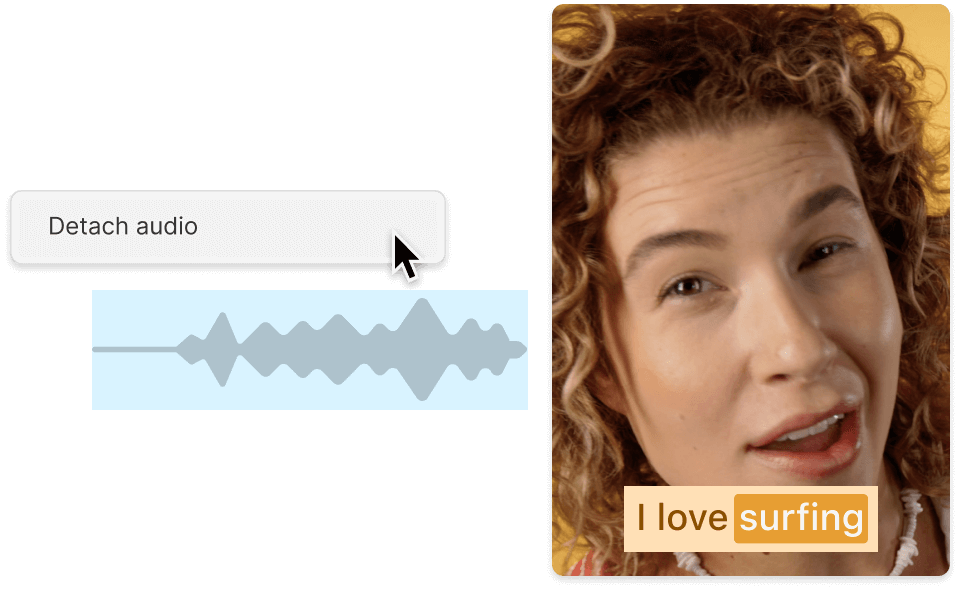
Czech dubbing alone is great, but pairing it with perfectly synced text makes you look like you’ve got a mega production budget—without actually spending one.
No empty promises—just capabilities that let you do real work fast.

Convert your original audio into Czech in seconds—no advanced knowledge required.
Edit your captions as if you were tweaking a text doc. No complicated steps, just highlight and fix.
Remove background noise and polish your Czech recordings with built-in AI and regeneration tools.
Publish to social platforms or download for your library—captions baked in or as a separate file.
With a 4.6-out-of-5-star rating and a bunch of distinctions on G2, Descript’s users have declared it an industry standard in the video and podcasting world.
2026





“With Descript I'll be able to at least double my content output since editing is taking one-quarter the time it used to.”

Donna B.
“With Descript we can create videos for our YouTube channel and our LinkedIn page much faster and with high quality.”

Balázs N.
“Descript has made cleaning up and creating my educational videos into professional presentations [possible] without needing extensive technical computer skills.”

Barbara C.
“Descript makes recording and editing audio and video a breeze. It's advanced features have streamlined my workflows, saving me a lot of time usually spent editing.”

Roderick F.
“The collaborative tools streamline teamwork, allowing my team and me to work efficiently together on projects. Overall, Descript enhances productivity and simplifies the editing process.”

Aldrich M.
“Transcription-based editing makes the process much faster…All in all, a must have editor for most audiences, especially in SaaS marketing.”

Nidhin M.
Surely there’s one for you
$0
$0
per person / month
Start your journey with text-based editing


1 media hour / month

100 AI credits / month

Export 720p, watermark-free

Limited use of Underlord, our agentic video co-editor and AI tools

Limited trial of AI Speech
$24
$16
per person / month
1 person included
Elevate your projects, watermark-free
10 media hours / month
400 AI credits / month
Export 1080p, watermark-free
Access to Underlord, our AI video co-editor

AI tools including Studio Sound, Remove Filler Words, Create Clips, and more
AI Speech with custom voice clones and video regenerate
Most Popular
$35
$24
per person / month
Scale to a team of 3 (billed separately)
Unlock advanced AI-powered creativity
30 media hours / month
800 AI credits / month
Export 4k, watermark-free
Full access to Underlord, our AI video co-editor and 20+ more AI tools

Generate video with the latest AI models

Unlimited access to royalty-free stock media library

Access to top ups for more media hours and AI credits