Greek Dubbing Tool
Auto-dub your videos in Greek with time-synced captions—retaining clarity across your entire project.
Get started
Auto-dub your videos in Greek with time-synced captions—retaining clarity across your entire project.
Get startedThese companies use Descript. Not bad!















01
Begin by opening a new project and importing your video file. Once uploaded, it will be transcribed. Select Greek for your transcription language so your final dubbed content stays consistent. You can also record directly in the same workspace.
02
Use the Greek dubbing tool to translate spoken lines into Greek and produce synced captions. You can also toggle an AI voice, or your own cloned voice, to auto-generate Greek audio. Finally, let the system attach captions to each chunk of your timeline.
03
Play through your timeline to confirm your Greek dubbing lines up with the visuals. If you spot mistakes, quickly correct them in the text layer—your audio and captions will update automatically. Export as a video with baked-in captions or a separate text file.
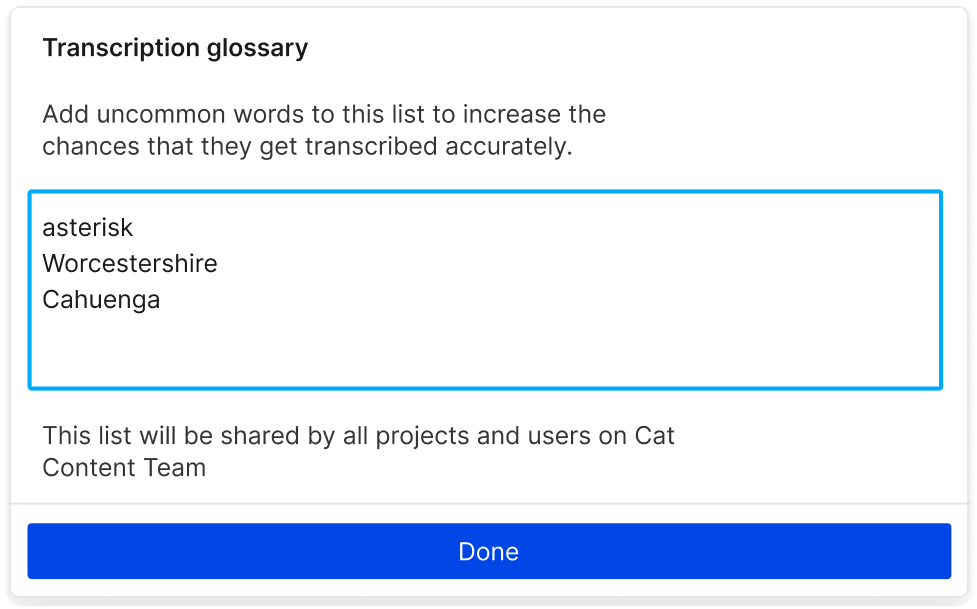
The Greek dubbing tool currently supports near real-time translation. Even though Greek is in beta, transcripts remain accurate, capturing the essence of your original recording.
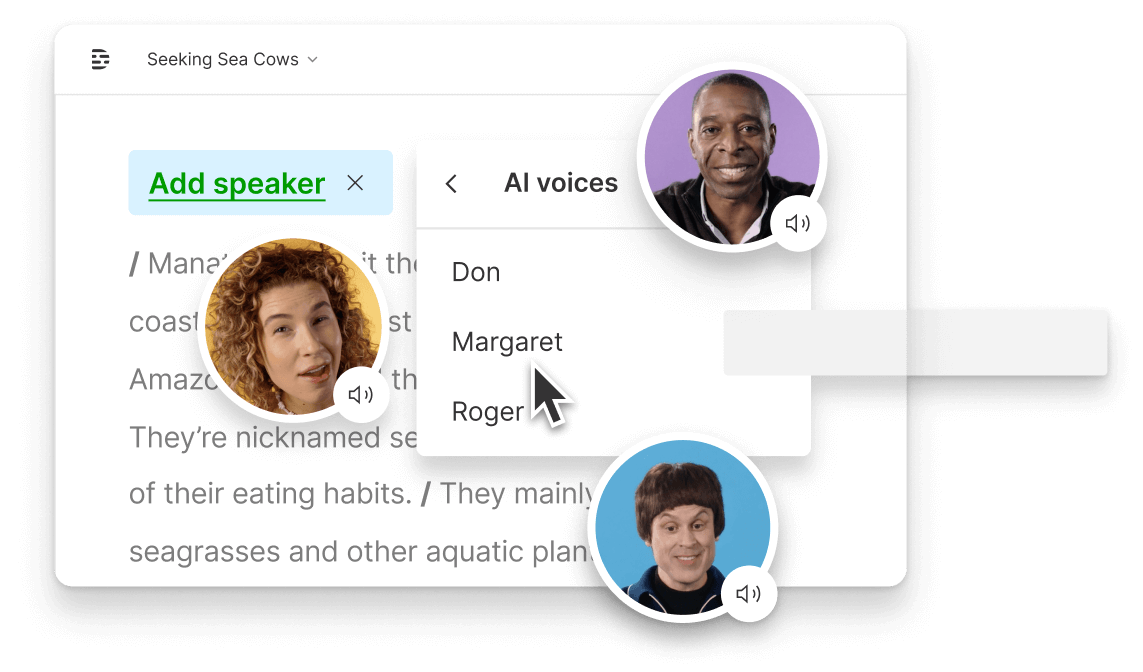
Quickly convert entire scripts into Greek audio using embedded AI voices. You can sync the speech with your visuals—and the captions follow automatically.
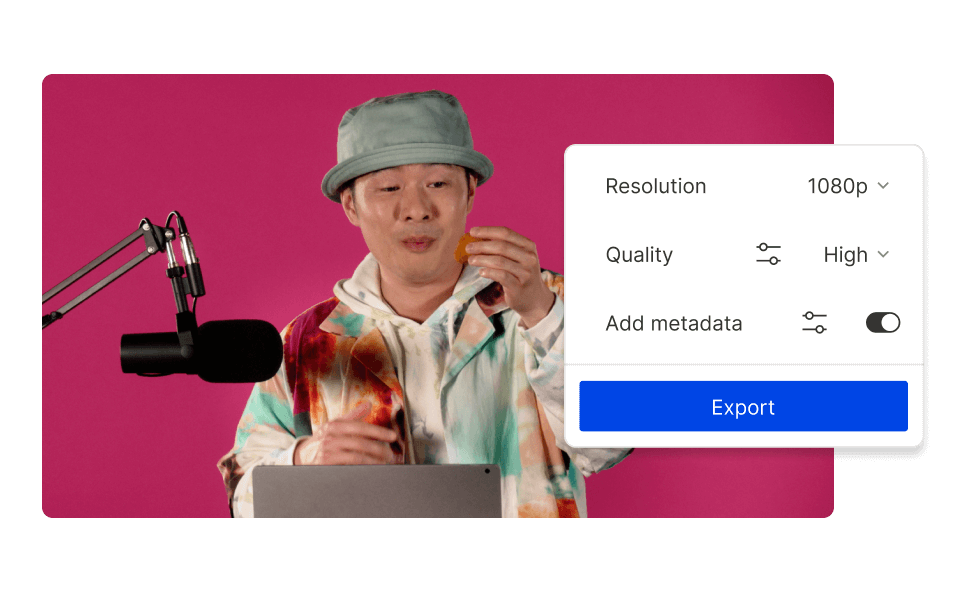
Our approach is straightforward: upload, translate, and caption. You don’t spend hours fiddling around. The Greek dubbing tool is your direct route to a polished Greek video.
Go beyond standard translation to achieve a smooth, professional finish in all your Greek content.

Simply highlight transcript text to cut or reorder entire sections. Your Greek dubbing and captions update instantly with every text edit.
If you prefer your own voice in Greek, provide a clear recording, and it can be cloned into Greek for a personal touch.
Spot something awkward? Highlight the text and make your tweak. The Greek dubbing tool regenerates audio and captions automatically.
Whether you want full videos or separate subtitle files, you can export everything you need for hosting or archiving.
With a 4.6-out-of-5-star rating and a bunch of distinctions on G2, Descript’s users have declared it an industry standard in the video and podcasting world.
2026





“With Descript I'll be able to at least double my content output since editing is taking one-quarter the time it used to.”

Donna B.
“With Descript we can create videos for our YouTube channel and our LinkedIn page much faster and with high quality.”

Balázs N.
“Descript has made cleaning up and creating my educational videos into professional presentations [possible] without needing extensive technical computer skills.”

Barbara C.
“Descript makes recording and editing audio and video a breeze. It's advanced features have streamlined my workflows, saving me a lot of time usually spent editing.”

Roderick F.
“The collaborative tools streamline teamwork, allowing my team and me to work efficiently together on projects. Overall, Descript enhances productivity and simplifies the editing process.”

Aldrich M.
“Transcription-based editing makes the process much faster…All in all, a must have editor for most audiences, especially in SaaS marketing.”

Nidhin M.
Surely there’s one for you
$0
$0
per person / month
Start your journey with text-based editing


1 media hour / month

100 AI credits / month

Export 720p, watermark-free

Limited use of Underlord, our agentic video co-editor and AI tools

Limited trial of AI Speech
$24
$16
per person / month
1 person included
Elevate your projects, watermark-free
10 media hours / month
400 AI credits / month
Export 1080p, watermark-free
Access to Underlord, our AI video co-editor

AI tools including Studio Sound, Remove Filler Words, Create Clips, and more
AI Speech with custom voice clones and video regenerate
Most Popular
$35
$24
per person / month
Scale to a team of 3 (billed separately)
Unlock advanced AI-powered creativity
30 media hours / month
800 AI credits / month
Export 4k, watermark-free
Full access to Underlord, our AI video co-editor and 20+ more AI tools

Generate video with the latest AI models

Unlimited access to royalty-free stock media library

Access to top ups for more media hours and AI credits