
These companies use Descript. Not bad!















01
Open a fresh project and import any media you want in your intro. You can record something new, drop in existing clips, or browse your stock library for background videos or graphics. Descript’s text-based editing lets you cut out the dead air by deleting words from the transcript—so you’re left with just the good stuff.
02
Slap on your brand's name, add a tagline, and ramp up the energy with background music. You can reorder or trim the content by simply moving lines around in the transcript. Using AI for voiceover or auto-generated speaker labels helps refine intros so they grab attention fast.
03
Throw in some transitions, fade-ins, or color changes so your final product stands out. Once you’re happy with it, export in your chosen resolution and upload wherever your video intro needs to live—on social media, your website, or that big presentation.
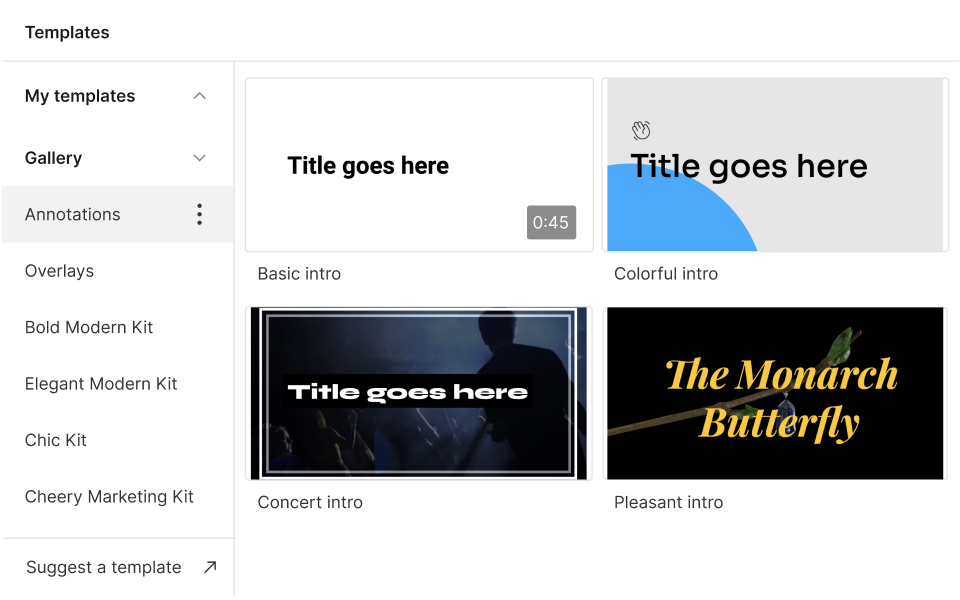
Apply enhancements like noise removal or text-based editing with minimal fuss. Fix shaky audio with AI-driven tools and generate a crisp intro that doesn’t sound like it was recorded in a broom closet.
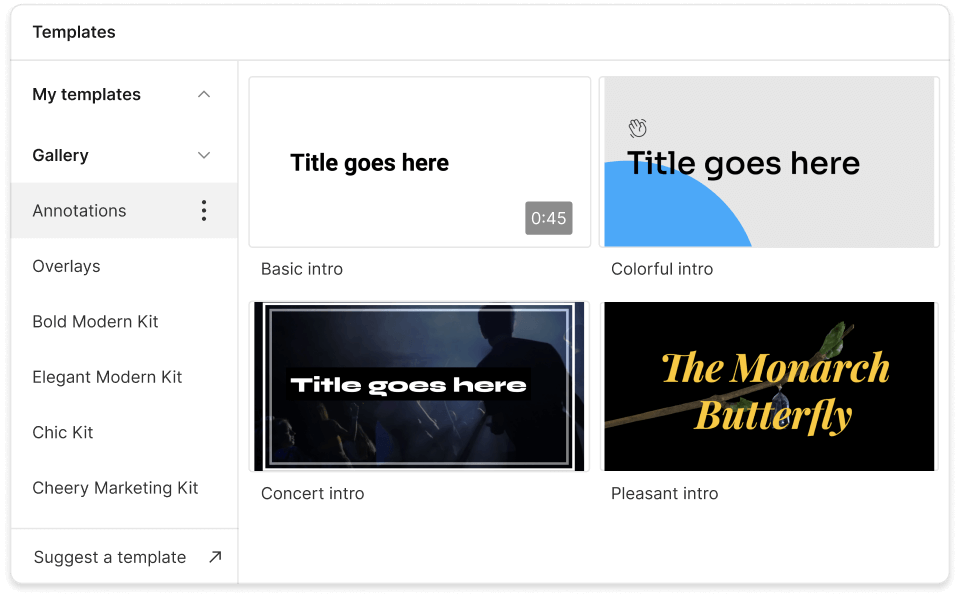
Start with a blank slate or build on every random idea you’ve got. Add transitions, stock footage, music—whatever it takes to nail your brand’s personality. You’re in control.
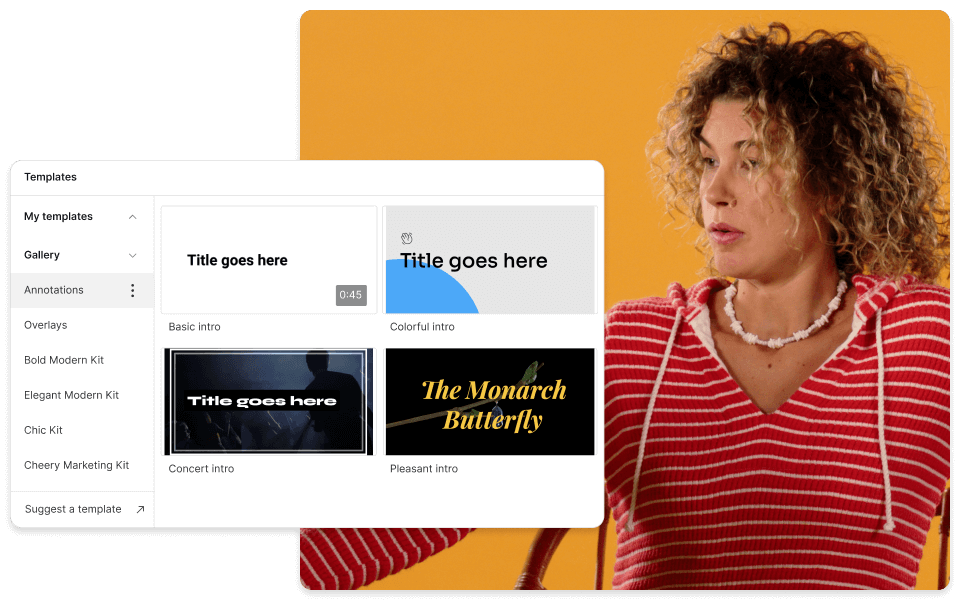
Use Descript on Mac or Windows, or even handle tasks in your browser. Share projects with your team for sign-off, or go rogue and work alone—it’s totally up to you.
Because you need speed, style, and the freedom to experiment.

Delete words from the transcript to remove dull segments. It’s faster than timeline-based editing—and a lot less painful.
No more iffy sound. Use noise cancellation or advanced enhancements to make your intro 100% listener-friendly.
Create the exact style you want: standard widescreen, vertical for Reels or Stories, or good ol’ square for your feed.
Invite teammates, gather notes, and press publish when everyone’s good and ready. No complicated versioning required.
With a 4.6-out-of-5-star rating and a bunch of distinctions on G2, Descript’s users have declared it an industry standard in the video and podcasting world.
2026





“With Descript I'll be able to at least double my content output since editing is taking one-quarter the time it used to.”

Donna B.
“With Descript we can create videos for our YouTube channel and our LinkedIn page much faster and with high quality.”

Balázs N.
“Descript has made cleaning up and creating my educational videos into professional presentations [possible] without needing extensive technical computer skills.”

Barbara C.
“Descript makes recording and editing audio and video a breeze. It's advanced features have streamlined my workflows, saving me a lot of time usually spent editing.”

Roderick F.
“The collaborative tools streamline teamwork, allowing my team and me to work efficiently together on projects. Overall, Descript enhances productivity and simplifies the editing process.”

Aldrich M.
“Transcription-based editing makes the process much faster…All in all, a must have editor for most audiences, especially in SaaS marketing.”

Nidhin M.
Surely there’s one for you
$0
$0
per person / month
Start your journey with text-based editing


1 media hour / month

100 AI credits / month

Export 720p, watermark-free

Limited use of Underlord, our agentic video co-editor and AI tools

Limited trial of AI Speech
$24
$16
per person / month
1 person included
Elevate your projects, watermark-free
10 media hours / month
400 AI credits / month
Export 1080p, watermark-free
Access to Underlord, our AI video co-editor

AI tools including Studio Sound, Remove Filler Words, Create Clips, and more
AI Speech with custom voice clones and video regenerate
Most Popular
$35
$24
per person / month
Scale to a team of 3 (billed separately)
Unlock advanced AI-powered creativity
30 media hours / month
800 AI credits / month
Export 4k, watermark-free
Full access to Underlord, our AI video co-editor and 20+ more AI tools

Generate video with the latest AI models

Unlimited access to royalty-free stock media library

Access to top ups for more media hours and AI credits