Malay Dubbing Tool
Easily transform any video into Malay with synced captions. No awkward hoops, just streamlined multilingual magic.
Get started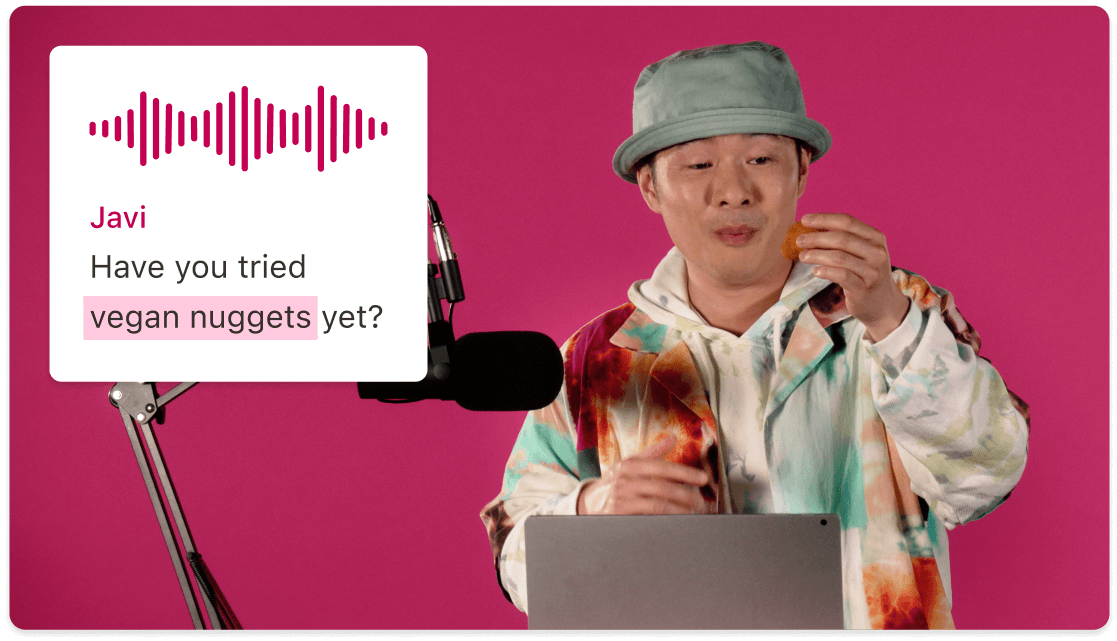
Easily transform any video into Malay with synced captions. No awkward hoops, just streamlined multilingual magic.
Get startedThese companies use Descript. Not bad!















01
Start fresh or use an existing project—just import your video file. The Malay dubbing tool will handle the language conversion, so you can focus on the creative details.
02
Once your transcript is ready, turn on the Malay dubbing tool. If you want captions in Malay, add them before you start dubbing. This ensures both your dub and captions will be in perfect sync.
03
Before finalizing, scan through your Malay audio and captions for any mistakes. You can fix text or audio inaccuracies with minimal fuss. Then export your video with optional closed captions or burned-in subtitles.
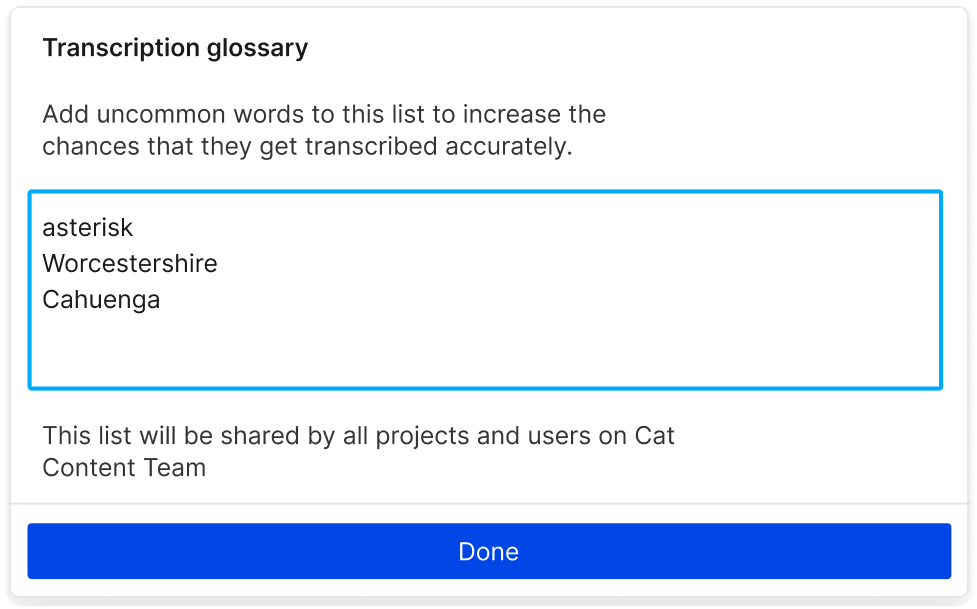
Captions let viewers follow every word of your Malay dub—no confusion, no missed jokes.
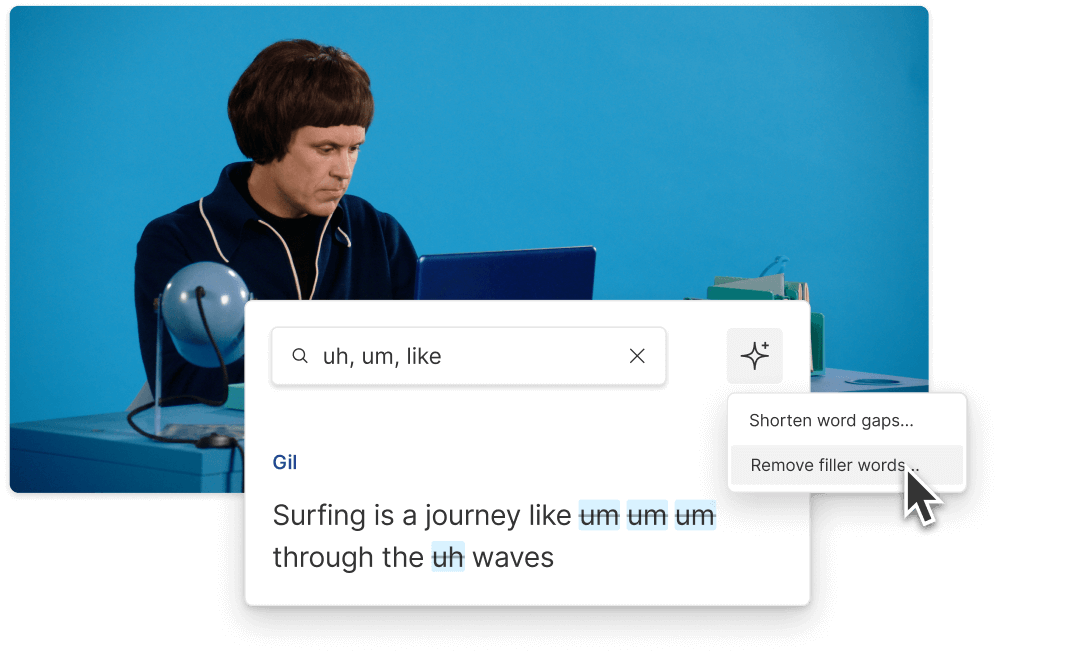
People who are Deaf or hard of hearing still get the local Malay context with word-perfect captions.
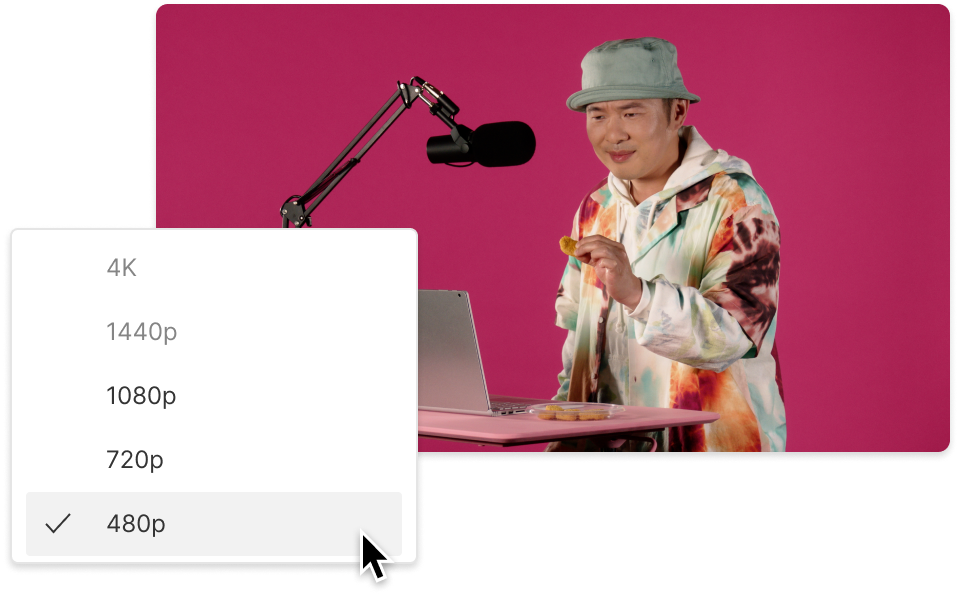
Captions can help with SEO, plus plenty of folks watch on silent. Hook them in with on-screen text.
Go beyond simple audio conversion—create fully realized multilingual videos with flexible editing tools.

Dub speech with natural-sounding Malay AI speakers. No more time-consuming manual voice-overs.
Choose your preferred font, size, and color, or quickly remove filler words for sleek, watchable captions.
Easily identify and label multiple speakers. If you’re hosting a panel, everyone gets consistent name labels.
Work with your team to finalize Malay dubs, discuss changes, and edit captions synchronously—no messy file handoffs.
With a 4.6-out-of-5-star rating and a bunch of distinctions on G2, Descript’s users have declared it an industry standard in the video and podcasting world.
2026





“With Descript I'll be able to at least double my content output since editing is taking one-quarter the time it used to.”

Donna B.
“With Descript we can create videos for our YouTube channel and our LinkedIn page much faster and with high quality.”

Balázs N.
“Descript has made cleaning up and creating my educational videos into professional presentations [possible] without needing extensive technical computer skills.”

Barbara C.
“Descript makes recording and editing audio and video a breeze. It's advanced features have streamlined my workflows, saving me a lot of time usually spent editing.”

Roderick F.
“The collaborative tools streamline teamwork, allowing my team and me to work efficiently together on projects. Overall, Descript enhances productivity and simplifies the editing process.”

Aldrich M.
“Transcription-based editing makes the process much faster…All in all, a must have editor for most audiences, especially in SaaS marketing.”

Nidhin M.
Surely there’s one for you
$0
$0
per person / month
Start your journey with text-based editing


1 media hour / month

100 AI credits / month

Export 720p, watermark-free

Limited use of Underlord, our agentic video co-editor and AI tools

Limited trial of AI Speech
$24
$16
per person / month
1 person included
Elevate your projects, watermark-free
10 media hours / month
400 AI credits / month
Export 1080p, watermark-free
Access to Underlord, our AI video co-editor

AI tools including Studio Sound, Remove Filler Words, Create Clips, and more
AI Speech with custom voice clones and video regenerate
Most Popular
$35
$24
per person / month
Scale to a team of 3 (billed separately)
Unlock advanced AI-powered creativity
30 media hours / month
800 AI credits / month
Export 4k, watermark-free
Full access to Underlord, our AI video co-editor and 20+ more AI tools

Generate video with the latest AI models

Unlimited access to royalty-free stock media library

Access to top ups for more media hours and AI credits