AI audio & video transcription that fits your workflow
Get fast, accurate audio-to-text and video transcription in Descript. Then edit your video or podcast like a doc and add captions in seconds.
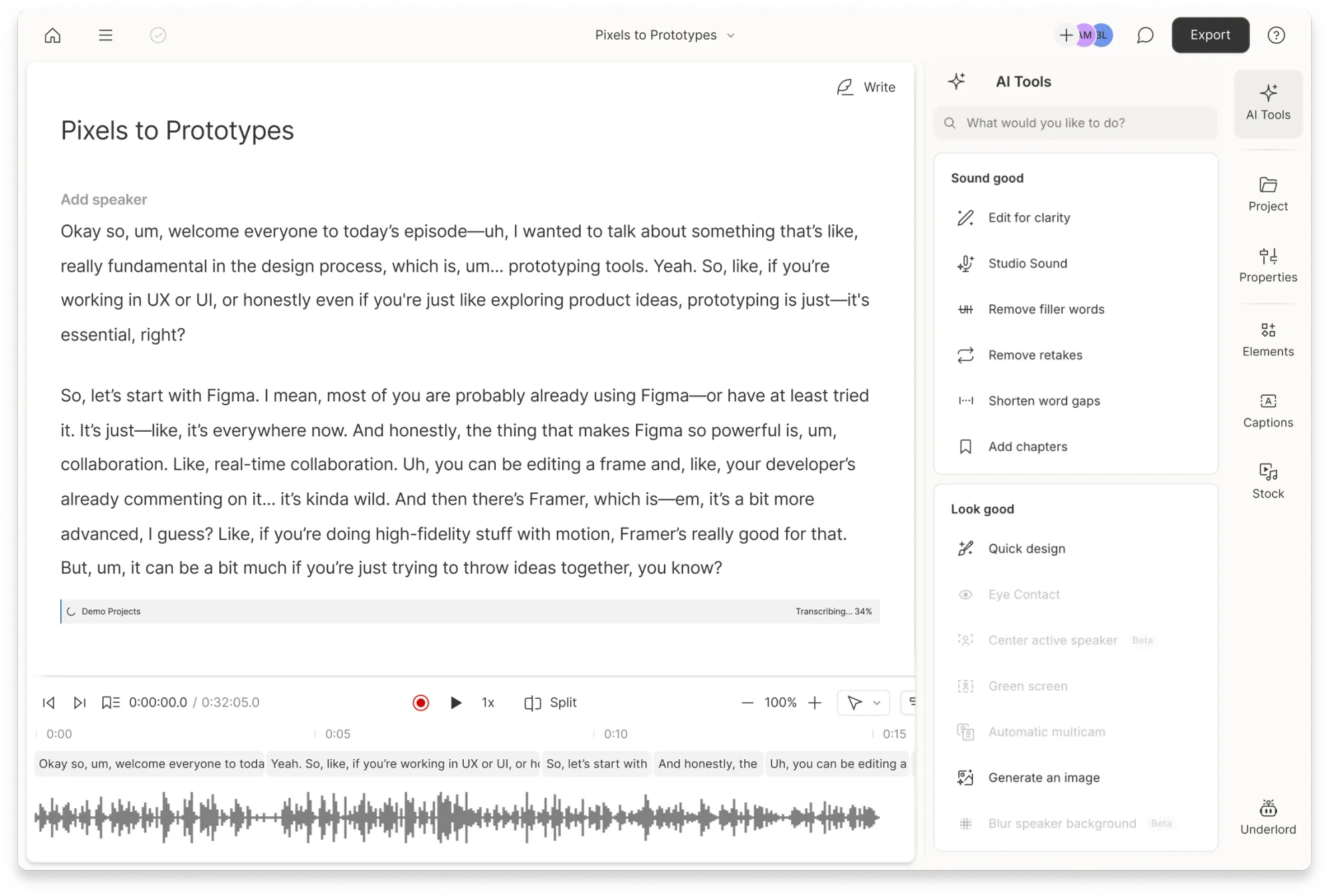
Get fast, accurate audio-to-text and video transcription in Descript. Then edit your video or podcast like a doc and add captions in seconds.
These companies use Descript. Not bad!















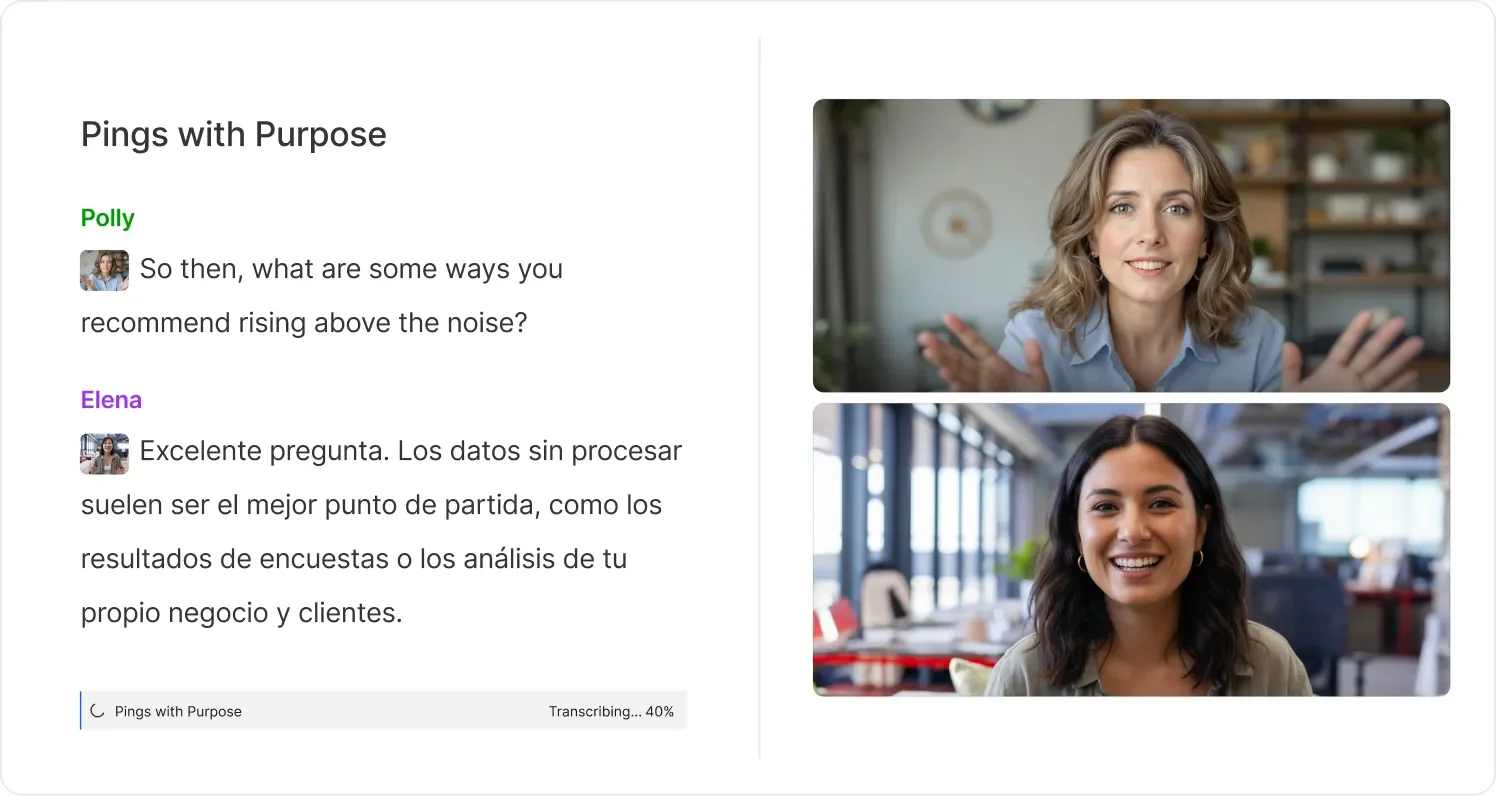
Descript’s AI transcription captures your words and gets them right. With industry-leading precision across 25 languages, your transcripts are ready to edit, translate, or share.
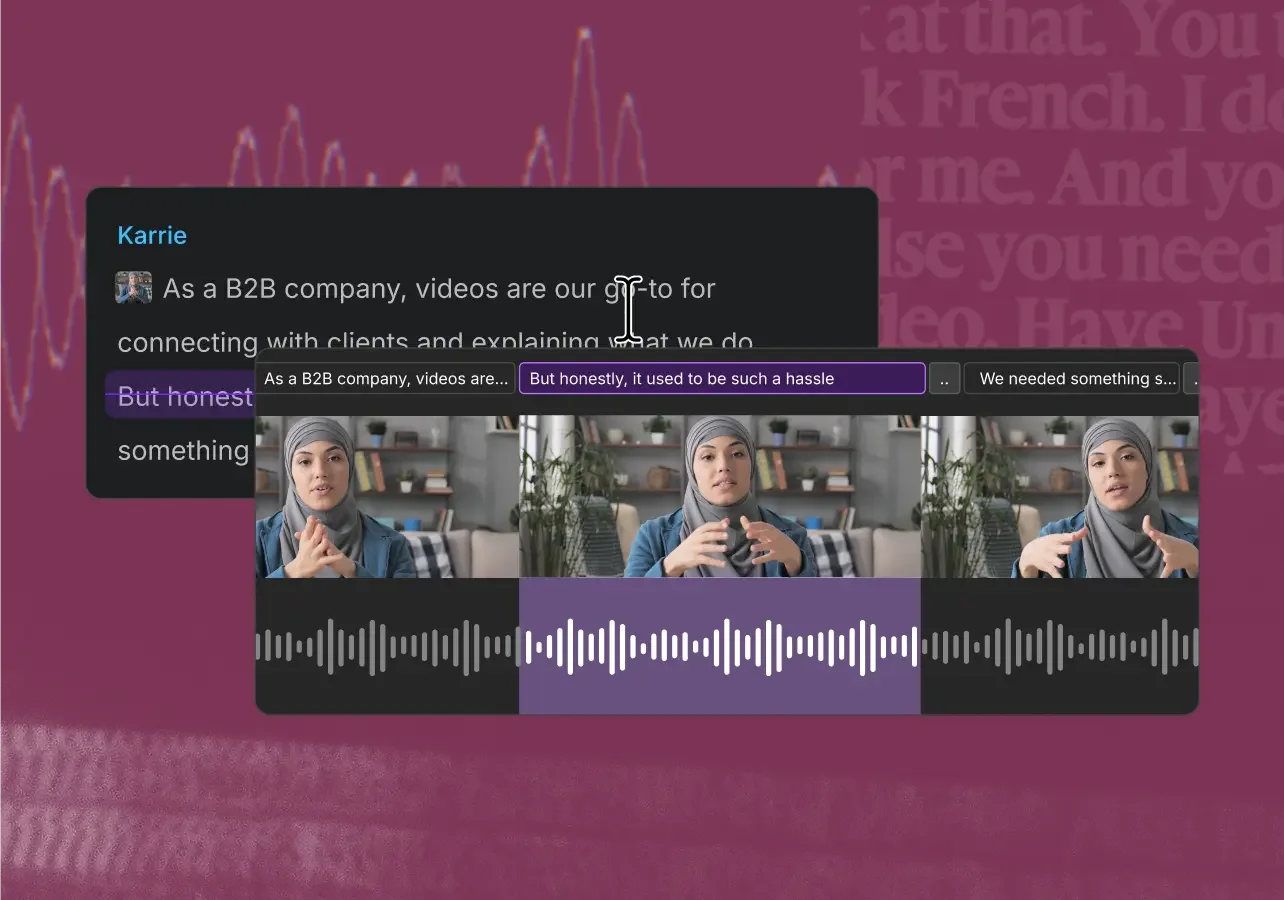
With Descript’s text-based editing, delete, copy, and paste in the transcript to edit your audio and video.
Descript’s AI detects filler words like “um” and “uh,” so you can clean up your transcript or recording in seconds.
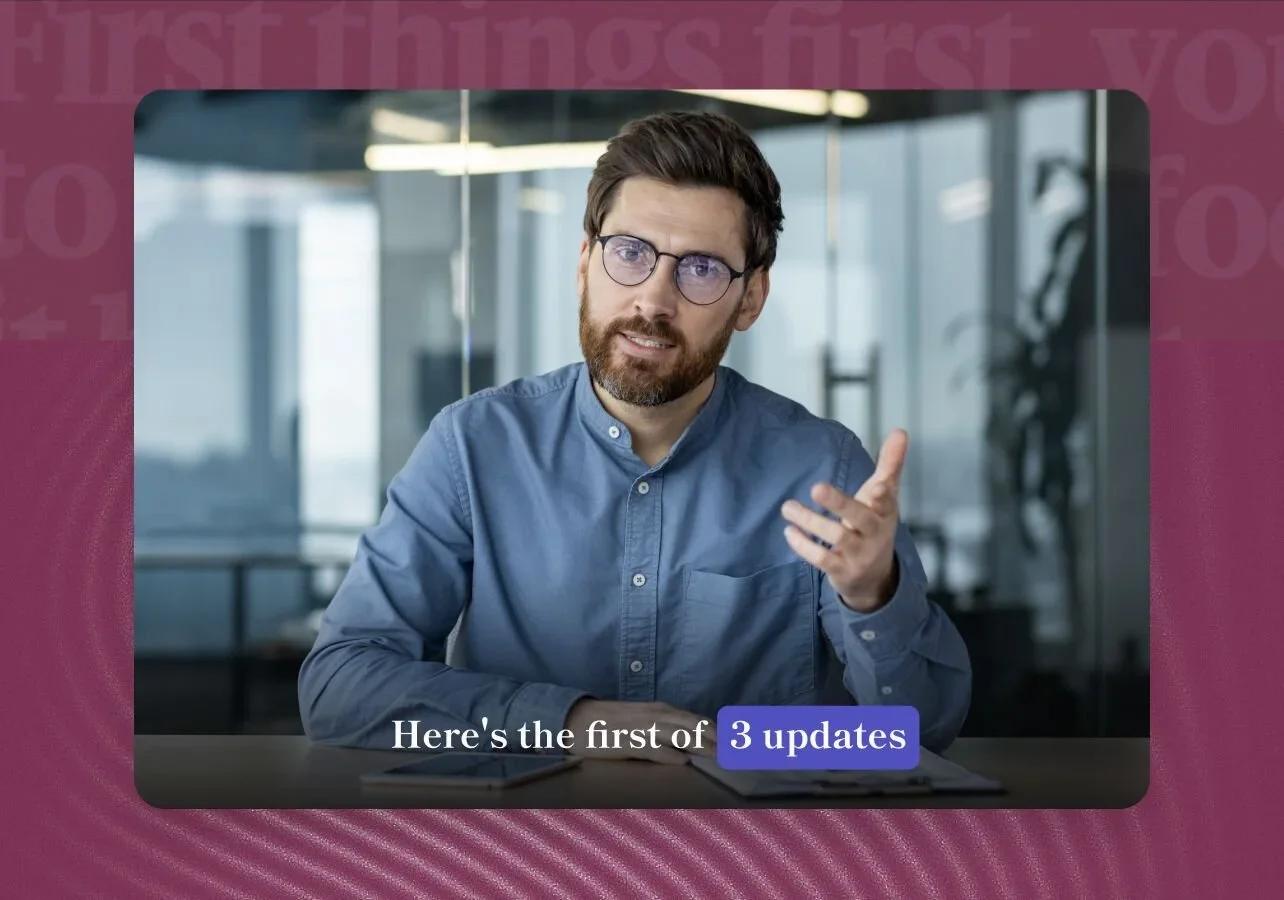
Turn your transcript into polished captions that stay synced with your video.
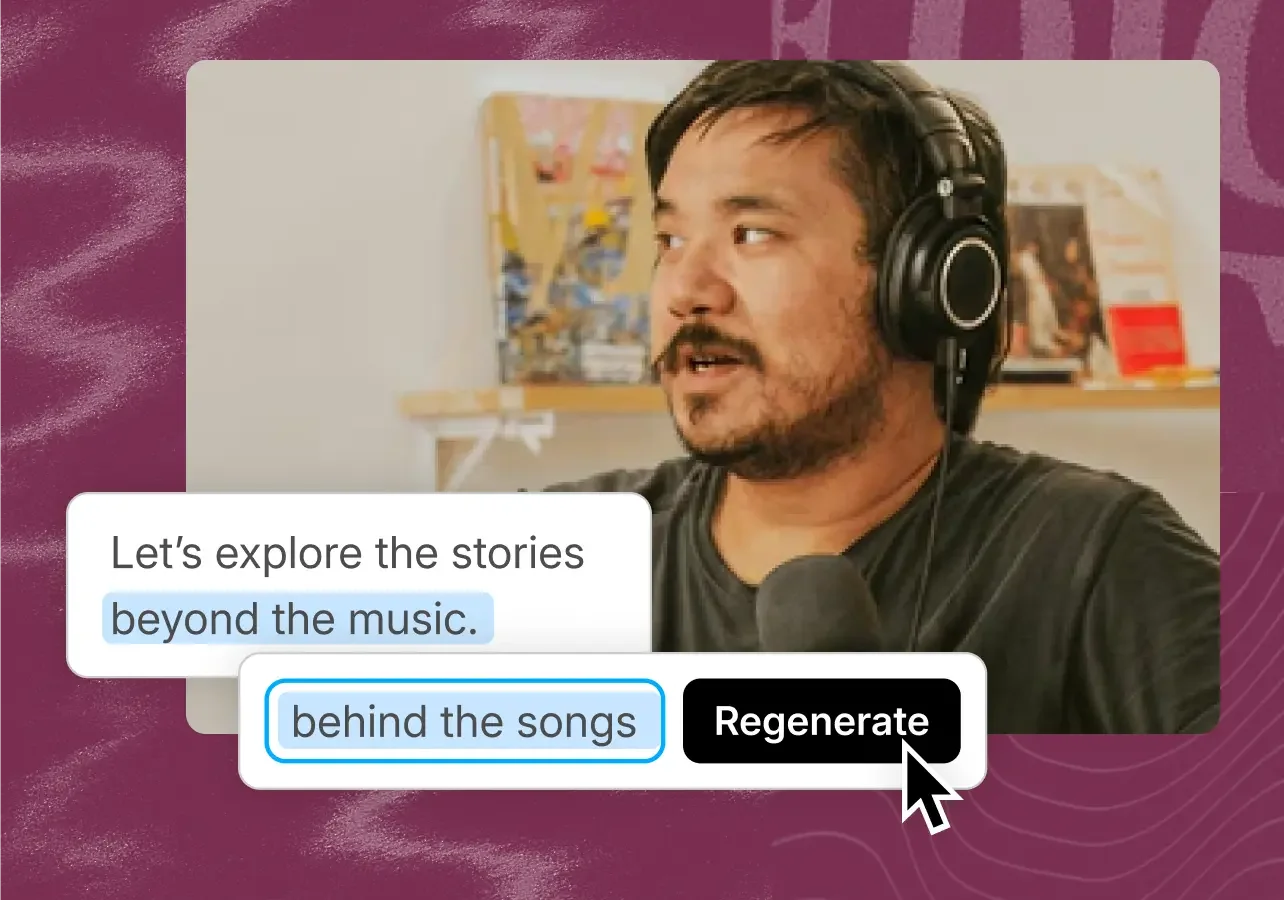
Need to fix a line? Just edit the script, and Descript’s regenerate will use AI to recreate your voice.
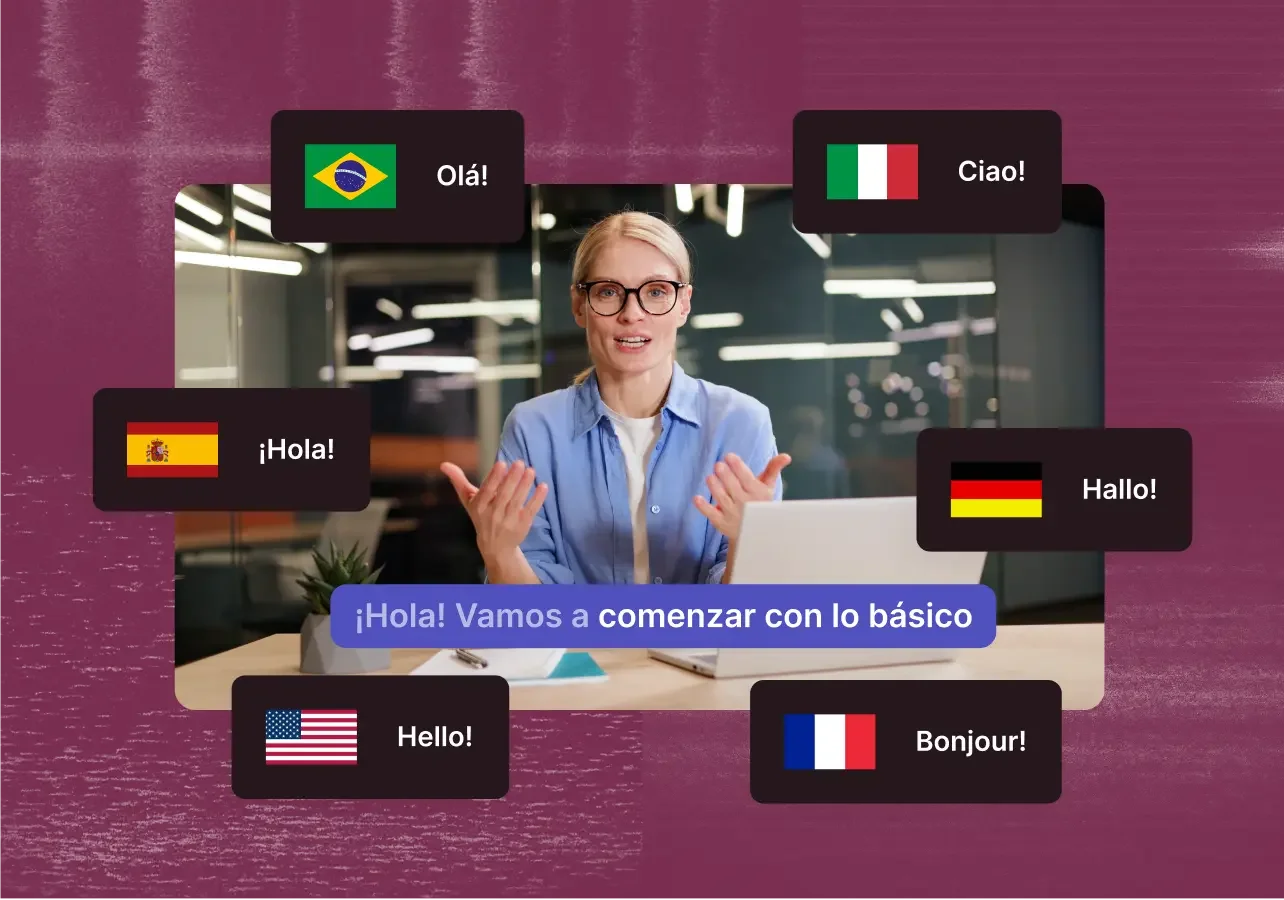
Descript can translate your transcript, captions, or audio into 30+ languages. Let AI help you reach new audiences with multilingual videos.
Surely there’s one for you
$0
per person / month
Start your journey with text-based editing
Get started

1 media hour / month

100 AI credits / month

Export 720p, watermark-free

Limited use of Underlord, our agentic video co-editor and AI tools

Limited trial of AI Speech
$16
per person / month
Elevate your projects, watermark-free
Get started10 media hours / month
400 AI credits / month
Export 1080p, watermark-free
Access to Underlord, our AI video co-editor

AI tools including Studio Sound, Remove Filler Words, Create Clips, and more
AI Speech with custom voice clones and video regenerate
Most Popular
$24
per person / month
Unlock advanced AI-powered creativity
Get started30 media hours / month
800 AI credits / month
Export 4k, watermark-free
Full access to Underlord, our AI video co-editor and 20+ more AI tools

Generate video with the latest AI models

Unlimited access to royalty-free stock media library

Access to top ups for more media hours and AI credits
With a 4.6-out-of-5-star rating and a bunch of distinctions on G2, Descript’s users have declared it an industry standard in the video & podcasting world.
2026



“With Descript I'll be able to at least double my content output since editing is taking one-quarter the time it used to.”

Donna B.
“With Descript we can create videos for our YouTube channel and our LinkedIn page much faster and with high quality.”

Balázs N.
“Descript has made cleaning up and creating my educational videos into professional presentations [possible] without needing extensive technical computer skills.”

Barbara C.
“Descript makes recording and editing audio and video a breeze. It's advanced features have streamlined my workflows, saving me a lot of time usually spent editing.”

Roderick F.
“The collaborative tools streamline teamwork, allowing my team and me to work efficiently together on projects. Overall, Descript enhances productivity and simplifies the editing process.”

Aldrich M.
“Transcription-based editing makes the process much faster…All in all, a must have editor for most audiences, especially in SaaS marketing.”

Nidhin M.
“With Descript I'll be able to at least double my content output since editing is taking one-quarter the time it used to.”
Donna B.
“With Descript we can create videos for our YouTube channel and our LinkedIn page much faster and with high quality.”
Balázs N.
“Descript has made cleaning up and creating my educational videos into professional presentations [possible] without needing extensive technical computer skills.”
Barbara C.
“Descript makes recording and editing audio and video a breeze. It's advanced features have streamlined my workflows, saving me a lot of time usually spent editing.”
Roderick F.
“The collaborative tools streamline teamwork, allowing my team and me to work efficiently together on projects. Overall, Descript enhances productivity and simplifies the editing process.”
Aldrich M.
“Transcription-based editing makes the process much faster…All in all, a must have editor for most audiences, especially in SaaS marketing.”
Nidhin M.