GIF maker
Use our GIF maker to turn video clips or image sequences into shareable GIFs. Trim, crop, add captions or stickers, and create a GIF with more control over size and smoothness.
Create a GIF
Use our GIF maker to turn video clips or image sequences into shareable GIFs. Trim, crop, add captions or stickers, and create a GIF with more control over size and smoothness.
Create a GIFThese companies use Descript. Not bad!















01
To make your own GIF, start a new project and drag in your media. You can create a GIF from MP4 or MOV clips, or turn JPG, PNG, GIF, or WebP files into a frame-by-frame sequence. Set your dimensions early, so you don't have to resize everything later.
02
Trim to the right moment, then crop or resize for the platform. Add captions or text overlays, so your GIF still lands without sound, and layer in GIF stickers or simple visual accents where they help.
03
Tweak the timing until the loop feels clean. Then, export your GIF. Adjust dimensions and GIF frame rate to balance smooth motion with GIF size. If you need sound, export a looping MP4 instead.
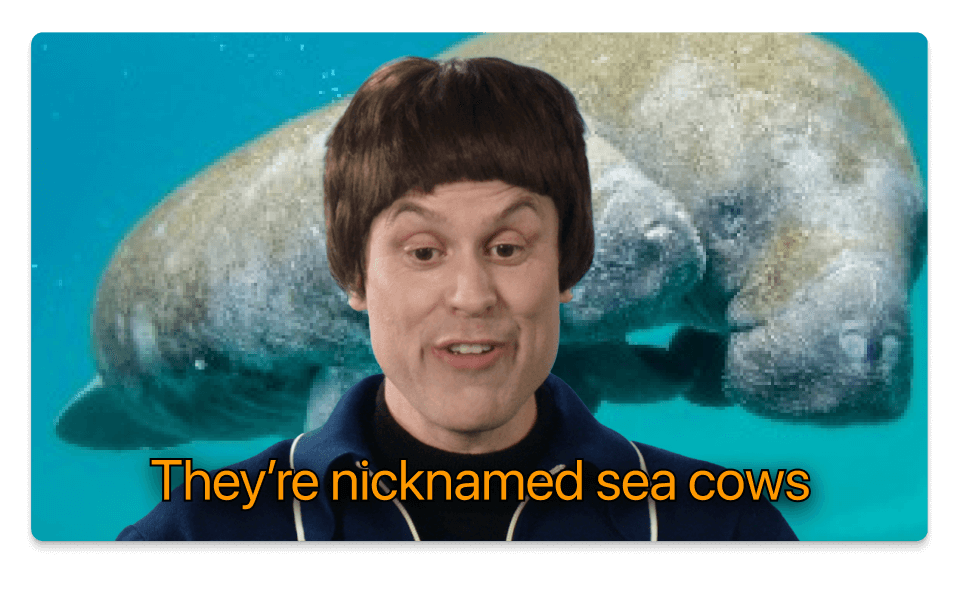
Start a video-to-GIF project with a short clip, or combine still images into a GIF sequence. Add captions, overlays, or simple effects. Then, keep refining in our free GIF editor tool.
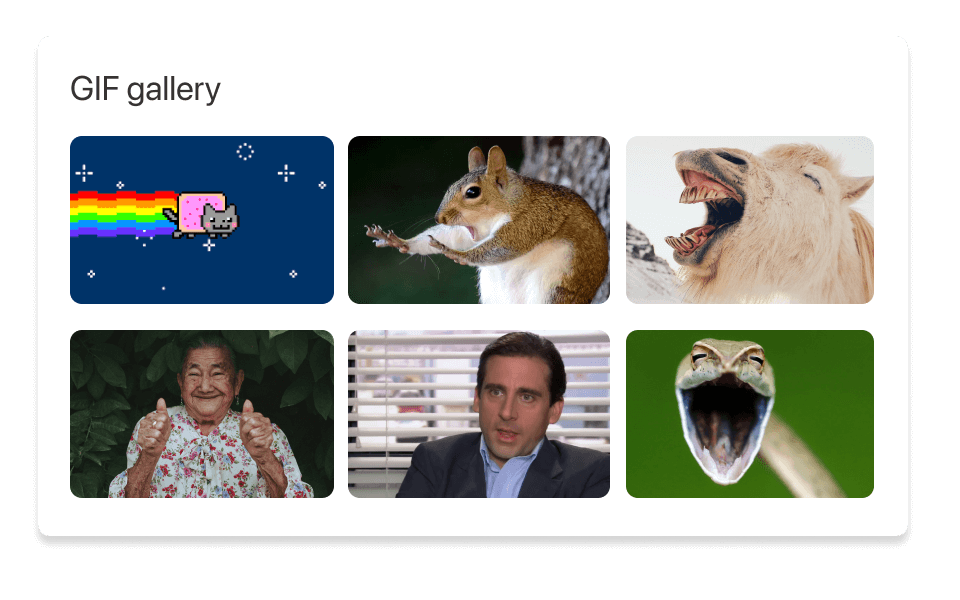
Use our collection of GIFs and GIF stickers with transparent backgrounds. Layer reactions, callouts, or branded overlays on top of your own media. Then, reuse saved assets the next time you want to create your own GIF.
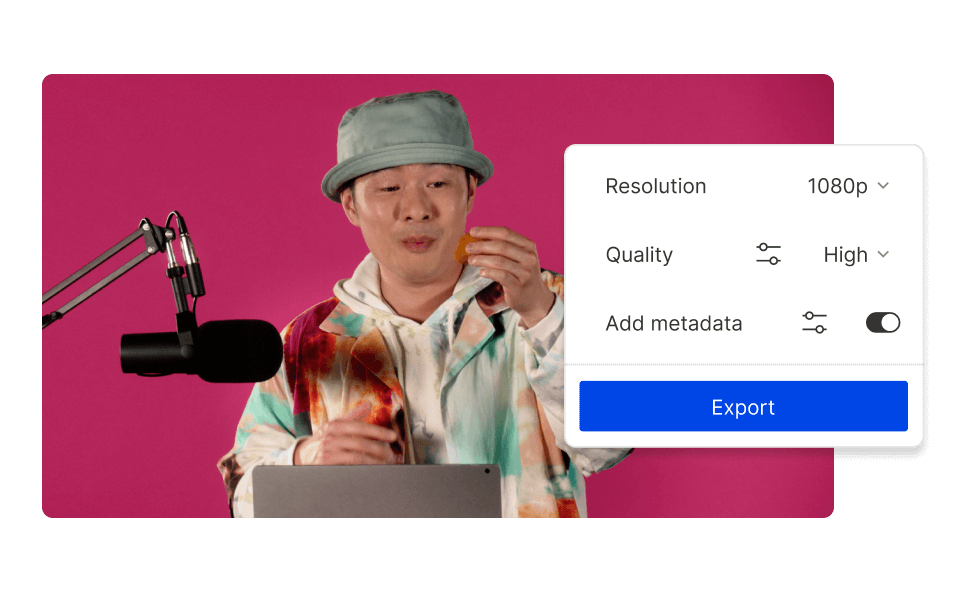
As you convert an MP4 to GIF, you'll need to adjust dimensions, duration, and GIF frame rate to control smoothness and file size. Lower resolution or frame rate shrinks GIF size; higher settings keep motion cleaner. For longer clips or anything with audio, export a looping MP4 instead.
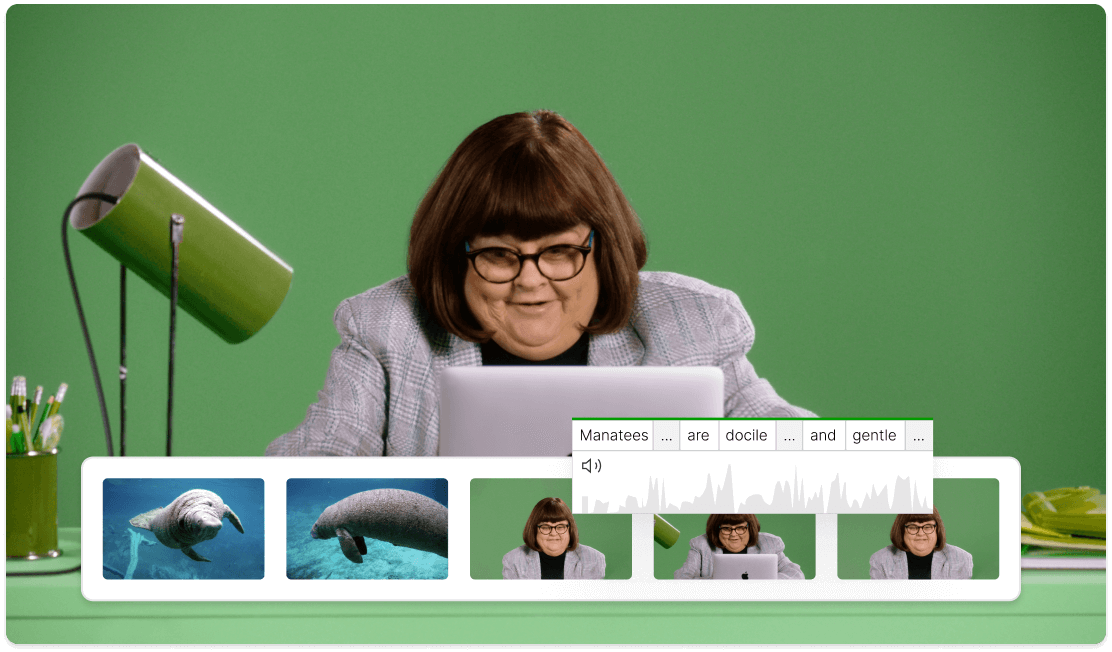
Choose a moment that naturally loops. Line up the first and last frames to avoid an awkward "jump." For some clips, duplicating and reversing the footage creates a smoother ping-pong effect and a better looping GIF.
Edit the clip, add your captions, and export a GIF or MP4 without bouncing between tools.

Find the best moment fast, trim cleanly, and add captions that still read clearly without audio. For a step-by-step walkthrough, see our guide on how to make a GIF.
Pull in royalty-free videos and images when your reaction GIF needs a little more context or a slightly less bare background.
Use ready-made layouts for caption overlays, social clips, and branded content, so your GIFs look consistent without starting from zero every time.
Generate simple backgrounds, frames, or visual accents you can drop directly into your GIF project when your source media needs a little extra help.
With a 4.6-out-of-5-star rating and a bunch of distinctions on G2, Descript’s users have declared it an industry standard in the video and podcasting world.
2026


“With Descript I'll be able to at least double my content output since editing is taking one-quarter the time it used to.”

Donna B.
“With Descript we can create videos for our YouTube channel and our LinkedIn page much faster and with high quality.”

Balázs N.
“Descript has made cleaning up and creating my educational videos into professional presentations [possible] without needing extensive technical computer skills.”

Barbara C.
“Descript makes recording and editing audio and video a breeze. It's advanced features have streamlined my workflows, saving me a lot of time usually spent editing.”

Roderick F.
“The collaborative tools streamline teamwork, allowing my team and me to work efficiently together on projects. Overall, Descript enhances productivity and simplifies the editing process.”

Aldrich M.
“Transcription-based editing makes the process much faster…All in all, a must have editor for most audiences, especially in SaaS marketing.”

Nidhin M.
Surely there’s one for you
$0
$0
per person / month
Start your journey with text-based editing


1 media hour / month

100 AI credits / month

Export 720p, watermark-free

Limited use of Underlord, our agentic video co-editor and AI tools

Limited trial of AI Speech
$24
$16
per person / month
1 person included
Elevate your projects, watermark-free
10 media hours / month
400 AI credits / month
Export 1080p, watermark-free
Access to Underlord, our AI video co-editor

AI tools including Studio Sound, Remove Filler Words, Create Clips, and more
AI Speech with custom voice clones and video regenerate
Most Popular
$35
$24
per person / month
Scale to a team of 3 (billed separately)
Unlock advanced AI-powered creativity
30 media hours / month
+5 bonus hours
800 AI credits / month
+500 bonus credits
Export 4k, watermark-free
Full access to Underlord, our AI video co-editor and 20+ more AI tools

Generate video with the latest AI models

Unlimited access to royalty-free stock media library

Access to top ups for more media hours and AI credits


© Descript 2026
