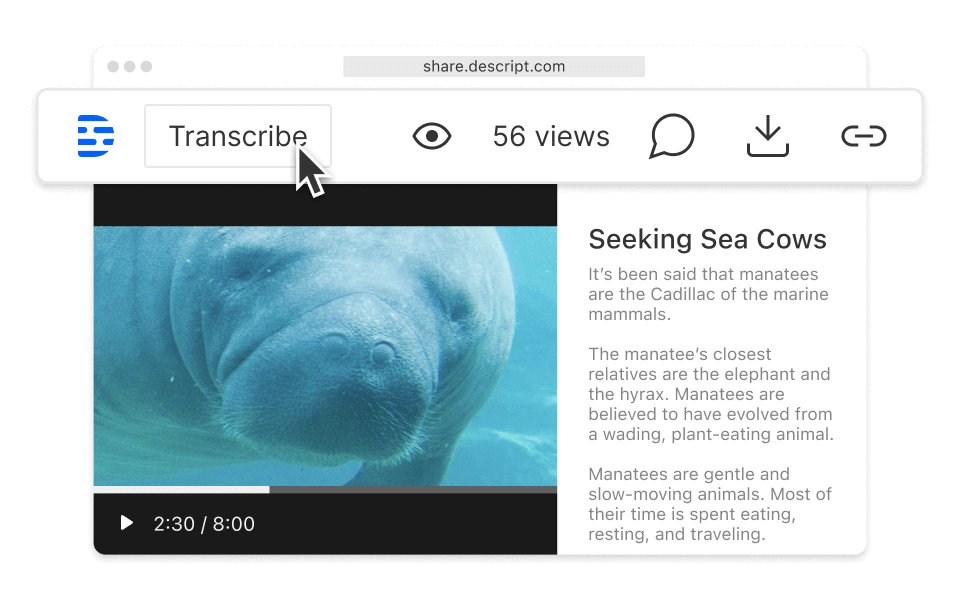
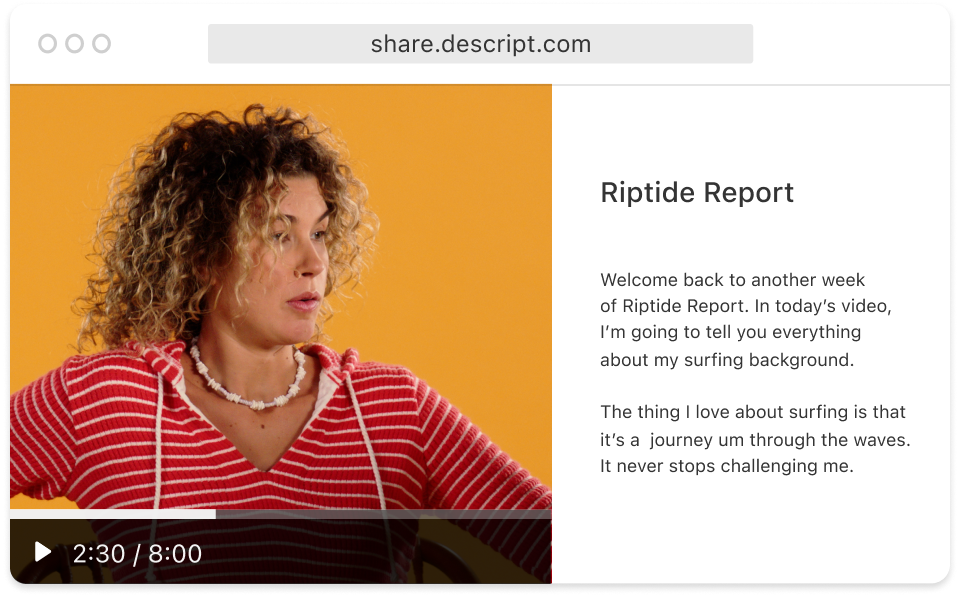
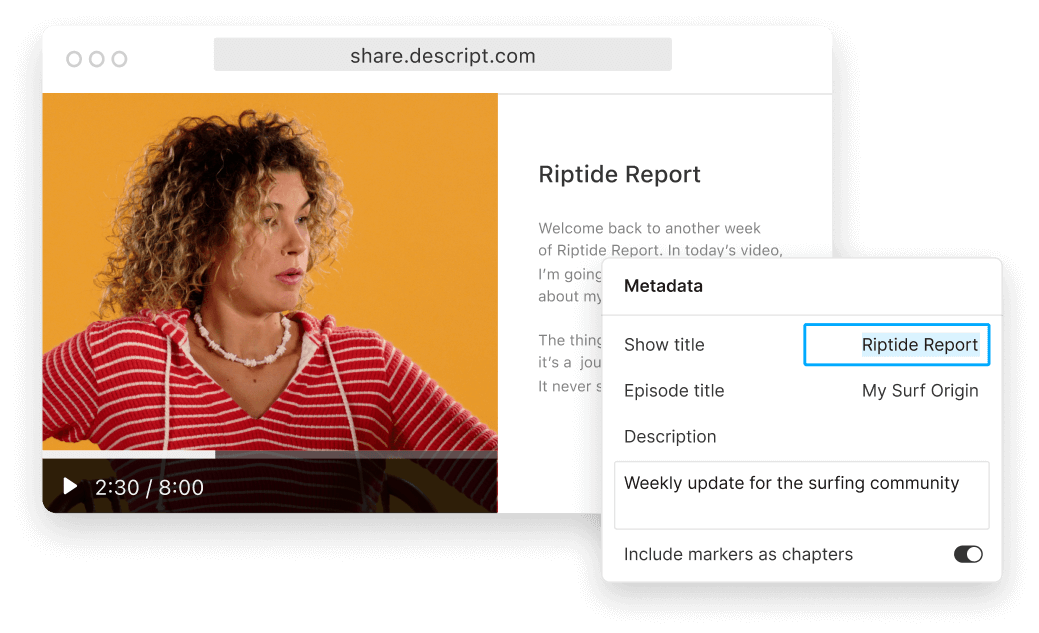
Descript's share pages allow you to effortlessly share your videos with a simple link. Enhance collaboration and feedback by providing easy access to your content, whether it's for team reviews, client presentations, or social media sharing.
Get startedThese companies use Descript. Not bad!
01
Sign up and initiate a new project
Sign up for Descript and start a new project by clicking "New Project." This will open a workspace where you can import your video files or start recording directly. Descript's intuitive interface makes it easy to organize your content and begin editing right away.
02
Upload and edit your video with AI
Drag and drop your video into the project window, and Descript will automatically begin transcribing it. Use Descript’s AI-editing tools to add effects or voice-overs as desired. This seamless process ensures your video is polished and professional, ready to be shared with your audience.
03
Export and share your video via web link
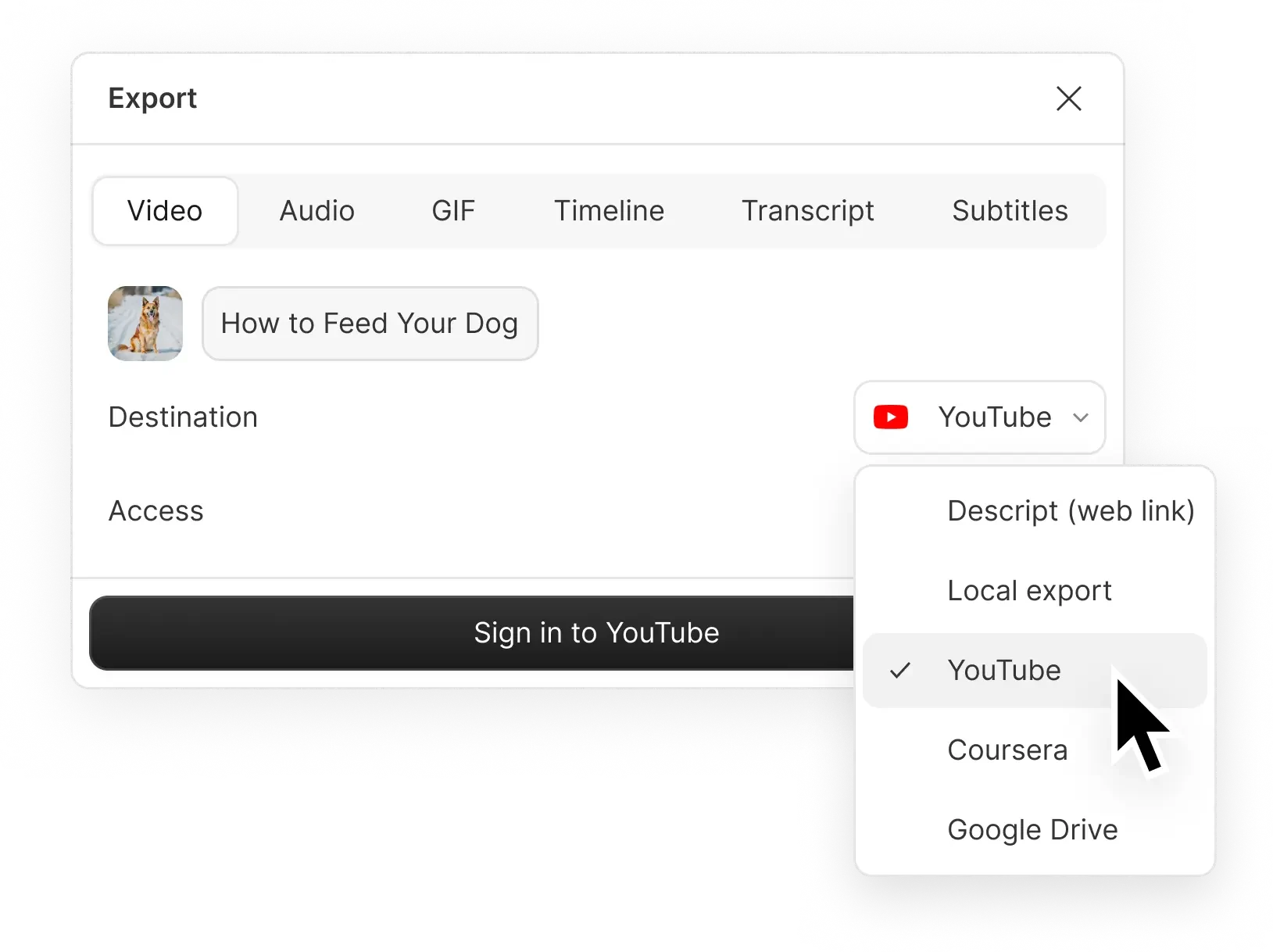
When you're ready to share, click "Export," and choose "Descript (web link)" as your platform. Copy the generated link to easily share your video with others.
Share your video upload as a web link
Effortlessly share your video content with a simple web link using Descript. Whether it's for team collaboration, client presentations, or social media, Descript makes it easy to distribute your videos instantly. No more cumbersome file transfers—just upload, share the link, and reach your audience seamlessly.
Publish directly to YouTube and more
Effortlessly share your videos with the world by publishing directly to YouTube and other platforms. Descript streamlines the process, allowing you to focus on creating engaging content while ensuring your videos reach your audience quickly and efficiently. Simplify your workflow and maximize your video's impact with just a few clicks.
Secure cloud storage with shareable links
Descript offers secure cloud storage with shareable links, making it easy to share your videos effortlessly. Store your content safely and provide access to your team or audience with just a link. This feature ensures your videos are always accessible and protected, streamlining your sharing process.
Descript is an AI-powered audio and video editing tool that lets you edit podcasts and videos like a doc.
Collaboration
Effortlessly collaborate on video projects, ensuring seamless sharing and real-time feedback with Descript's intuitive tools.
Social media clips
Effortlessly create and share engaging social media clips, making your videos stand out across all platforms with Descript.
Captions & subtitles
Effortlessly add captions and subtitles to your shared videos, enhancing accessibility and engagement for all viewers.
Publishing
Effortlessly publish and share your videos with Descript, ensuring your content reaches your audience quickly and seamlessly.
Donna B.
Surely there’s one for you
Free
per person / month
Start your journey with text-based editing
1 media hour / month
100 AI credits / month
Export 720p, watermark-free
Limited use of Underlord, our agentic video co-editor and AI tools
Limited trial of AI Speech
Hobbyist
per person / month
1 person included
Elevate your projects, watermark-free
10 media hours / month
400 AI credits / month
Export 1080p, watermark-free
Access to Underlord, our AI video co-editor
AI tools including Studio Sound, Remove Filler Words, Create Clips, and more
AI Speech with custom voice clones and video regenerate
Most Popular
Creator
per person / month
Scale to a team of 3 (billed separately)
Unlock advanced AI-powered creativity
30 media hours / month
800 AI credits / month
Export 4k, watermark-free
Full access to Underlord, our AI video co-editor and 20+ more AI tools
Generate video with the latest AI models
Unlimited access to royalty-free stock media library
Access to top ups for more media hours and AI credits
What video formats can I share using Descript share pages?
Can I customize the sharing settings for my videos in Descript?
What pricing plans does Descript offer for individuals and teams?
Does Descript support collaboration features for team projects?