Ever try to upload an AVI and hit a wall? AVI files can be bulky, outdated, and weirdly unreliable across modern apps. This AVI to MP4 converter helps you convert AVI to MP4 in minutes. So you can change from AVI to MP4 and end up with a smaller, more compatible file you can edit, share, or upload anywhere. CTA: Convert AVI to MP4
Convert AVI to MP4These companies use Descript. Not bad!
01
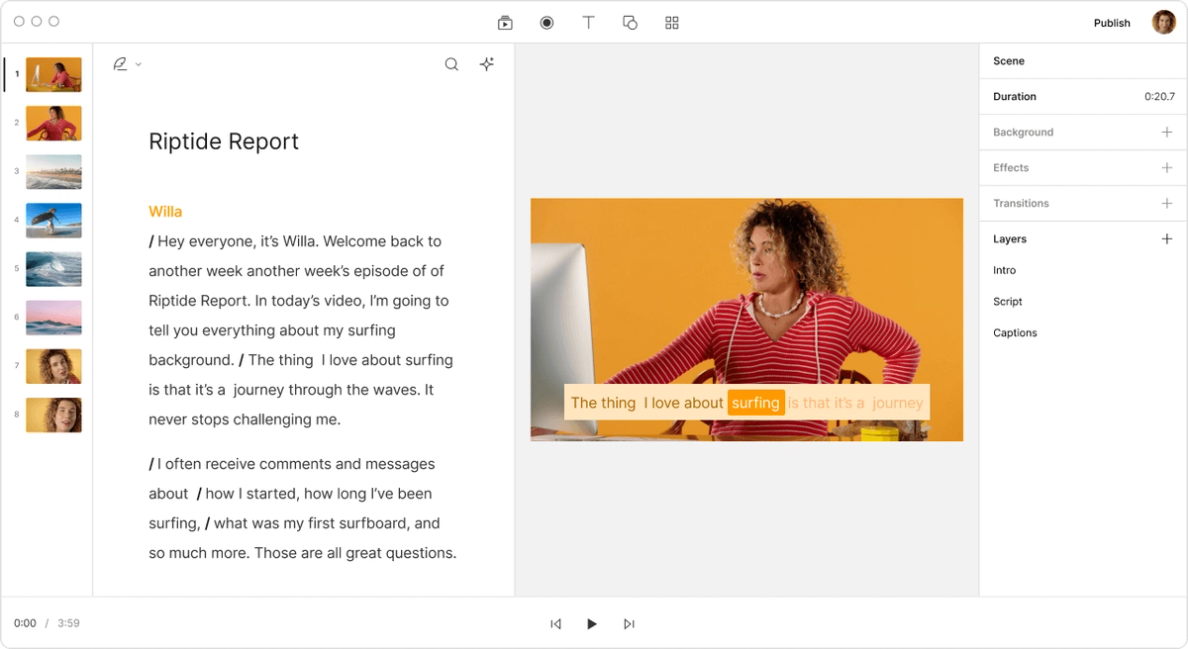
Upload your AVI to the browser, and let Descript handle the conversion workflow. No complicated setup. Just upload, wait a moment, and get ready to export as MP4.
02
Before you export, tighten the video so the MP4 is ready to share. Trim dead time with trim video, fix pacing, and make quick edits in the video editor, so you're not converting mistakes along with the footage.
03
Export your video as MP4, and it's ready for YouTube, TikTok, Instagram, Discord, or email. If you'd rather not send big files around, share the converted MP4 via link with the host video tool. Want captions before you post? Add them with captions.
MP4 plays nicely across devices, browsers, and editing tools, while AVI can trigger compatibility issues. Converting .avi to .mp4 makes your video easier to open, preview, and share with fewer "why won't this play?" moments.
A pure converter gets you a new format — but not a better video. With Descript, you can remove mistakes, tighten pacing, and polish the content before export, so the MP4 you send out is the version you actually want people to watch.
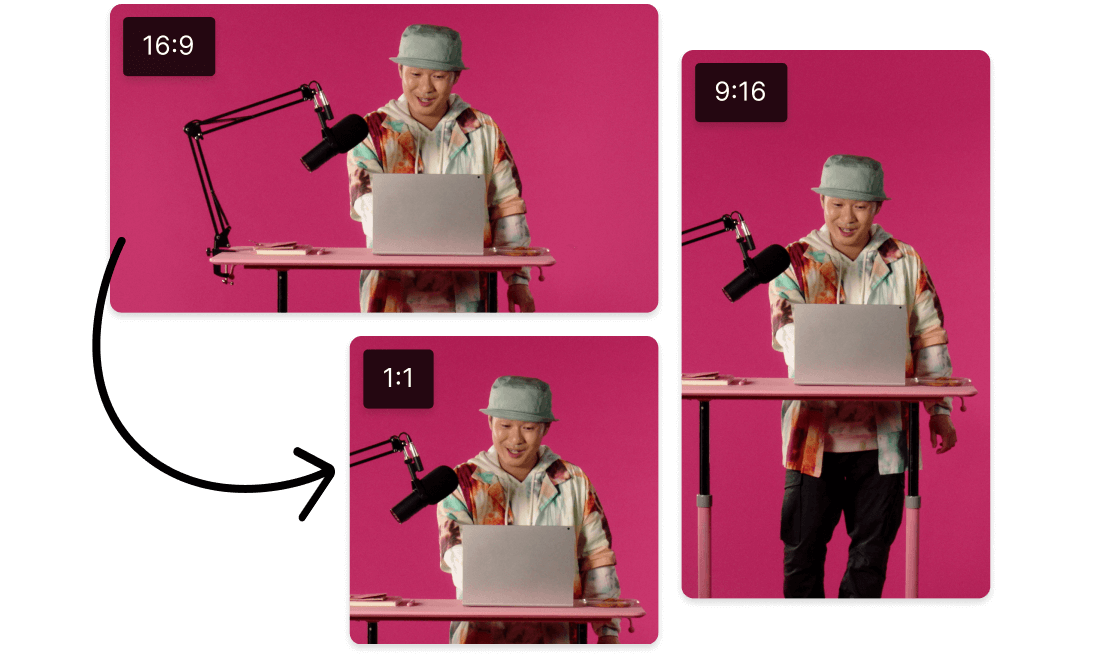
Posting a repurposed clip? Convert AVI to MP4, so it uploads cleanly to YouTube, TikTok, Instagram Reels, and Shorts. If you need a broader path beyond AVI, use the video converter for an all-format workflow.
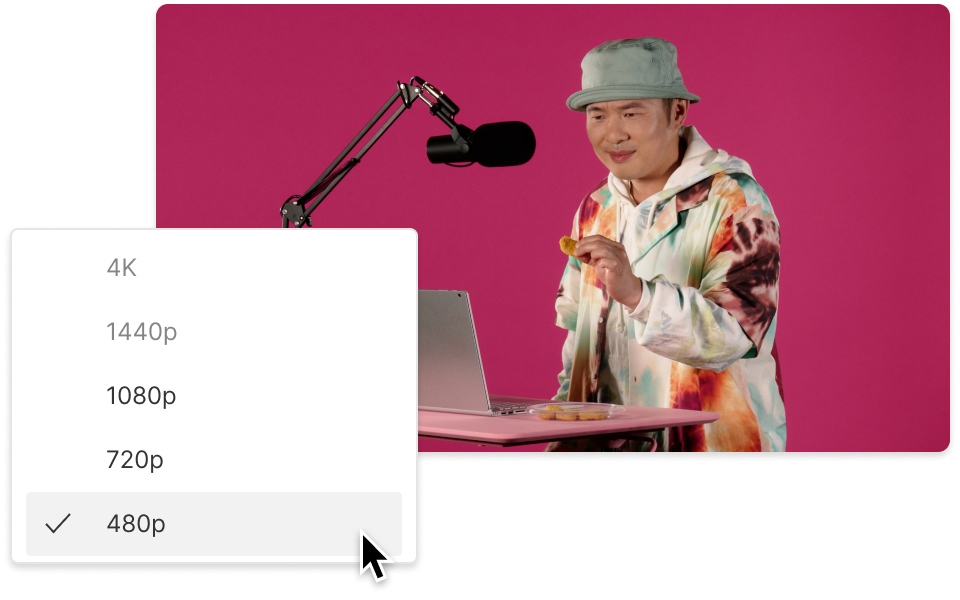
You don't need a "perfect" export to get a great result. You need clarity that holds up after conversion. Descript creates an optimized MP4 output designed to maintain visual clarity, so your converted video looks sharp where it counts.
No content available
Build cleaner sound before export with a multi-track editor for voice, music, and effects. So your MP4 isn't just compatible, it's actually watchable.
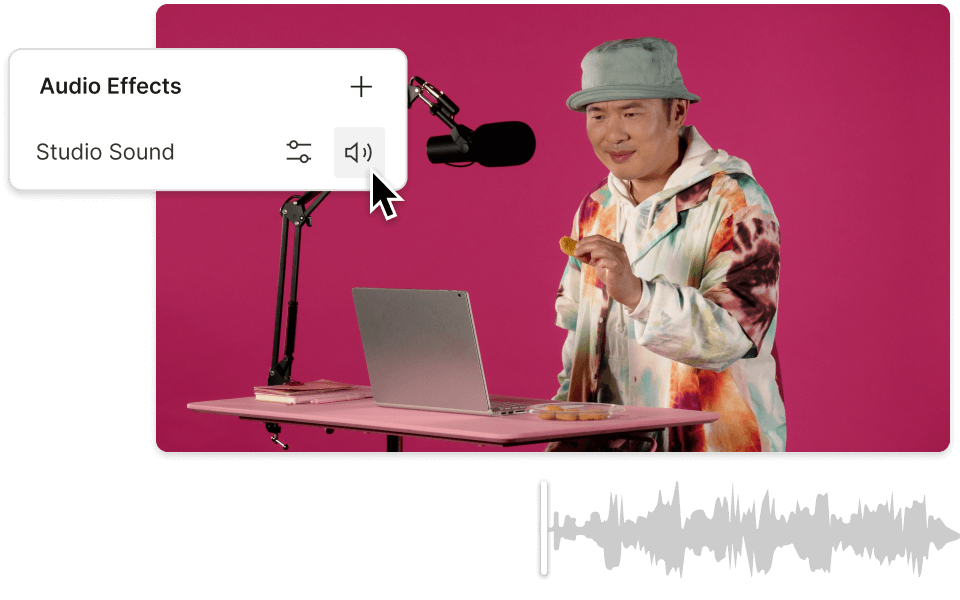
Use AI-powered Studio Sound to reduce background noise and improve voice clarity, turning real-world recordings into cleaner audio you can confidently publish.
Remove filler words and long pauses to tighten delivery and keep attention. It's an easy way to make a converted MP4 feel more polished without rerecording.
Share your MP4 with a link for review and approvals instead of sending attachments. When the file updates, you can keep sharing the same link and move faster.
With a 4.6-out-of-5-star rating and a bunch of distinctions on G2, Descript’s users have declared it an industry standard in the video and podcasting world.
2026
“With Descript I'll be able to at least double my content output since editing is taking one-quarter the time it used to.”
Donna B.
“With Descript we can create videos for our YouTube channel and our LinkedIn page much faster and with high quality.”
Balázs N.
“Descript has made cleaning up and creating my educational videos into professional presentations [possible] without needing extensive technical computer skills.”
Barbara C.
“Descript makes recording and editing audio and video a breeze. It's advanced features have streamlined my workflows, saving me a lot of time usually spent editing.”
Roderick F.
“The collaborative tools streamline teamwork, allowing my team and me to work efficiently together on projects. Overall, Descript enhances productivity and simplifies the editing process.”
Aldrich M.
“Transcription-based editing makes the process much faster…All in all, a must have editor for most audiences, especially in SaaS marketing.”
Nidhin M.
Surely there’s one for you
$0
$0
per person / month
Start your journey with text-based editing
1 media hour / month
100 AI credits / month
Export 720p, watermark-free
Limited use of Underlord, our agentic video co-editor and AI tools
Limited trial of AI Speech
$24
$16
per person / month
1 person included
Elevate your projects, watermark-free
10 media hours / month
400 AI credits / month
Export 1080p, watermark-free
Access to Underlord, our AI video co-editor
AI tools including Studio Sound, Remove Filler Words, Create Clips, and more
AI Speech with custom voice clones and video regenerate
Most Popular
$35
$24
per person / month
Scale to a team of 3 (billed separately)
Unlock advanced AI-powered creativity
30 media hours / month
+5 bonus hours
800 AI credits / month
+500 bonus credits
Export 4k, watermark-free
Full access to Underlord, our AI video co-editor and 20+ more AI tools
Generate video with the latest AI models
Unlimited access to royalty-free stock media library
Access to top ups for more media hours and AI credits