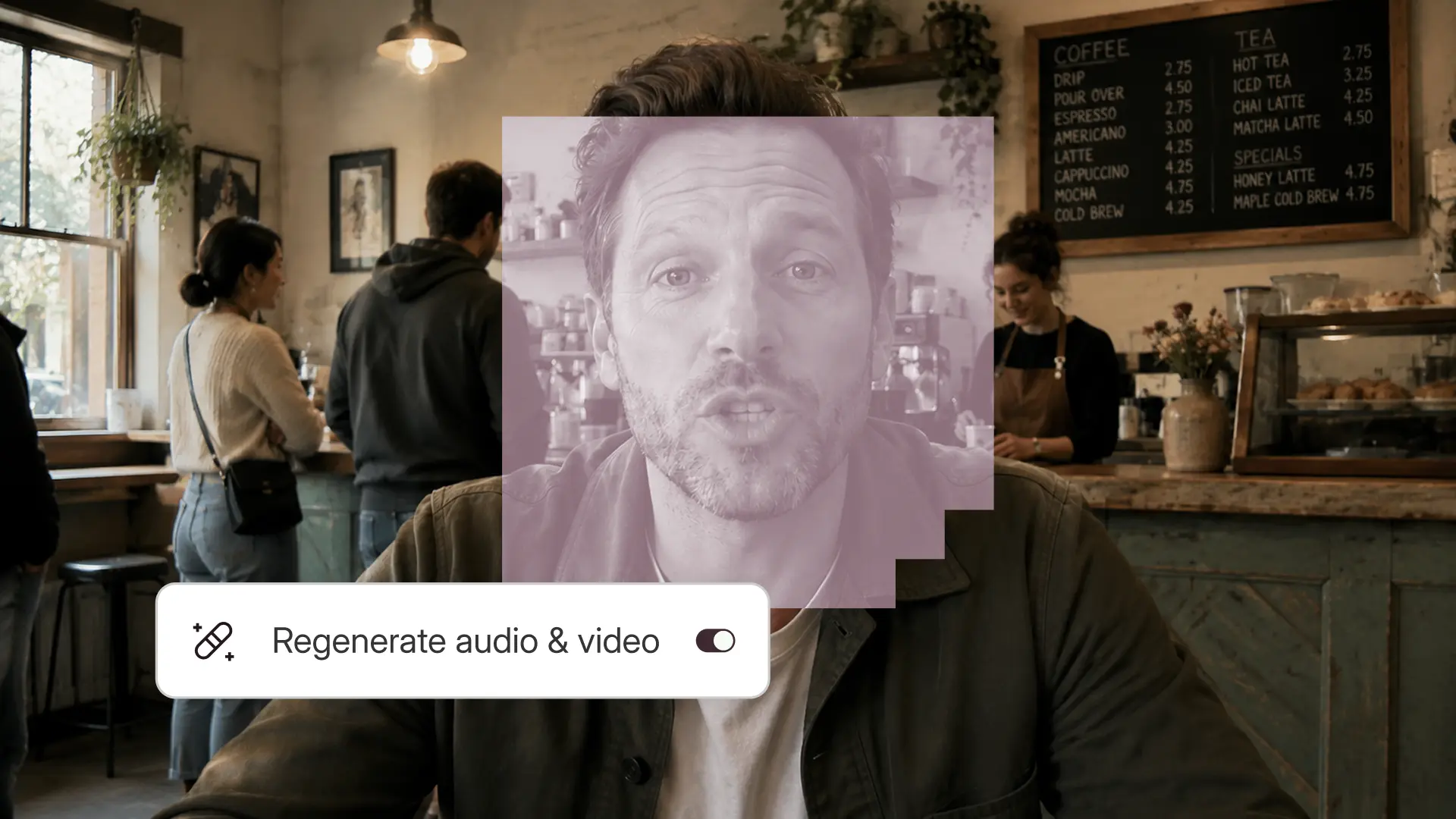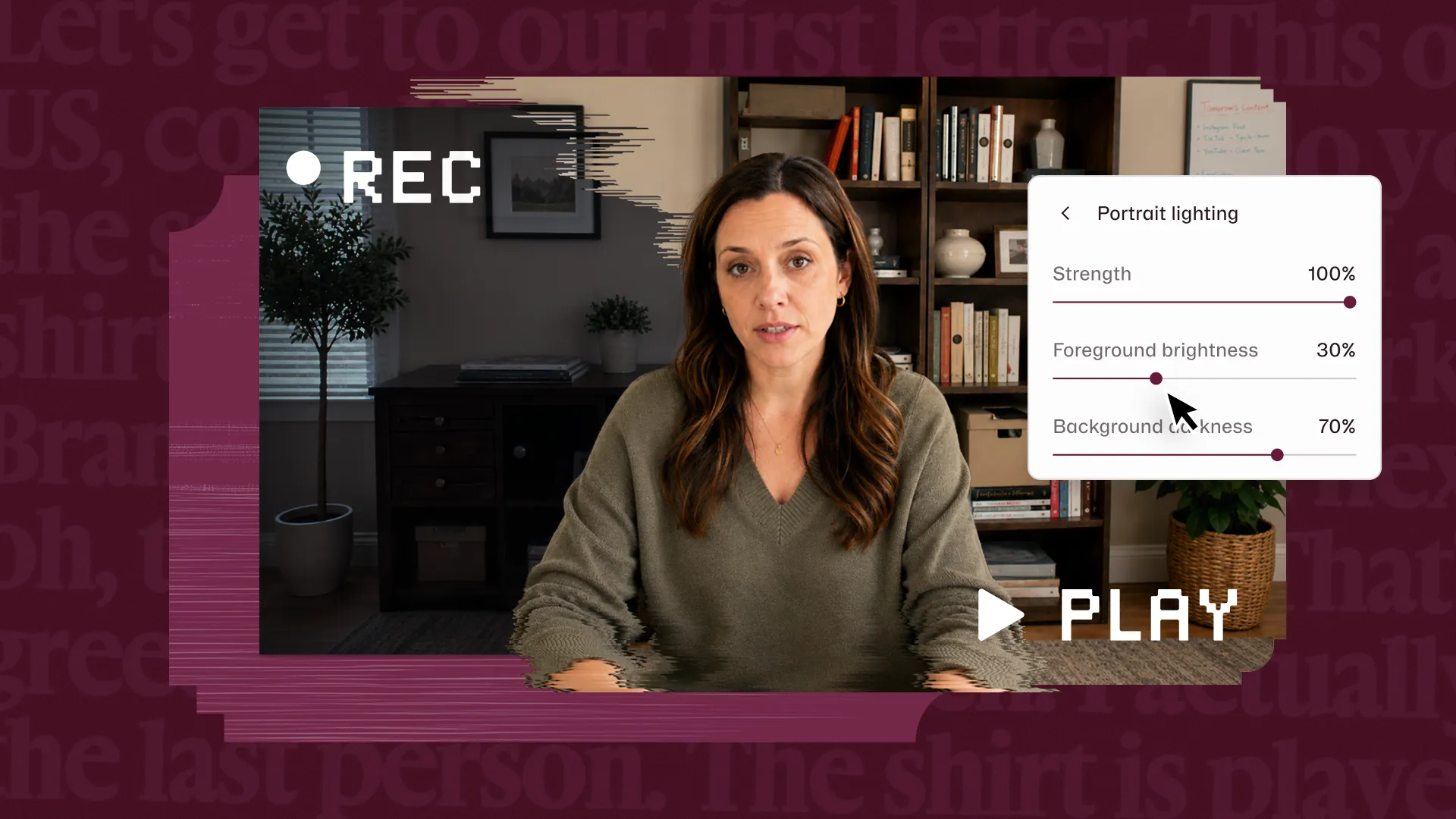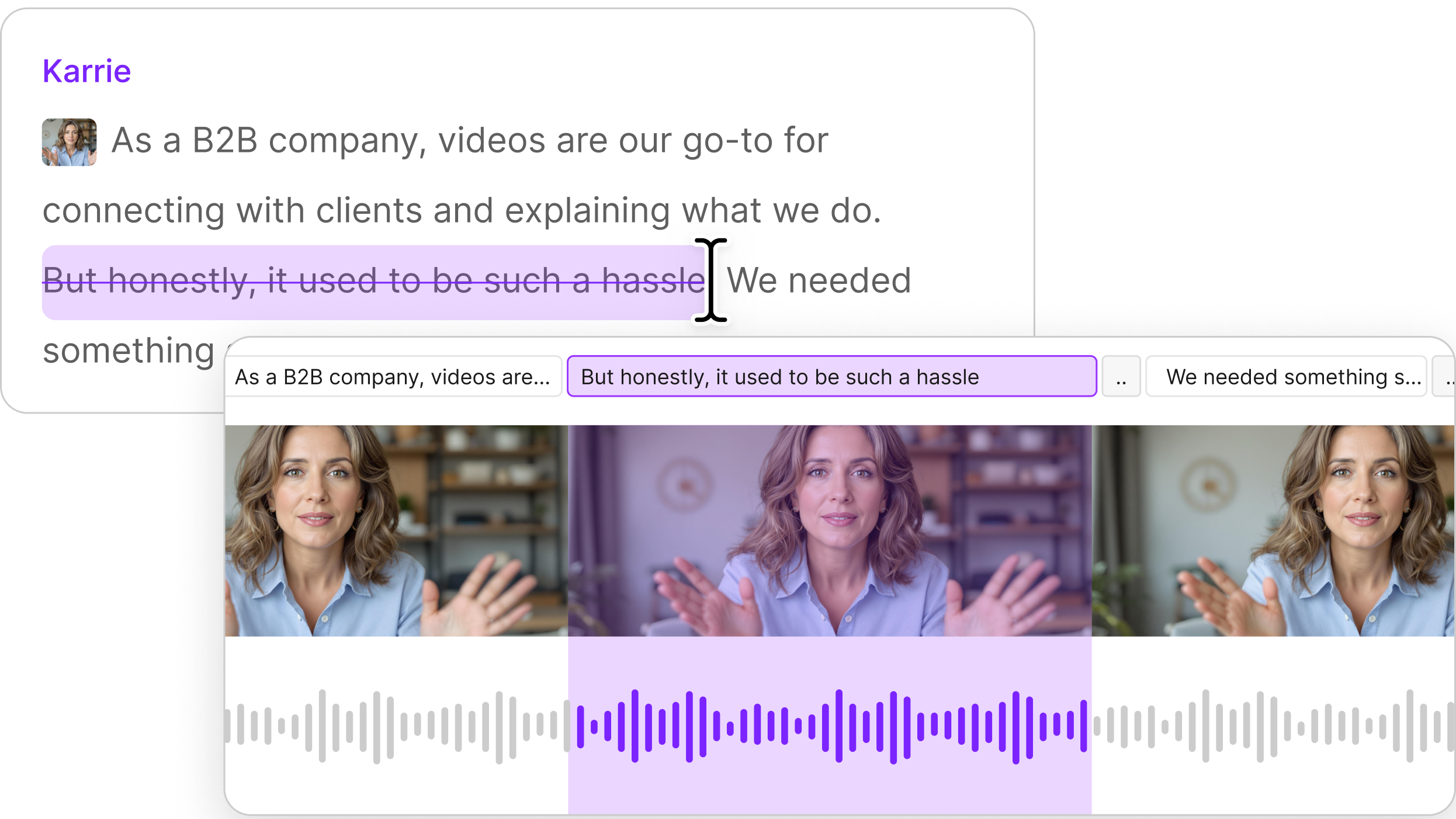
You sat down to edit, and the creative momentum drained away somewhere between hunting for clips and switching to yet another tool. There’s the editor, and then probably CapCut for the captions, Canva for the title and branding, and a doc of prompts you keep pasting into your LLM sidekick.
Somewhere in a project is a clip you've already imported twice, because you couldn't find it the first time. Somewhere else, your video is exporting and re-uploading because you wanted some animated text or a branded title. 48% of creators say the number of tools in their workflow went up this year (Sprig, State of Creator 2026).
Descript started with video editing: you edit the video by editing the text. Now more of the video design gets made here: the right take, scenes that feel curated, and key lines animated for impact. This release has features that take over those jobs, and help you close a few tabs.
Build on-brand video with Generative Layouts
Branding is part of 39% of people's edits (Sprig Survey 2024). Some of those people build their titles and overlays in Canva, now you can do it without leaving Descript.
Descript’s AI can generate a layout pack for your drive. Add your brand guidelines, logos, and colors, and Descript’s AI builds a pack that looks polished and stays on brand. For brands, that keeps every video looking like it came from the same place. For creators, it’s a quick way to get a polished title, overlay, or lower third without starting from a blank canvas.
Underlord’s visual styling is a lot better than it used to be — you can also ask it to style your entire video, or just specific scenes. You can still apply a layout to any scene, edit it yourself, or ask Underlord to change it.

Find the clip you already have
You import a clip, can’t find it, import it again, and now it lives in two different places in your project. 40% of people told us that finding and reusing media was harder than they expected (Sprig Survey 2025). You shouldn’t have to play hide-and-seek with your clips.
Our new search feature helps you find clips and media files, and the moments inside them. Type a phrase you remember and Descript finds the clip, in any project. You can also find a clip from an old project and drop it straight into your edit by searching from the search bar, the results page, or inside a project. It works the same way through Underlord, MCP, or the API. On Enterprise plans, visual search also finds a shot by what’s on the screen.

Rerun your best edits with Underlord Skills
Nailing an edit feels great. Redoing it from scratch does not. Now, Underlord can help you remember and recreate.
When an edit goes the way you wanted, turn it into a skill to use on your next project. Use more than one skill at once, or add fresh instructions on top. About 10 skills made by Descript come with this feature, so you can try one before creating your own.

Animate the lines that matter (coming soon)
Maybe you have one line that deserves to land, so you export the video and animate it in CapCut. Now, you can do it in Descript.
Animate Text (aka kinetic typography) starts with selecting text in your script and picking a style. Descript’s AI picks the words to emphasize, then sizes, places, and animates them as text layers. Pick between vertical and widescreen styles, and maintain creative control. Because they’re real text layers, you can edit whatever the AI makes. Move the text boxes around, change the font, color, and size, and restyle the base and emphasis words separately.