

This article was co-written with Mithilesh Vaidya, Matthew Bendel, Stephen W. Bailey, Sumukh Badam, and Aleks Mistratov.
Descript just released two new AI video editing features, Video Regenerate and Smooth Jump Cuts, that perform edits most amateur video editors can't perform on their own. This is how we built the proprietary models that power both features.
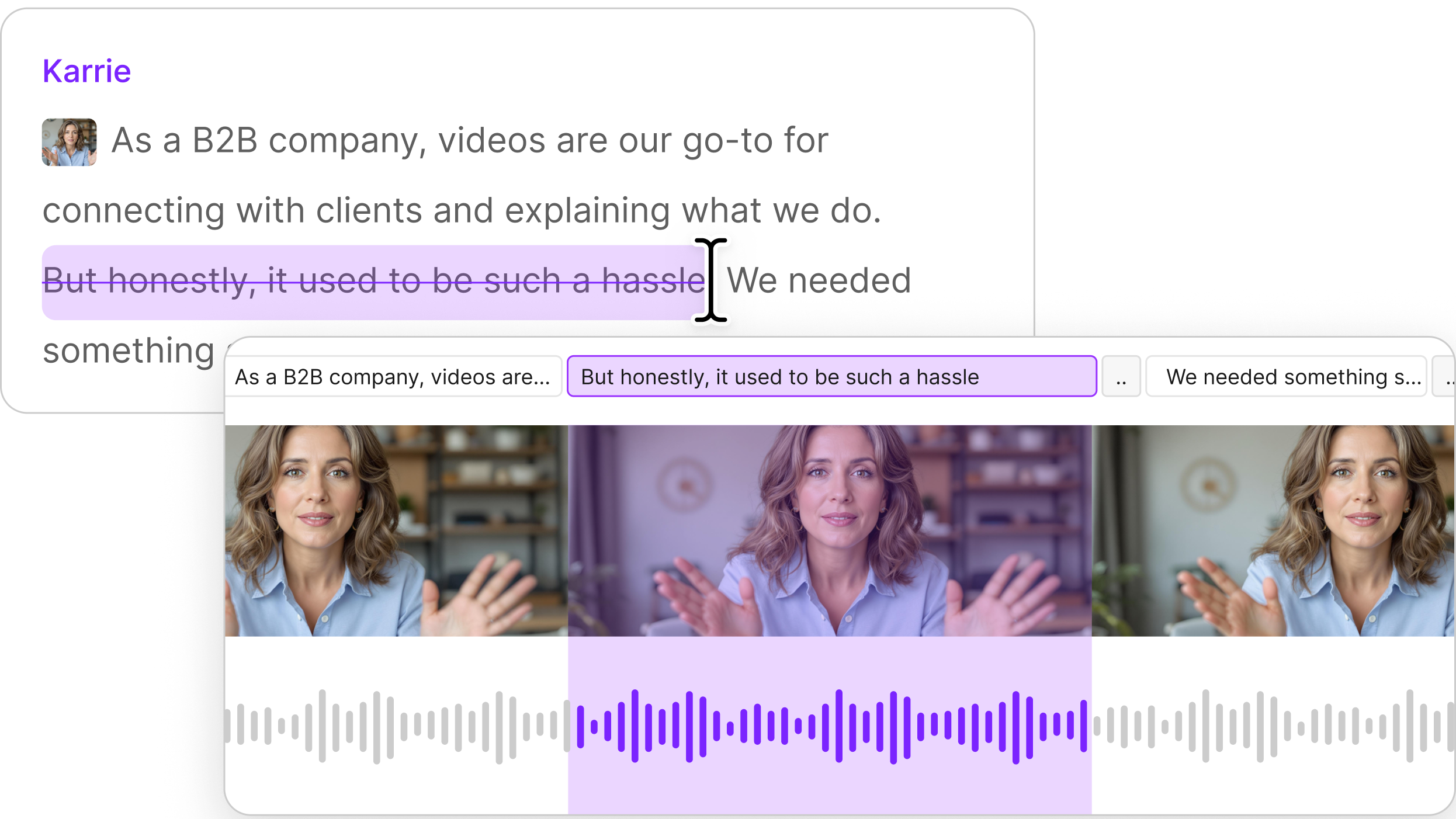
In Descript, users edit video by editing the text of their transcript. Change it and the recording follows: remove disfluencies, reword a sentence, swap a misspoken word, or cut a whole passage. The result has to be undetectable to the user — no audible splice, no visible jump cut, no boundary where your real footage meets frames we generated.
Under the hood, on every one of those edits we’re solving the same problem: infilling real media with generated media. Given a recording and a target, regenerate only the region that changed, conditioned on the untouched signal around it, so the new content stitches into the old with no seam. The basic problem can be broken into three parts: audio, lipsync, and edit boundaries.
Audio: generative inpainting
Our voice model reframes audio editing as conditional generation in a learned latent space.
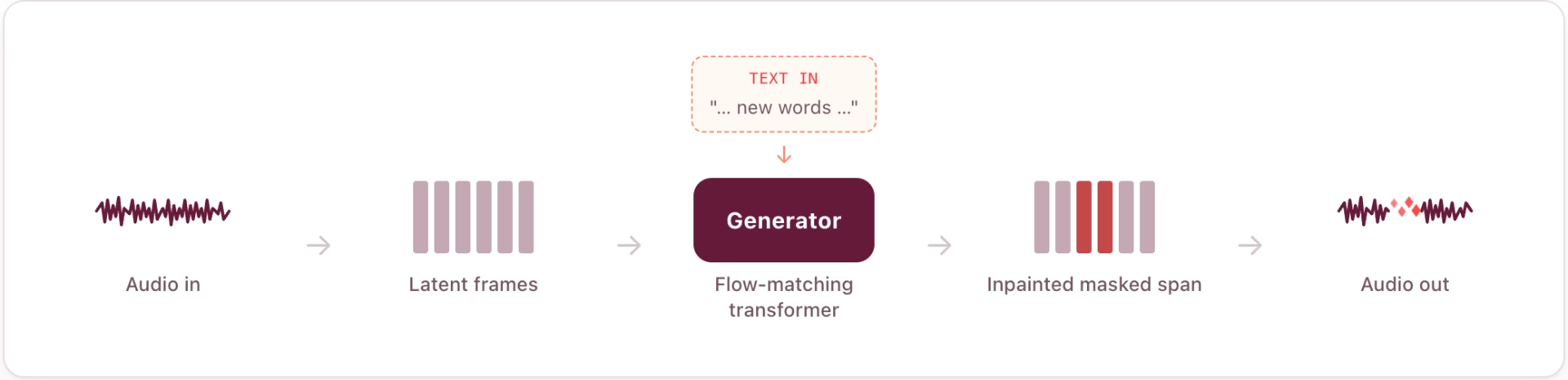
First, a neural audio codec compresses the waveform into a short sequence of continuous latent frames — only a few dozen vectors per second — and reconstructs audio from them. It builds on our Descript Audio Codec with three changes that matter for editing: roughly 4× higher temporal compression than DAC (so the generator models a much shorter sequence per edit, while still beating DAC on reconstruction quality), latents aligned to a pretrained semantic space so they're easier to model, and signal "power" (loudness) disentangled into its own channels so generation matches the surrounding level without artifacts.
Second, a flow-matching transformer generates clean latent frames from noise. To make an edit we mask the region to replace, fill it with noise, and denoise over a handful of steps, conditioned independently on two things: the surrounding latents (which carry voice identity, prosody, and room tone) and the target transcript (which specifies the words). Independent guidance on each lets us trade off "sound like the context" against "say exactly these words." The masked span is generated in parallel rather than left-to-right, and the model is trained to land flush against the untouched audio.
The result is zero-shot — no per-speaker training, no enrollment, only about five seconds of adjacent audio to infer timbre, accent, delivery, and the acoustic fingerprint of the room. This replaced an earlier autoregressive approach which was slow and not as expressive as the new model.
Read more about our Audio Regenerate model — and put it to the test.
Lip-sync: better latents, then better conditioning
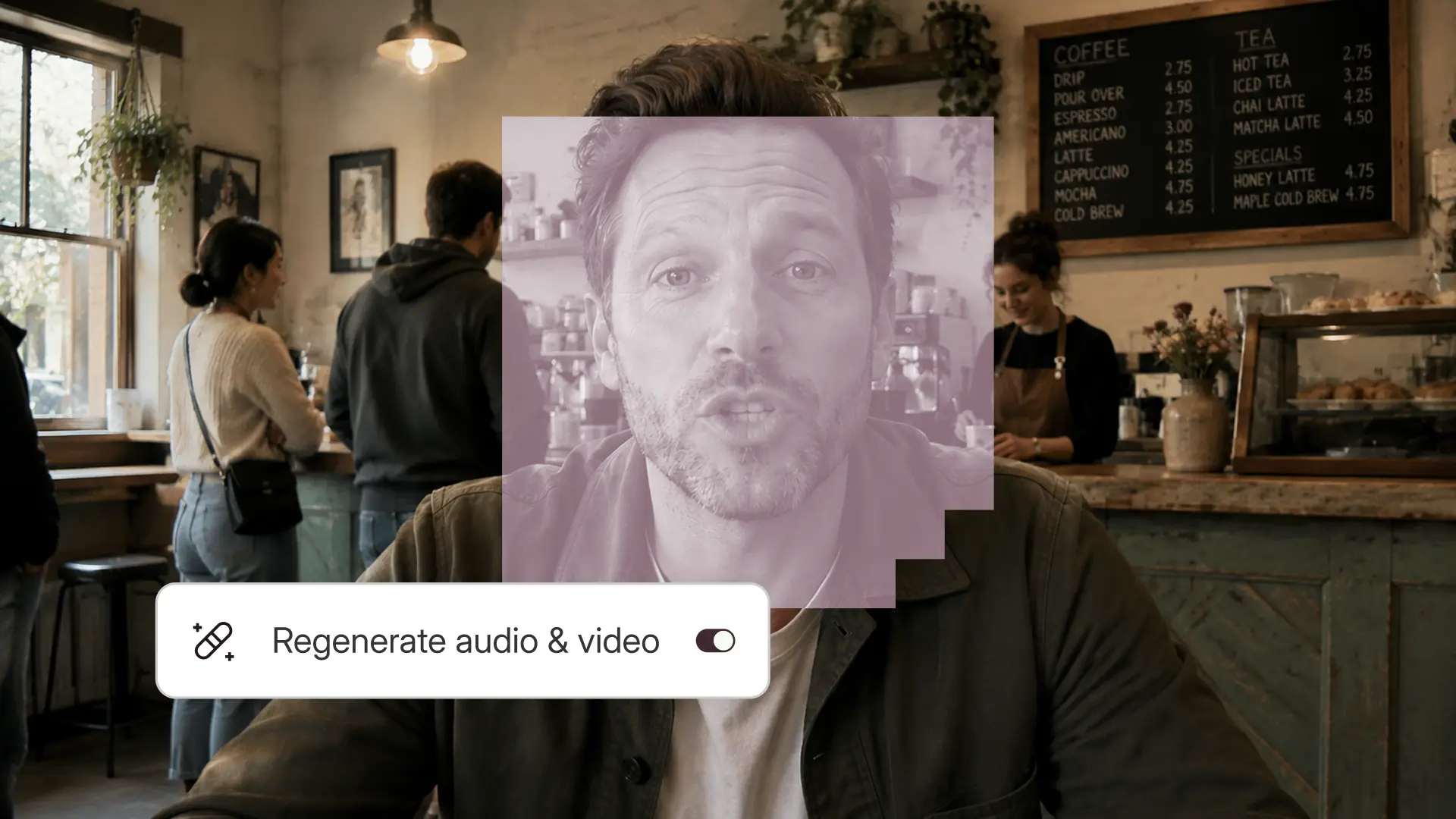
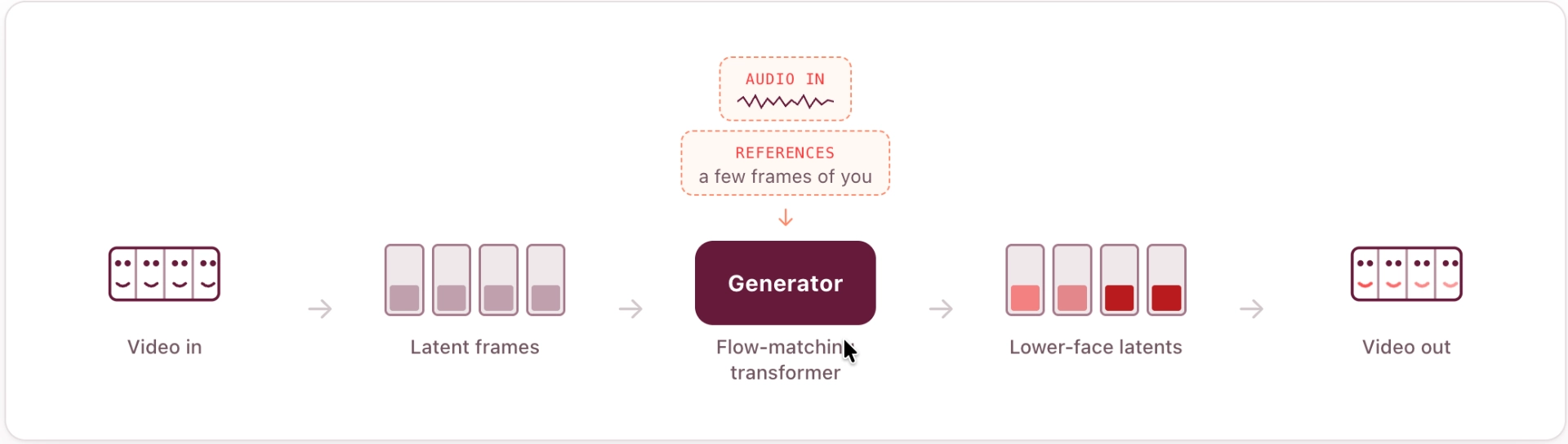
The new AI lip-sync model regenerates the lower face from new audio. Change the words and the mouth follows, while identity, lighting, teeth, and the boundary to untouched video stay put. It runs zero-shot, using a handful of reference frames from the clip itself to carry the speaker's appearance.
Like the audio model, generation happens in a learned latent space: video codec compresses streaming video into continuous latent frames, with video and reference images encoded into the same space and aligned to pre-extracted semantic features so the representation stays semantically grounded.
The details that matter most make that space easy to model — continuous latents, high compression, causal convolution, pixel normalization that does not leak future frames, and reconstruction losses weighted toward the mouth.
The generator is a flow-matching transformer conditioned on surrounding video latents, reference frames, and Whisper-encoded audio aligned to the latent timeline. It predicts only the masked lower face, leaving the rest of the frame untouched, and uses classifier-free guidance to balance lip accuracy against visual fidelity.
The main training trick is aggressive, independent dropout on prior-frame and reference-frame conditioning: without it, the model learns to copy plausible mouth motion instead of listening to the audio. Dropout forces the output to follow speech, while attention sinks help keep long streaming contexts artifact-free.
Read more about our Video Regenerate model: https://descriptinc.github.io/video-regenerate/
Smooth Jump Cuts: adapting a video model to bridge the cut
But infilling the audio and lips isn’t enough, because when you delete a chunk of a clip, the two surviving ends don't line up: the head and mouth jump at the edit boundary. To fix this, we post-trained a powerful video-generation model to synthesize a short bridge of brand-new video across the cut. It's conditioned on the real frames just before and after the gap (a prefix and a suffix) plus the audio, and generates a dynamic number of intermediate frames. Our model supports all resolutions, up to 4k.
To generate 4k video, we use a two-stage scheme. Stage one produces a high quality 1080p video. Then, in stage 2, a fast distilled refinement pass upscales and sharpens to produce a crisp 4k video that seamlessly connects to the existing prefix and suffix videos that anchor it.

Read more about Smooth Jump Cuts, and see it in action: https://descriptinc.github.io/jumpcut-smoothing/
Three models for seamless video editing
Each of these models — audio, lip, and jumpcut smoothing — leans on the same core idea: regenerate a masked region conditioned on the real signal around it and trained so the new content is indistinguishable from the old.
So when an editor rewrites a flubbed line the voice flows naturally, while the mouth reshapes to match; they cut a tangent and the head, gaze, and framing glide across the gap.
Our models make every edit vanish, so the only thing the audience notices is the story.