


ChatGPT connectors let ChatGPT access the apps you already use, pulling files and taking actions within a conversation.
Most recommended connectors are built for documents and knowledge work.
For social teams, though, the job often starts with a recording and ends with a week of posts.
Many connector roundups assume the finished product is a document. Social teams have different math: a 45-minute interview may become five clips, two quote graphics, seven captions, and a schedule that was due yesterday.
That makes it more useful to sort connectors by the job they can help with rather than the app itself.
Find the source, work on the recording, prepare the visuals, schedule the posts, and bring the results back. These five connectors cover that workflow from start to finish.
What ChatGPT connectors are, and how they differ from GPTs and plugins
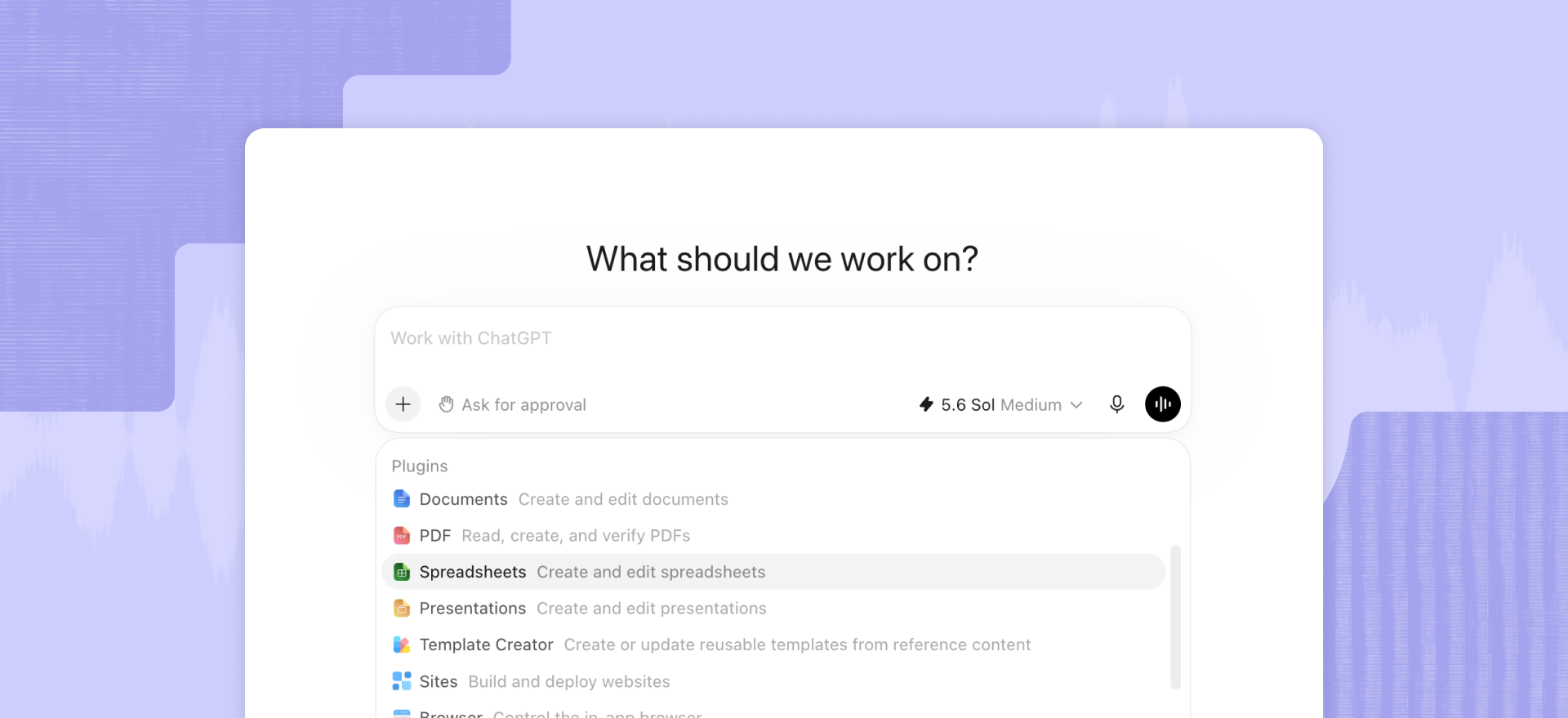
ChatGPT connectors give ChatGPT access to information and actions in outside services.
OpenAI now refers to these integrations as apps, while the Plugin Directory is the main place users discover and connect them.
Apps can use the Model Context Protocol to give ChatGPT approved tools and access to external information.
The terminology can get confusing quickly, so here is the short summary:
The 5 ChatGPT connectors social teams should use
This is not a universal ranking of the old ChatGPT apps directory. It follows a social workflow.
1. Google Drive: bring the campaign context into the conversation
The Google Drive app works across Docs, Sheets, and Slides. For a social team, that can mean the creative brief, brand guidance, campaign calendar, source copy, or a spreadsheet of approved claims.
Its best job is grounding the work. ChatGPT can use approved material instead of drafting from a three-line prompt and a vague memory of last quarter’s campaign.
Google Drive is not the media editor. A recording stored there still needs somewhere to be worked on.
2. Canva: prepare the visual system
Canva’s connector exposes design creation and editing, library search, brand assets, comments, exports, and resizing for different channels.
That makes it useful for quote cards, thumbnails, title treatments, end cards, and adapting an approved template to another aspect ratio.
The best use is applying the visual identity you already have to the next batch of assets.
3. Descript: turn the recording into usable social material
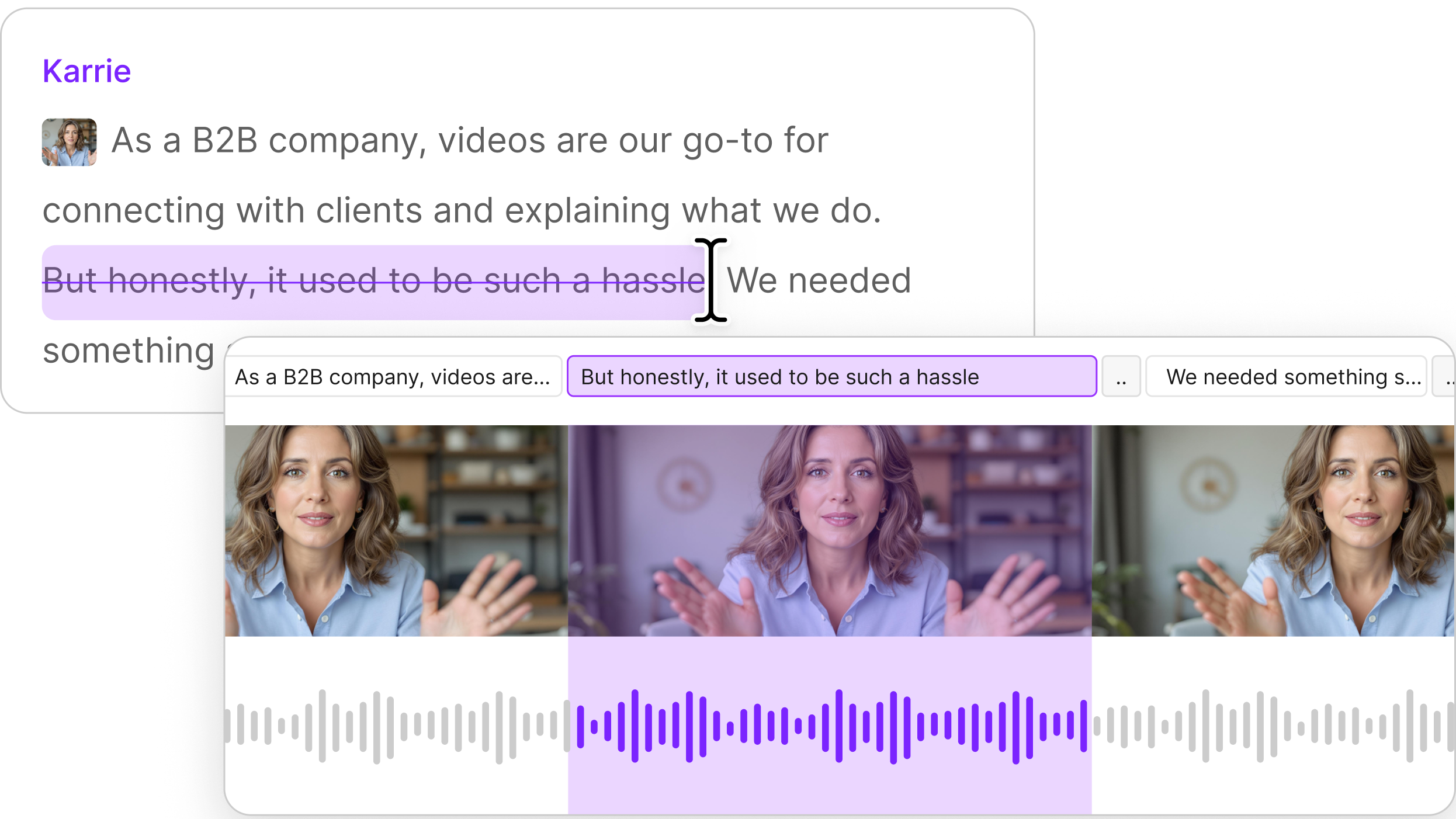
The Descript connector is a remote MCP server that works on the video and audio projects already in your Descript drive—transcribing, trimming, removing filler words, captioning, publishing—from inside a Claude or ChatGPT conversation, with nothing to upload.
You can also import media from a URL or local file, find existing projects, create highlight reels or scenes, add Studio Sound, remove transcript sections, write scripts, and publish a shareable Descript web link. The connection uses your Descript login and is scoped to the drive you select.
For social teams, the useful handoff is the transcript. ChatGPT can draft hooks and post copy around what somebody actually said, not the topic they probably discussed.
See how Descript helps turn long recordings into short social clips, or connect Descript in ChatGPT.
Disclosure: Descript publishes this article and operates the Descript connector.
4. Metricool for Social Media: schedule the approved posts
Metricool’s verified ChatGPT connector can view and manage brands and social connections, retrieve metrics, and create, schedule, update, or publish posts.
This is where the content plan becomes a schedule. After review, ChatGPT can use Metricool to add posts to the calendar and update them as needed.
Check the brand, channel, date, copy, and asset before approving the action. “Post it everywhere” is thrilling right up until it works.
5. Supermetrics: bring the results back
Supermetrics connects marketing data from sources such as Meta, LinkedIn, Google Analytics, and advertising platforms to ChatGPT for conversational analysis.
Its job starts after publishing. A social team can pull results, compare channels, identify which clips earned attention, and turn the findings into the next brief without stitching together five exports by hand.
Supermetrics handles reporting, not scheduling. Access depends on your ChatGPT and Supermetrics plans.
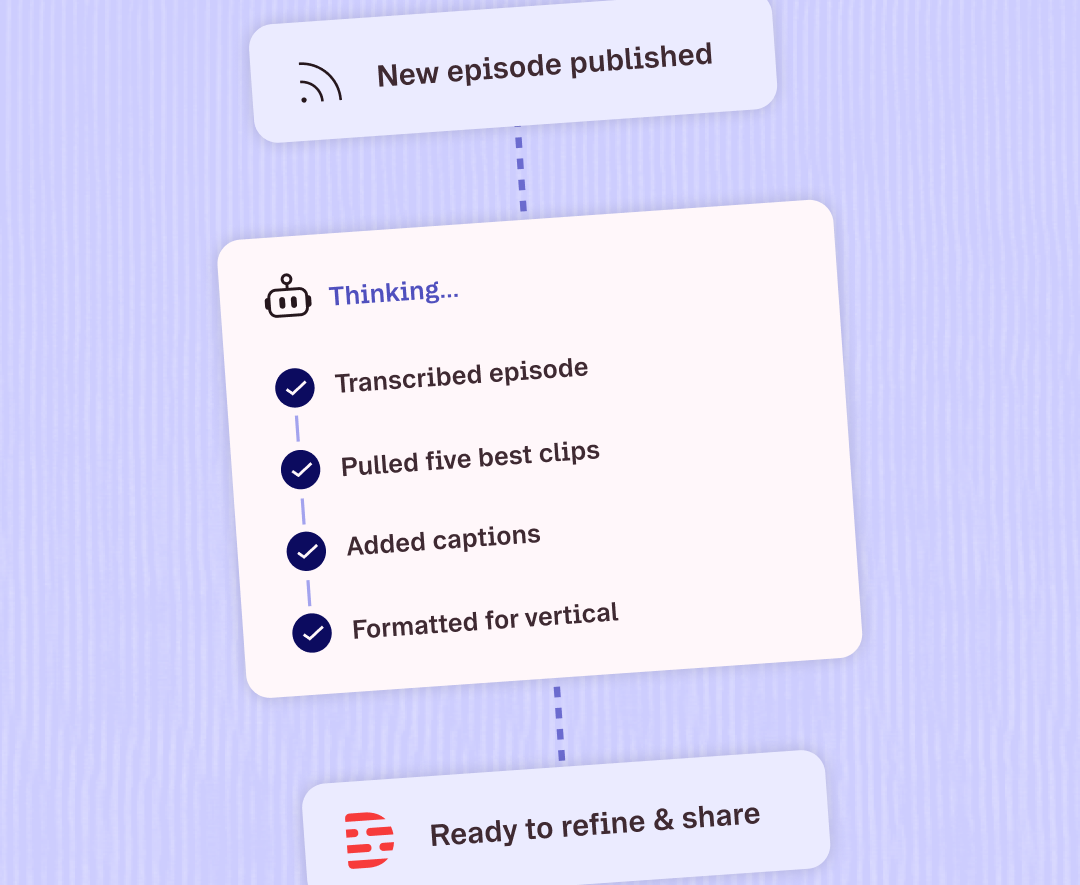
A workflow made easier, start to finish
Here is one concrete example: a 45-minute customer interview goes in. The intended output is seven social assets: five vertical 9:16 clips and two square 1:1 quote cards. Plus seven post drafts, a one-week schedule, and a performance recap.
- Pull the campaign context from Google Drive. Ask ChatGPT for the approved audience notes, brand guidance, campaign goal, and any claims the social copy must use or avoid.
- Work on the interview in Descript. Import or find the recording, let it transcribe, and ask for five short highlight reels. Remove filler words where appropriate, apply Studio Sound, add captions, and publish a Descript link for review.
- Draft the copy from the transcript. Ask ChatGPT for seven post drafts based on the selected moments and the brand guidance from Google Drive. Each draft should name the clip it belongs to, so “final_final_2” does not become the project-management system.
- Prepare the supporting graphics in Canva. Turn two approved quotes into 1:1 cards using the existing brand kit. Adapt any title or end-card designs needed for the five 9:16 clips.
- Review the actual assets. Check the cuts, captions, framing, names, links, and post copy in the relevant apps. Social content still benefits from someone reviewing it before the audience does.
- Schedule the week in Metricool. Add the seven approved posts to the right channels and dates. Review the proposed actions before they run.
- Check the results with Supermetrics. After the campaign has enough data, pull the channel and post-level results into ChatGPT. Compare the five clips, note which opening moments held attention, and feed those findings into the next brief.
This is not “press one button and receive a content strategy.” It is a series of shorter handoffs with the source material attached.
Limitations to avoid in your next ChatGPT connector
Connectors that only fetch text can add steps to a social workflow rather than remove them.
Retrieval has value when the source is hard to find, changes often, or contains approved context. A connector earns its place faster when it can also update the design, work on the recording, schedule the post, or retrieve the result.
Before adding another entry from a ChatGPT connectors list, ask:
- Source access. Can it reach the source material my team actually uses, or only a generic export?
- Useful actions. Can it take a useful action, or only summarize what it found?
- Asset support. Does it support the file or asset types involved in the workflow?
- Access requirements. What account permissions, authentication, and plan does it require?
- Action controls. Will ChatGPT ask for confirmation before consequential actions?
OpenAI’s default app permission setting allows reading automatically but asks before actions that can have a meaningful effect outside ChatGPT. Teams can tighten those controls, and workspace admins can limit which actions an app may take.
Keep the connector if it removes a real handoff. Disconnect it if its main contribution is another place to ask for a summary.
Social media planning made easier with Descript and your ChatGPT connector
The connector ecosystem grew out of knowledge work, and it shows. Sort it around the social team’s job, and the list gets smaller and more useful.
You need approved context, usable clips, grounded copy, a schedule, and results before doing it again next week.
Descript handles the part where the source is audio or video. Explore its broader integrations for the rest of your production workflow. For repeatable programmatic workflows, the Descript API is the better route.
Using Claude instead? See our guide to Claude connectors for video and podcast teams, or the full category overview in our guide to MCP connectors.
A good connector does not give your team another place to put notes.
It helps finish the thing the notes were about.
FAQ
Can ChatGPT edit video?
Yes, via a connector to a video tool. ChatGPT does not edit video on its own. A connector lets it take supported actions on a recording during a conversation.
With Descript connected, those actions include importing and transcribing media, trimming content, removing filler words, adding captions or Studio Sound, creating highlight reels or scenes, and publishing a shareable Descript web link.
How do I add a connector in ChatGPT?
Open the Plugin Directory, find a listing that includes the app you want, and select Connect when available. Complete the service’s login and authorization flow, then use the app in a ChatGPT conversation.
OpenAI moved the former app directory into the Plugin Directory in July 2026. Availability can vary by plan, workspace, role, region, and the app itself.
What is the difference between ChatGPT connectors and ChatGPT apps?
ChatGPT apps are the current product term for integrations that connect ChatGPT to outside data and actions. “Connector” is still widely used to refer to the underlying connection and remains a common search term.
Plugins are the packages people now discover in the directory. A plugin can include an app, workflow instructions, templates, or a combination of them.
Are ChatGPT connectors available on the free plan?
It depends. The Plugin Directory is available across ChatGPT plans, but specific apps and capabilities may require additional plan, workspace, regional, or account requirements.
Descript currently requires a ChatGPT plan that supports apps and connectors (Plus or higher) and an account with access to the Descript drive you want to connect.
Are ChatGPT connectors safe?
Yes, when you trust the provider and review its permissions. Connected apps can access outside data and take supported actions, so check what the app can read or change before connecting it.
Can ChatGPT post to social media?
Yes, through a connected app that supports publishing or scheduling. ChatGPT can use the actions that the app exposes, with confirmation depending on the app and your permission settings.
Can ChatGPT transcribe a video or audio file?
Yes, through a media connector such as Descript. With Descript connected, ChatGPT can import audio or video and have it transcribed as part of the workflow.
What's the difference between a ChatGPT connector and an MCP server?
An MCP server exposes data and actions over the Model Context Protocol. A ChatGPT connector, now generally referred to as an app, is the user-facing integration that connects ChatGPT to those capabilities.
Can ChatGPT write social media captions?
Yes. ChatGPT can draft social captions on its own, and connected apps can provide additional context, such as an actual transcript, campaign brief, or source material.
How many connectors can I use in one conversation?
ChatGPT can use multiple connected apps in the same conversation or even the same prompt. OpenAI does not currently publish a fixed maximum number.